 how-to
How to Prevent False Alarms in Security Systems
Last Updated: October 23, 2026
Quick Summary
Prevent false alarms by securing every door, window, and latch, arming the system in the correct mode, and troubleshooting sensors by type. Train every household member on the system, replace batteries on schedule, and run a monthly maintenance checklist. Acting fast after an accidental trigger also stops a false alarm from becoming a false dispatch.
- Stay mode arms only the perimeter, so indoor motion detectors stay off while people are home.
- Mount pet-immune detectors at the manufacturer's specified height, usually around 6.5 to 7.5 feet.
- Replace wireless contact and motion sensor batteries commonly every 12 to 24 months.
- Replace the panel's backup battery every 3 to 5 years, or sooner if a backup fault appears.
- After an accidental trigger, disarm immediately, call the monitoring center, and give your verbal password.
Table of Contents
- Why False Alarms Happen and What They Cost You
- Prevention Step 1: Secure Every Door, Window, and Latch
- Prevention Step 2: Arm the System in the Right Mode
- Prevention Step 3: Security Alarm Sensor Troubleshooting by Alarm Type
- Prevention Step 4: Pet-Friendly Sensors, Smart Devices, and Battery Care
- Prevention Step 5: Security Alarm User Training for Every Household Member
- Prevention Step 6: A Monthly Security System Maintenance Checklist
- What to Do Immediately After an Accidental Trigger
- Frequently Asked Questions
Why False Alarms Happen and What They Cost You
A false alarm is an alarm activation with no real emergency behind it, and it is the most common frustration in home security. Most false alarms come from three places: loose doors and windows, sensors pointed at the wrong things, and people never shown how to use the system.
The cost adds up fast. Your monitoring center calls you, then your emergency contacts. Repeated false dispatches can lead to fines under local alarm ordinances and, in some areas, a suspended alarm permit.
If false dispatch fees are already eating into your budget, it helps to see the security services that address them before the problem gets worse.
Prevention Step 1: Secure Every Door, Window, and Latch
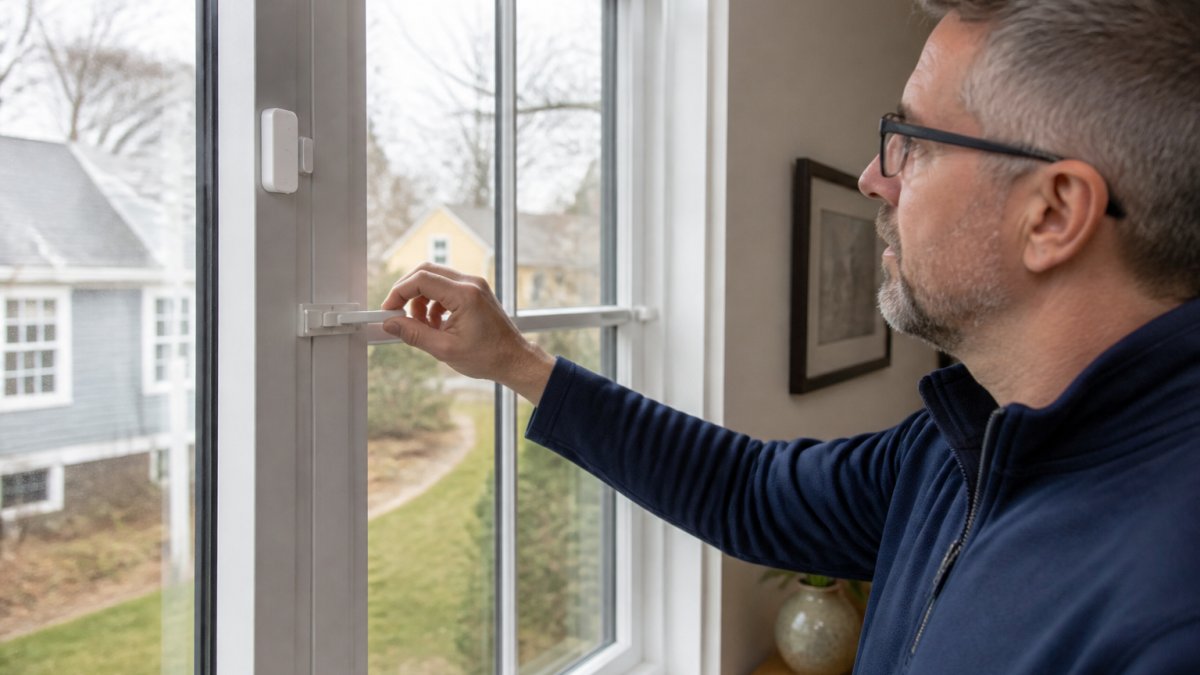
Start with the building itself, because a loose door defeats any alarm panel. Walk every exterior door and window and check that each closes fully and latches with a solid click.
Here is the routine we recommend:
- Open and close every door slowly and listen for the latch catching.
- Check dead bolts and strike plates for wear or misalignment.
- Push on each closed window to confirm it does not move.
- Look for gaps between the door and frame wider than a fingertip.
- Tighten or replace any loose hinge screws.
Wind and drafts matter more than most people expect. A gust through an open window can rattle a door hard enough to trip a sensor.
Prevention Step 2: Arm the System in the Right Mode
The right arming mode matches who is home and what is moving. Stay mode arms the perimeter only, so door and window sensors are active but indoor motion detectors are off. Away mode arms everything, including motion inside.
A simple rule covers most homes:
- Stay mode: people are home and moving around.
- Away mode: the house is empty.
- Instant mode: no entry delay, for when you are already inside and settled.
If you arm Away while family members are still walking around, the motion detector will do exactly what it was built to do: trigger.
Prevention Step 3: Security Alarm Sensor Troubleshooting by Alarm Type
Different sensors fail in different ways, so troubleshoot by type instead of guessing. Security alarm sensor troubleshooting works best when you know what each device detects and what sets it off by mistake. Power fluctuations often masquerade as sensor faults, making troubleshooting electrical issues a necessary step before replacing hardware that might otherwise be functioning perfectly.
Motion Detector Triggers
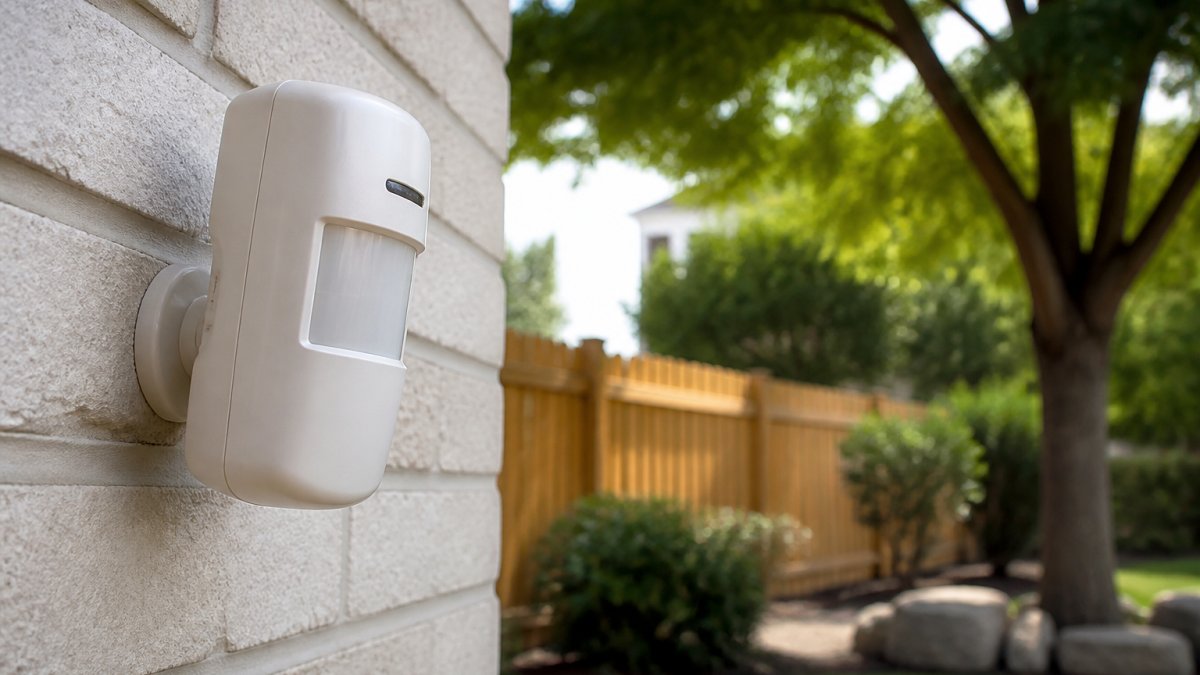
Motion detectors trip on heat and movement, not just people. Common triggers include:
- Pets walking through the field of view
- Ceiling fans and air vents moving warm air
- Sunlight shifting through windows
Aim detectors away from windows, heat sources, and air vents. If you have pets, ask about pet-friendly sensors rated for their size. Ceiling fans are a frequent culprit; our guide on preventing false alarms from ceiling fans walks through placement fixes.
Door, Window, and Smoke Detector Triggers
Door and window sensors usually trip from loose fit, not failure. Check the gap between magnet and sensor, and confirm the two halves line up when closed.
Smoke detectors are a separate case. Cooking smoke, steam from a shower, and dusty units cause most fire alarm false triggers.
Wired and wireless systems fail differently, too. If you are unsure which you have, this comparison of wired vs wireless security systems explains the trade-offs.
Prevention Step 4: Pet-Friendly Sensors, Smart Devices, and Battery Care
Pets and connected devices are the two modern sources of false alarms that older checklists ignore. Handle both deliberately, and you remove a large share of nuisance triggers.
Pet-Friendly Sensor Setup
Pet-immune motion detectors are engineered around a weight threshold and a lens pattern that ignores activity near the floor. Most residential models are rated for animals up to roughly 40 to 80 pounds, and the rating assumes the pet stays on the floor.
Practical placement rules:
- Mount pet-immune detectors at the manufacturer's specified height, usually around 6.5 to 7.5 feet, and angle them so the lower detection zone skips the floor.
- Keep the detection path free of furniture the pet can climb; a sofa under the sensor turns a floor-level pet into a mid-room trigger.
- Use curtain-style or dual-technology (passive infrared plus microwave) detectors where pets are active and the layout cannot change.
If you have multiple pets or large dogs, ask the installer to zone the rooms the pets use most and rely on door and window contacts there instead of motion.
Smart-Home and Connected-Device Interference
Wi-Fi outages, app settings, automation routines, firmware updates, and device integrations can all produce alerts or missed notifications. Common mechanisms:
- Network drops: A camera or hub that loses Wi-Fi may report a trouble condition or send a late event once it reconnects, which the panel can log as an alarm.
- Automation conflicts: A routine that turns on lights or unlocks a door at sunset can trip a sensor or create an entry event if the timing overlaps with arming.
- Firmware updates: A device that reboots mid-update can drop offline and generate a supervisory fault.
Keep smart-home devices on a separate network or VLAN from the alarm panel where supported. For step-by-step guidance, see how to integrate smart home devices with professional security. After adding any device, test every zone and watch the event log for a week. Enable push notifications for trouble conditions so you learn about a dropout before it becomes a dispatch.
Battery Care That Prevents Surprise Triggers
Low batteries cause two failure modes: a sensor that drops offline and reports a supervisory trouble, and a sensor that transmits weakly and produces intermittent faults. Most panels warn days or weeks before failure, but the warning is easy to dismiss.
- Replace sensor batteries on the manufacturer's schedule, commonly every 12 to 24 months for wireless contacts and motion detectors.
- Replace the panel's backup battery every 3 to 5 years, or sooner if the panel reports a backup fault.
- Write the install date on every battery with a marker so a misbehaving sensor can be checked in seconds.
Keep a small log of battery install dates in the same place you keep your alarm code and verbal password. When one sensor starts acting up, the date tells you whether the battery is the likely cause before you climb a ladder.
Prevention Step 5: Security Alarm User Training for Every Household Member
Most accidental triggers come from people, not hardware. Security alarm user training means every person with a code knows how the system works, not just how to punch in numbers.
Cover these basics with everyone:
- How to arm and disarm in each mode
- The security code and the verbal password for the monitoring center
- What the entry delay and exit delay feel like in real time
Update codes when someone moves out or a code is shared too widely. Change the verbal password too. A short monthly reminder keeps habits sharp, especially for guests and new roommates.
Prevention Step 6: A Monthly Security System Maintenance Checklist
A short monthly check catches most problems before they become dispatches, but a checklist alone does not show whether prevention is working. Pair the tasks with simple measurements so you can see progress and spot repeat-trigger locations.
The Monthly Checklist
| Task | How Often | What to Check |
|---|---|---|
| Test sensors | Monthly | Trigger each door, window, and motion sensor in test mode |
| Check batteries | Monthly | Look for low-battery warnings on the panel and keypad |
| Inspect doors and windows | Monthly | Latches, dead bolts, strike plates, and gaps |
| Clean detectors | Monthly | Dust and debris on smoke, heat, and motion units |
| Review alarm logs | Monthly | Note every trigger, its zone, and its cause |
| Full system test | Yearly | Professional inspection, firmware updates, and backup battery check |
Measure False Alarms Instead of Guessing
Track a few simple measures monthly:
- False alarms per month: Count every activation with no real emergency. A downward trend over three months means your fixes are working.
- Repeat-trigger locations: List the zone or sensor that fired. Three triggers on the same window in a month point to one loose latch, not a mystery.
- False dispatch rate: Count how many false alarms resulted in a monitoring-center call or emergency response. This is the number that drives fines and permit issues under local alarm ordinances.
A spreadsheet with columns for date, zone, alarm type, cause, and whether dispatch occurred is enough. Review it at the same time each month so patterns are visible.
Troubleshoot by Alarm Type
When a trigger appears in the log, use the alarm type to narrow the cause:
- Motion alerts: Check for pets, ceiling fans, air vents, sunlight shifting through windows, and loose curtains or balloons. Confirm the detector is aimed away from heat sources and windows.
- Door and window alerts: Check the gap between magnet and sensor, confirm the two halves line up when closed, and look for a loose latch or a door that rattles in the frame.
- Smoke and heat alerts: Check for cooking smoke, steam from a shower, dust on the unit, and placement too close to a kitchen or bathroom. Never disable a smoke detector to stop nuisance alarms, fix the cause.
This turns a generic checklist into a diagnostic routine: follow the alarm type to the most likely cause, fix it, and log the result so next month's review shows whether the fix held.
Ignoring a recurring false alarm is the worst move you can make. Many cities track false dispatches per address and charge a fee or stop responding after a set number. One loose door sensor can quietly cost you money every month.
What to Do Immediately After an Accidental Trigger
Act fast and calmly. The first minute decides whether a false alarm becomes a false dispatch.
- Disarm the system with your code right away.
- Call the monitoring center and give your verbal password.
- Confirm it was a mistake and cancel the response.
- Note which sensor triggered and why.
- Fix the cause before you rearm.
If you cannot reach the monitoring center or the same sensor keeps firing, get professional help. You can contact us for a system review.
False alarms are rarely a mystery once you know where to look.
When the causes run deeper than habits, Mt. Major Tech can help.
Frequently Asked Questions
What is the number one cause of false alarms?
Human error is the leading cause of false alarms in security systems. That covers entering the wrong security code, opening a protected door before the entry delay runs out, and forgetting the system is armed in stay mode before walking past an interior motion detector. Loose-fitting doors and open windows come second. Most of these triggers are preventable with basic security alarm user training and a quick pre-arming check of doors, windows, and latches.
Can pets cause a security alarm to go off?
Yes. Standard motion detectors pick up pet movement because they react to body heat and movement across their field of view. The fix is pet-friendly sensor setup: choose motion detectors rated for the weight of your animals, mount them at the recommended height, and angle them away from furniture pets climb on. Keep pets out of rooms with unprotected motion sensors when the system is armed in away mode.
Can low batteries or faulty sensors cause false alarms?
Low batteries are a common trigger. A sensor losing voltage can send garbled signals to the monitoring center, and a low-battery warning that goes ignored often ends in a false dispatch. Replace backup batteries on schedule, watch for low-battery alerts on the keypad or app, and test each alarm sensor after any battery change. A sensor that trips repeatedly with no obvious cause usually needs service or replacement.
What should I do when my security alarm goes off accidentally?
Disarm the system with your security code right away, then call the monitoring center to cancel the dispatch if they have not already reached you. Give them your verbal password so they can verify the call. Afterward, write down what triggered the alarm, check the sensor involved, and note it in your maintenance log. If false dispatches repeat, ask your provider to review the zone history before the next false-alarm fee arrives.