 how-to
Are Cloud-Based Warehouse Video Surveillance Solutions Worth It?
Quick Summary
Cloud-based warehouse video surveillance is worth it when you need remote access across sites and have reliable bandwidth, but its real cost depends on storage, retention and upload capacity. Many warehouses pick a hybrid design, with a local recorder for buffering and the cloud for remote viewing and backup.
- Estimate storage from camera count, resolution, frame rate and whether recording is continuous or motion-triggered.
- Plan upload bandwidth first, since many cameras streaming at full resolution can exceed business broadband capacity.
- Set retention by purpose: dock and perimeter cameras may need 30 days, interior cameras 7 to 14.
- Test how the system behaves during an internet outage before committing to a multi-site rollout.
- Compare vendors on a fully loaded annual cost, including storage overage, analytics and integration fees.
Table of Contents
- What Cloud-Based Video Surveillance Means for a Warehouse
- How Cloud Video Surveillance Works in a Warehouse
- Cloud Video Surveillance Storage and Retention Planning
- Warehouse Video Analytics and Operational Use Cases
- Cloud vs. On-Premises Video Surveillance: Which Fits Your Facility
- Cloud-Based Security Camera Systems for Business: Cost, Security, and Resilience
- Frequently Asked Questions
- Booking a Warehouse Surveillance Assessment with Mt. Major Tech
What Cloud-Based Video Surveillance Means for a Warehouse
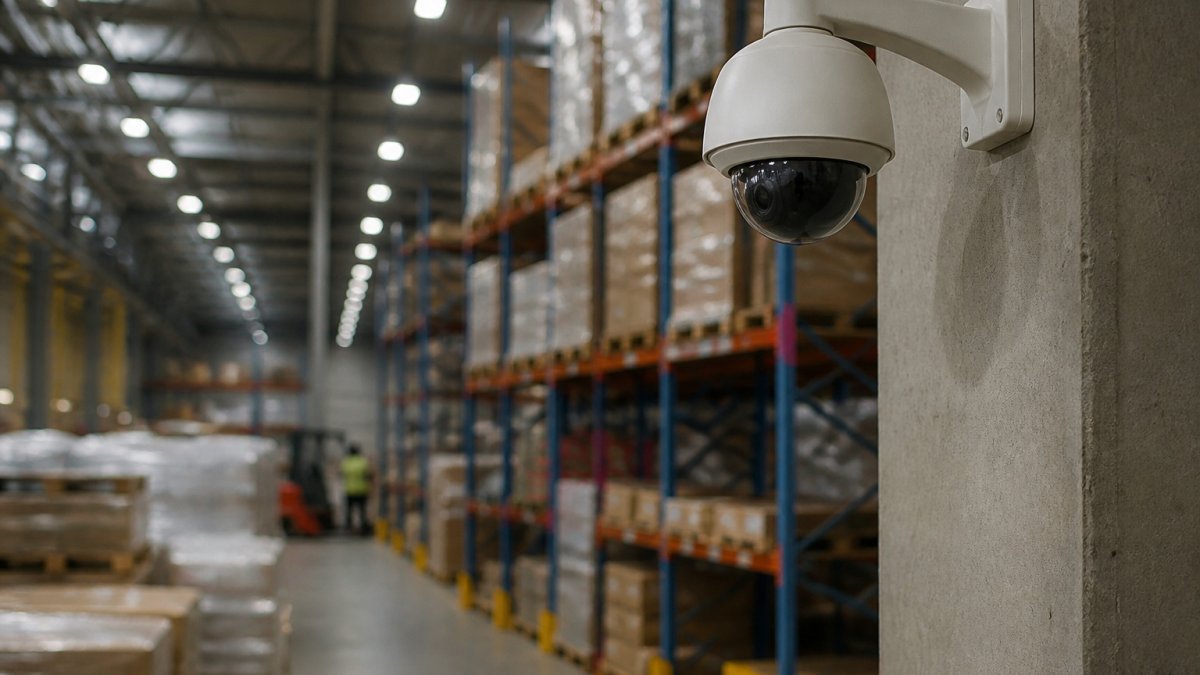
Cloud-based video surveillance records footage from IP cameras and sends it over the internet to off-site servers, where it can be viewed from a browser or phone. Our services page lists the surveillance options we offer. For a warehouse, this means live feeds from the dock, the aisles and the yard without a server closet on site. Most cloud systems also run motion detection, event search and alerts from the same dashboard.
The "cloud" part is about where video is stored and managed, not about the cameras themselves. Many cloud systems still use cameras on your network and a small local recorder at the facility. Knowing which parts live where is the first step in judging whether a cloud model fits your building.
How Cloud Video Surveillance Works in a Warehouse
Cameras capture video, encode it and push it upstream. The footage then lands in cloud storage, where a centralized dashboard handles user permissions, live viewing and incident search. A supervisor on a night shift can check a loading dock from a phone, and a security manager at another site can review the same footage.
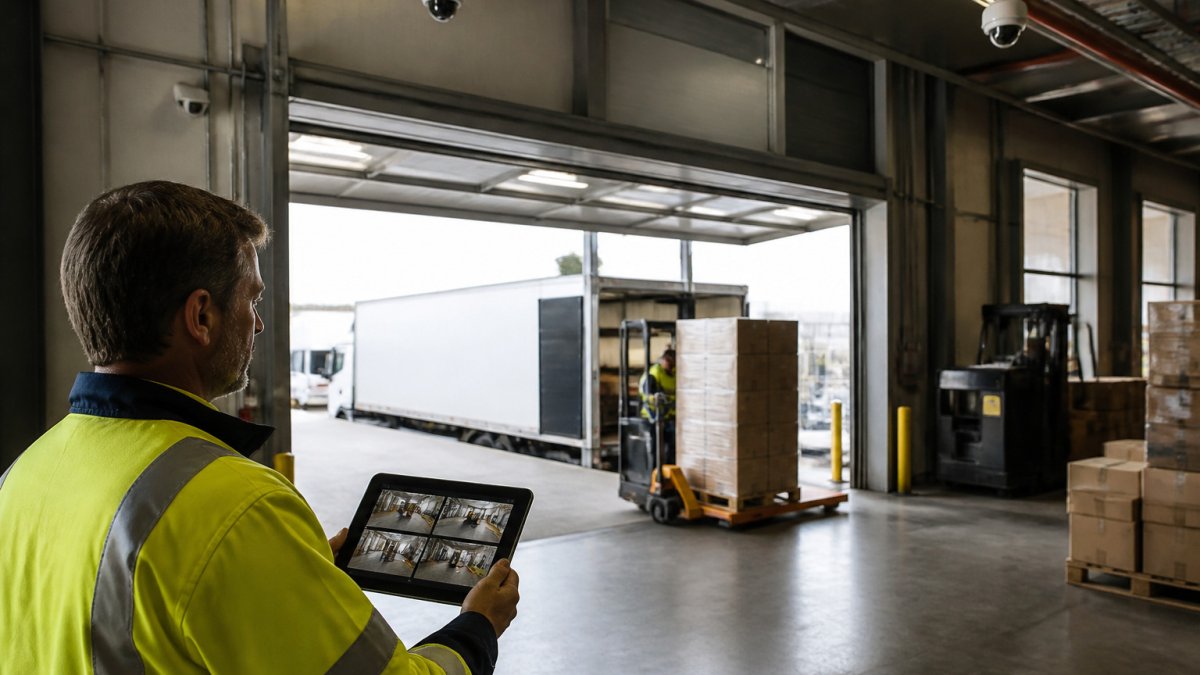
In practice, the system is only as good as the connection behind it. Higher-resolution cameras with higher frame rates use more upload bandwidth, and a building with many cameras multiplies that quickly. Plan bandwidth before you buy.
Cameras, Network Connectivity, and Remote Access
Start with the cameras. Confirm they are IP cameras compatible with the cloud platform, and check whether they support the video resolution and frame rate you need for reading license plates at a gate or faces at a dock door.
Network connectivity is where warehouses most often run into trouble. Metal racking, thick walls and distance from the internet entry point all weaken wireless signals. Wired runs to the cameras are more reliable, and a dedicated circuit or a business-grade connection with a backup line helps keep footage flowing during outages.
Remote access should be restricted by role. Give shift leads view-only access to live feeds, and limit export and deletion rights to a small group of managers.
Cloud Video Surveillance Storage and Retention Planning
Retention is the number most teams overlook in warehouse video surveillance, and it drives both storage cost and upload volume. Instead of picking a number by feel, estimate it from four inputs: camera count, resolution, frame rate, and recording mode (continuous versus motion-triggered). A common pattern is to size storage for continuous recording on high-value cameras (dock doors, perimeter gates, cash or controlled-substance areas) and motion-triggered recording on low-traffic interior aisles. Balancing these technical requirements becomes significantly more manageable when you align your hardware strategy with the broader operational standards for cloud video surveillance.
A practical way to estimate is to work in gigabytes per camera per day. Bitrate is the underlying driver: a 1080p stream at a modest frame rate typically runs in the low single-digit megabits per second, while 4K at a high frame rate can run several times that. Multiply bitrate by 86,400 seconds per day, divide by eight to convert bits to bytes, and you have a rough daily figure per camera. Multiply by camera count and retention days for a total. Treat the result as a planning estimate, not a quote, compression, scene complexity, and motion activity all move the real number.
For bandwidth, the same bitrate math applies to upload capacity. If 40 cameras average 2 Mbps each, that is roughly 80 Mbps of sustained upstream traffic before overhead, well beyond many business broadband plans. Some deployments find it more economical to record continuously to a local recorder and push only event clips or a lower-resolution substream to the cloud than to stream every camera at full resolution around the clock.
Set retention by purpose, not by habit. Dock and perimeter cameras often need 30 days to cover an insurance claim or carrier dispute window; low-risk interior cameras may need only 7 to 14. Check your legal and insurance obligations before settling on a number, and confirm in writing how the provider handles deleted or archived footage, including whether deletion is immediate or runs on a scheduled purge.
Watch out: a retention plan that assumes motion-triggered recording will save large amounts of storage can fail in a busy warehouse, where constant forklift and foot traffic keeps cameras triggering and the savings shrink toward continuous recording.
Ask the provider what happens if the service is interrupted. Some systems keep a local buffer on the recorder and sync once connectivity returns; others lose footage that was not uploaded. The answer should be part of your evaluation, not a footnote, and it should be tested during a pilot before you commit to a multi-site rollout.
Warehouse Video Analytics and Operational Use Cases
Video analytics turns footage into searchable events. Motion detection and AI analytics can flag people in restricted areas, vehicles near a loading dock after hours, or a forklift moving through a pedestrian zone. Event search then lets an investigator pull every clip matching a time window instead of scrubbing through hours of video.
Operational teams use the same data beyond security. Dock cameras can confirm when trailers arrived and departed, which supports logistics visibility and dispute resolution with carriers. Cameras above racking can support inventory checks during cycle counts.
Set alerts carefully. Too many notifications train staff to ignore them, which defeats the purpose. Tune analytics zones and sensitivity before you rely on them.
Cloud vs. On-Premises Video Surveillance: Which Fits Your Facility
Cloud systems suit facilities with several sites, limited IT staff, or a need for remote access. For a deeper side-by-side breakdown of cloud and on-premise security, see our comparison. On-premises systems suit buildings with weak or expensive internet, strict data-residency rules, or a preference to keep all footage inside the building.
Many warehouses choose a hybrid approach. A local recorder stores footage for immediate access and buffering, while the cloud handles remote viewing, backup and multi-site management. Hybrid designs also reduce the impact of an outage on your ability to review events.
Cloud-Based Security Camera Systems for Business: Cost, Security, and Resilience
Cost is rarely just the subscription price. Build a total cost of ownership (TCO) model across five buckets and compare cloud, on-premises, and hybrid on the same camera count and retention period:
- Hardware: cameras, mounts, cabling, and any local recorder or edge appliance. Cloud and hybrid usually still need cameras and a recorder; on-premises adds server and storage hardware you own and refresh every few years.
- Installation and network: labor, conduit, switches, and any uplink upgrade. Cloud models shift more weight onto upload bandwidth; on-premises shifts it onto local switching and server room power and cooling.
- Storage and subscription: per-camera monthly fees, storage tiers, and analytics licensing. On-premises replaces subscription with drive replacement and server lifecycle costs.
- Connectivity: business broadband or dedicated circuits, plus a backup line if uptime matters. Hybrid designs can reduce the bandwidth requirement by keeping full-resolution footage local.
- Support and maintenance: vendor support tiers, firmware updates, and internal IT time. Cloud typically bundles updates; on-premises often does not.
Pricing models vary from per-camera monthly fees to bundled plans with retention and analytics included, so compare them using the same camera count, resolution, and retention period. Pricing depends on camera count, storage volume and service terms, so request a quote from Mt. Major Tech for current figures, and confirm whether analytics, integrations, and support are included or billed separately.
Security of the footage matters as much as the hardware. Look for encryption in transit and at rest, multi-factor authentication for logins, role-based permissions, and audit logs that record who viewed or exported clips. For a warehouse handling regulated or sensitive operations, confirm the provider's data-handling practices in writing, including where footage is stored and who can access it.
Resilience comes from planning for failure. Confirm how the system behaves during an internet outage, how long footage is buffered locally, and how quickly access is restored after a service disruption. A hybrid design, local recorder for immediate access and buffering, cloud for remote viewing and multi-site management, is a common way to keep reviewing events when the uplink is down.
Watch out: a low per-camera subscription can hide costs in storage overage, analytics licensing, and integration fees, so ask for a fully loaded annual figure before comparing vendors.
Frequently Asked Questions
What is cloud-based video surveillance?
Cloud-based video surveillance records camera footage and sends it over the internet to off-site servers instead of, or in addition to, a recorder kept on your premises. You can view live video and recorded clips from a web browser or mobile app, and the provider typically manages storage, updates and remote access. For warehouses, this means managers can check loading docks or aisles from another site without visiting the building. Contact Mt. Major Tech through the website to discuss whether a cloud model fits your facility.
How much cloud storage does a warehouse surveillance system need?
Storage depends on the number of cameras, their resolution and frame rate, how many days of footage you must keep, and whether recording is continuous or triggered by motion. Continuous 1080p recording uses far more storage than motion-triggered recording of the same cameras. Retention requirements also vary by insurer, customer contract or internal policy, so set the retention period first and size storage from it. Pricing depends on storage volume, camera count and service terms, so request a quote from Mt. Major Tech for current figures.
Can cloud security cameras work if the internet goes down?
Cameras that depend entirely on a cloud connection stop uploading during an outage, so a well-designed system includes local buffering. Many cameras and recorders can store footage on a local device and upload it once the connection returns. Pairing a cloud service with a local recorder or an on-site backup, plus a cellular or secondary internet link for critical areas, keeps surveillance running through an outage. Ask any provider how their system behaves during connectivity loss before you sign.
What is the difference between cloud and on-premises video surveillance?
On-premises systems store footage on a recorder or server inside your building, giving you direct control of the data and no ongoing cloud fees, but you handle hardware maintenance, backups and upgrades. Cloud systems move storage and much of the management off-site, which simplifies multi-site access and updates but adds recurring service costs and depends on internet bandwidth. Many warehouses use a hybrid approach that keeps recent footage local and archives older footage to the cloud.
Booking a Warehouse Surveillance Assessment with Mt. Major Tech
A warehouse surveillance assessment looks at your current cameras, network, retention needs and operational goals before recommending a design. Review our process to see how the engagement works from first call to installation. When you are ready, contact Mt. Major Tech to schedule your assessment.