 how-to
7 After-Hours Security Gaps AI Surveillance Closes
Quick Summary
AI surveillance closes after-hours security gaps by pairing cameras and sensors with video analytics that classify people, vehicles and movement, then alerting a monitoring team only when activity looks like a real intrusion. Automated detection runs around the clock, so events at night are noticed instead of discovered the next morning. Tuned zones, clear escalation tiers and verified alerts keep false alarms from overwhelming staff.
- Video analytics classify people and vehicles, so the system alerts on real events rather than every passing shadow.
- Hybrid monitoring filters routine events and escalates only confirmed threats to a human reviewer.
- Restricted-area zones and dwell-time rules flag intruders inside defined lines instead of every car in the lot.
- Tune alerts for two to four weeks and record the false-alarm rate before relying on the system.
- Name at least one backup reviewer for every escalation tier so response does not depend on one person.
Table of Contents
- How AI Surveillance Works When Your Business Is Empty
- Choosing AI Security Cameras for Business Premises
- Detecting Intrusions: People, Vehicles and Restricted Areas
- Setting AI Camera Alerts to Cut False Alarms
- After-Hours Deployment Checklist, Costs and Privacy Rules
- Booking Your After-Hours Security Assessment With Mt. Major Tech
- Frequently Asked Questions
How AI Surveillance Works When Your Business Is Empty
Last Updated: October 31, 2026
Most businesses lock up at 6 p.m. and assume the building is safe until morning. That assumption is where the gaps start.
AI surveillance for after-hours business security is not about watching more footage.
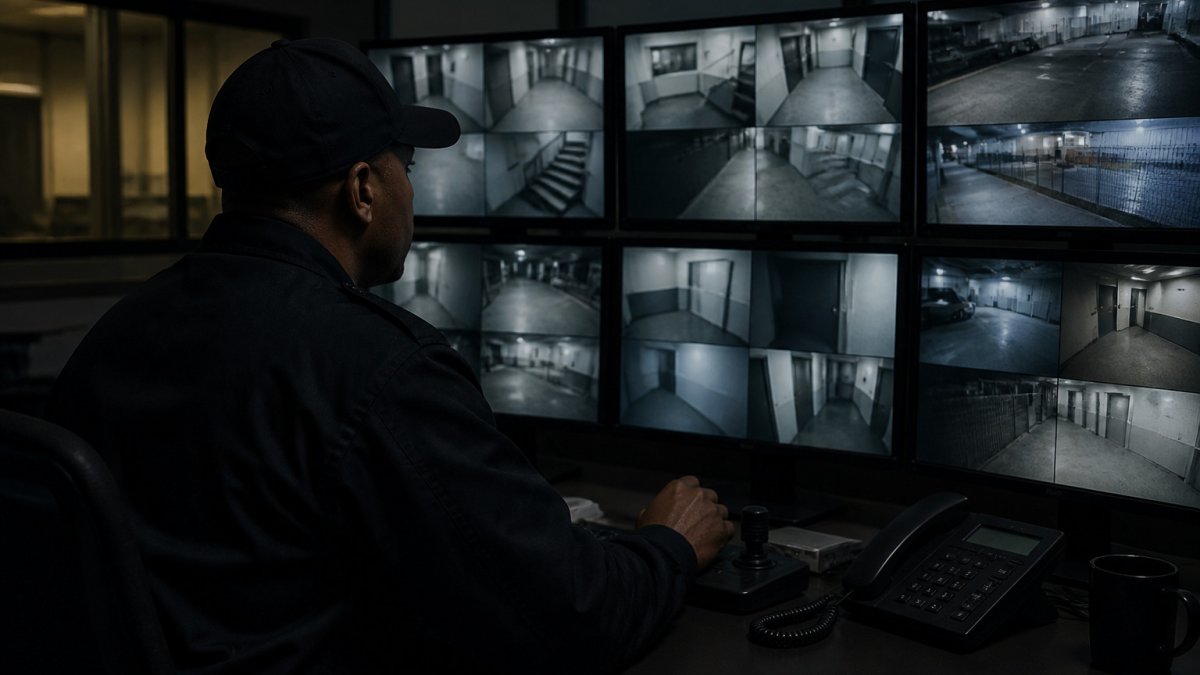
Cameras, Sensors and Video Analytics Explained
An AI security camera is a standard camera paired with software that recognizes people, vehicles and movement. The camera captures the scene; the analytics engine decides what it means, which makes after-hours monitoring practical.
Most systems combine three layers:
- Cameras capture video, often with infrared lighting for darkness.
- Sensors add triggers such as door contacts, motion detectors or glass-break detection.
- Video analytics classify what the camera sees and decide whether to raise an alert.
Video analytics do the heavy lifting. Instead of alerting on every leaf that blows past a lens, the software checks whether the object is a person, a vehicle or something else.
24/7 Monitoring and After-Hours Coverage
Automated detection is only half the picture. Someone still has to respond. Many setups send alerts to an on-call team or monitoring center, which reviews the clip and decides whether to call police, notify the owner or dismiss the event.
Coverage usually works in one of three ways:
- Self-monitoring: the owner receives alerts on a phone and reviews them.
- Contracted monitoring: a monitoring center watches live alerts for you.
- Hybrid: the system filters routine events and escalates only confirmed threats.
Hybrid models tend to fit small and mid-sized businesses best: staff are not woken for every false trigger, but a human still checks real intrusions.
Choosing AI Security Cameras for Business Premises
Camera choice drives how well the whole system works. A cheap camera with weak low-light performance undermines even the smartest analytics. Start with the areas that matter most: entrances, loading docks, parking, storage yards and restricted rooms.
Consider these factors when comparing options:
- Resolution and field of view: higher resolution helps identify faces and plates at longer distances.
- Infrared range: confirm the rated distance matches the size of your lot or hallway.
- Weather rating: outdoor cameras need an enclosure rated for your climate.
Detecting Intrusions: People, Vehicles and Restricted Areas
Intrusion detection depends on drawing the right zones. A camera watching an entire parking lot alerts on every car; one with a defined zone around a fenced storage area alerts only when someone crosses the line.
Restricted-area monitoring typically uses:
- Virtual tripwires that trigger when an object crosses a set line.
- Zone rules that alert only when a person or vehicle enters a defined area.
- Dwell-time rules that flag someone who lingers too long near a sensitive door.
Vehicle detection matters too. A vehicle entering a closed lot at night is a different event from a delivery truck arriving at 9 a.m.
For a closer look at applying video analytics to detection, see How to Use AI Video Analytics for Retail Security.
Night Vision and Low-Light Performance
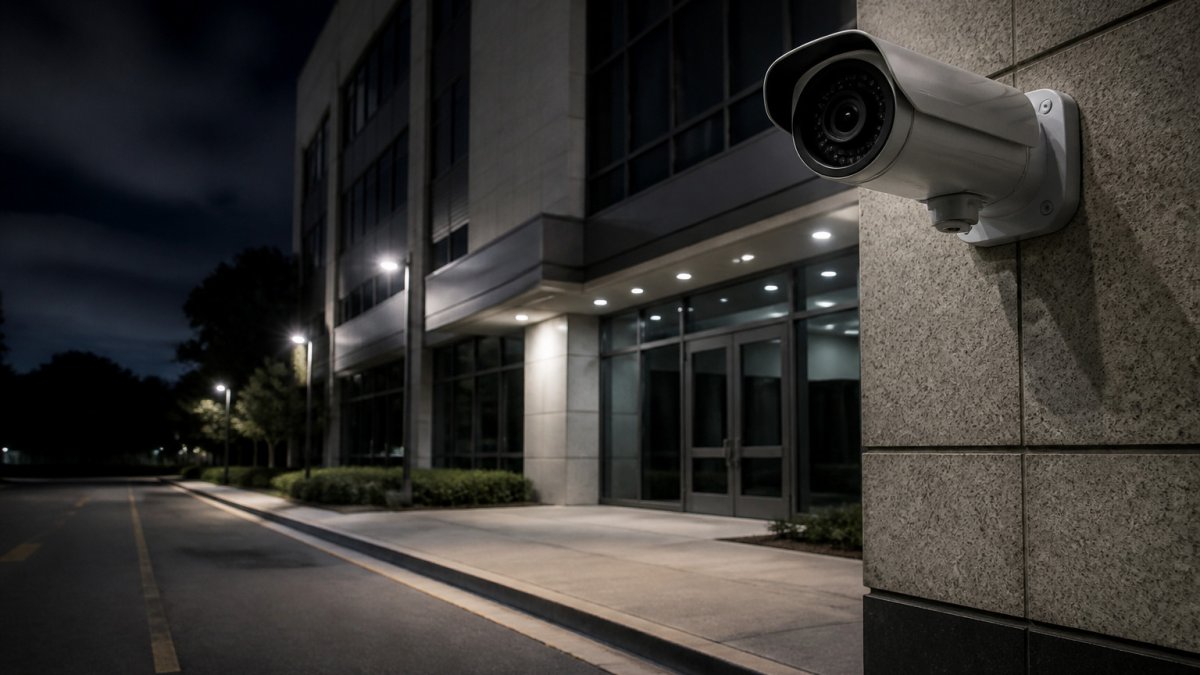
Most after-hours incidents happen in the dark, so night performance is not optional. Infrared cameras produce black-and-white images in total darkness; low-light sensors produce color images under streetlights or floodlights.
When testing, check three things:
- Image clarity at the far edge of the infrared range.
- Glare from nearby lights that washes out faces or plates.
- Whether motion blur appears on fast-moving vehicles.
Setting AI Camera Alerts to Cut False Alarms
False alarms are the fastest way to make a monitoring system useless. When alerts arrive constantly, people stop reading them. Tune the system before go-live, then run a verification workflow that separates real events from noise.
Start with a short tuning period and adjust:
- Sensitivity thresholds, so small objects like animals or blowing debris are ignored.
- Zone boundaries, so public sidewalks outside the property line do not trigger alerts.
- Schedule rules, so normal shift changes do not count as intrusions.
Watch out: an overly strict setting can miss real intruders. Review missed events during tuning, not just false ones, and sample non-alerted footage weekly to confirm the system is not silently ignoring real activity.
Alert Escalation and Response Procedures
Every alert needs a clear next step. A written escalation path answers three questions: who reviews the alert, how fast they must act, and when to call emergency services.
A practical escalation path looks like this:
- The system sends an alert with a clip, camera location and timestamp.
- A trained reviewer confirms or dismisses it within a set window, commonly a few minutes for a monitored site.
- Confirmed threats go to the owner and, if the situation warrants, to police or emergency services.
- Every alert and action is logged for later review.
Define the tiers in writing. A common pattern is three levels:
- Level 1, informational. A vehicle in the lot after hours. Log it and review at the next business day unless it repeats.
- Level 2, suspicious. A person on foot near a door, fence line or restricted area. Reviewer watches live, attempts contact if appropriate, and notifies the on-call manager.
- Level 3, active threat. Forced entry, glass break, tampering or a person inside a restricted area. Notify the owner immediately and contact police.
Put the procedure in writing, assign named backups for every role, and test it. A plan that exists only in someone's head fails at 3 a.m. Run a tabletop drill at least once a year and after any staffing change.
Verifying an Alert Before You Call Police
Verification is the step that protects both your staff and your relationship with local law enforcement. Before calling police, the reviewer should confirm three things from the live or recorded feed:
- Is there a person or vehicle present? Confirm the object is real and not a shadow, animal or reflection.
- Is the person or vehicle in a restricted area? A person on a public sidewalk is not an intrusion; a person inside the fence line is.
- Is there evidence of forced entry or a weapon? Look for a broken door, a pry mark, a person carrying an object, or a vehicle backed up to a loading dock.
If the answers are unclear, keep watching live and gather more context before escalating. A verified call gets a faster, more appropriate response than a speculative one, and repeated unverified calls erode trust with dispatchers.
Measuring Whether the Workflow Works
Track four numbers monthly: total alerts, false-alarm rate, median time from alert to reviewer decision, and confirmed incidents. A healthy system trends toward fewer total alerts, a lower false-alarm rate and a stable or faster decision time. If alert volume climbs without a rise in confirmed incidents, retune zones and schedules. If decision time slips, the escalation path needs more staffing or clearer tiers.
For a closer look at applying video analytics to detection, see How to Use AI Video Analytics for Retail Security.
The article's escalation procedure can be summarised as three tiers, each with a clear response.
| Level | Example event | Response |
|---|---|---|
| Level 1, informational | Vehicle in the lot after hours | Log it; review next business day unless it repeats |
| Level 2, suspicious | Person on foot near a door, fence line or restricted area | Reviewer watches live, attempts contact if appropriate, notifies on-call manager |
| Level 3, active threat | Forced entry, glass break, tampering or person inside a restricted area | Notify owner immediately and contact police |
After-Hours Deployment Checklist, Costs and Privacy Rules
A successful deployment follows a predictable sequence. The checklist below is the one most integrators work from, but the three subsections that follow are where after-hours projects actually succeed or stall: budget structure, privacy and retention, and a reliability plan for network, power or camera failure.
- Map the property and list entry points, blind spots and restricted areas.
- Confirm network bandwidth and power at each camera location.
- Choose cameras and analytics that match the lighting and distances on site.
What Drives the Cost of an After-Hours AI System
There is no single sticker price, but the cost structure is consistent enough to plan against. Budget across five buckets:
- Cameras and lenses. Cost scales with resolution, low-light sensor quality, infrared range and weather rating. A long-range infrared camera for a storage yard costs materially more than a fixed indoor dome.
- Analytics licensing. Many AI platforms charge per camera, per channel or per site, often as an annual subscription, the line item buyers most often forget, and it recurs every year.
- Storage and retention. Local network video recorders cost less up front; cloud storage trades capital cost for a monthly fee that grows with retention length and resolution. Retention is the biggest lever here.
A common pattern is that hardware is a one-time cost while analytics, storage and monitoring are recurring. Total cost of ownership over three to five years is therefore dominated by the recurring lines, not the cameras. Ask every vendor for a multi-year view, not just an equipment quote.
Pricing depends on camera count, analytics licensing and monitoring level, so request a site-specific quote from Mt. Major Tech for current figures.
Privacy, Consent and Data Retention in Practice
Privacy rules matter as much as coverage, and after-hours systems raise specific questions because they often capture parking lots, shared entrances and areas where employees or visitors may not expect recording.
A practical privacy program covers four things:
- Notice. Many businesses must post signage where cameras operate. Place notices at entrances and where recording begins, not only in the lobby.
- Access control. Limit who can view live and recorded footage, use individual logins rather than shared accounts, and review access lists quarterly. Role-based permissions keep footage from staff who do not need it.
- Retention. Set a retention period that matches legal and internal policy, then configure automatic overwrite. Keeping footage indefinitely increases both storage cost and legal exposure.
Workplace monitoring also touches employment law. Check state requirements, involve counsel for any monitoring of employee areas, and document the policy you adopt, a written, consistent practice rather than an ad hoc one.
Reliability, Cybersecurity and Failure Planning
An after-hours system is only as good as its behavior when something breaks. Plan for four failure modes before go-live:
- Power loss. Put cameras and the recorder on battery backup or a UPS sized to carry the system through short outages. Confirm what happens to recording when power drops.
- Network loss. Decide whether cameras record locally when the connection to the cloud or monitoring center drops, and confirm that footage is retained and forwarded when the link returns.
- Camera tampering. Configure tamper detection so a covered, moved or disconnected camera raises its own alert. A camera that goes dark silently is worse than no camera.
Document the fallback procedure and test it. A failure plan that exists only in the installer's notes will not survive the first real outage.
Booking Your After-Hours Security Assessment With Mt. Major Tech
A site assessment is the fastest way to see where your gaps are.
When you are ready, request a quote from our team to schedule your assessment.
Frequently Asked Questions
How does AI surveillance help protect a business after hours?
AI surveillance analyzes camera feeds continuously and flags activity that does not fit normal patterns, such as a person entering a restricted area or a vehicle idling near a loading dock. Instead of relying on a guard watching screens for an entire shift, the system identifies potential threats in real time and sends alerts to the people responsible for response. This matters most during unstaffed hours, when a break-in can go unnoticed for long stretches. Results depend on camera placement, lighting and how alert rules are configured.
Can AI cameras distinguish people from vehicles and animals?
Modern video analytics classify objects as people, vehicles or other movement, which reduces alerts triggered by animals, blowing debris or headlight sweeps. Classification accuracy varies with camera resolution, mounting height, distance and lighting, so it should be tested on your actual site before you rely on it. Setting separate alert rules for people and vehicles lets your team prioritize the events that most likely signal a real threat.
What should a business consider when choosing AI security cameras?
Start with the areas you need to monitor, including entrances, perimeters, loading zones and restricted rooms, then confirm each camera's resolution and low-light capability. Check whether the system integrates with your existing access control and alarm equipment, and ask how footage is stored, who can access it and how long it is retained. Request a written explanation of ongoing maintenance and support, since a system that is not maintained loses effectiveness over time. Pricing depends on camera count, site layout and integration needs, so request a quote from Mt. Major Tech for current figures.
How should a business set up after-hours camera alerts?
Define which events should trigger an immediate alert, such as a person in a restricted zone, and which can be logged for later review, such as routine vehicle movement. Assign a clear escalation path so that each alert has an owner who knows the response steps. Review alert frequency during the first few weeks and adjust detection zones and sensitivity to reduce false alarms. Document these settings so they can be reviewed whenever staff or site conditions change.