 ultimate-guide
Benefits of Unified Security Systems for Smart Homes
Table of Contents
- What Unified Security Systems Actually Do
- Centralized Control and Real-Time Monitoring
- Smart Locks and Security Cameras Integration
- Smart Home Security Automation Examples
- Smart Home Security System Privacy and Cybersecurity
- Smart Home Security System Cost and Long-Term Value
- Reliability and Performance During System Failures
- Frequently Asked Questions
Last Updated: October 7, 2026
What Unified Security Systems Actually Do
A unified security system integrates cameras, smart locks, motion sensors, alarms, and access controls into one platform, one interface instead of separate apps for each device.
The difference matters. When your front door camera detects motion at 2 AM, a unified system can trigger exterior lights, unlock a safe room, and alert your phone and monitoring service simultaneously, while separate devices leave you checking multiple apps and responding to each alert independently.
We've worked with homeowners and facility managers who started with fragmented systems, cameras from one vendor, access control from another, alarms from a third. Staff don't know which app to check first, response times slow, and false alarms multiply.
Centralized Control and Real-Time Monitoring
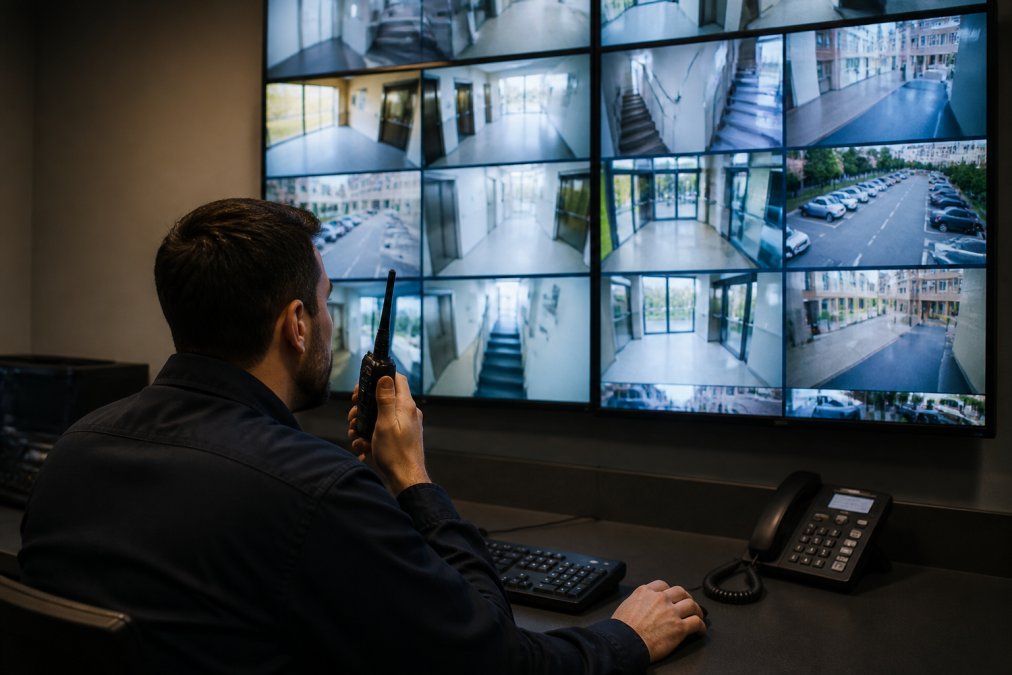
Managing security from a single dashboard saves time and reduces errors: who's at the door, which zones have motion, lock status, and alarm state, all in one view.
Real-time alerts work differently too.
Remote monitoring through a mobile app means you're not tied to your desk. You can grant temporary contractor access, revoke it remotely, and see exactly when they entered and left.
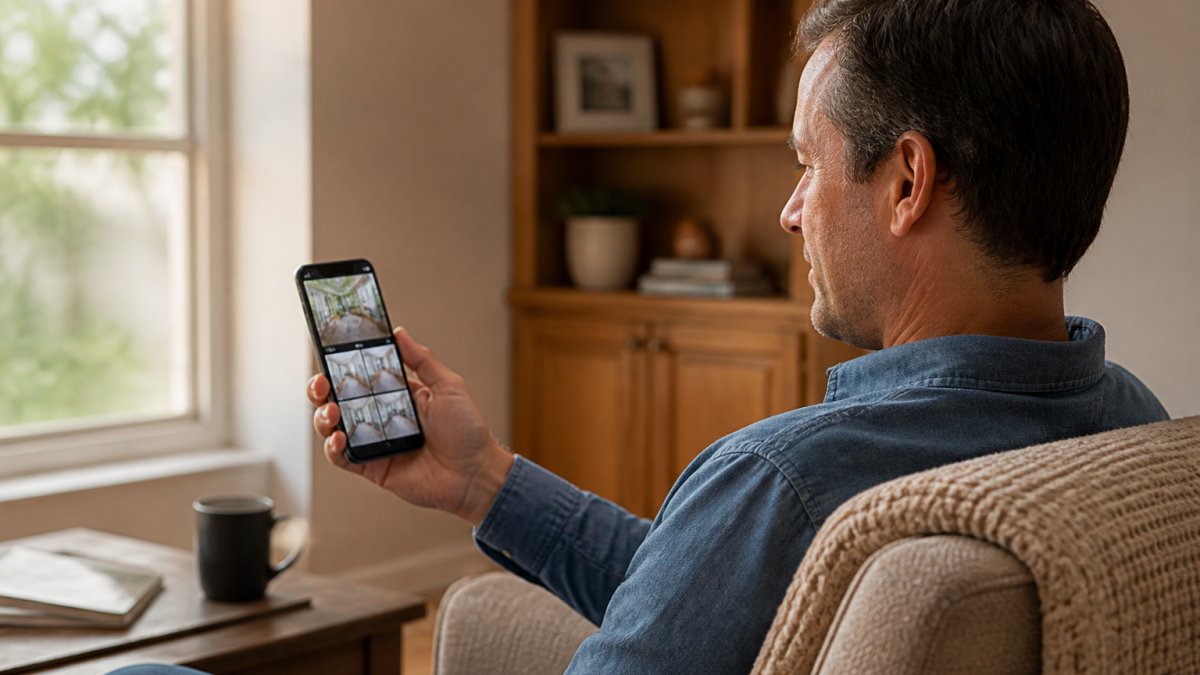
Response times improve significantly. When a motion sensor triggers, a unified system can simultaneously unlock an emergency exit, record high-resolution video, alert your monitoring service, and notify your phone.
Smart Locks and Security Cameras Integration
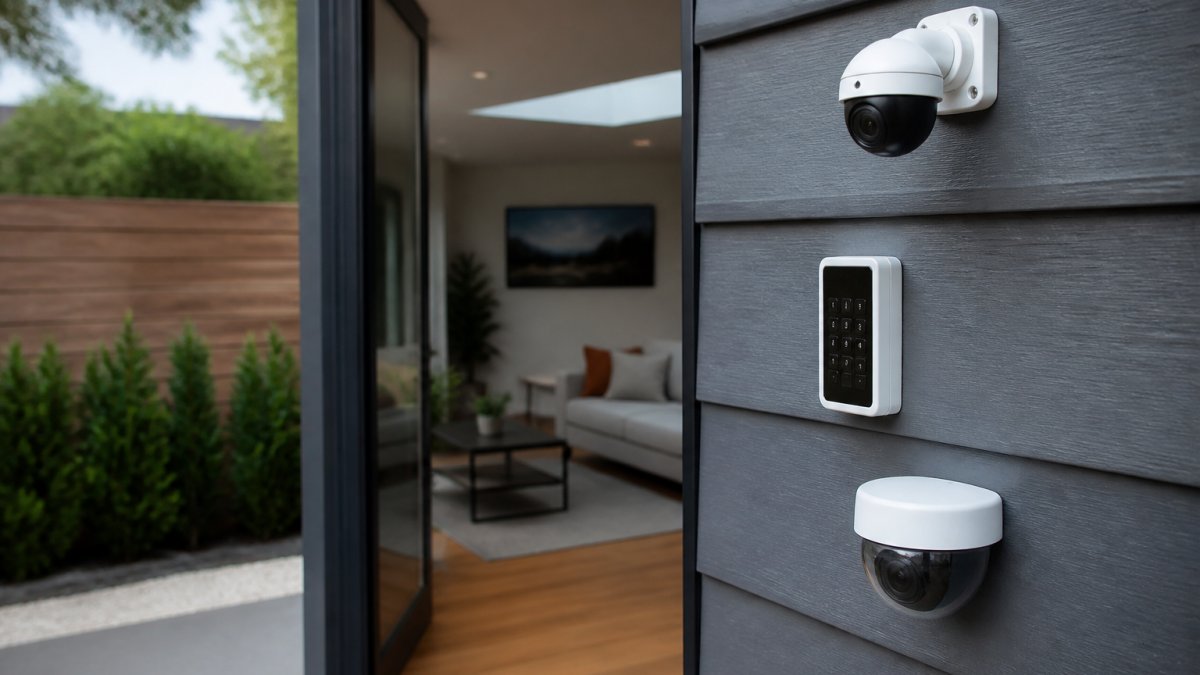
Smart locks paired with cameras create a verification layer standalone devices can't match.
Integration also enables automated responses. If your camera detects an unauthorized entry attempt, the system can trigger an alarm, lock all doors, record high-resolution footage, and alert your monitoring service in milliseconds. A standalone camera just records; a standalone lock just locks.
For commercial facilities, this integration scales across multiple entrances. Your system knows which doors have been accessed, in what order, and by whom.
Video recording integrates with access logs, so when you review footage you see exactly who was recorded and when they accessed which doors, invaluable for investigations. Standalone systems force you to manually match timestamps across separate logs.
Smart Home Security Automation Examples
Automation is where unification stops being a convenience and becomes a capability. A unified platform exposes triggers, conditions, and actions across every device in one rule engine: a standalone camera can trigger a notification, while a unified system can trigger a notification, a lock, a light, a siren, a recording, and a monitoring dispatch from the same event.
How the rule engine actually works
Most unified platforms (Amazon Alexa Routines, Apple Home automations, Google Home routines, Samsung SmartThings, and major professionally installed platforms) use the same three-part structure:
- Trigger, the event that starts the rule. Motion sensor, door contact, geofence entry/exit, time of day, alarm state change, or a manual button.
- Condition, the filter that decides whether the rule should fire. Time window, presence of a specific phone, alarm mode (home/away/vacation), or state of another device.
- Action, what the system does. Lock, unlock, record, notify, sound siren, turn on lights, dispatch monitoring.
A standalone device can only do the trigger and one action. A unified system chains them.
Five automations that only work when devices share a platform
1. Verified entry. Doorbell press or lock keypad code → camera begins recording → live feed pushes to your phone → you unlock remotely.
2. Geofence arrival with disarm. Your phone crosses the geofence → system checks that your code was entered or your phone is the recognized device → disarms alarm → unlocks entry door → turns on entry lights.
3. Perimeter breach escalation. Exterior motion after hours → exterior lights to full → cameras switch to high-frame-rate recording → siren sounds → monitoring center receives the event with the camera clip attached.
**4.
**5.
What you need to check before you build these
Not every platform supports every trigger. Before you commit, verify:
- Local vs. cloud execution. Some platforms run automations in the cloud, which means they fail when your internet fails. Others run them on a local hub. Ask which one yours uses.
- Cross-brand support. Matter and Thread have improved cross-brand compatibility, but not every device supports every trigger type across brands. A camera from one brand may not be able to trigger a lock from another even if both support Matter.
- Notification limits. Many platforms cap the number of automations or the number of daily notifications. A rule that fires 40 times a day because a tree branch moves in the wind is worse than no rule.
The point isn't the specific routines. Every one requires devices to share a trigger bus, a condition engine, and an action layer, that shared layer is what "unified" means in practice.
Smart Home Security System Privacy and Cybersecurity
Unified systems concentrate your security infrastructure, making cybersecurity critical. A breach in a fragmented system affects one device; a breach in a unified platform potentially exposes your entire security posture.
Reputable unified systems address this through encryption, secure authentication, and regular updates.
Privacy concerns center on data storage and access: where footage is stored, who can access it, and for how long.
Cybersecurity also means the system itself is hardened against attacks. Regular patches, penetration testing, and responsible disclosure policies matter, a system that hasn't been updated in years is a vulnerability.
The trade-off is real: a unified system is more powerful but also a larger target.
Smart Home Security System Cost and Long-Term Value
Unified systems cost more upfront and less over time, a trade-off that needs numbers, not adjectives. Here's the structure buyers should use to evaluate it.
The four cost buckets
Every unified system has four cost lines. Compare quotes on all four, not just the first.
- Equipment. Cameras, locks, sensors, hub, keypad, siren, and any professional-grade panel, the largest one-time line and the easiest to compare.
- Installation. DIY systems are cheaper but shift labor to you; professionally installed systems include wiring, mounting, and configuration. For a whole-home system with multiple cameras and locks, professional installation is usually worth it because misconfigured automations are the most common source of false alarms.
- Monitoring subscription. Optional but common. Month-to-month contracts are now standard at most major providers; scrutinize multi-year contracts.
- Cloud storage. Camera footage storage is often billed separately from monitoring. Local storage (an NVR or a hub with a drive) eliminates this line but requires you to manage backups and remote access yourself.
What actually drives the price up
- Number of cameras. This is the single biggest equipment variable.
- Resolution and night vision quality. 1080p vs. 2K vs. 4K changes both camera price and storage cost.
- Wired vs. wireless. Wired is more reliable and more expensive to install.
- Cellular backup. Adds a monthly line item but keeps the system online when your internet drops.
- Professional monitoring tier. Basic vs. video-verified vs. multi-site commercial monitoring are priced differently.
- Number of users and access levels. Commercial systems with role-based permissions cost more to configure.
Subscription math most buyers miss
A $10/month cloud storage plan is $120/year and $1,200 over ten years; a $25/month monitoring plan is $300/year and $3,000 over ten years. Two stacked subscriptions can quietly exceed the equipment cost. Before you sign, add up every recurring line and multiply by the years you expect to keep the system.
Where unified systems save money
- One subscription instead of three. A single platform replaces separate camera, lock, and alarm subscriptions.
- Fewer false alarms. Context-aware alerts reduce the dispatch fees some municipalities charge for repeated false alarm responses.
- Insurance discounts. Many homeowners insurers offer premium reductions for professionally monitored systems with central-station dispatch. Ask your insurer what documentation they require before you buy.
- Longer equipment life. A unified platform lets you add devices incrementally instead of replacing the whole system when one vendor's app is discontinued.
Total cost of ownership, framed properly
The right comparison is not "unified vs. cheap" but "unified vs. the cost of managing four separate systems for ten years", your time, the false alarms, the missed events, and the eventual forced migration when a vendor shuts down its app. Buyers who run that comparison usually find the unified system is not the expensive option; it's the option whose cost is visible up front.
Reliability and Performance During System Failures
A unified system is only as reliable as its weakest component. If your internet fails, can you still lock and unlock doors or see camera feeds?
Strong unified systems include local failover.
Some systems lack this redundancy: if the cloud service or your internet goes down, you lose remote access and cloud storage. Before choosing a system, understand what happens when connectivity fails.
Battery backup matters too. Smart locks, cameras, and your hub should all have backup power during outages, a system that goes dark during a power failure isn't truly unified, it's just offline.
Professional monitoring adds another layer of reliability: if your system detects a threat and can't reach you, your monitoring service receives the alert and responds, independent of your internet, phone, or availability.
Unified security systems eliminate the operational friction of managing separate devices while enabling automation and coordinated response that fragmented systems can't achieve. If you're managing multiple security devices across separate platforms, integration is worth exploring. Book Online to discuss how a unified approach could improve your security posture and operational efficiency.
| Component | Standalone Approach | Unified System Approach |
|---|---|---|
| Device Management | Multiple apps, manual coordination | Single dashboard, automated coordination |
| Response Time | Sequential (one device at a time) | Simultaneous (all devices at once) |
| Automation | Limited or manual | Rule-based, automatic execution |
| Monitoring | Per-device alerts, high false alarm rate | Contextual alerts, pattern recognition |
| Audit Trail | Fragmented across devices | Integrated across all devices |
| Remote Access | Device-specific, inconsistent | Unified, consistent across all devices |
Frequently Asked Questions
What is the main difference between a unified security system and separate devices?
A unified security system integrates cameras, alarms, smart locks, and sensors into one centralized platform controlled through a single app. Separate devices require multiple apps and lack automated communication between systems. Unified systems enable automated routines (like locking doors when the alarm arms), consistent real-time alerts across all devices, and a single point of professional monitoring. This coordination reduces response time and eliminates gaps where one device might fail to communicate with another.
How do smart locks and security cameras integration improve home protection?
When smart locks and security cameras work together, you gain video verification before granting access. If motion triggers your camera, the system can automatically log the timestamp and footage, then alert you to unlock the door remotely if it's someone you recognize. Integration also means one app controls both, eliminating the need to switch between platforms. Many unified systems allow you to set rules: for example, cameras automatically begin recording when a smart lock detects an unauthorized entry attempt, capturing evidence in real time.
What happens to my security system if the internet goes down?
Most unified security systems maintain local operation during internet outages. Smart locks continue to function with physical keys and local battery backup; motion sensors and door/window sensors still trigger local alarms. However, remote monitoring through your mobile app and professional 24/7 monitoring services require internet connectivity. Professional-grade systems often include local backup connectivity or cellular failover to ensure emergency alerts reach monitoring centers even if your primary internet connection fails. Always confirm your system's offline capabilities with your installer.
Are unified smart home security systems more expensive than separate devices?
Unified systems typically cost more upfront than buying individual devices separately, but the total cost of ownership is often lower. You eliminate subscription fees for multiple apps and monitoring services, reduce installation complexity (one professional visit instead of several), and avoid replacing incompatible devices. Pricing depends on your home's size, the number of devices, monitoring service tier, and whether you need professional installation. Contact Mt. Major Tech for a quote tailored to your specific security needs and property layout.