 how-to
Smart Entry Solutions for Remote Offices
Table of Contents
- What You'll Need Before Installing Smart Entry Solutions
- Step 1: Assess Your Remote Office Entry Points and Security Gaps
- Step 2: Choose Smart Access Control Installation Services
- Step 3: Set Up Cloud-Based Access Control Systems for Remote Management
- Step 4: Apply Remote Office Security Best Practices
- Common Mistakes to Avoid with Smart Entry Solutions
- Conclusion: Building a Reliable Remote Office Security Plan
- Frequently Asked Questions
Last Updated: October 3, 2026
What You'll Need Before Installing Smart Entry Solutions
Securing remote offices with smart entry solutions starts before anyone mounts a reader. At Mt. Major Tech, we've watched rollouts stall because the network closet wasn't ready, the wiring, power, and network behind the hardware are usually the hard part. Reliability hinges on maintaining consistent uptime during outages, which necessitates integrating robust backup power solutions to ensure that electronic locks remain functional when the grid fails.
Hardware and Network Prerequisites
You need four things before installation day:
- A stable network connection at every entry point, wired where possible
- Power at each door, either existing low-voltage wiring or a plan to add it
- A cloud-based platform account to manage credentials and permissions
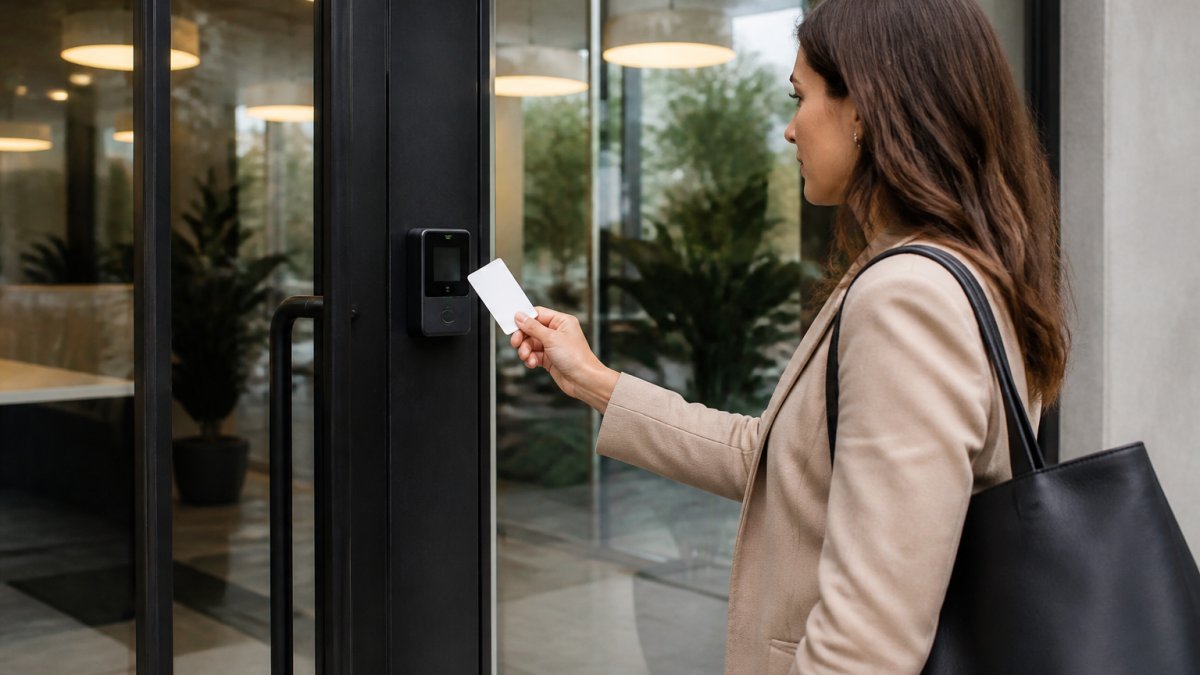
Smart entry is the use of connected locks, readers, and software to control who enters a building and when, without a physical key. You're buying a system, not just a lock. Check your network first, weak Wi-Fi at a back door causes more trouble than any hardware fault, so plan a wired connection or mesh node for distant doors.
Step 1: Assess Your Remote Office Entry Points and Security Gaps
Walk the building before you buy anything. Count every door, gate, and loading entrance, then label each by risk. Most offices have three tiers:
- Primary entrances used daily by staff and visitors
- Service doors used by deliveries and maintenance
- Restricted areas like server rooms or file storage
For each entry, note how it's secured today, how often it's used, and who holds a key. The biggest gap at remote sites isn't the lock, it's that nobody knows how many keys are out there.
Look for these common gaps:
- Shared keys that were never returned
- Doors propped open for convenience
- No record of who entered after hours
Write it all down. This list becomes your installation plan and your budget guide.
Step 2: Choose Smart Access Control Installation Services
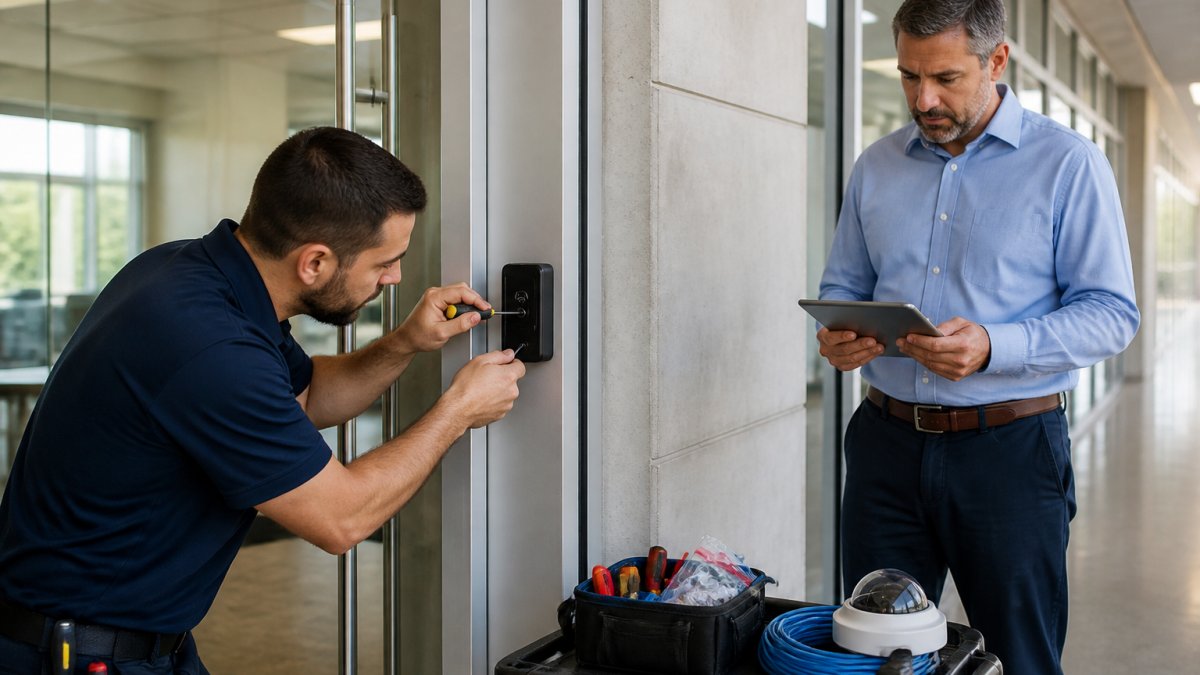
A qualified installer handles wiring, mounting, network setup, and testing in one pass.
Ask any provider these questions before you sign:
- Does the system support mobile credentials, keyless entry, and smart card access?
- Can it run on a cloud-based platform with remote management?
- Does it integrate with your existing cameras and alarms?
That last question separates good providers from the rest. Hardware fails. Networks drop. What you're really buying is ongoing support.
Mt. Major Tech handles this end to end for Northern New England properties, from hardware selection through ongoing technical care. One team, one point of contact, no finger-pointing between vendors.
Step 3: Set Up Cloud-Based Access Control Systems for Remote Management
Cloud-based access control systems let you add users, change permissions, and review entry logs from anywhere, the core benefit for a remote site. The value holds up only if you understand how the pieces talk to each other.
How Remote Access Management Actually Works
A cloud access control system has four moving parts:
- The credential, a mobile app on a phone, a smart card, a fob, or a PIN. Mobile credentials use Bluetooth Low Energy (BLE) or NFC to present an identity to the reader.
- The reader or lock, reads the credential and decides whether to unlock, either on its own or by checking with the cloud.
- The controller or gateway, the bridge between the door hardware and the internet. This is the piece that most often gets skipped in planning.
When you revoke a departing employee's access, the platform sends that change to the controller, which pushes it to the reader. On a well-built system that takes seconds; on a poorly networked one, minutes, or never, if the door is offline.
Online vs. Offline Decision-Making
Readers can be configured two ways:
- Online mode: every swipe checks the cloud in real time. Strongest security, but the door depends on the network being up.
- Offline or cached mode: the reader stores a local copy of the access list and decides on its own. The door keeps working when the network drops, but a revocation made during the outage won't take effect until the reader reconnects.
Most commercial systems let you set this per door: a server room might run online-only, a back service door cached so deliveries aren't blocked by a Wi-Fi hiccup. Decide door by door, not building-wide.
Setup Order That Actually Works
- Create your admin account and define user roles, separate "can add users" from "can change door schedules."
- Add staff and assign permissions by door and schedule, not by blanket groups.
- Issue mobile credentials and temporary access codes with hard expiration dates.
- Connect cameras and alarms to the same platform so events land in one timeline.
- Test every entry point, then test again with the network unplugged to confirm cached behavior.
Daily Tasks Once Live
- Revoke access for a departing employee instantly, confirm the change propagated to every door they could reach.
- Issue a temporary code for a contractor, set to expire at a specific hour, not just a date.
- Pull an audit trail showing who entered, which door, and whether the entry was granted or denied.
Harden the Platform Itself
Multi-factor authentication and data encryption protect the account layer. Turn both on. Credential management is only as strong as the admin account behind it. A few specifics worth enforcing:
- Require MFA for every admin, no exceptions.
- Use role-based access so a site manager can't edit global settings.
- Set session timeouts so an unattended laptop doesn't stay logged in.
Where the Data Lives Matters
Every entry event, who, when, which door, is personal data tied to an employee. In the U.S., state-level privacy laws apply, and in California the CCPA gives employees the right to know what you collect and to request deletion. Practical rules:
- Set a retention window for entry logs (many offices use 90 days to one year) and delete on schedule.
- Don't sync access logs into unrelated HR or marketing systems.
- Document what you collect and why, so you can answer an employee request without scrambling.
Treat the cloud platform as a system with a network, a data policy, and a failure mode, and your remote sites will hold up far better.
Step 4: Apply Remote Office Security Best Practices
Good remote office security best practices come down to one habit: review access regularly. A system left alone drifts out of date fast. But the two areas that decide whether a remote site survives a bad day, cybersecurity hardening and emergency fail-safes, get the least attention.
Put These on a Schedule
- Monthly: audit user permissions and remove anyone who's left.
- Quarterly: review entry logs for odd patterns, like after-hours access or repeated denied attempts.
- Annually: update firmware on every lock, reader, and controller.
| Task | Frequency | Why It Matters |
|---|---|---|
| Audit user permissions | Monthly | Stops former staff from keeping access |
| Review entry logs | Quarterly | Catches unusual access patterns |
| Update firmware | Annually | Closes known security gaps |
| Test fail-safes | Twice a year | Confirms exits work during outages |
Cybersecurity Hardening for Networked Locks
Your locks are networked devices, so IoT security applies the same way it does to a camera or printer. A compromised lock doesn't just fail to open, it can report false entry events, leak credential data, or become a foothold into your network. The risks:
- Default credentials. Many locks and controllers ship with admin/admin or a printed default password. Change it before the device touches the network, not after.
- Unpatched firmware. Firmware updates close known vulnerabilities. If a vendor stops shipping updates for a model, that model is a liability, not an asset.
- Flat networks. If your locks share a network with payroll systems, a compromised lock is a path inward. Put locks and controllers on a separate VLAN or network segment.
Emergency Fail-Safes: What Happens When Power or Internet Dies
Two separate failure modes need two separate plans.
Power failure. Commercial locks fall into two categories:
- Fail-safe (fail-open): the door unlocks when power is lost (Locking Configurations for Access and Egress Control). Required for life-safety egress paths in most jurisdictions.
- Fail-secure (fail-locked): the door stays locked when power is lost. Used for high-value rooms, but only where a separate mechanical egress path exists.
Most systems include battery backup at the lock or controller. It buys hours, not days, plan for when it runs out.
Network failure. If the internet drops but power stays on, cached-mode readers keep working with the last known access list. Online-only readers stop granting access. Know which doors are which before an outage, not during one.
What to document and test:
- A door-by-door list showing fail-safe vs. fail-secure and online vs. cached.
- A mechanical key or override for every fail-secure door, stored somewhere reachable when the network is down.
- A printed contact list for the access control vendor and the ISP.
Cost Reality for Small Offices
If you're weighing whether smart access control fits a small office budget, ask your provider for a cost-benefit breakdown. Factor in rekeying costs, lost keys, staff time managing physical keys, and the cost of a single after-hours incident. For most small offices the numbers favor going digital over time, but the honest answer depends on door count and access-list churn.
Common Mistakes to Avoid with Smart Entry Solutions
The same four mistakes show up again and again, each avoidable with planning.
- Buying locks before checking the network. The system needs reliable connectivity. Fix the network first.
- Giving everyone admin rights. User permissions should match job roles, not convenience.
- Ignoring the audit trail. Access logs are the whole reason to go digital. Review them.
One more: treating the cloud platform as set-and-forget. Remote management only helps if someone actually manages it.
Conclusion: Building a Reliable Remote Office Security Plan
A reliable remote office security plan starts with assessment, moves through professional installation, and stays healthy through regular review.
That's where Mt. We combine smart access control, AI-enabled surveillance, and intrusion defense into one unified system, backed by ongoing technical support.
Ready to lock down your remote offices? Book online with Mt. Major Tech and get a system built for how your buildings actually run.
Frequently Asked Questions
What is the most secure method of remote access for commercial offices?
The most secure method combines multi-factor authentication with encrypted mobile credentials and a cloud-based platform. This setup ensures that even if a digital key is compromised, a second verification step blocks unauthorized entry. Pair it with audit trails that log every entry and automated alerts for unusual activity. For remote offices, also enable network security protocols and regular credential rotation to maintain strong entry point security.
Are there downsides to keyless entry systems for remote locations?
Keyless entry systems depend on network connectivity and power. If the internet goes down, cloud-based management may be temporarily unavailable, though local backup options can maintain access. Hardware installation can also be more involved than traditional locks, and you will need a plan for credential management and user permissions. Despite these considerations, the operational efficiency and real-time monitoring benefits often outweigh the drawbacks for remote offices.
How do smart entry solutions integrate with existing office security?
Smart entry solutions can integrate with existing surveillance cameras, alarm systems, and access control systems through open APIs or system integration platforms. This allows you to unify entry point security with real-time monitoring and visitor management. For example, when a smart lock detects an authorized entry, it can trigger the camera to record and log the event in audit trails. Many cloud-based platforms support this without replacing all your current hardware.
Can smart locks be managed centrally for multiple remote office sites?
Yes, cloud-based access control systems are designed for centralized management across multiple locations. You can assign user permissions, issue temporary access codes, and review audit trails for every site from a single dashboard. Automated alerts notify you of forced entry or door left ajar. This scalability makes it practical to secure remote offices without hiring on-site staff for each location.