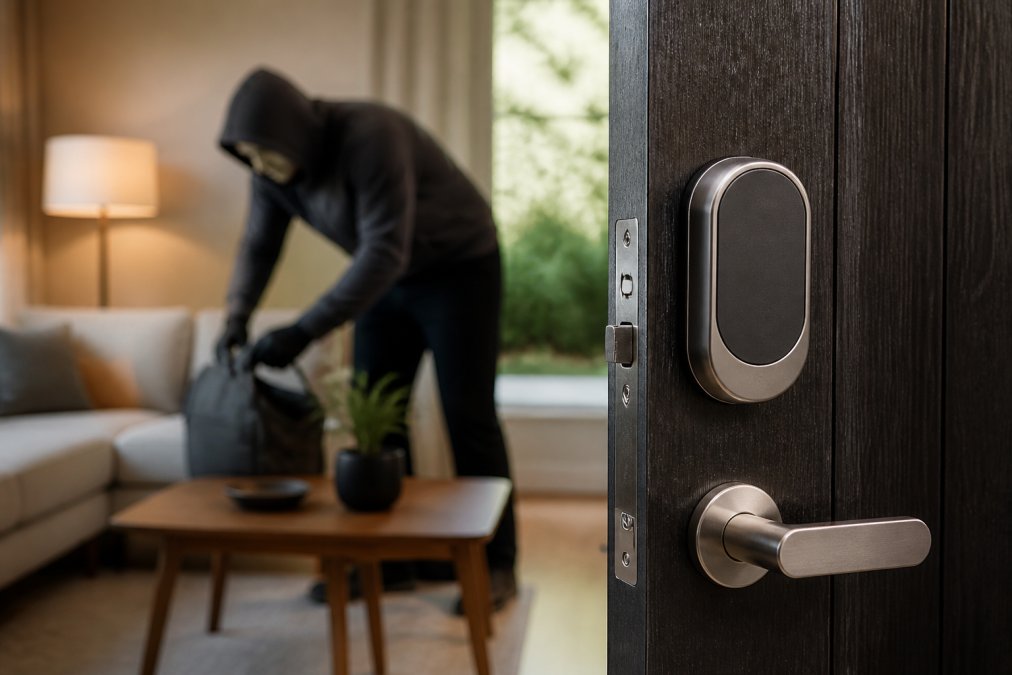
 ultimate-guide
Smart Lock Privacy Risks: What Homeowners Need to Know
Table of Contents
- Smart Lock Privacy Risks: The Data Trail You Create Daily
- How Smart Locks Get Hacked: Unauthorized Access and Physical Tampering
- Smart Lock Data Collection Policies: What Manufacturers Do With Your Information
- Cloud Storage, Remote Access, and the Risks of Convenience
- How to Secure Smart Home Devices: A Step-by-Step Guide
- Legal Implications of Smart Lock Data Sharing and Tenant Privacy
- Privacy-Focused Smart Lock Alternatives and Post-Breach Recovery
- Frequently Asked Questions
Last Updated: September 23, 2026
Smart Lock Privacy Risks: The Data Trail You Create Daily
Every time you unlock your front door with a smartphone, keypad code, or fingerprint, that action generates a record. The privacy risks of smart locks begin here: these devices are networked computers that log, store, and often transmit data about your comings and goings. This guide from Mt. Major Tech examines that data trail, who can access it, and how to control it.
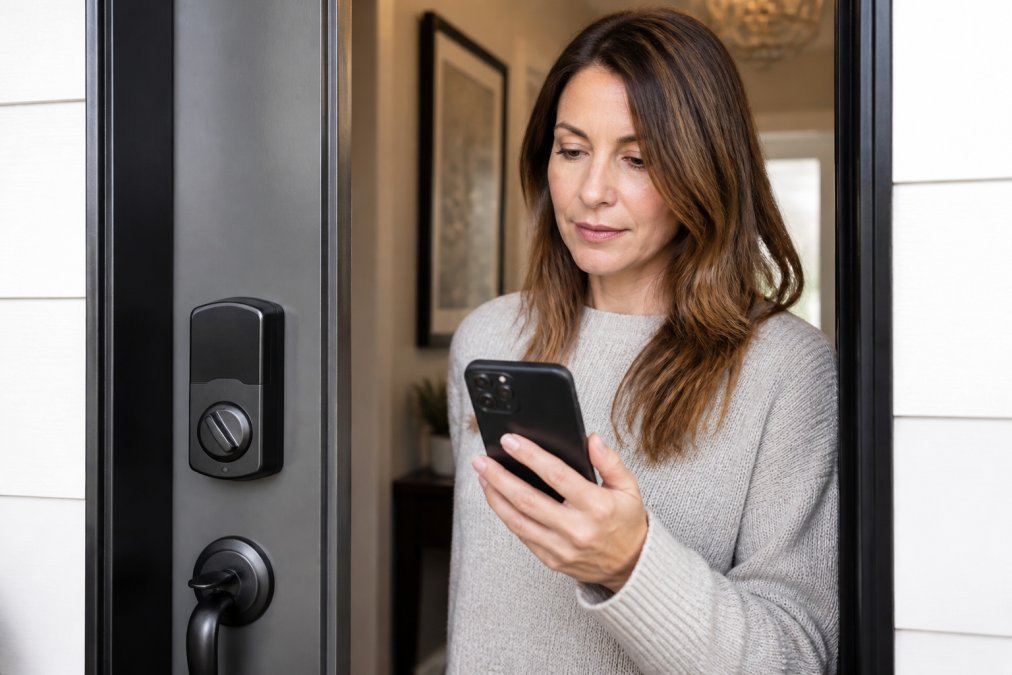
What Smart Locks Record and Store
A smart lock records the time, method, and identity tied to each entry and exit, a timestamped log of when you left for work, when your kids came home, and when the house sat empty for hours.
Many models also store:
- User names or codes linked to each entry
- Failed unlock attempts
- Battery status and connectivity events
- Device identifiers tied to each phone authorized to open the lock
Why Entry Logs and Biometric Data Are Valuable
Entry logs and biometric data are valuable because they reveal exploitable patterns: a burglar who knows your Tuesday schedule is more dangerous than one who guesses, and an advertiser who knows your daily rhythm can target you with unsettling precision. Biometric data is especially sensitive, unlike a password, you cannot change a compromised fingerprint.
How Smart Locks Get Hacked: Unauthorized Access and Physical Tampering
Unauthorized access usually happens through one of three paths: weak credentials, unpatched firmware, or physical tampering. The most common mistake is reusing a weak password across accounts, if it leaks in an unrelated breach, an attacker can try it against your lock's app. Skipping firmware updates is a close second, since patches close known authentication vulnerabilities.
Smart Lock Data Collection Policies: What Manufacturers Do With Your Information
Smart lock data collection policies vary widely, and many homeowners never read them. A typical policy may let the manufacturer collect usage data, device identifiers, and location information, and share it with third-party partners.
Reading the Privacy Policy Before You Buy
Look for these specific items before you commit to a lock:
- Whether entry logs are stored locally or in cloud-based storage
- Whether the manufacturer sells or shares data with third parties
- Whether you can delete your data on request
- Whether end-to-end encryption is used for data in transit
- How long the company retains logs after you stop using the device
Cloud Storage, Remote Access, and the Risks of Convenience
Cloud storage and remote access make smart locks more useful but widen the attack surface: every feature that lets you unlock your door from another city is one someone else might exploit.
How to Secure Smart Home Devices: A Step-by-Step Guide
Securing smart home devices comes down to three repeatable steps: audit your setup, harden your credentials, and lock down your data. Revisit them every few months.
Step 1: Audit Your Network and User Permissions
List every device on your network and every user with lock access, then remove old roommates, contractors, and anyone who no longer needs entry. Confirm your router uses WPA3 or WPA2 and that the admin password is not the default.
Step 2: Enable Two-Factor Authentication and Update Firmware
Turn on two-factor authentication wherever the app supports it. This single step blocks most credential-stuffing attacks. Then check for firmware updates monthly. Software patches close vulnerabilities that attackers actively scan for.
Step 3: Configure Privacy Settings and Entry Logs
Review the app's privacy settings and disable unneeded data sharing. Set entry logs to store locally if possible; if you must use cloud storage, choose a provider with end-to-end encryption.
| Risk | Mitigation | Effort |
|---|---|---|
| Weak credentials | Enable two-factor authentication | Low |
| Unpatched firmware | Update monthly | Low |
| Overbroad data sharing | Adjust privacy settings | Low |
| Network interception | Use a dedicated network | Medium |
| Physical tampering | Add a security audit | Medium |
Legal Implications of Smart Lock Data Sharing and Tenant Privacy
Most smart lock articles stop at "read the privacy policy," ignoring that in the United States several bodies of law already govern what a lock maker, landlord, or platform can do with your entry data, and most homeowners never invoke them.
Who Actually Owns Your Entry Log
The answer depends on who controls the admin account, not who lives behind the door. Key frameworks:
- State apartment and landlord-tenant statutes. Many states require landlords to give notice before entering a unit, and a smart lock log revealing a tenant's hourly presence can function as constructive surveillance, a landlord who monitors comings and goings through a lock app may run afoul of these statutes even without physically entering.
- State biometric privacy laws. Illinois' Biometric Information Privacy Act (BIPA) is the best-known example and has a private right of action, meaning an individual can sue directly. Texas and Washington have their own biometric statutes with different enforcement models. If a lock stores a fingerprint or facial template, the operator's obligations can be significant.
- State comprehensive privacy laws. California (CCPA/CPRA), Colorado, Connecticut, Virginia, and a growing list of other states give residents rights to know, delete, and opt out of the sale of personal information. Entry logs tied to an identified user generally qualify as personal information.
- Federal sector rules. If the lock is deployed in a regulated setting, a clinic covered by HIPAA, a financial institution under the Gramm-Leach-Bliley Act, or a facility subject to FTC Act Section 5 unfairness authority, the data-handling bar is higher than a consumer policy suggests.
What You Can Actually Demand
Under the state privacy laws above, a covered business generally must honor requests to:
- Confirm whether it holds your data and disclose the categories
- Provide a copy of the specific data tied to you
- Delete it, subject to narrow exceptions
- Opt you out of sale or sharing for targeted advertising
Landlord and Tenant: A Practical Split
A workable rule for rentals: the party who pays for and administers the lock holds the data-controller role, documented in the lease. Tenants should ask three questions before move-in:
- Who holds the admin account, and can I be removed from it without notice?
- Are entry logs shared with the landlord, a property manager, or a third-party platform?
- What is the retention period after I move out?
Law Enforcement Requests
Lock makers, like most cloud providers, receive subpoenas, court orders, and warrants for account data. A transparency report or published law-enforcement-request policy is the only reliable way to know how a vendor responds; if a manufacturer publishes neither, assume data is retained and produced when legally compelled.
State attorney general consumer privacy complaint portal
Privacy-Focused Smart Lock Alternatives and Post-Breach Recovery
If your priority is minimizing the data trail rather than maximizing features, the market has a clear hierarchy of privacy postures. Understanding the trade-offs lets you pick deliberately instead of defaulting to whatever the app store promotes.
A Privacy Hierarchy for Lock Architecture
From most private to least:
- Local-only, no cloud account. The lock stores credentials and logs on the device or a local hub, and no manufacturer account is required to unlock. The trade-off: you lose remote unlock and remote log review, and you handle your own backups.
- Local storage with optional cloud sync. Logs live on the device by default; cloud is opt-in per feature. The trade-off: the vendor still sees whatever you sync, so read the sync scope carefully.
- Bluetooth Low Energy (BLE) only. The phone talks directly to the lock over a short-range radio. No internet path means no remote attack surface, but also no remote access and no automatic firmware push, you must update manually.
- Wi-Fi or Thread with cloud backend. Full remote access, full cloud logs, largest attack surface. This is the default for most consumer locks and the category where data-sharing policies matter most.
What to Look For on the Spec Sheet
Before buying, verify these five items, if a vendor cannot answer them, treat that as a signal:
- Does the lock function without a manufacturer account?
- Are entry logs stored on-device, and can you export or delete them?
- Is there a documented data-retention period?
- Does the vendor publish a law-enforcement-request or transparency policy?
- Does the app support end-to-end encryption for any cloud-stored data?
Post-Breach Recovery: A Concrete Sequence
If you suspect your lock or its companion account has been compromised, work in this order. The first two steps stop ongoing access; the rest contain the damage.
- Cut remote access first. Disable the lock's internet connection, pull it off Wi-Fi or block it at the router, before changing anything else. An attacker with a live session can re-authenticate faster than you can reset.
- Revoke and rotate credentials. Remove every authorized user, delete every keypad code, and change the account password. If the app supports it, invalidate all active sessions.
- Reset the lock to factory settings and re-pair. This clears any tampered credential store. Re-add users one at a time so you can attribute any anomalous entry.
- Update firmware before reconnecting to the network. Apply the latest firmware over a direct BLE or local connection, then bring the lock back online.
- Review logs for the exposure window. Export the entry log and look for unlocks at times no authorized user was present, failed attempts clustered around a specific code, or admin-account changes you did not make.
- Notify affected parties. Anyone whose code, phone credential, or biometric template was on the device should be told, especially if the lock guards a shared or rental entry.
- Decide on replacement. If the compromise came through a firmware or vendor-side flaw rather than your own credentials, replacing the device is the only way to be certain the vulnerability is gone.
Choosing Between Privacy and Convenience
The honest trade-off: every remote feature you enable is a data path you trust to someone else's servers. For the smallest footprint, choose a local-only or BLE lock and accept manual updates. If you need remote access, for a rental, a caregiver, or a second home, choose a vendor that publishes retention limits and a law-enforcement-request policy, and turn off every sharing toggle you do not actively use.
Frequently Asked Questions
Can my smart lock be hacked?
Yes, smart locks can be hacked through several methods. Attackers may exploit weak authentication protocols, unpatched firmware vulnerabilities, or intercept Bluetooth Low Energy signals. Cloud-based storage adds another target. However, most successful attacks require proximity or poor security habits. Using two-factor authentication, keeping firmware updated, and enabling end-to-end encryption significantly reduce your risk. Physical tampering is also possible but less common than digital intrusion attempts.
Do smart locks track when I enter and leave my home?
Most smart locks maintain entry logs that record every lock and unlock event, including timestamps and which user code or app was used. These logs are stored either locally or in cloud-based storage. While useful for security audits and monitoring, this data creates a digital footprint of your daily routine. Check your smart lock data collection policies to understand how long logs are retained and whether they are shared with third parties.
How do manufacturers handle data collected by smart locks?
Manufacturers vary widely in their data practices. Some store entry logs and biometric data only on the device, while others transmit everything to cloud servers. Privacy policies should specify what data is collected, how long it is kept, and whether it is shared with partners or advertisers. Before purchasing, read the privacy policy carefully. If a manufacturer does not clearly explain their data handling, that is a red flag for smart lock privacy.
What are the safest smart locks for privacy?
The safest options prioritize local storage over cloud dependency, support end-to-end encryption, and offer open-source firmware for independent security audits. Look for locks that let you disable remote access when not needed and provide granular user permissions. Privacy-focused alternatives may include locks with no biometric data collection or those that store entry logs only on a local hub. Always verify that software patches are released regularly to address new vulnerabilities.
Smart lock privacy is not a problem you solve once. It is a habit you maintain as the threat landscape shifts. Mt. Major Tech can help you build a unified, privacy-conscious system with AI-enabled surveillance, smart access control, and ongoing technical support tailored to your property. Get started with Mt. Major Tech and secure your home without giving up your data.