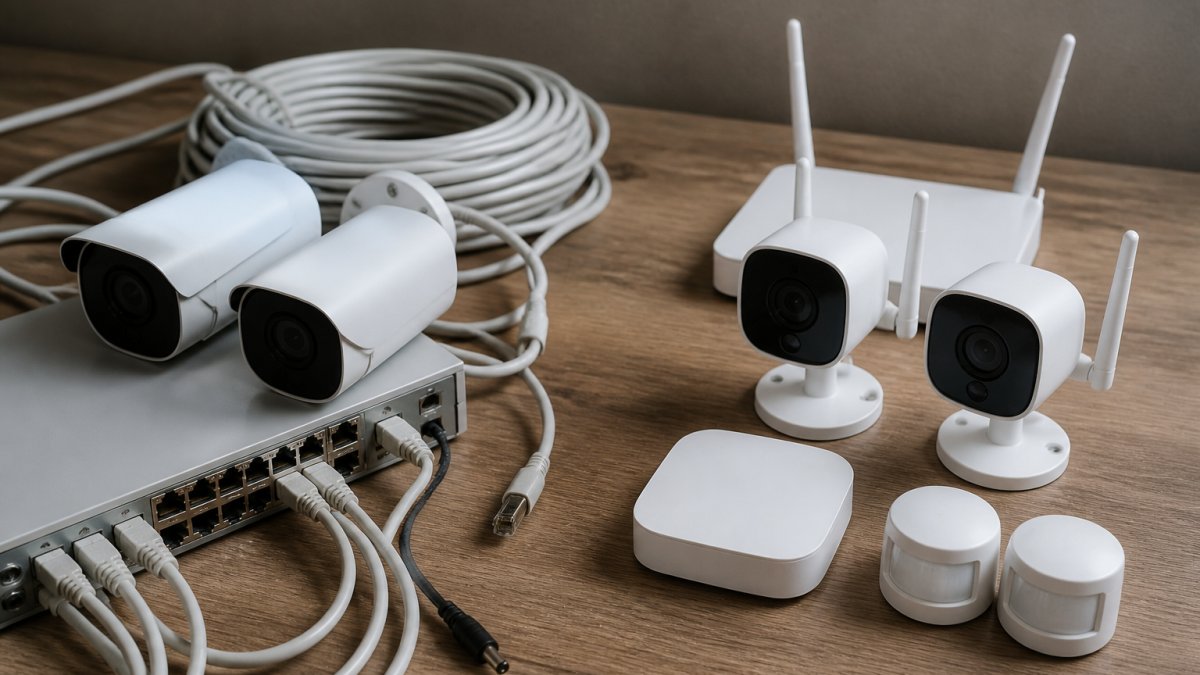
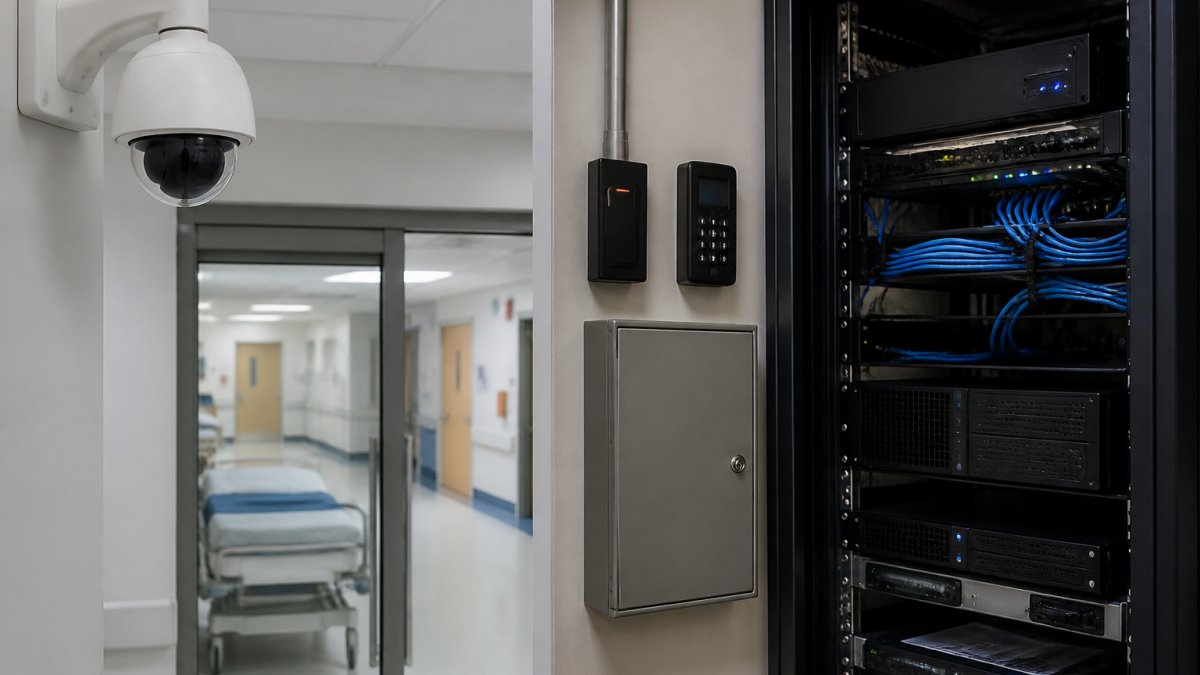
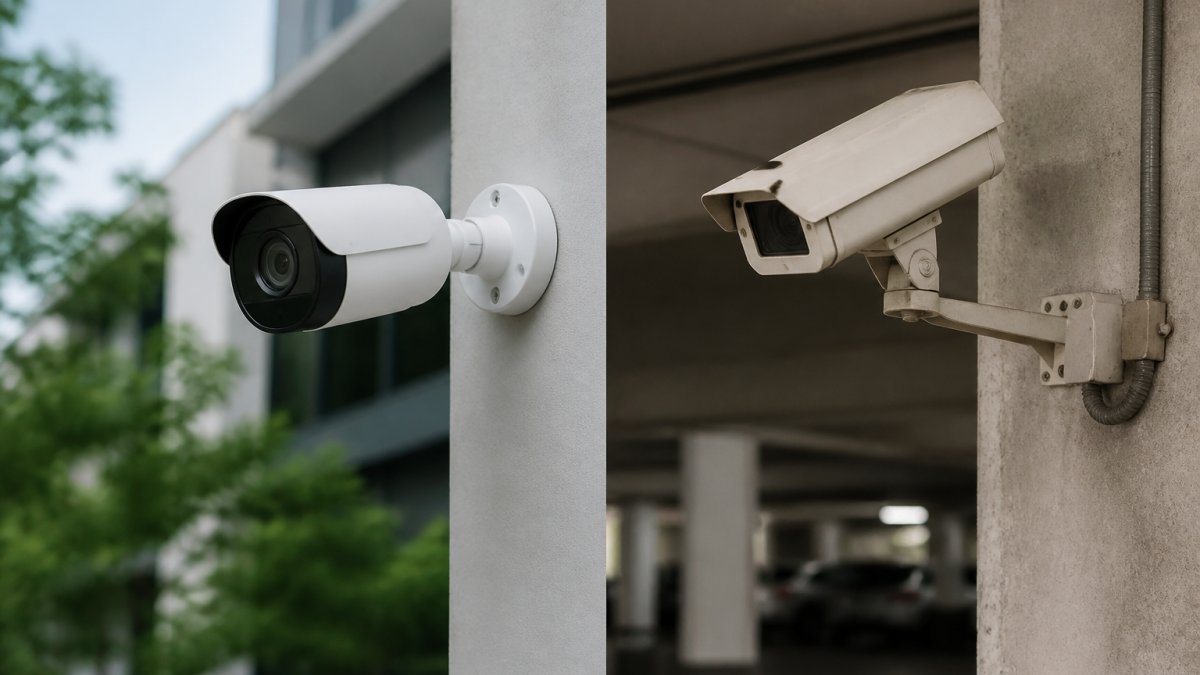
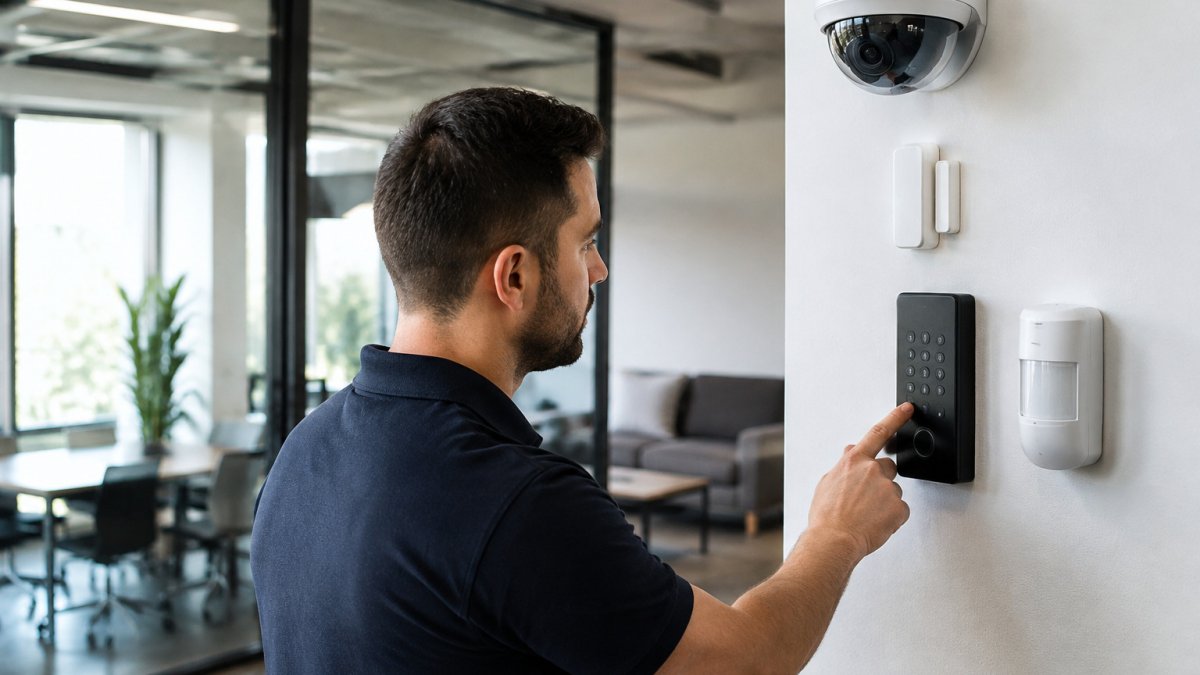
 comparison
How to Choose Integrated vs Standalone Security Systems
Quick Summary
Standalone devices run independently, while an integrated system links cameras, access control, alarms and monitoring into one platform. Security system integration suits multi-building or multi-system sites that need a single view, while standalone devices fit small sites with limited needs. The right choice depends on total cost of ownership, not just the upfront price.
- Standalone devices are fast to install but require separate apps or consoles for each device.
- Integrated platforms automate linking related events, such as matching a badge swipe to camera footage.
- Software licensing and network upgrades are recurring or hidden costs that a bottom-line comparison can miss.
- Integrated systems widen the attack surface, so segment security devices on their own network.
- A phased migration can keep compatible legacy devices and replace only those that cannot be integrated.
Table of Contents
- What Standalone and Integrated Security Systems Actually Are
- Key Differences Between Standalone Devices and Integrated Platforms
- Security System Integration Cost: Upfront Spend vs Long-Term Ownership
- Smart Access Control vs Standalone Locks: Where Each Makes Sense
- Professional Security Installation vs DIY: What Changes at Scale
- Cybersecurity, Compliance and Reporting Considerations for Integrated Systems
- Booking Your Security Assessment With Mt. Major Tech
- Frequently Asked Questions
What Standalone and Integrated Security Systems Actually Are
Last Updated: November 4, 2026
A standalone security device runs on its own. A single camera, a door sensor or a keypad lock records and alerts without talking to anything else in the building.
Security system integration is the process of linking those separate components through shared software, a common network and unified management. The distinction matters because the cost, risk and day-to-day workload of each approach are very different.
Most buildings start with standalone devices. Read how to keep an integrated security system running long term for a clear picture of ongoing upkeep.
Key Differences Between Standalone Devices and Integrated Platforms
The core difference is where the intelligence lives. Standalone devices make decisions locally and report outward, if they report at all. Integrated platforms share data between devices and make it possible to build rules that span them, such as unlocking a door only when the matching camera confirms a face and the access log shows a valid credential.
Here is how the two approaches compare on the factors that usually drive the decision:
| Factor | Standalone devices | Integrated platform |
|---|---|---|
| Initial setup | Fast, device by device | Longer design and commissioning phase |
| Management | Separate app or console per device | One dashboard for all components |
| Event correlation | Manual review across systems | Automated linking of related events |
| Scalability | Adds complexity with each device | Designed to grow across buildings |
| Vendor dependence | Often locked to each manufacturer | Depends on platform compatibility |
| Best for | Small sites with limited needs | Multi-building or multi-system facilities |
A common mistake is treating integration as a software feature you can switch on later. In practice, integration depends on network design, device compatibility and how the components authenticate with each other, so it is better to plan for it before buying the next camera.
Security System Integration Cost: Upfront Spend vs Long-Term Ownership
Cost is the first question most buyers ask, and it deserves a careful answer. Standalone devices are often attractive for a single problem because each component is simple to acquire. Integrated systems require more design and installation effort, but they can reduce the labor of running several disconnected systems over time.
We do not publish specific prices for our services or equipment here. Pricing depends on the number of entry points, camera coverage, network requirements and how many existing systems must be brought together. Installation costs are further influenced by the infrastructure requirements of wired vs wireless systems, which dictate the complexity of the labor involved.
The Cost Drivers That Actually Move the Number
Several variables move the total far more than the sticker price of any single device:
- Existing equipment: Reusing compatible cameras or panels lowers the cost of integration. Replacing everything raises it. A site survey that inventories make, model and firmware before quoting is what separates a real estimate from a guess.
- Network infrastructure: Video and access traffic needs adequate bandwidth and reliable switching. Power over Ethernet (PoE) budgets, switch port counts and uplink capacity often need upgrades that standalone devices never required.
- Number of sites: Each additional building adds commissioning time, even when the platform is shared. Travel, cutover windows and testing repeat per site.
- Software licensing: Integrated platforms commonly charge per device, per door or per camera, sometimes annually. That recurring line item has no direct standalone equivalent and is easy to miss in a first-year comparison.
- Ongoing support: Firmware updates, monitoring, maintenance and warranty renewals are recurring costs that belong in any long-term comparison.
- Staff time: The hidden cost of standalone devices is the labor to check multiple apps, reconcile logs by hand and visit each lock to change access. That time is real even when it never appears on an invoice.
How to Compare a Standalone Quote Against an Integrated One
Ask any provider to break the proposal into hardware, installation, software licensing and annual support. A quote that bundles everything into one number makes it hard to see where the long-term cost sits. Then build a simple five-year view: first-year capital plus recurring annual costs for each option, including an estimate of staff hours per week spent on management.
Watch out: a low bid that omits software licensing, network upgrades or commissioning can look cheaper than an integrated proposal while costing more once those items are added back. Compare line by line, not bottom line to bottom line.
Migration Cost: The Middle Path Competitors Skip
The comparison is often framed as standalone versus integrated, but many buildings are a mix of legacy standalone devices and newer networked components. A phased migration can keep compatible standalone devices, add a platform that can ingest them, and replace only the components that cannot be brought in. That avoids a full rip-and-replace while still moving toward a single view. Budget for the integration gateway or middleware that bridges older protocols, because that bridge is what lets existing hardware earn its keep instead of being scrapped.
Smart Access Control vs Standalone Locks: Where Each Makes Sense
Standalone locks are the right choice for a single door that rarely changes hands, such as a storage room or a secondary entrance.
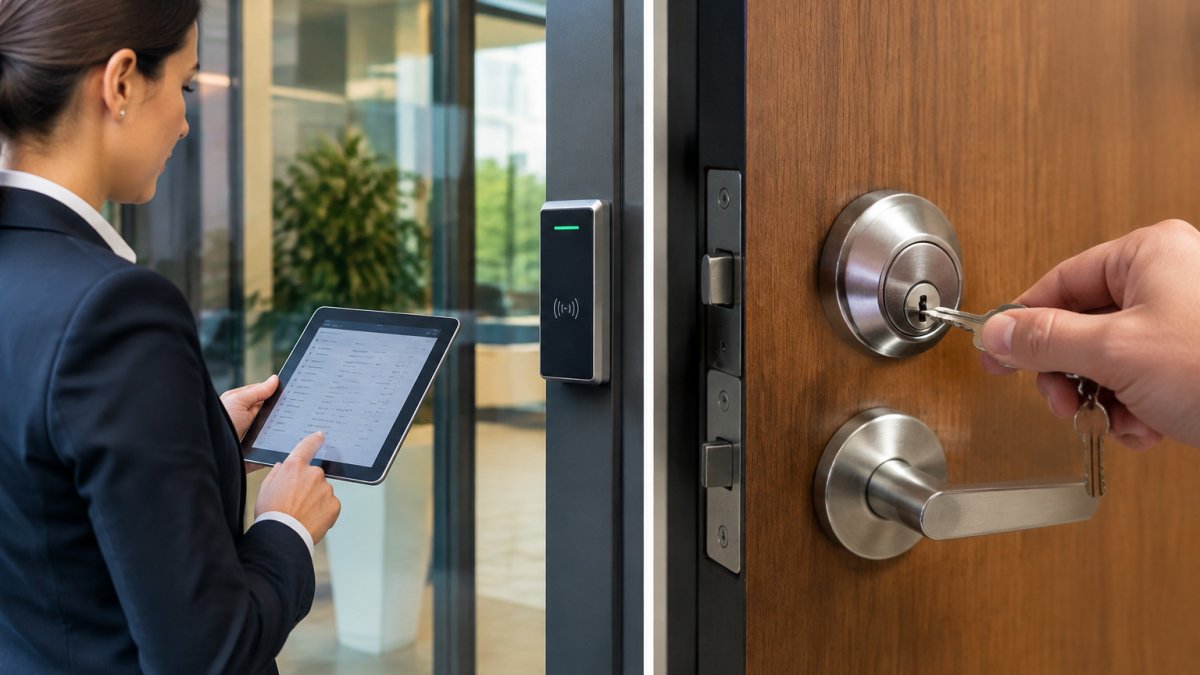
Smart access control becomes worth the investment once credentials need to be managed centrally. Employees join and leave, contractors need temporary access, and facility managers want to review who entered which area and when.
A practical rule: if you would need to physically change a lock or hand out keys to restore security after someone leaves, the door belongs on a managed system.
Smart access control also works best when it is linked to video.
Professional Security Installation vs DIY: What Changes at Scale
Many small sites can install a basic camera or door sensor themselves, and a single consumer device with a phone app is a reasonable project for a home or a small shop. The calculation changes as the system grows.
Professional installation matters most in three situations: multi-building campuses, systems that must integrate with existing equipment, and sites with compliance obligations. Each adds configuration work that is difficult to test without experience. A DIY install may work on day one and still leave gaps, such as cameras that drop offline during a power outage or access credentials that never get revoked.
Watch out: a system that appears to work during a walkthrough can still fail during an incident. Test alarms, recordings and access revocation under real conditions before you rely on them.
Cybersecurity, Compliance and Reporting Considerations for Integrated Systems
Integration brings a risk that standalone devices largely avoid. When cameras, access controllers and alarm panels share a network, a weakness in one device can expose the others. Default passwords, unpatched firmware and flat network designs are the most common entry points we see, and they are preventable with deliberate configuration. The cybersecurity question is not whether to integrate but how to integrate without widening the attack surface. Compare your options in cloud vs on-premise security before deciding where your platform should live.
Several practices reduce that exposure:
- Place security devices on a segmented network, separate from guest and business traffic, with access rules that limit what each device can reach.
- Change default credentials and enforce strong, unique passwords for every administrator account.
- Apply firmware updates on a fixed schedule and track which versions each device runs.
- Enable audit logs and review who accessed the platform and what they changed.
- Limit remote access and require multi-factor authentication for any administrative login.
- Encrypt traffic between devices and the platform where the hardware supports it, and inventory devices that do not.
Compliance and Reporting: Where Integration Earns Its Keep
Compliance requirements add another layer, and this is where integrated platforms separate from standalone devices. Healthcare providers, law firms and organizations handling regulated data often need documented access records, retention rules and proof that footage is protected.
A practical pattern is to define retention and access rules once in the platform and let them apply across every connected device, rather than configuring each standalone unit separately. That consistency is what auditors look for. The requirements themselves vary by industry and state, so confirm your obligations with your compliance advisor before finalizing the design.
Securing the Migration Path
Most organizations do not move from standalone to integrated in one step, and the migration itself is a security event that deserves planning. A phased approach keeps compatible legacy devices in service while a platform ingests them, replacing only what cannot be brought in. During that transition, expect a period when old and new devices coexist, and treat it as a risk window: document which devices are on which network segment, confirm that legacy firmware is still supported by the manufacturer, and avoid leaving a bridge or gateway on default settings.
Booking Your Security Assessment With Mt. Major Tech
Choosing between integrated and standalone security comes down to how many systems you run, how many buildings you protect and how much your team can absorb in manual monitoring.
Our team at Mt. Before you book, you may want to read how to vet security system vendors so you know what to ask any provider, including us.
To see the full range of work we handle, review our integrated security services. When you are ready to talk through your property, book your security assessment online and we will map your current systems and recommend a practical path forward.
Frequently Asked Questions
What is the primary difference between integrated security and standalone devices?
Standalone devices such as individual cameras, door locks or alarm sensors operate on their own, each with a separate app, login and alert path. An integrated system connects those devices through one platform so that events from one component can trigger actions in another, such as a door alarm prompting camera recording and a notification to security staff. Integration centralizes monitoring and audit logs, which simplifies investigations and reduces the time staff spend switching between systems. The tradeoff is that integration requires more planning up front, including network design and compatibility checks between hardware from different vendors before any equipment is installed.
Can standalone security devices be upgraded to an integrated system later?
In many cases, yes. Existing cameras, readers and sensors can often be brought into a unified platform if they support common open standards or have compatible integration interfaces. Existing equipment can often be reviewed during a site assessment to determine what can be retained and what may need replacement. Older hardware that lacks network connectivity or firmware updates may need replacing, and the network infrastructure may need upgrades to handle the added bandwidth. A phased migration typically lets facilities keep operating while integration is completed one zone or building at a time.
Does a unified security system provide better protection than individual smart devices?
A unified system generally improves protection because it correlates data across sensors, cameras and access control rather than treating each device as an isolated alert source. Correlation can reduce false alarms, since a motion alert paired with a door event and video verification is more likely to represent a real incident. Centralized management also means policies, user permissions and firmware updates are applied consistently. Protection still depends on proper design, placement and maintenance, so an integrated system installed poorly can perform worse than well-configured standalone devices. Mt. Major Tech recommends a site assessment before choosing either approach.
How does professional installation compare with a DIY security setup for a commercial facility?
DIY setups can work for a small residence with a few cameras and sensors, but commercial facilities usually involve multiple buildings, network segmentation, access control hardware, and compliance requirements that benefit from professional design. A professional installer addresses wiring, power, camera coverage angles, network bandwidth and cybersecurity hardening, and provides documentation and audit trails that support internal reviews. Ongoing firmware updates, system testing and technical support are also easier to manage through a provider than through an in-house team without security integration experience. Facilities should request a written scope and maintenance terms before comparing quotes.