 comparison
Cloud vs On-Premise Hospital Security: Cost Analysis
Table of Contents
- Cloud and On-Premise Hospital Security: Core Differences
- Hospital Security System Cost: Capital Expenditure Breakdown
- Security System Total Cost of Ownership Over Five Years
- Cloud Video Surveillance Cost: Operational Expenses and Scalability
- Hospital Security Technology ROI: Measuring Real Returns
- Compliance, Data Control, and Security Risks in Each Model
- Making the Right Choice: Hybrid Deployment and Decision Framework
- Frequently Asked Questions
Last Updated: October 15, 2026
Cloud and On-Premise Hospital Security: Core Differences
Hospital security leaders face a fundamental choice when evaluating cloud vs on-premise hospital security: cloud-based systems or on-premise deployments.
On-premise hospital security means your facility owns and operates all hardware, software, and infrastructure directly.
Cloud-based hospital security means a third-party provider hosts your systems, manages infrastructure, and handles maintenance.
The choice affects upfront costs, staffing, scalability, compliance burden, and data control, cloud lowers upfront capital expenditure, while on-premise offers greater control and predictable long-term costs.
We help healthcare organizations evaluate both approaches based on operational needs, facility size, and compliance requirements.
Hospital Security System Cost: Capital Expenditure Breakdown
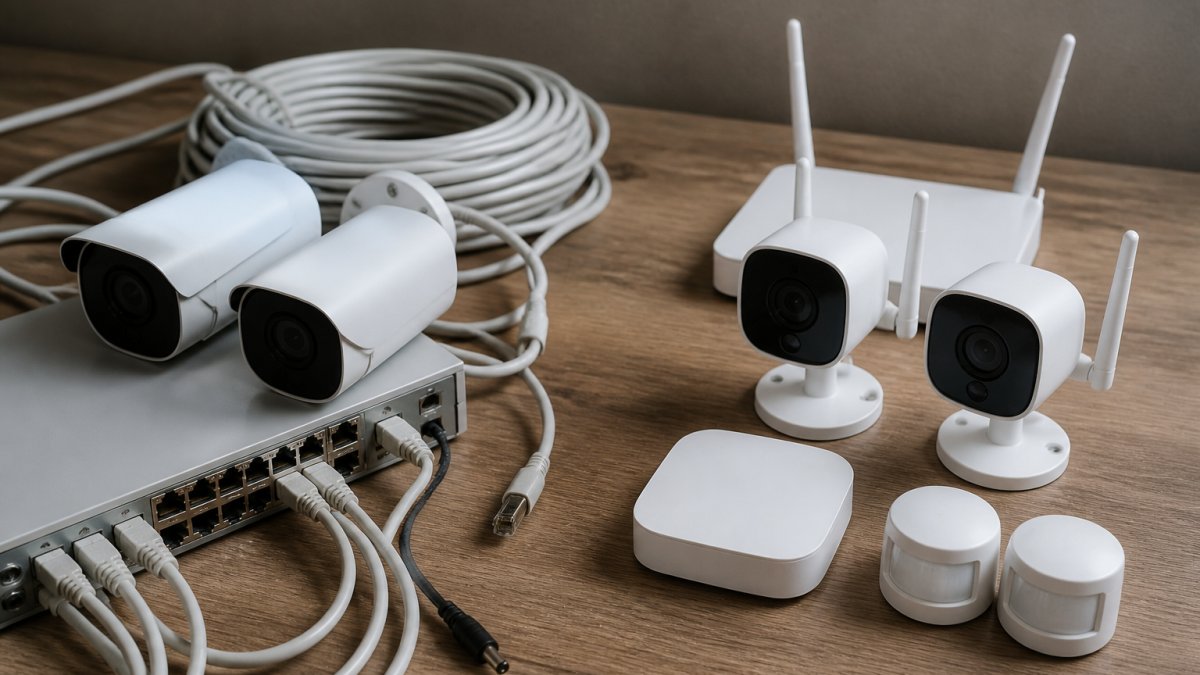
On-premise hospital security requires substantial upfront capital expenditure: servers, switches, cameras, access control hardware, integration equipment, and installation labor.
A typical mid-size hospital facility might invest in:
- Video surveillance cameras: Professional-grade IP cameras for patient care areas, emergency departments, and perimeter monitoring
- Access control hardware: Card readers, electronic locks, biometric systems, and door controllers
- Server infrastructure: Redundant servers for reliability and disaster recovery
- Network equipment: Switches, cabling, and backup power systems
- Integration and installation: Professional labor to deploy and configure everything
Hardware alone represents 40-60% of on-premise capital expenditure, with installation and integration adding 20-30%. You're also purchasing redundancy, backup servers, and failover systems so security infrastructure doesn't fail during a critical incident.
Cloud deployments eliminate most capital expenditure. You purchase cameras and access control endpoints, but the backend infrastructure lives with the provider, shifting costs from capital to operational expenses.
Security System Total Cost of Ownership Over Five Years
Five-year total cost of ownership reveals the true financial picture. For hospital security workloads, the cost drivers are video retention, storage growth, bandwidth, hardware refresh cycles, licensing, and labor.
A useful TCO model breaks costs into six buckets:
- Endpoints and edge hardware, cameras, readers, controllers, locks, intercoms, alarm panels. Largely model-independent.
- Backend infrastructure, servers, storage arrays, network switches, UPS and generator-backed power, rack space, cooling. On-premise only.
- Storage and retention, the largest differentiator. Hospital security video is retained for weeks to years depending on state law, accreditation, and legal holds.
- Bandwidth and network transport, cloud-heavy architectures push video and access-control telemetry off-site; on-premise keeps it local but still needs inter-building and inter-campus links.
- Licensing and subscription, per-camera, per-door, per-user, or per-site fees, plus analytics modules and integration connectors.
- Labor, internal IT and security staff time, plus vendor support contracts and professional services.
A common pattern in five-year models:
- Year 1 carries the heaviest capital load for on-premise: servers, storage, network, and installation. Cloud shifts most of this to a subscription starting the first month.
- Years 2-3 favor on-premise on paper, hardware is under warranty and only storage and staff time grow, while cloud bills climb with camera count and retention.
- Year 4 is the crossover zone: on-premise storage arrays and servers approach end-of-warranty, and cloud subscriptions have compounded with every added camera.
- Year 5 often flips the comparison. On-premise faces a refresh cycle approaching the original capital outlay; cloud faces another year of subscription.
The crossover point is driven by three variables:
- Retention length. A 30-day and a 365-day policy produce very different five-year curves. Long retention favors on-premise; short retention narrows the gap.
- Camera count growth. A stable 40-camera system and one growing from 40 to 120 behave differently. Growth favors cloud's pay-as-you-go model; stability favors on-premise.
- Existing data center capacity. A hospital already running a resilient data center with spare rack space and cooling absorbs on-premise security infrastructure at marginal cost. Leasing colocation space means paying for every rack unit.
| Deployment Model | Year 1 Cost Profile | Years 2-3 Pattern | Year 4-5 Pattern | Five-Year Shape |
|---|---|---|---|---|
| On-Premise | High capital: servers, storage, network, install | Low marginal cost; storage and staff grow slowly | Refresh cycle approaches; warranty and support renewals rise | Front-loaded, then a second capital spike near Year 5 |
| Cloud | Low upfront; subscription starts immediately | Subscription grows with cameras and retention | Subscription continues; no refresh event | Smooth, compounding, no capital spike |
| Hybrid | Moderate capital for critical systems | Mixed: on-premise stable, cloud growing | Refresh only on the on-premise tier | Balanced, with refresh concentrated on critical systems |
Many healthcare organizations find hybrid deployments minimize total cost of ownership. Critical systems run on-premise for control and reliability; video archives and analytics run in the cloud for scalability. Hybrid also concentrates the Year 5 refresh on the smaller on-premise tier, softening the capital spike.
Cloud Video Surveillance Cost: Operational Expenses and Scalability
Cloud video surveillance operates on a different cost model: instead of purchasing servers, you pay for storage, bandwidth, and platform access.
Scalability becomes straightforward.
Cloud surveillance introduces bandwidth considerations often overlooked.
Data retention economics differ. On-premise systems store footage locally, so you control retention based on available storage.
Cloud's operational expense advantage appears most clearly with unpredictable growth. If your hospital might add facilities or expand coverage, cloud scalability avoids overprovisioning infrastructure.
Hospital Security Technology ROI: Measuring Real Returns
Evaluating ROI requires measuring what your security system actually delivers, beyond cost comparison.
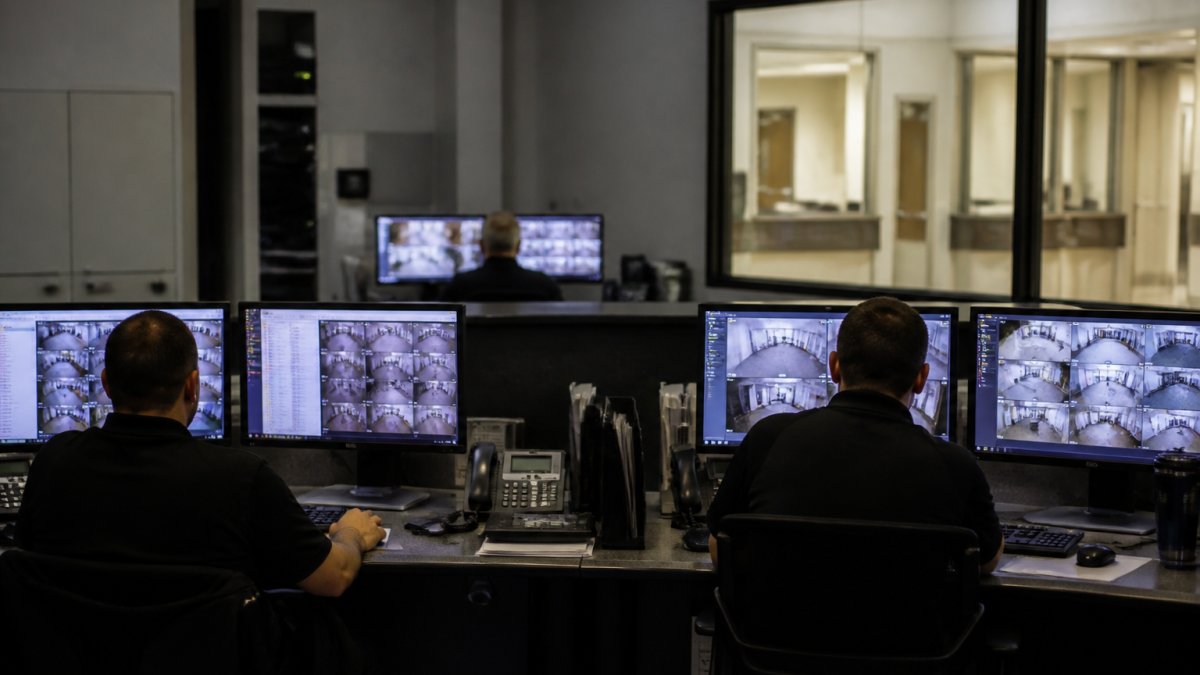
Security systems reduce incident response time.
Access control systems prevent unauthorized entry.
Video documentation protects against liability claims. When patients or staff claim injuries or misconduct, video evidence resolves disputes quickly, reducing legal costs.
False alarm reduction improves morale and efficiency. AI-enabled analytics cut false alarms significantly versus basic motion detection, so staff spend less time on phantom alerts.
Most hospitals find security system ROI emerges over 18-36 months through reduced incidents, faster response, and avoided losses.
Compliance, Data Control, and Security Risks in Each Model
The mechanisms that drive the decision:
- Business Associate Agreements (BAAs). Any cloud provider that creates, receives, maintains, or transmits PHI on your behalf must sign a BAA under HIPAA. If a vendor won't sign one, that workload cannot carry PHI, eliminating many consumer-grade cloud video platforms from hospital use.
- Breach notification timelines. Under the HIPAA Breach Notification Rule, covered entities generally must notify affected individuals within 60 days of discovering a breach, and notify HHS. A cloud provider's incident response speed and notification obligation become part of your own clock; on-premise keeps that clock in your hands.
- Audit logging and access controls. HIPAA's Security Rule expects audit controls that record activity in systems containing ePHI, logging who viewed which camera, exported which clip, and changed which permissions. Both models can do this, but cloud platforms often ship it built-in while on-premise requires configuration and maintenance.
- Retention and legal hold. State laws, accreditation surveys, and litigation holds influence how long security video must be kept. On-premise gives direct control over retention windows and the ability to freeze footage indefinitely. Cloud retention is usually a contract term, extending it means paying for it.
- Data residency and state requirements. Some states impose specific requirements on where healthcare data is stored or require providers to meet defined security standards. Verify your state's rules before committing to a cloud region.
- Right of access and amendment. Patients have rights to access their records under HIPAA. If security video is part of the designated record set, you need a process to locate, review, and redact footage. On-premise makes redaction straightforward; cloud requires the provider's tooling.
Data control and ownership. On-premise deployments give direct control over data.
Cloud deployments require trusting a third party with sensitive facility data.
However, cloud providers often implement security measures individual hospitals cannot afford independently: dedicated security teams, redundant backups across multiple locations, and encryption at scale.
Data ownership questions to settle in the contract. If you terminate your cloud contract, can you retrieve all historical data?
Cybersecurity risks differ between models. On-premise systems face internal threats, compromised credentials, and physical breaches.
Making the Right Choice: Hybrid Deployment and Decision Framework
Most hospital security leaders find a pure cloud or pure on-premise approach creates trade-offs they'd rather avoid. Hybrid deployments balance both.
Consider this framework:
Deploy on-premise:
- Critical systems requiring immediate local response (access control for operating rooms, emergency departments)
- Systems handling the most sensitive patient data
- Infrastructure your facility already operates successfully
- Systems where downtime creates clinical safety risks
Deploy in cloud:
- Video archival and long-term storage
- Analytics and reporting systems
- Non-critical monitoring for lower-risk areas
- Systems requiring scalability across multiple buildings
Evaluate these factors:
- Facility size: Larger hospitals benefit from on-premise investment; smaller facilities favor cloud's lower upfront costs.
- IT staffing: Skilled staff make on-premise deployments use existing expertise; limited IT resources favor cloud's reduced staffing burden.
- Growth plans: Facilities planning expansion favor cloud's scalability. Stable facilities may prefer on-premise's cost predictability.
- Compliance requirements: Verify your state's requirements for data location and provider certification.
- Budget constraints: Cloud requires lower capital expenditure; on-premise may cost less over five years if you already operate data centers.
- Clinical priorities: Systems directly supporting patient care and safety often justify on-premise deployment for reliability.
We design deployments matching your operational requirements, compliance obligations, and financial constraints. Whether cloud, on-premise, or hybrid, the decision should reflect your clinical priorities and long-term strategy.
The most effective hospital security systems combine reliable infrastructure, responsive support, and integration with existing operations. Whatever model you choose, ensure your provider offers the expertise and ongoing support to maintain security effectiveness.
Evaluating cloud vs on-premise hospital security requires balancing upfront costs against long-term operational expenses, compliance requirements, and operational control. We combine hardware expertise with ongoing technical support to ensure your security systems remain effective and reliable. Book Online to discuss your facility's security requirements with our team.
Frequently Asked Questions
Is cloud-based security cheaper than on-premise security for hospitals?
Cost depends on your facility's size, retention requirements, and workload. Cloud shifts capital expenditure to predictable subscription fees, eliminating upfront hardware investment. On-premise systems require significant initial investment but may offer lower long-term costs for stable, mature deployments. Most hospitals find cloud more cost-effective for distributed campuses or facilities with variable capacity needs. Compare your specific total cost of ownership over five years to determine which model delivers better value for your operation.
What should a hospital include in a security system cost-benefit analysis?
Include all capital costs (cameras, servers, access control hardware), installation and integration labor, ongoing subscription or licensing fees, maintenance and support, staffing for monitoring and administration, energy consumption, data storage and bandwidth, compliance audit costs, and disaster recovery infrastructure. Factor in intangible benefits: reduced false alarms, faster incident response, improved staff morale, and clinical safety improvements from better access control. Calculate your total cost of ownership over at least five years to account for hardware replacement cycles and technology evolution.
What happens to hospital security footage if a cloud service goes down?
Reputable cloud providers maintain redundancy and disaster recovery capabilities with 99.9% or higher availability. However, network outages on your facility's side will interrupt live monitoring and new uploads. Many hospitals address this by deploying local edge storage or hybrid architectures that cache footage locally before uploading to the cloud. This ensures continuous recording and access during connectivity loss. Verify your provider's backup and recovery terms before signing, ask about local retention periods, failover procedures, and recovery time objectives for your specific compliance requirements.
How does cloud video surveillance cost compare with on-premise systems?
Cloud video surveillance eliminates hardware capital costs and shifts expenses to monthly or annual subscription fees based on storage, bandwidth, and analytics features. On-premise systems require upfront investment in servers, storage arrays, and networking infrastructure, plus ongoing energy and maintenance. Cloud typically costs less for facilities with distributed locations, high video retention needs, or unpredictable workloads. On-premise may be cheaper long-term for large, stable deployments with predictable storage requirements. Calculate your specific bandwidth, storage, and retention needs to compare actual cloud video surveillance cost against on-premise alternatives.