 how-to
How Do You Keep an Integrated Security System Running Long Term?
Last Updated: October 27, 2026
Quick Summary
Keep an integrated security system running long term by maintaining a written asset inventory, a checklist with a named owner for every task, and a preventive maintenance schedule matched to each device's criticality. Update software in stages after testing, and run functional and security tests on integration points on a recurring basis. Review the system periodically to decide when an upgrade is due.
- Record every device's serial number, location, firmware version, and responsible vendor in an asset inventory.
- Assign a named person, not a department, to every maintenance checklist item.
- Test software updates on one device or in a lab before rolling them out across the network.
- Log every maintenance visit with the findings, the fixes, and the technician's name.
- Treat the checklist as a living document and update it within the same week as any device change.
Table of Contents
- Why Integrated Security Systems Need Long-Term Care
- Building an Integrated Security System Maintenance Checklist
- Setting a Security System Preventive Maintenance Schedule
- Managing Security System Software Updates Without Downtime
- Testing Device Communication and Integration Health
- Recognizing When an Integrated Security System Upgrade Is Due
- Scheduling Your Next Security System Review With Mt. Major Tech
- Frequently Asked Questions
Why Integrated Security Systems Need Long-Term Care
An integrated security system is a single network that ties together cameras, access control, alarms, and sensors. When every part talks to every other part, you get faster response times and better visibility. But that connection also means one weak link can affect the whole setup.
Long-term care matters because security hardware does not stay still. Firmware ages, cameras drift out of focus, and access credentials pile up. Left alone, a system that worked well on installation day can slowly lose accuracy and reliability.
Building an Integrated Security System Maintenance Checklist
A maintenance checklist is the foundation of any long-term plan. It turns vague intentions into specific tasks that someone is responsible for completing. For an integrated security system, consider mapping every task to a specific device, a specific owner, and a specific record.
Start with an asset inventory, not a task list. Walk the site and record every camera, reader, controller panel, intrusion sensor, intercom, network switch, and server. For each device capture:
- Asset tag or serial number
- Physical location (building, floor, room, mount height)
- IP address and network segment
- Firmware version and last update date
- Install date and warranty expiration
- The vendor or integrator responsible for service
- The internal owner accountable for that device class
You cannot maintain what you have not written down, and you cannot prove maintenance happened without a record. A spreadsheet or a computerized maintenance management system (CMMS) can be used to track assets.
Next, group tasks by frequency and by device class. A practical checklist for an integrated system usually includes:
- Daily: Review alarm and event logs; confirm every camera is recording and storing; check for offline devices in the VMS health dashboard
- Weekly: Verify storage capacity and retention against policy; test a rotating sample of door readers and request-to-exit sensors; confirm time synchronization across controllers
- Monthly: Clean camera domes and lenses; review user and credential lists against the active employee roster; check UPS load and battery health indicators
- Quarterly: Test backup power under load; verify failover between primary and backup recording; review vendor support contracts and firmware advisories; test a sample of intrusion sensors and panic buttons
- Annually: Full system audit against the current risk profile; penetration test or configuration review; credential and badge revalidation for all users; review of integration points between access control, video, and alarm platforms
Assign a named owner to every line item, not a department, a person. A checklist with no owner gets skipped. Record completion with a date, the technician's name, and any findings. Store the records where they can be retrieved for at least the retention period your insurer, auditor, or legal counsel requires.
Finally, treat the checklist as a living document. When you add a device, onboard a new vendor, or change a network segment, update the inventory and the checklist in the same week. A stale checklist is worse than none because it creates false confidence.
Setting a Security System Preventive Maintenance Schedule
Preventive maintenance means fixing problems before they cause failures. The right schedule depends on how critical the site is and how often the system is used.
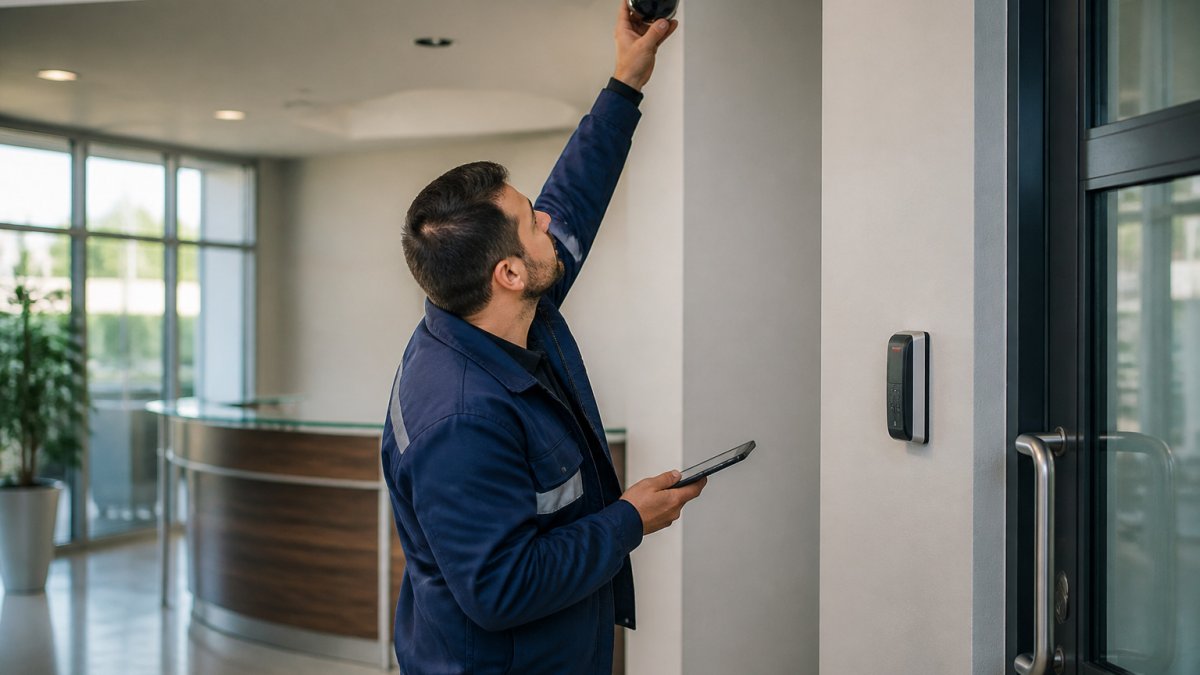
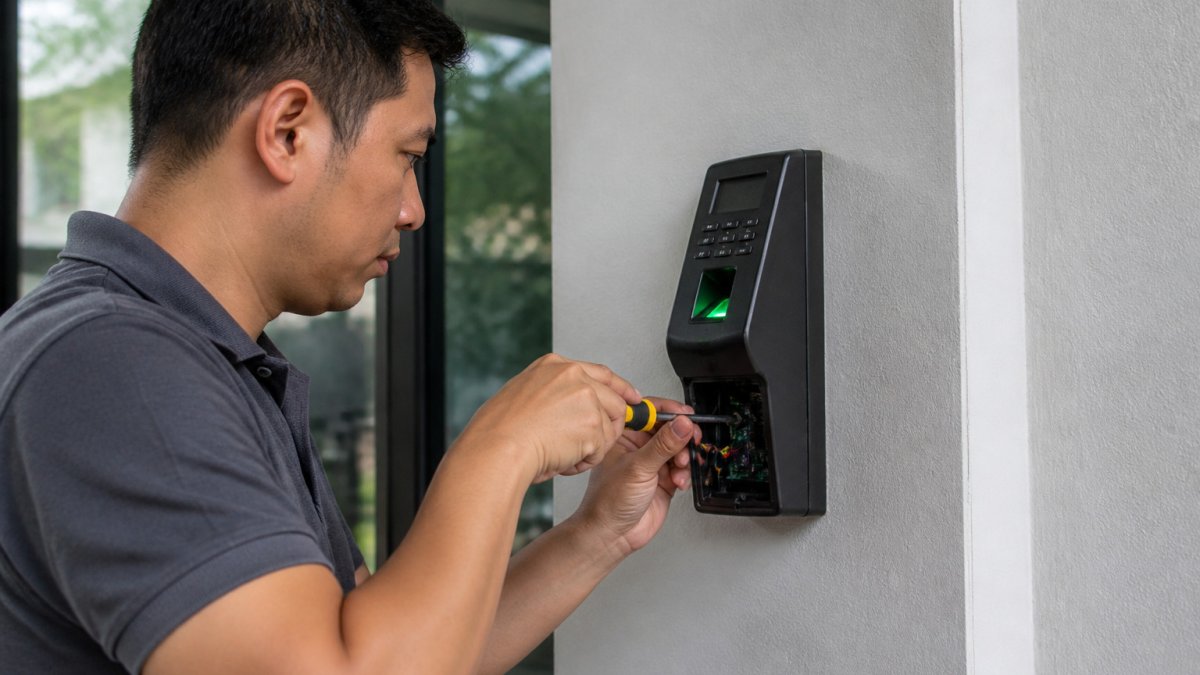
A technician in a work jacket inspecting a ceiling-mounted security camera and wall-mounted access control reader in a clean commercial lobby.
Build the schedule around these steps:
- Pull the device list from your maintenance checklist.
- Assign each device a service interval based on its criticality.
- Book inspections in advance so they do not slip.
- Record every visit, including what was found and what was fixed.
Records can help track maintenance activity.
The right schedule depends on how critical the site is and how often the system is used, and the article outlines the core steps for building it.
| Step | What to do | Time or frequency |
|---|---|---|
| Pull the device list | Take the device list from your maintenance checklist | Before scheduling |
| Assign service intervals | Set each device's interval by its criticality | Based on criticality |
| Book inspections | Schedule visits in advance so they do not slip | In advance |
| Record each visit | Log what was found and what was fixed | Every visit |
Managing Security System Software Updates Without Downtime
Software updates patch security holes, but they can also take systems offline if handled poorly. The goal is to update safely without leaving the building unprotected.
Follow this process:
- Read the release notes. Confirm the update fixes real issues and does not break integrations you rely on.
- Test in a lab or on one device first. Never push an untested update across the whole network. For a deeper walkthrough, see securing the integrated network step by step.
- Schedule the rollout during low-traffic hours, with a rollback plan ready.
- Update in stages. Move one zone or building at a time so the rest of the system stays protected.
- Verify after each stage. Confirm cameras record, readers respond, and alarms trigger correctly.
Testing Device Communication and Integration Health
Run these checks on a recurring schedule and log every result:
Functional integration tests
- Trigger an alarm and confirm the correct camera feed pulls up automatically in the VMS and on the monitoring operator's screen
- Badge in and out at every access point and confirm the event appears in the access control log and the video timeline with matching timestamps
- Present a credential at a door during an alarm condition and confirm the system applies the correct lockdown or override rule
- Disconnect one device on purpose and confirm the system raises a health alert within your expected window
Network and segmentation validation
- Confirm security devices sit on a dedicated VLAN or network segment, separate from general business traffic and guest Wi-Fi
- Verify that cameras and controllers cannot reach the public internet except through approved paths, and that inbound connections are blocked at the firewall
- Check latency and packet loss between edge devices and the central server or recorder; a slow decline often shows up here long before a full failure
- Confirm that inter-controller communication for access decisions uses encrypted channels and that failover between controllers works when the network link drops
Encryption, credentials, and remote access
- Inventory every default or shared password and confirm it has been replaced; many camera and NVR compromises trace back to unchanged defaults
- Verify that remote vendor access goes through a documented path, VPN, jump host, or a remote monitoring platform, with multi-factor authentication and session logging
- Review service accounts and API keys used for integration between platforms; rotate them on a schedule and remove any that are no longer needed
- Confirm firmware on cameras, controllers, and recorders is on a supported version and that you have a documented patch cadence
Logging and evidence integrity
- Confirm that access, alarm, and video events are logged to a central location and that logs are retained for the period your policy or legal counsel requires
- Verify that recorded video timestamps stay synchronized across devices; drift breaks evidentiary value
- Test that you can export a clip or event log with a hash or audit trail if law enforcement or counsel requests it
Incident response obligations
Recognizing When an Integrated Security System Upgrade Is Due
Look for these signs:
- Frequent false alarms that maintenance cannot fix
- Vendors who no longer support your hardware or firmware
- Cameras that cannot meet your current resolution or analytics needs
- Growing facilities that the old system cannot cover
- Compliance requirements that your current setup no longer meets
Scheduling Your Next Security System Review With Mt. Major Tech
Mt. Major Tech provides integration, AI-enabled surveillance, smart access control, and ongoing technical support for residential and commercial clients across Northern New England.
Frequently Asked Questions
How often should an integrated security system be inspected?
Inspection schedules can be set according to the system and site.
What maintenance does a commercial security system need?
Maintenance needs depend on the system and site.
How do you keep security cameras and access control systems up to date?
Update practices depend on the system and its configuration.
What should a security system maintenance checklist include?
Checklist contents depend on the system and site.