 listicle
Benefits of AI-Enabled Surveillance for Homes
Table of Contents
- How AI-Enabled Surveillance Is Changing Home Security
- AI Home Security Camera Features That Matter Most
- AI Camera Person Detection: Fewer False Alarms, Faster Response
- How AI Reduces Security Camera False Alerts
- Home Surveillance Privacy: What Every Homeowner Should Know
- What AI Surveillance Costs and How to Plan Your Setup
- Conclusion: Why AI-Enabled Surveillance Is Worth the Investment
- Frequently Asked Questions
Last Updated: October 14, 2026
How AI-Enabled Surveillance Is Changing Home Security
AI-enabled surveillance uses cameras and software that identify what is happening in a scene, rather than simply recording motion, so homeowners get alerts that mean something. At Mt.
That distinction matters more than most buyers expect. Traditional motion sensors trigger on wind, headlights, and passing animals, which is why so many households ignore their own alerts. AI video analytics classifies objects and behavior before a notification ever reaches your phone.
This guide covers the benefits of AI-enabled surveillance for homes in plain terms, from detection features and false-alarm reduction to privacy, cost, and setup.
AI Home Security Camera Features That Matter Most
The features worth paying for change how you respond to an event, not how impressive they look on a spec sheet. For most homes, that means reliable object detection and fast, accurate alerts.
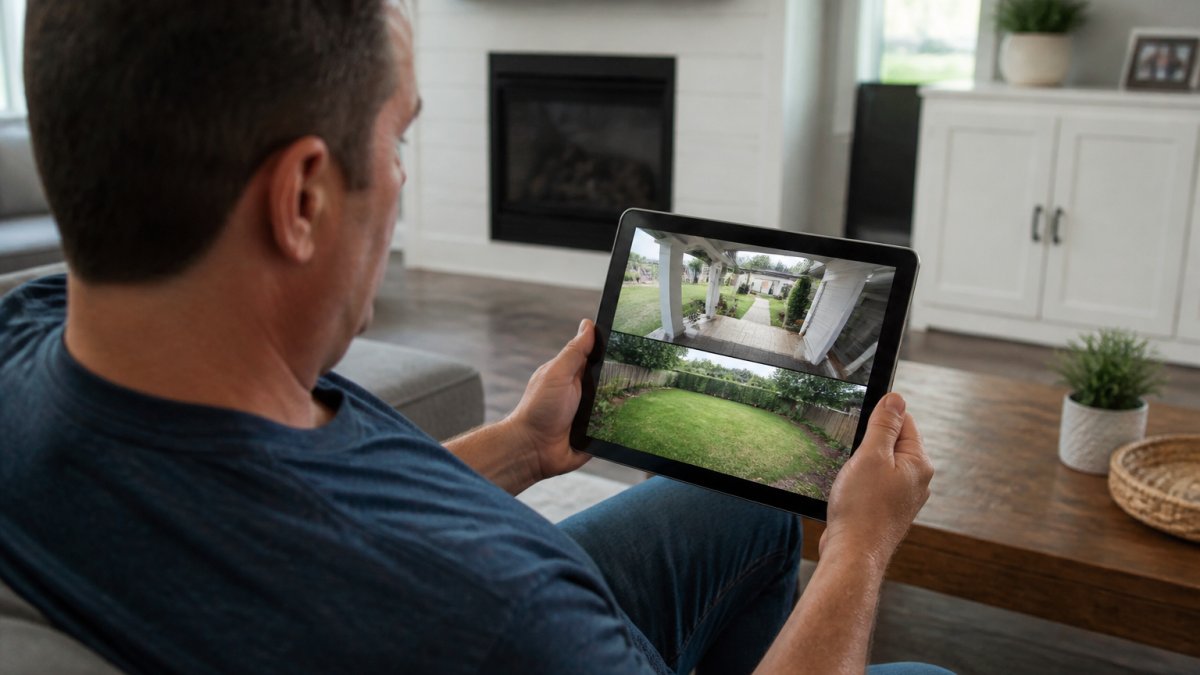
Object Detection: People, Pets, Packages, and Vehicles
Object detection is a camera's ability to recognize and label specific categories of things, such as people, pets, packages, and vehicles, rather than treating all movement the same. It is the foundation of every useful AI home security camera feature.
In practice, you can tell the system to alert you only when a person enters the driveway after dark, or only when a package appears on the porch.
Real-Time Alerts and Remote Monitoring
Real-time alerts push a notification to your phone the moment a defined event occurs, and remote monitoring lets you view live feeds and recorded clips from anywhere. Together they turn a passive recording system into something you can act on.
The practical value shows up in small moments: a package delivery notification while you are at work, or a person-detection alert at 2 a.m. that you can check in seconds.
AI Camera Person Detection: Fewer False Alarms, Faster Response
AI camera person detection distinguishes human figures from other movement, and it is the single biggest reason alert accuracy improves. A camera that only flags people cuts the noise that makes homeowners stop checking their phones.
Here is the part most guides get wrong: reducing false alarms is not just about convenience, it is about response time. When every alert is credible, you react faster, and so does anyone monitoring your property.
How AI Reduces Security Camera False Alerts
AI reduces security camera false alerts by analyzing the shape, movement, and context of an object before deciding whether to notify you.
A common mistake is expecting this to be perfect out of the box. Detection accuracy depends heavily on camera placement, lighting, and zone configuration.
This is where practical setup matters more than the spec sheet:
- Set detection zones so the camera ignores the street and sidewalk
- Aim cameras to avoid staring directly into headlights or the setting sun
- Adjust sensitivity for your environment, not the default
Get those right and alert accuracy climbs quickly. Skip them and even a strong system feels noisy.
Home Surveillance Privacy: What Every Homeowner Should Know
Home surveillance privacy comes down to four questions: where your video is processed, how long it is stored, who can access it, and what legal obligations you take on when your cameras capture other people. Most buyers never ask these before signing a contract, and the answers determine whether your system protects your household or creates a liability.
Where Footage Is Processed and Stored
There are three common architectures, and each has a different privacy profile:
- Cloud-only: Every clip is uploaded to the provider's servers for AI analysis and storage. Remote viewing is seamless, but your footage leaves your property.
- Local-only: Analysis and recording happen on a hub or network video recorder (NVR) inside your home. Footage never leaves your network unless you export it, though remote access usually requires a VPN or the manufacturer's relay service.
- Hybrid: Local recording for continuous coverage, cloud for alerts and off-site backup. Most installers recommend this because a service outage does not leave you blind, and you keep a local copy of anything you might need as evidence.
Ask your provider directly: When the internet drops, does recording continue? A properly configured hybrid or local system keeps recording to the NVR regardless of connectivity.
Retention, Encryption, and Access Controls
Retention is the most overlooked setting. Cloud plans typically default to 30, 60, or 90 days of clip history, with extended retention for an added fee.
On encryption, look for these baseline features:
- In transit: TLS/HTTPS for any clip that travels to the cloud or to your phone.
- At rest: AES-256 encryption on cloud storage and, where supported, on the local NVR drive.
- Firmware updates: Automatic updates so known vulnerabilities are patched. The CISA guidance on securing internet-connected devices is a reasonable baseline for what to expect.
Access permissions matter as much as encryption. Most apps let you create separate user accounts with view-only or admin rights, so a pet sitter or cleaner can see the front door without controlling the whole system.
Household Members, Visitors, and Legal Obligations
Cameras that watch a shared space, a rental unit, or an area visible to neighbors create obligations no amount of AI accuracy can fix. A few practical rules:
- Audio recording: Many states require all-party consent to record audio. If your camera captures conversations, check your state's wiretap and eavesdropping statutes before enabling the microphone.
- Neighbor-facing angles: Pointing a camera at a neighbor's window, yard, or doorway can trigger nuisance, invasion-of-privacy, or peeping statutes in some jurisdictions. Aim cameras at your own property lines.
- Rentals and shared housing: Landlords generally cannot place cameras in areas where tenants have a reasonable expectation of privacy, such as bedrooms and bathrooms. Common areas are treated differently and vary by state.
The Federal Trade Commission guidance on connected device privacy explains what manufacturers must disclose about data handling, which is a useful starting point when comparing providers.
Local vs. Cloud Processing: Which Protects Your Data Better?
Local processing keeps video analysis on a device in your home, while cloud processing sends footage to a remote server. Each has a clear trade-off.
Local processing keeps sensitive footage inside your network, limiting exposure if a provider is breached, but you manage the hardware and remote access can be less seamless.
For most households, a hybrid approach works best: local recording for continuous coverage, cloud for alerts and off-site backup, so a service outage does not leave you blind.
What AI Surveillance Costs and How to Plan Your Setup
AI surveillance costs depend on how many cameras you need, whether processing happens locally or in the cloud, and how much ongoing support you want. Any provider quoting a single number before seeing your property is guessing. Here are the buckets, typical ranges, and recurring line items that quietly blow up budgets.
Upfront Costs
For a residential system, expect these typical U.S. market ranges as of 2026, which vary by brand, resolution, and installation complexity:
- AI-capable cameras: roughly $80-$250 each for mainstream models; $300-$600+ for high-end or multi-sensor units.
- Local NVR or hub: $150-$500, plus a hard drive ($60-$150 for 2-4 TB).
- Professional installation: $100-$250 per camera in straightforward runs; more where conduit, trenching, or attic work is required.
A four-camera AI system with local recording and professional installation commonly lands between $1,200 and $3,500 all-in. A DIY four-camera kit with cloud-only processing can be under $600, but you trade installation quality and detection tuning for the savings.
Ongoing Ownership Costs
Recurring line items are where budgets drift. Ask for every one of these in writing before you commit:
- Cloud storage subscriptions: typically $3-$15 per month per camera, or $10-$30 per month for a bundled multi-camera plan. Extended retention and higher resolution tiers cost more.
- Professional monitoring: $20-$60 per month for standard monitoring; $40-$80+ for cellular backup, video verification, or interactive services.
- Cellular or LTE backup: $10-$25 per month if you want alerts to survive an internet outage.
- Maintenance and service calls: $100-$200 per visit for troubleshooting, camera realignment, or firmware issues. Some installers bundle this into a service plan.
A useful rule of thumb: over a five-year horizon, ongoing costs often equal or exceed the upfront hardware cost.
A Planning Framework
| Decision | Cheaper Option | Higher-Value Option | Best For |
|---|---|---|---|
| Processing | Cloud only | Local plus cloud backup | Homes with spotty internet |
| Storage | Short cloud retention | Extended retention plus local | Anyone needing evidence |
| Monitoring | Self-monitored alerts | Professional monitoring | Vacant or remote properties |
| Setup | DIY placement | Professional zone tuning | Larger or complex properties |
Scalability and Outage Behavior
For a property spread across multiple buildings, scalability matters too. Cloud-based systems handle distributed setups well, but confirm that local recording continues if the cloud service goes down. As documented in CISA guidance on securing internet-connected devices, connected devices should be configured with security in mind from day one, not after installation.
Conclusion: Why AI-Enabled Surveillance Is Worth the Investment
The benefits of AI-enabled surveillance for homes come down to trust: that an alert means something, that footage is there when you need it, and that your data is handled responsibly. That trust separates a system you rely on from one you eventually ignore.
Getting there takes more than good cameras: correct placement, tuned detection zones, and ongoing support when something drifts. We handle AI-enabled surveillance, smart access control, and intrusion defense as one integrated system, with the local expertise and ongoing technical care that keeps it working long after installation day.
Book online with Mt. Major Tech and get a system designed around your property, not a generic package.
Frequently Asked Questions
What are the benefits of AI-powered home surveillance?
AI-powered surveillance offers several advantages over traditional cameras. It can tell the difference between people, pets, packages, and vehicles, which cuts down on unnecessary alerts. Real-time notifications let you respond to potential threats faster, whether you are home or away. Continuous monitoring means your system watches for unusual activity around the clock. Many systems also store footage securely in the cloud or on-device, giving you easy access to evidence if something happens. For homeowners who want reliable protection without constant false alarms, AI-enabled surveillance provides a significant upgrade.
Can AI security cameras distinguish people from animals and vehicles?
Yes. Modern AI cameras use computer vision and machine learning to classify objects in their field of view. When the system detects motion, it analyzes the shape, size, and movement pattern to determine whether it is a person, pet, vehicle, or something else. This means you can set alerts to trigger only when a person walks up your driveway, not when a deer crosses the yard. Some systems also recognize familiar faces or specific vehicles, adding another layer of filtering to reduce unnecessary notifications.
Do AI security cameras reduce false alerts?
They do, and that is one of the main reasons homeowners upgrade. Traditional motion sensors trigger whenever anything moves, including trees, shadows, and small animals. AI cameras analyze what is actually moving before sending an alert. Person detection, vehicle detection, and pet detection filters mean you only get notified about events that matter. This reduces alert fatigue and helps you take real threats seriously. Many users report a noticeable drop in nuisance notifications after switching to AI-enabled systems.
How do you protect privacy when using AI-enabled home cameras?
Start by choosing cameras with on-device processing, which analyzes footage locally instead of sending everything to the cloud. Enable privacy zones to block recording in sensitive areas like bedrooms or bathrooms. Use strong, unique passwords and two-factor authentication on your camera accounts. Check whether your system encrypts video both in transit and at rest. If you use cloud storage, review the provider's data policies and confirm they do not share footage with third parties. Finally, tell household members and regular visitors that cameras are in use, and follow local laws about recording in private spaces.