 how-to
Step by Step Guide to Mobile Access Credentials
Table of Contents
- What Mobile Access Credentials Are and Why They Are Replacing Key Cards
- What You'll Need Before You Start
- Step 1: Plan Your Mobile Access Control System Installation
- Step 2: Issue and Provision Credentials in Your Access Control System
- Step 3: NFC vs Bluetooth for Mobile Access
- Step 4: Mobile Access Credential Security Best Practices
- Troubleshooting Common Errors and Hardware Limits
- Frequently Asked Questions
Last Updated: September 26, 2026
What Mobile Access Credentials Are and Why They Are Replacing Key Cards
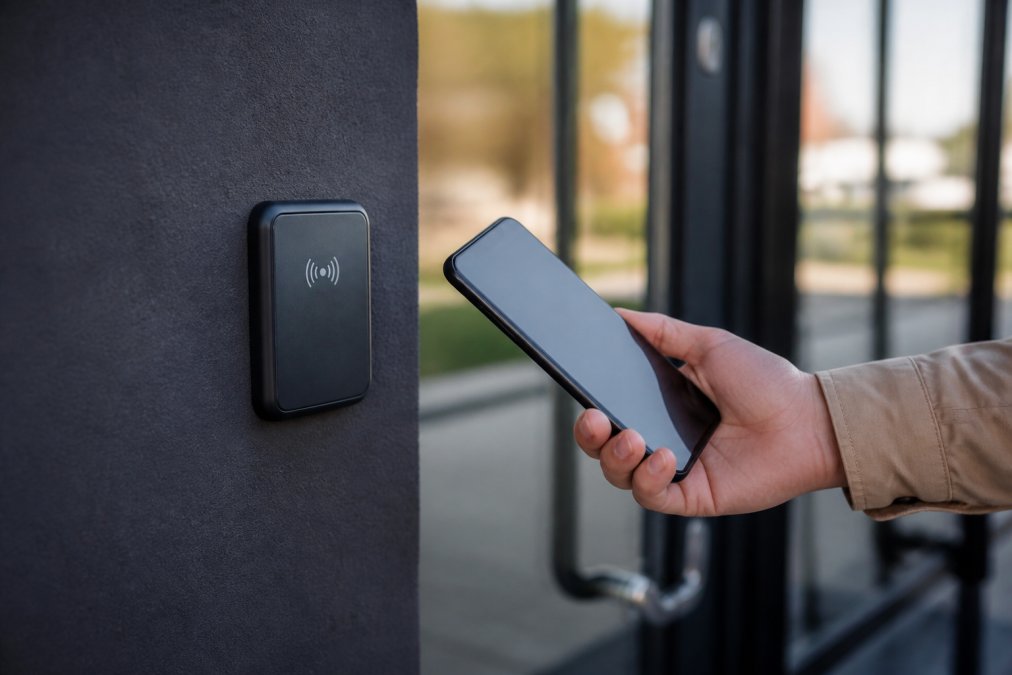
Mobile access credentials are digital keys stored on a smartphone that unlock doors, gates, and elevators without a physical card, replacing the plastic badge with a secure token in a mobile wallet or app. At Mt. Major Tech, we install these systems for estates, high-rises, and secure facilities across Northern New England. These digital credentials also extend beyond physical entry points by integrating with broader network protocols to provide secure remote access for healthcare staff managing sensitive patient data.
What You'll Need Before You Start
Gather these before you touch a single reader, missing one stalls the project.
- A list of every door, gate, and elevator you want on the system
- The make and model of your current readers and door controllers
- A network connection at each door controller location
- An administrator account in your access control software
- A policy for who approves and revokes access
- A plan for visitors and temporary staff
Hardware Compatibility Matrix: Will Your Existing Readers Work?
This is the top reason retrofits blow their budget. Before buying anything, sort every reader into one of four buckets.
| Reader type | Typical frequency / protocol | Mobile credential support | What you do |
|---|---|---|---|
| Legacy 125 kHz proximity (HID Prox, AWID) | 125 kHz low frequency | No | Replace the reader. Low-frequency readers cannot present an NFC or BLE token. |
| 13.56 MHz smart card (MIFARE Classic, DESFire EV1/EV2/EV3) | 13.56 MHz high frequency | Often yes, with firmware | Check the reader data sheet for a mobile or NFC/BLE firmware upgrade. Many DESFire-capable readers only need a firmware flash. |
| Multi-technology reader (HID iCLASS SE, Signo, Mercury-based) | 13.56 MHz + BLE | Yes | Confirm the reader module supports BLE or NFC credential presentation, not just card reading. |
| Wiegand-only controller | Wiegand output to panel | Depends on panel | The reader may be fine but the panel must accept a mobile credential format. Check the panel's credential format list. |
Three checks decide whether you replace or reuse:
- Frequency and protocol. 125 kHz only means replacement; 13.56 MHz is a candidate for reuse.
- Firmware and credential format. The reader must accept the format your software issues (for example, a SEOS or DESFire-based mobile token); a reader that only reads card serial numbers will not accept a wallet-based credential.
- Controller and panel support. The panel must recognize the mobile credential as a valid cardholder. Some need a firmware update or license add-on; older panels may not be upgradable.
What to Pull From Your Existing System
Before calling a vendor, collect these to save a site visit and prevent wrong-part orders.
- Reader make and model number (printed on the back of the reader or in your as-built drawings)
- Controller or panel make, model, and current firmware version
- Credential format currently in use (for example, HID Prox, MIFARE Classic, DESFire EV2)
- Wiring type at each door (Wiegand, OSDP, or proprietary)
- Power source at each door (PoE, 12/24 VDC, or battery lock)
Network and Power Prerequisites
Mobile credentials ride the same network and power infrastructure as your card system, with two differences worth planning for.
- Network. Cloud-managed systems need a reliable connection at each controller. If a door controller sits on an isolated VLAN, confirm it can reach the management console or the on-premise server.
- Power. BLE readers and hands-free entry draw more current than card-only readers. If a door runs on a battery-powered lock, check the power budget before you commit, a swap that drains batteries every few weeks is a maintenance headache.
- Backup path. Keep at least one wired or card-based entry method at every critical door so a network or power outage does not lock out staff.
Step 1: Plan Your Mobile Access Control System Installation
Planning is where a mobile access control system installation succeeds or fails.
Check Reader and Door Controller Compatibility
Not every reader handles mobile credentials. Older proximity readers only read low-frequency cards and cannot process a phone signal; you need readers that support NFC, Bluetooth Low Energy (BLE), or both. Check three things: does the reader list NFC or BLE support in its spec sheet, does the door controller firmware support mobile credentials, and is there a software update that adds mobile support to existing hardware?
Map Doors, Zones, and Access Rights
Draw your building before programming anything. Group doors into zones, lobby, server room, parking, then decide who gets into each.
- Lobby: all staff and approved visitors
- Server room: IT staff only
- Parking garage: staff and assigned tenants
- Executive floor: leadership and their guests
Step 2: Issue and Provision Credentials in Your Access Control System
Provisioning assigns a digital credential to a specific person and device, usually from a cloud-based management console in a few clicks.
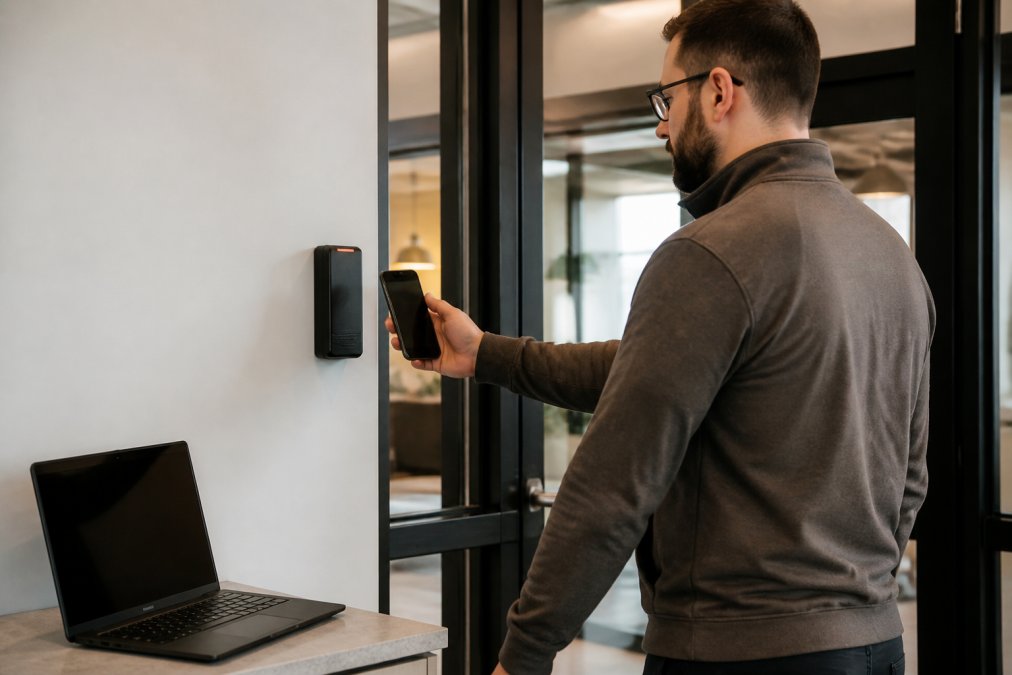
The workflow looks like this:
- Create the user in the access control system
- Assign access rights based on their role
- Send an invite link to their phone
- The user adds the credential to their mobile wallet
- The system ties the token to that one device
How Users Register Their Devices
Users register in under two minutes: they tap the invite link, confirm their identity, and the credential lands in their phone's wallet, no app store download required.
Step 3: NFC vs Bluetooth for Mobile Access
NFC and Bluetooth both work but suit different situations. NFC requires a deliberate tap within a few centimeters; Bluetooth Low Energy works from a few meters and can unlock a door as you approach.
| Feature | NFC | Bluetooth Low Energy |
|---|---|---|
| Range | A few centimeters | Several meters |
| User action | Tap the reader | Walk up, hands-free |
| Battery use | Minimal | Slightly higher |
| Best for | Turnstiles, tight control | Hands-free entry, parking |
| Security feel | Deliberate | Convenient |
Step 4: Mobile Access Credential Security Best Practices
Security is baked into how the credential is built and managed. These mobile access credential security best practices keep your system trustworthy.
Encryption, Tokenization, and Multi-Factor Authentication
Every credential should use encryption protecting data in transit and at rest. Tokenization replaces the real credential value with a one-time code, so a copied signal is useless. Multi-factor authentication adds a second check, such as a PIN or biometric scan, for high-security doors.
- Turn on encryption for all credential traffic
- Use tokenization so captured signals cannot be replayed
- Require multi-factor authentication at sensitive doors
- Set access rights to expire automatically for temps
- Review access logs weekly for odd patterns
Troubleshooting Common Errors and Hardware Limits
Most problems trace back to hardware, credentials, or the network, not the phone. Work in order: reader, credential, controller, network. That sequence catches most issues in under ten minutes.
Diagnostic Sequence
- Test with a known-good credential. Try a card or fob that already works at that door. If the card works and the phone does not, the problem is the mobile credential or the reader's mobile support. If neither works, the problem is the reader, controller, or network.
- Test the phone at a different door. If the phone works elsewhere, the problem is the reader or its configuration, not the credential.
- Check the reader's LED or beep pattern. Most readers use a standard pattern: solid green = granted, red = denied, amber or rapid blink = reader fault or no communication with the controller. Note the pattern before you call support.
- Check the controller log. The access control software usually shows the exact reason for a denial, unknown cardholder, out-of-schedule, anti-passback, or reader offline.
- Check the network. If the controller is offline, no credential will work. Confirm link lights and ping the controller from the management console.
Common Error Codes and What They Mean
Exact codes vary by vendor, but most systems map to the same handful of conditions. Match your log message to the cause below.
| Log message or code pattern | Likely cause | Fix |
|---|---|---|
| Unknown cardholder / invalid credential | Credential not provisioned, or provisioned to a different device | Re-issue the credential to the correct device from the dashboard |
| Access denied, out of schedule | User's access group does not cover this door or time | Update the access group or schedule |
| Anti-passback violation | User presented the credential twice without exiting | Clear the anti-passback state or adjust the rule |
| Reader offline / no communication | Network drop, PoE fault, or controller reboot | Check link lights, PoE budget, and controller power |
| Card format mismatch | Reader expects a format the credential does not present | Update reader firmware or change the credential format |
| Tamper or forced door | Door contact or REX misconfigured | Check the door contact and request-to-exit sensor |
Symptom-by-Symptom Fixes
- Reader will not respond to the phone. Confirm the reader supports NFC or BLE. Older 125 kHz proximity readers cannot read a phone at all. If the reader is 13.56 MHz, check that mobile credential support is enabled in firmware.
- Credential works on some doors but not others. The user's access rights likely do not cover that zone. Fix it in the dashboard, not at the door.
- Phone battery is dead. A dead phone cannot present a credential. Keep a backup card or PIN for these moments, and document the backup path in your access policy.
- Signal drops at metal doors or in elevator cabs. Metal blocks NFC and BLE. Move the reader off the metal surface, add a spacer, or use a reader rated for metal mounting.
- Multiple devices, one user. Confirm the system supports multi-device provisioning before you promise it. Some systems tie a credential to a single device.
- Credential stops working after a phone update. Wallet-based credentials can be re-provisioned after a major OS update. Re-send the invite link and have the user re-add the credential.
Battery and Power Consumption
BLE readers and hands-free entry draw more current than card-only readers, which matters in three places:
- Battery-powered locks. A swap to BLE can cut battery life significantly. Check the lock's power budget and consider a wired power drop before you commit.
- PoE budgets. If your switch is already near its PoE limit, adding BLE readers can push it over. Add up the wattage per reader before you install.
- Phone battery. NFC draws almost nothing. BLE advertising in the background draws a small but real amount. For users who keep the app open all day, expect a modest drain; wallet-based systems that only wake on approach minimize it.
Privacy and Data Compliance
Mobile credentials store personal data, and access systems log who enters where. That combination puts them squarely inside modern privacy law. The California Consumer Privacy Act overview gives consumers rights over personal information that businesses collect, including the right to know what is collected and the right to delete it. Access logs and credential identifiers can fall under that definition.
Practical steps:
- Collect only the data you need, a credential identifier and an access event, not a full personal profile.
- Set a retention period for access logs and delete them on schedule.
- Document who can view logs and under what circumstances.
- Give users a clear way to request their data or ask for deletion.
- Confirm your vendor's data handling terms before you sign, especially for cloud-managed systems.
Frequently Asked Questions
What are mobile access credentials and how do they work?
Mobile access credentials are digital keys stored in a smartphone wallet or app that replace plastic cards. The phone communicates with a proximity reader using NFC, Bluetooth Low Energy, or RFID. The reader sends the encrypted credential to a door controller, which checks access rights in the access control system and unlocks the door if approved. Every use creates an access log entry for real-time monitoring.
Are mobile access credentials secure compared to physical key cards?
They are generally more secure. Credentials use encryption standards and tokenization, so the actual key is never exposed. Many systems support multi-factor authentication and biometric integration. Physical cards can be cloned, lost, or shared; mobile credentials can be revoked remotely, tied to one device, and protected by the phone's own passcode or face recognition. This makes them a strong fit for healthcare and legal settings with strict privacy needs.
What hardware is required to support mobile access credentials?
You need mobile-compatible proximity readers (NFC, BLE, or both), a door controller that supports mobile credentials, and a cloud-based management platform or on-premises server. Existing wiring often works, but older readers may need replacement. Check the manufacturer's hardware compatibility matrix before buying. For multi-building campuses, confirm the system supports distributed sites and local backup options in case cloud access is interrupted.
How do I set up mobile access for employees?
Start by creating user profiles in your administrator dashboard and assigning access rights by door, zone, and schedule. Send each employee an enrollment link or QR code. They install the wallet app, authenticate with their phone, and the credential provisions automatically. Test each device at a reader before rolling out building-wide. Keep a small stock of physical cards as backup for visitors or failed enrollments.