 blog
blog
Best Practices for Central Security Management
Table of Contents
- Why Fragmented Security Systems Fail in Multi-Building Environments
- Start With a Risk Assessment and a Defined Security Baseline
- Unified Policy Enforcement and Access Control Across Every Site
- Real-Time Monitoring, Threat Detection, and Incident Response Coordination
- Automated Patching, Firmware Updates, and Vulnerability Management
- How Long Does Unified Security Integration Take?
- Security System Integration Tools That Support Central Security Management
- Physical Security Management Strategies for Distributed Campuses
- Frequently Asked Questions
Last Updated: September 25, 2026
Why Fragmented Security Systems Fail in Multi-Building Environments
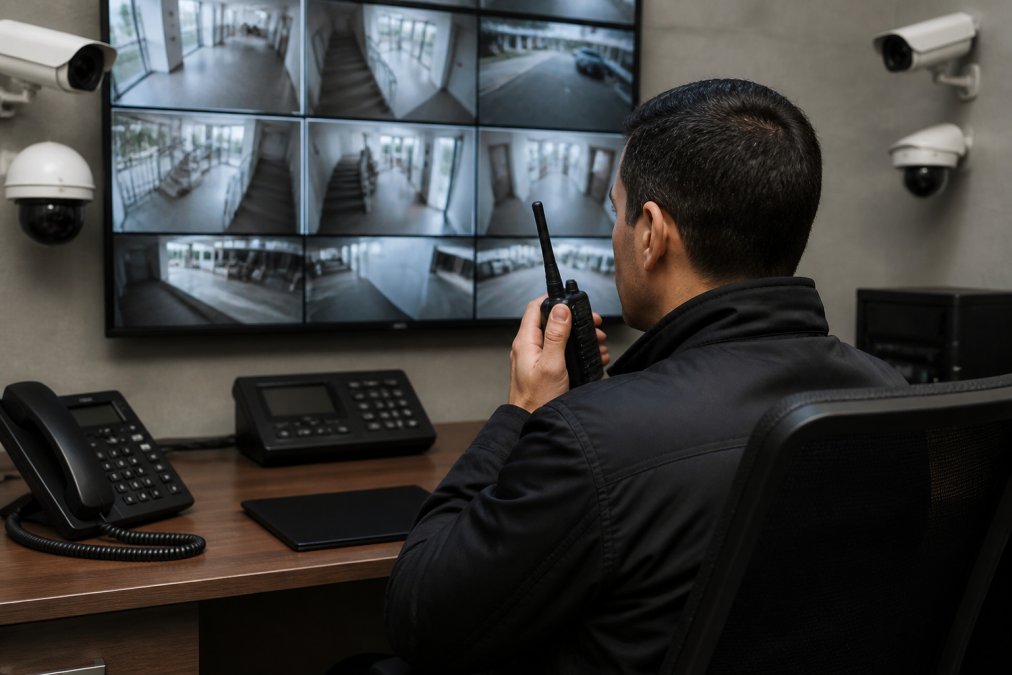
Central security management is the practice of running every camera, door, alarm, and sensor across multiple sites from one platform, one policy set, and one team. It replaces the patchwork of vendor apps and spreadsheets that most growing organizations start with. At Mt. Major Tech, we see the same pattern in almost every multi-building assessment: each site bought its own gear, and nobody owns the whole picture.
That fragmentation costs more than most managers realize.
- Blind spots between systems. A door alarm at one building never triggers a camera at another.
- Slow response. Staff log into three apps to confirm one incident.
- Inconsistent rules. One site locks down at 6 p.m., another at 9 p.m.
- No shared record. Audit logs live in separate tools that don't talk.
The fix isn't buying more hardware. It's centralizing how you manage what you already own.
Start With a Risk Assessment and a Defined Security Baseline
A security baseline is the documented minimum standard every site must meet: which doors lock, which cameras record, how long footage is kept, and who can access what. You can't enforce a standard you never wrote down.
A common approach is a simple three-step assessment:
- Inventory every asset. List cameras, readers, panels, and sensors by building and floor.
- Score each site. Rate risk by entry points, occupancy, and asset value.
- Set one baseline. Define the rules that apply everywhere, then note approved exceptions.
Write the baseline down, get it signed by leadership, and treat it as the reference for every future purchase.
Unified Policy Enforcement and Access Control Across Every Site
Unified policy enforcement means one rule set applies to every door, camera, and alarm, no matter which vendor made the hardware. That's the core promise of central security management, and it's where most integrations either succeed or fall apart.
The practical wins stack up fast:
- One badge works at every building.
- Multi-factor authentication applies everywhere, not just at headquarters.
- A termination in the HR system removes access everywhere at once.
- Network segmentation keeps cameras off the same lane as guest Wi-Fi.
Vendor-agnostic integration is the hard part. Older panels often speak only their own protocol, so a good integrator uses open standards, gateway devices, or middleware to bring them into one dashboard.
| Goal | What It Looks Like | Why It Matters |
|---|---|---|
| One identity | Single sign-on for all sites | Faster offboarding |
| One policy | Same lock rules everywhere | Fewer gaps |
| One audit trail | Centralized logs | Cleaner compliance reviews |
Real-Time Monitoring, Threat Detection, and Incident Response Coordination
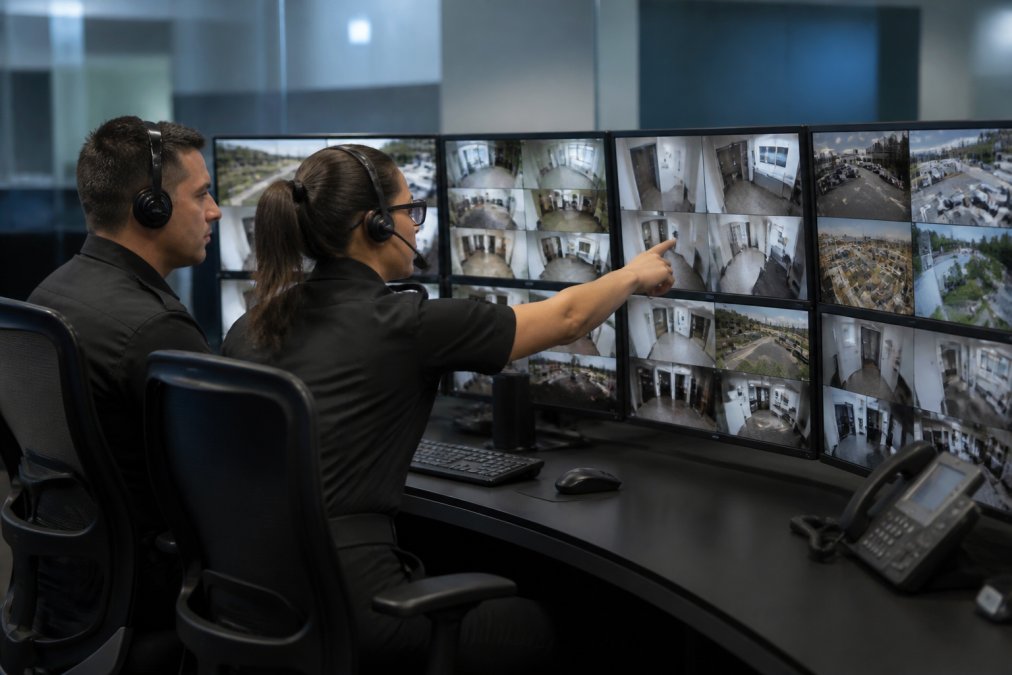
- Collection. Every camera, reader, panel, and sensor streams events to a central broker. Legacy panels often need a gateway or middleware layer to translate their proprietary protocol into something the platform understands.
- Correlation. The platform joins events that belong together, a forced door at Building C plus a badge swipe failure two seconds earlier plus a camera motion trigger, into a single incident instead of three unrelated alerts.
- Triage. Rules and analytics assign severity. A door propped during a delivery window is not the same event as a door propped at 2 a.m.
- Dispatch. The incident routes to a named responder with the relevant feed, floor plan, and contact list attached.
- One alert triggers a defined playbook, not an ad hoc phone call.
- The nearest responder, not the closest to headquarters, gets the feed and floor plan.
- Local law enforcement contacts are pre-loaded per site, because the right number changes by jurisdiction.
- Every action, timestamp, and decision is logged for the after-action review.
- The playbook is tested at least twice a year, because an untested playbook is a document, not a capability.
A common pattern in multi-building environments is to centralize triage and dispatch while keeping a local responder at each site. That splits the work where it belongs: the central team sees everything, and the local team acts on what is closest to them.
Automated Patching, Firmware Updates, and Vulnerability Management
Firmware updates are the least glamorous part of central security management and the one attackers count on you skipping. An unpatched camera or door controller is an open door.
A workable routine looks like this:
- Discover every device on the network, including ones nobody remembers installing.
- Track versions against vendor advisories.
- Schedule updates during low-traffic windows.
- Test one site first, then roll out the rest.
- Log everything for audit purposes.
How Long Does Unified Security Integration Take?
Unified security integration timelines depend on how many legacy systems need bridging and how much hardware must be replaced.
Here's a realistic breakdown:
| Phase | Typical Duration | What Happens |
|---|---|---|
| Assessment | 1-2 weeks | Asset inventory, risk scoring, baseline draft |
| Design | 1-2 weeks | Platform selection, integration plan |
| Installation | 2-6 weeks | Gateways, software, hardware swaps |
| Testing and training | 1-2 weeks | Verification, staff onboarding |
Security System Integration Tools That Support Central Security Management
Security system integration tools fall into three broad categories, and most organizations end up using one from each. The right mix depends on your existing hardware and how much you want to manage in-house.
- Unified platforms. These bring video, access, and alarms into one interface. Best for teams that want a single pane of glass.
- Middleware and gateways. These translate between older panels and modern software. Best for mixed-vendor environments.
- Monitoring and analytics layers. These add AI threat detection and alerting on top of existing cameras. Best for teams upgrading without replacing hardware.
Physical Security Management Strategies for Distributed Campuses
| Management layer | Where it lives | Best fit | Trade-off |
|---|---|---|---|
| Cloud-managed platform | Vendor-hosted | Multi-site policy, user management, analytics | Recurring subscription; depends on WAN reliability |
| On-premise head-end | Local server room | High-bandwidth recording, air-gapped sites | Capital cost; manual updates; harder to scale |
| Hybrid | Cloud control + local recording | Most multi-building campuses | Two systems to maintain; needs clear data-flow rules |
- Direct costs. Platform licensing, gateway hardware, integration labor, and any hardware swaps.
- Indirect costs. Staff time saved on multi-app triage, faster offboarding, and reduced duplicate audit work.
- Risk costs. Fewer blind spots between systems, faster incident response, and cleaner compliance evidence.
- The break-even question. How many sites before the recurring platform cost is smaller than the labor cost of managing each site separately? For most mid-sized campuses, that answer arrives around the third or fourth building.
At Mt. Major Tech, we handle this work for estates and commercial properties across Northern New England, from the first assessment through ongoing support.
Frequently Asked Questions
What are the primary benefits of central security management for a multi-building property?
Central security management replaces separate consoles and logins with one view of every camera, door, and alarm. That means faster incident response because staff see the whole property at once, consistent policy enforcement across all sites, and simpler audit reporting. It also cuts operational cost: instead of training teams on three or four vendor platforms, everyone learns one interface. For distributed campuses, the biggest gain is usually response time, since alerts route to the right person with the right context instead of sitting in a queue.
How long does unified security integration take for a campus with several buildings?
Timelines depend on how many systems you are merging, whether legacy hardware supports modern protocols, and how quickly your team can approve network and access changes. Timelines depend on the complexity of the systems being merged and the scope of the project. Phased rollouts, where one building goes live at a time, reduce disruption and let you catch problems early.
What are the 5 pillars of security management, and how do they apply to a centralized system?
Most frameworks group security management into five areas: risk assessment, access control, monitoring and detection, incident response, and compliance reporting. In a centralized setup, each pillar becomes a shared function rather than a site-by-site task. Risk assessment sets one baseline for the whole organization. Access control follows one identity policy. Monitoring feeds one dashboard. Response follows one playbook. Compliance pulls from one set of audit logs. The value is consistency: a gap in any pillar is visible across the entire portfolio, not hidden in one building.
How do you maintain compliance in a centralized security environment?
Compliance depends on your industry. Healthcare providers work under HIPAA, which governs how patient-related footage and access records are stored and who can view them. Defense contractors follow federal contracting rules that require strict access control and audit trails. Financial and legal firms have their own record-retention obligations. In a centralized system, compliance is easier because audit logs, access records, and retention policies live in one place. The practical step is to map each regulatory requirement to a specific control in your platform before you migrate, not after.
Fragmented systems fail quietly until the day they don't. Central security management fixes that by giving you one policy, one dashboard, and one team that sees everything. Mt. Major Tech builds unified systems with AI-enabled surveillance, smart access control, and intrusion defense, backed by ongoing technical care so your setup stays reliable long after installation. Book online with Mt. Major Tech and get a security system that actually works as one.