 ultimate-guide
Smart Access Control Installation Services: 2026 Guide
Table of Contents
- What Smart Access Control Installation Services Actually Deliver
- Keyless Entry System Installation for Business: Step by Step
- Commercial Access Control System Cost: What Shapes Your Budget
- Cybersecurity and Compliance for Smart Access Control Systems
- System Integration: Connecting Access Control to Your Existing Infrastructure
- Access Control System Maintenance Services: Keeping Systems Reliable
- How to Choose the Right Smart Access Control Installer
- Frequently Asked Questions
Last Updated: August 22, 2026
What Smart Access Control Installation Services Actually Deliver
Smart access control is a networked security system that replaces physical keys with electronic credentials, cards, mobile devices, biometrics, or PINs, managed through centralized software that logs every entry event in real time. At Mt. Major Tech, we've seen this technology transform how facilities manage security, from single-door offices to multi-building campuses with hundreds of users.
A proper installation includes credential management infrastructure, network connectivity, integration with existing surveillance or alarm systems, and an audit trail that satisfies both internal security policies and regulatory requirements. Below, we break down exactly what goes into a professional deployment and what separates a reliable system from one that creates new vulnerabilities.
Core Technology Types: RFID, Biometric, and Mobile Access
Three main credential technologies drive modern installations, each suited to different risk profiles and operational workflows.
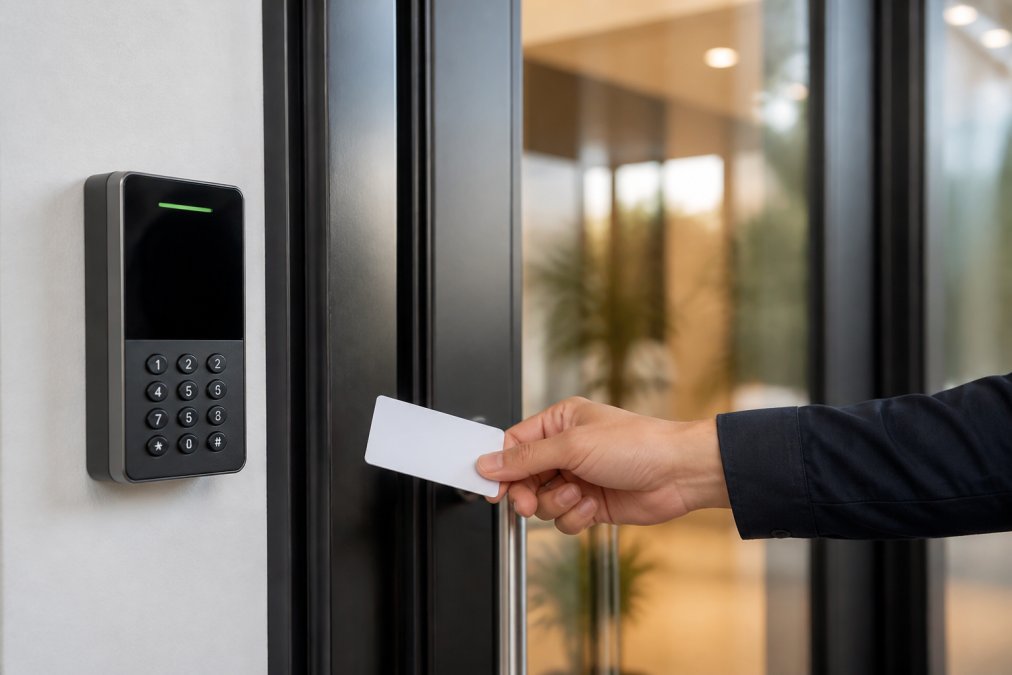
RFID technology uses proximity readers and encoded cards or fobs. It's the most widely deployed option in commercial settings because it balances cost, speed, and manageability. Modern installations specify 13.56MHz MIFARE or DESFire credentials, which resist cloning significantly better than older 125kHz formats.
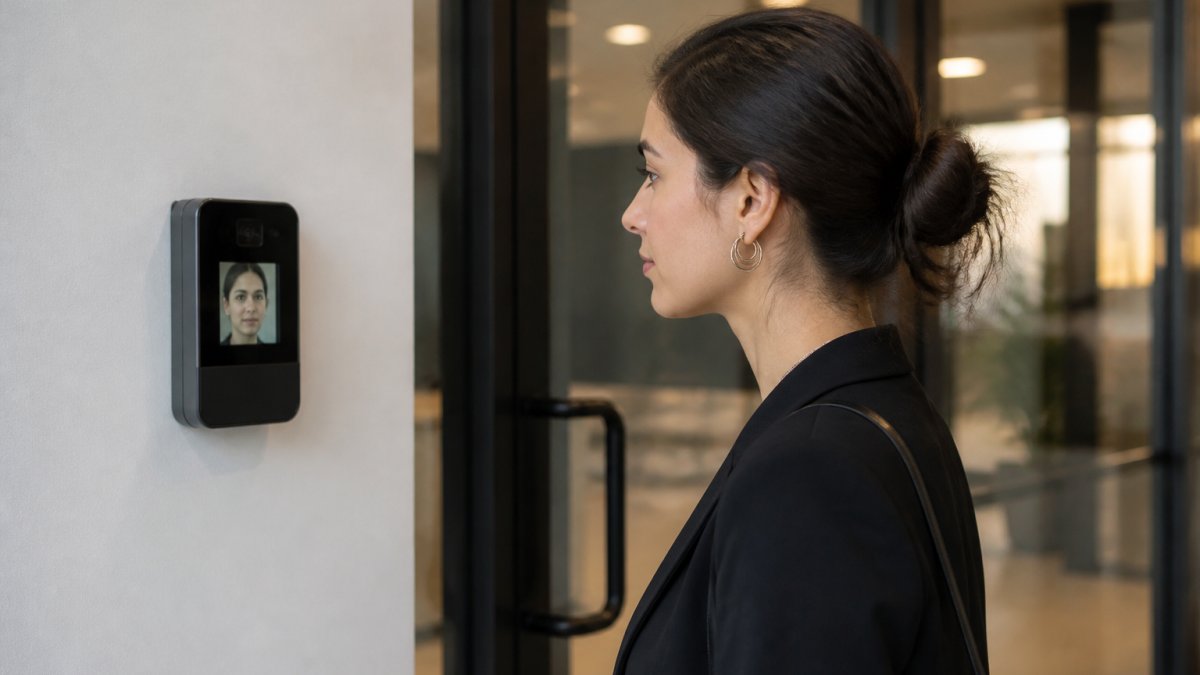
Biometric authentication, fingerprint, iris, or facial recognition, eliminates credential-sharing problems entirely. It's the right choice for high-security zones: server rooms, pharmaceutical storage, or any area where you need to prove the person entering is exactly who the system says they are. The tradeoff is throughput; biometric readers are slower than proximity readers at high-traffic entry points.
Mobile access is the fastest-growing credential format. Users authenticate via Bluetooth or NFC using a smartphone app, which supports multi-factor authentication by combining device possession with a PIN or biometric unlock. Mobile credentials also enable remote access provisioning without physical card issuance.
Commercial vs. Residential Installations
Commercial installations are defined by scale, compliance requirements, and integration complexity. A facility manager at a manufacturing plant needs user permissions segmented by role, time-based access schedules, and visitor management workflows. A healthcare provider adds HIPAA-driven audit trail requirements. A DoD contractor may require FIPS 201-compliant PIV credentials.
Residential smart access control prioritizes ease of use and remote management over regulatory compliance. The hardware overlaps significantly; the configuration and integration depth differ substantially.
Keyless Entry System Installation for Business: Step by Step
Keyless entry system installation for business is not a one-afternoon project. A professional deployment follows a structured sequence that prevents the most common failure modes: network conflicts, door hardware incompatibility, and credential mismanagement.
Site Survey and Network Infrastructure Assessment
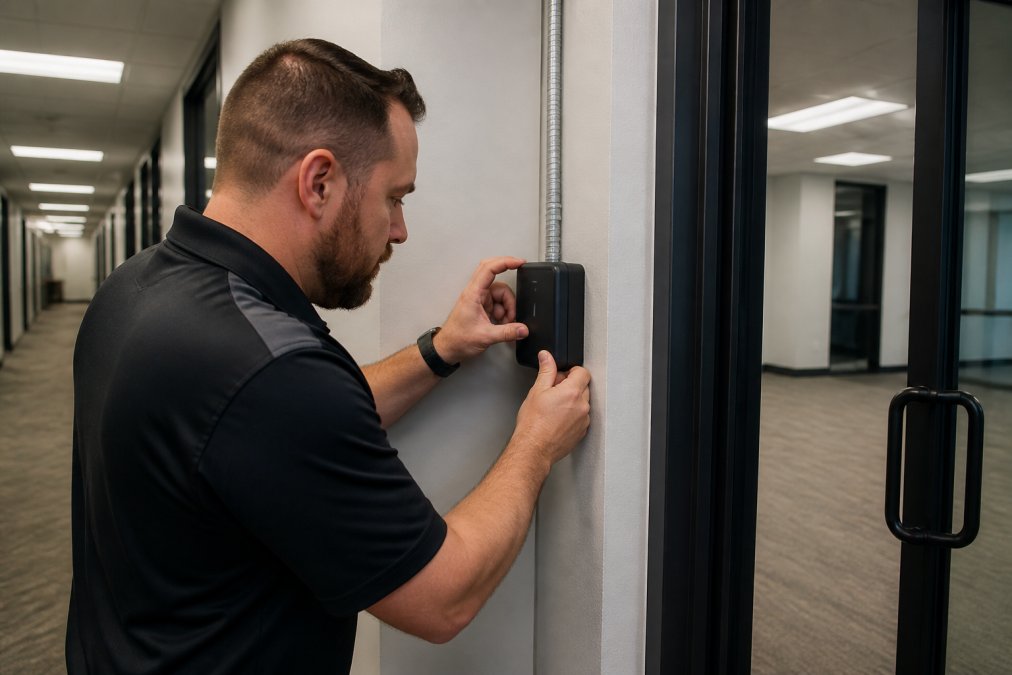
Every professional installation starts with a physical site survey. The technician documents every controlled entry point, maps existing door hardware, frames, closers, locks, and strike plates, and identifies whether the infrastructure supports electric strikes, magnetic locks, or electrified mortise locks.
Network infrastructure assessment runs in parallel. Cloud-based access control systems require stable IP connectivity at each reader location. The assessment identifies whether existing Wi-Fi coverage is adequate, whether Power over Ethernet (PoE) runs need to be pulled, and where the access control panel or server will be housed. Skipping this step is the single biggest cause of post-installation problems.
Hardware Installation and System Integration
Hardware installation follows a defined sequence. Door controllers are mounted and wired first, followed by readers, then the electronic strike or magnetic lock mechanism. Each door is tested for fail-safe versus fail-secure behavior, a critical distinction that affects both security and life-safety compliance.
System integration connects the access control platform to the network, configures user permissions, and establishes the audit trail. Competent installers test every credential type against every access group before handing over the system and verify that access logs are being written correctly.
| Installation Phase | Key Activities | Common Pitfalls |
|---|---|---|
| Site Survey | Door hardware audit, network mapping, credential plan | Overlooking PoE requirements |
| Hardware Install | Controller, reader, and lock wiring | Fail-safe vs. fail-secure misconfiguration |
| Network Config | IP assignment, cloud platform setup | VLAN isolation not applied |
| Credential Setup | User groups, permissions, schedules | Over-permissioned default accounts |
| Integration Testing | Audit trail verification, alarm linkage | Incomplete log validation |
| Handover | Admin training, documentation | No documented emergency override procedure |
Commercial Access Control System Cost: What Shapes Your Budget
Commercial access control system cost varies widely based on the number of controlled doors, credential technology, integration requirements, and ongoing support needs. The main cost drivers are hardware (readers, controllers, locks), cabling and conduit labor, software licensing for cloud-based platforms, and professional installation time.
According to ASIS International's security industry resources, ongoing maintenance contracts and software subscriptions are often underestimated in initial budgets but are essential for keeping systems current and supported.
For accurate pricing on your specific facility, Mt. Major Tech provides site-specific assessments rather than generic estimates; contact us to book an evaluation.
Cybersecurity and Compliance for Smart Access Control Systems
Smart access control systems are network-connected infrastructure subject to the same threat landscape as any other networked device, and most facilities underestimate this exposure.
ADA, HIPAA, and Federal Security Standards
Compliance requirements shape installation decisions from the hardware selection stage. The Americans with Disabilities Act accessibility guidelines specify hardware requirements for door hardware and reader mounting heights that affect every commercial installation. Readers must be mounted within reachable range, and door hardware must not require tight grasping or twisting.
Healthcare facilities operating under HIPAA must ensure that access logs constitute a valid audit trail for protected areas, server rooms, records storage, and any space where patient data is accessible. Federal facilities and DoD contractors face stricter requirements; FIPS 201 mandates Personal Identity Verification (PIV) credentials for federal employees and contractors, which requires readers and controllers certified to that standard.
Protecting Against Network Vulnerabilities
The most overlooked security vulnerability in smart access control deployments is the network layer. Access control panels and readers are IoT devices. Left on a flat network with no segmentation, a compromised reader becomes a pivot point into the broader facility network.
Best practice requires placing access control hardware on an isolated VLAN with strict firewall rules. Default credentials on controllers must be changed at installation. Firmware updates need a defined maintenance schedule; unpatched devices accumulate known vulnerabilities over time. Wireless connectivity adds another attack surface; systems that rely on older, unencrypted wireless protocols represent a security vulnerability that professional installers should flag explicitly.
System Integration: Connecting Access Control to Your Existing Infrastructure
One of the most common questions Mt. Major Tech hears from facility managers is whether they need to replace their existing cameras, alarms, and access systems entirely. The honest answer: usually not.
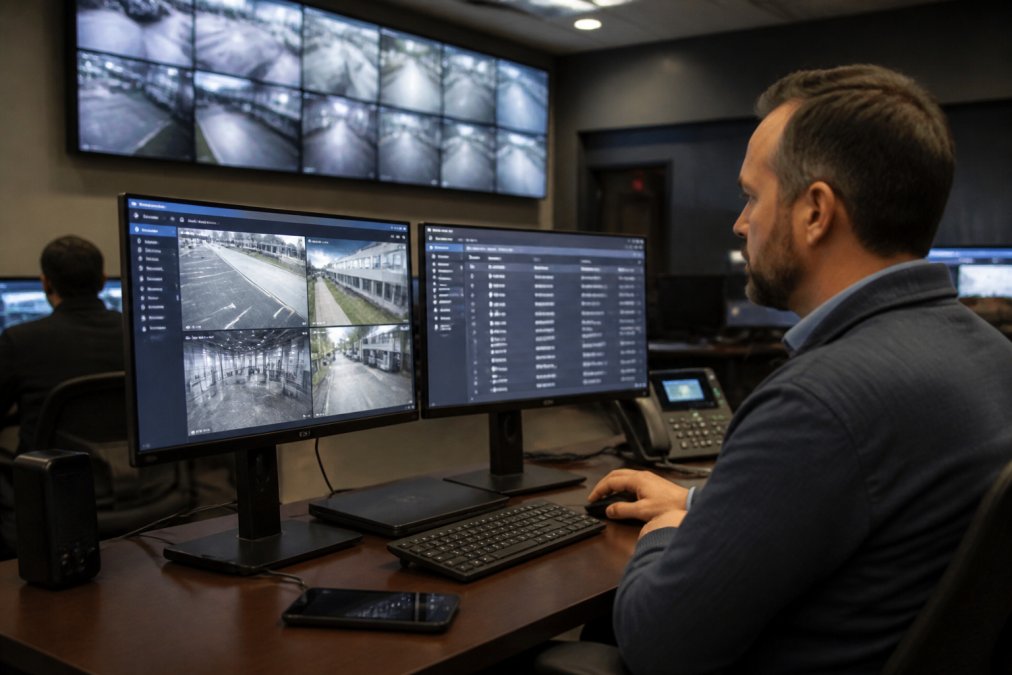
Modern access control platforms support integration with most major video surveillance systems through standard protocols, ONVIF for cameras, Wiegand or OSDP for legacy readers. A credential presentation at a door can trigger a camera to record and timestamp the event, creating a linked audit trail that satisfies both security operations and compliance requirements.
Building management system integration adds energy efficiency benefits. Access events can trigger HVAC and lighting adjustments in unoccupied zones, which represents a measurable operational return beyond security.
Legacy system migration requires careful planning. A professional installer will document what can be integrated natively, what requires a middleware bridge, and what genuinely needs replacement. According to NIST guidelines on physical access control systems, system integration planning should include documented interface specifications and tested failover procedures.
Access Control System Maintenance Services: Keeping Systems Reliable
Access control system maintenance services are where the long-term reliability of a deployment is determined. Hardware installed correctly will drift out of calibration, accumulate firmware debt, and develop credential management inconsistencies without a structured maintenance program.
A professional maintenance contract covers firmware and software updates, credential audits to remove stale user accounts, and door hardware inspection. Scalability is a maintenance consideration as much as a design one; a system architected for 50 doors but deployed to 10 should have documented procedures for adding doors, readers, and users without requiring full reconfiguration.
Post-Installation Troubleshooting: Common Issues and Fixes
The most frequent post-installation issues fall into predictable categories:
- Reader not responding: Check PoE switch port status and cable continuity before assuming reader failure.
- Credentials not granting access: Verify the user's access group assignment and time schedule.
- Audit trail gaps: If access logs show missing events, check whether the controller is syncing to the cloud platform correctly.
- False lock/unlock events: Magnetic locks that report unexpected state changes often have a door position sensor misaligned.
- Mobile credential failures: Bluetooth range issues and phone OS updates both affect mobile access reliability.
How to Choose the Right Smart Access Control Installer
The right installer is not simply the lowest bidder. Smart access control installation requires expertise across physical security hardware, network infrastructure, compliance requirements, and software configuration.
Evaluate installers on these criteria:
- Demonstrated experience with your system type: Ask for references from installations of similar scale and complexity.
- Network security competency: Ask directly how they handle VLAN segmentation and default credential management.
- Compliance familiarity: For regulated industries, verify that the installer understands the specific audit trail and credential requirements that apply to your facility.
- Ongoing support capability: Confirm that the company offers maintenance contracts and has a defined response SLA for critical failures.
- Integration track record: Ask specifically about legacy system migration projects.
As noted in Security Industry Association's installer certification resources, certified installers who have completed formal training on access control platforms deliver measurably fewer post-installation service calls than uncertified technicians.
The Mt. Major Tech team combines hardware expertise with cloud-based management deployment and ongoing technical support across Northern New England. Our approach starts with a site assessment that documents your existing infrastructure before any recommendation is made.
Facilities that run three or four disconnected security systems are paying for complexity without getting the security benefit that comes from integration. Smart access control installation, done properly, consolidates credential management, audit trails, and real-time monitoring into a single operational picture. Mt. Major Tech specializes in bringing legacy systems, modern access control, and AI-enabled surveillance into a unified platform with ongoing support built in. Book online to schedule your site assessment and get a clear picture of what your facility actually needs.
Frequently Asked Questions
What are the benefits of smart access control systems for commercial buildings?
Smart access control systems replace physical keys with credential management tools like mobile access, RFID cards, and biometric authentication. This gives facility managers real-time monitoring, detailed audit trails, and the ability to revoke user permissions instantly from any device. Cloud-based management also supports scalability across multiple buildings without requiring on-site servers. For regulated industries like healthcare or defense contracting, tamper-proof access logs and multi-factor authentication help satisfy compliance requirements.
How much does professional access control installation cost?
Commercial access control system cost varies significantly based on the number of doors, credential technology chosen, whether legacy system migration is required, and the level of system integration with cameras or alarms. A single-door keyless entry system installation for business costs far less than a campus-wide cloud-based deployment with biometric readers. For an accurate figure specific to your facility's size and security requirements, request a site assessment and quote directly from your installer.
What is the difference between traditional and smart access control?
Traditional access control relies on physical keys or basic keypads with no remote management capability. Smart access control connects over wireless connectivity to a cloud-based management platform, enabling remote access, real-time monitoring, visitor management, and automated audit trails. Administrators can onboard new users, adjust permissions, or lock down a facility from any internet-connected device. Smart systems also integrate with surveillance and alarm platforms, giving security teams a unified operational view rather than siloed tools.
Are smart access control systems compliant with ADA requirements?
Yes, properly installed smart access control systems can meet ADA requirements. The ADA mandates that hardware like door handles and card readers be operable with one hand and mounted at accessible heights (typically between 34 and 48 inches from the floor). Credential options such as proximity readers and mobile access eliminate the fine motor demands of traditional keys. Your installer should confirm that all hardware placement and door hardware comply with ADA Standards for Accessible Design before commissioning the system.