 ultimate-guide
Campus Visitor Management: Best Practices Guide
Table of Contents
- Why Campus Visitor Management Systems Need a Real Workflow
- Visitor Screening, Registration, and Check-In Essentials
- Visitor Check-In Process for Schools and Student Safety
- Badges, Credentials, and Access Control Integration
- Visitor Management System Data Security and Privacy Governance
- Visitor Management System Implementation Checklist
- Measuring Program Performance and Handling System Failures
- Frequently Asked Questions
Last Updated: October 18, 2026
Why Campus Visitor Management Systems Need a Real Workflow
A clipboard at the front desk is not a security program. It is a hope. Campus visitor management is the practice of registering, screening, badging, and tracking every non-employee with a system that produces an audit trail instead of a stack of paper. Campuses that get breached or cited are rarely the ones without cameras. They are the ones where nobody could say who was in the building at 2 p.m. on a Tuesday.
The stakes are higher than most facilities teams assume. Schools and universities carry a duty of care to students and staff that a paper log cannot satisfy, and the Readiness and Emergency Management for Schools Technical Assistance Center treats visitor control as a core component of campus emergency planning rather than an administrative afterthought. A real workflow does four things: it verifies identity before entry, records a time-stamped trail, restricts where a visitor can physically go, and gives responders an accurate headcount during an evacuation.
Visitor Screening, Registration, and Check-In Essentials
Screening, registration, and check-in form one continuous chain, only as strong as its weakest link. Screening establishes who the person claims to be, registration captures why they are there and who authorized it, and check-in confirms arrival and issues the credential. Most campuses do all three badly because they do them on three different surfaces: a form, a spreadsheet, and a badge printer.
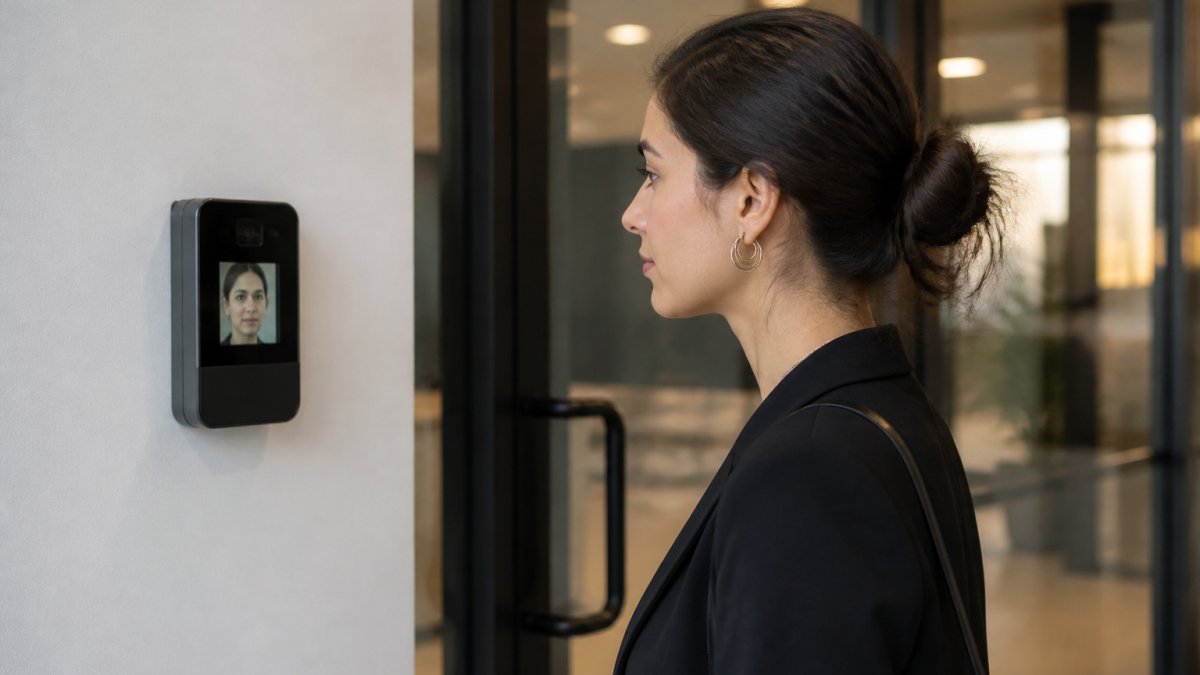
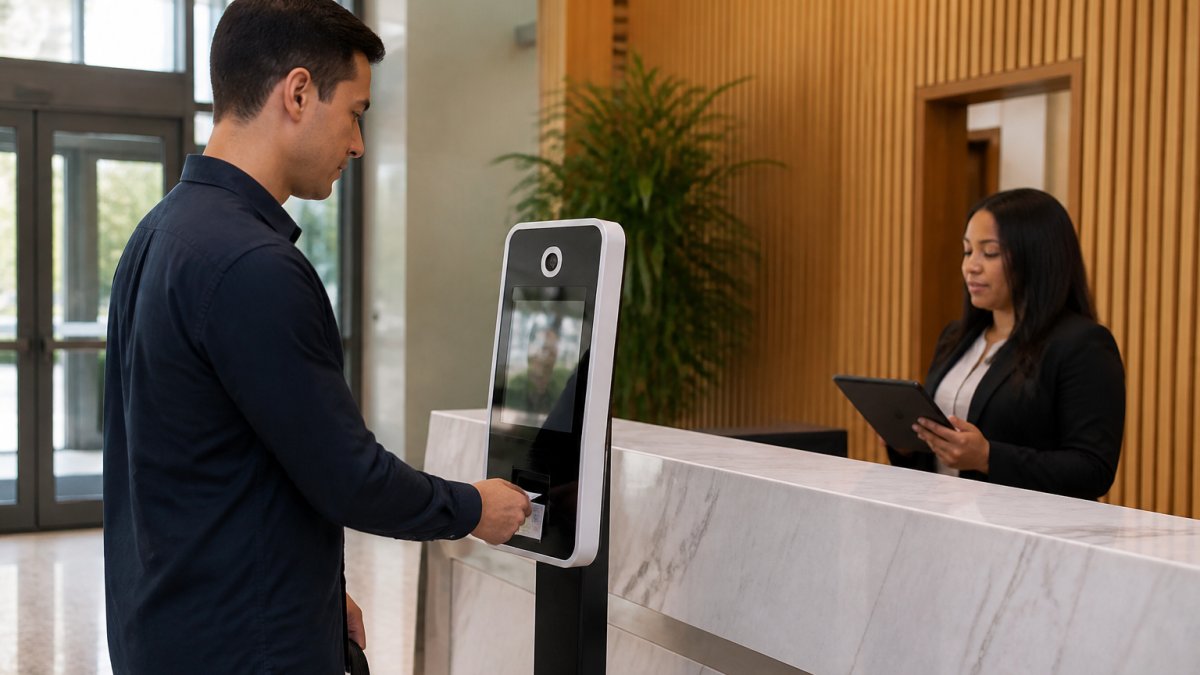
A common mistake is treating screening as a background check. For most campus visitors, screening means matching a government-issued ID against a watchlist or banned-persons list, confirming host approval, and flagging anyone who fails either test. Automated check-in handles the routine flow: the visitor scans an ID, the system checks the pre-registration record, and a badge prints.
Visitor Check-In Process for Schools and Student Safety
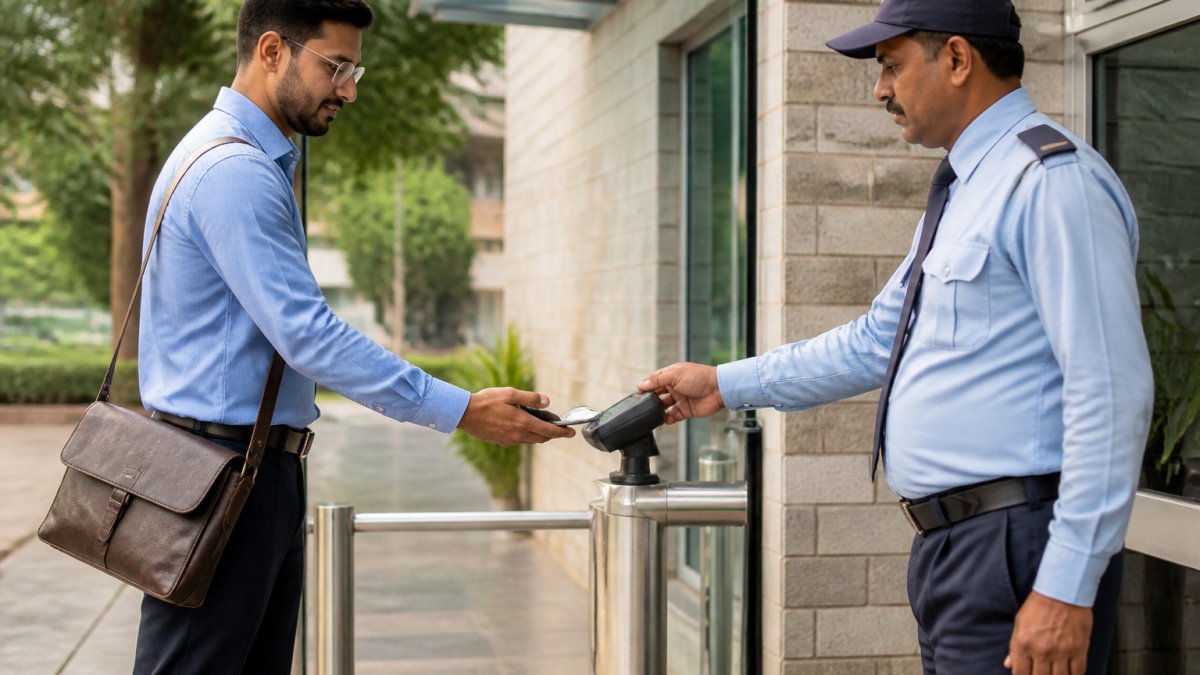
Student safety changes the calculus. In a K-12 setting, every adult on campus is either authorized or a threat, with no neutral category. A sound visitor check-in process for schools starts with a single controlled entry point, an ID scan against a sex-offender registry check where state law permits, and a printed badge that makes the visitor's status visible from across a hallway.
The workflow matters more than the software. Visitors report to the office, never the classroom door, where staff verify the purpose of the visit against a scheduled appointment or staff approval. The visitor receives a badge that expires the same day and is surrendered on exit. Staff are trained, and retrained, to challenge anyone without a badge. For campuses serving minors, no visitor proceeds past the office unescorted, regardless of seniority or familiarity.
Badges, Credentials, and Access Control Integration
A visitor badge that only satisfies a greeter is decoration. A badge that opens doors is a credential, and credentials belong inside your access control system. Integration means the badge issued at check-in carries a permission set scoped to the visit: a contractor gets the mechanical room and service corridor, a parent gets the main office and gym, a vendor gets the loading dock and nothing else. When the visit ends, the credential dies.
This is where standalone visitor software and an integrated environment diverge. A standalone system prints a badge and stops. An integrated one pushes the credential to the door controllers, logs every reader event against the visitor record, and revokes access automatically at scheduled checkout. If a visitor overstays, the system knows before a human does. These integrations can be built around existing access control platforms, so the visitor layer sits on hardware the facility already trusts.
| Visitor Type | Typical Access Scope | Credential Duration | Escort Required |
|---|---|---|---|
| Parent or guardian | Main office, gym, designated meeting room | Same day, hours only | Yes, past office |
| Contractor | Service corridor, mechanical room, work site | Project duration, revoked on completion | No, within scope |
| Vendor or delivery | Loading dock, receiving area | Same day, single visit | No |
| Guest speaker | Auditorium, main office | Same day, event window | Yes |
| Recurring volunteer | Assigned classroom or program area | Term-based, background check required | Per policy |
Visitor Management System Data Security and Privacy Governance
Visitor records are personal data, and campuses collect more than they realize: names, addresses, ID images, vehicle plates, entry and exit times, and sometimes biometric templates.
Start with data minimization as a policy, not a vendor setting. Every field the kiosk captures should map to a decision someone actually makes.
Retention schedules should be explicit and enforced by the system, not by memory.
Consent and notice belong at the point of collection. The Family Educational Rights and Privacy Act guidance from the U.S. Department of Education governs how student information is protected, and a visitor log that captures a parent's visit to discuss a student can brush against those protections.
Access permissions inside the visitor system should follow least privilege. Front-desk staff need to check visitors in and out, not run campus-wide reports or export the full log. Security and facilities leadership may need broader query access, but those queries should be logged.
Breach response deserves its own paragraph in the policy. Know who owns the response, how the vendor notifies the campus, the notification timeline under applicable state breach-notification law, and how affected visitors will be contacted.
Finally, review governance annually. Visitor categories change, state privacy laws evolve, and vendor subprocessors change. A short annual review of the retention schedule, access roles, and vendor commitments keeps the program from drifting out of compliance.
Visitor Management System Implementation Checklist
A visitor management system implementation checklist keeps a project that touches security, IT, facilities, and legal from stalling in week three. The sequence below is a recommended approach, and the order matters: policy decisions come before software selection.
- Define visitor categories and the access scope for each
- Write the screening policy, including watchlist sources and banned-persons procedures
- Confirm retention schedule and privacy notice with legal counsel
- Map the physical entry points and identify which get kiosks
- Confirm network, power, and mounting at each kiosk location
- Integrate the visitor layer with existing access control and door hardware
- Configure host notification and approval workflows
- Test the full check-in flow, including the failure path when the network drops
- Train front-desk staff on exception handling, not just the happy path
- Train all staff on badge challenge and escort rules
- Run a live pilot at one entry point for two weeks
- Review pilot data, adjust policy, then roll out campus-wide
The pilot step is often skipped, leading to potential issues. Two weeks of live data at a single entrance can surface workflow problems, badge printer jams, and staff habits no amount of planning anticipates.
Measuring Program Performance and Handling System Failures
Program effectiveness is measurable, but the metrics must be defined precisely enough that two people reading the dashboard reach the same conclusion. Track these core indicators monthly:
- Average check-in time: median minutes from a visitor's arrival at the kiosk to a printed badge. Watch the median, not the average, because a few slow exceptions will hide the typical experience.
- Automated completion rate: the percentage of visitors who complete check-in through the automated flow without staff override. A falling rate is the earliest signal that the workflow has friction.
- Manual override rate: overrides per hundred visitors, broken out by reason (ID not read, no pre-registration, host unreachable, system error). The reason breakdown is more useful than the total.
- Badge return rate: badges surrendered at checkout divided by badges issued. A gap means visitors are leaving with credentials that should have died at the door.
- Exception frequency: watchlist hits, banned-persons matches, and unauthorized-entry attempts per month, with disposition notes.
- Incident response time: minutes from an exception alert to a staff response, measured during drills as well as live events.
- Unbadged challenges: the count of visitors challenged by staff for missing or expired badges, which measures whether the challenge culture is actually working.
Set targets with pilot data rather than guessing. Two weeks at a single entrance establishes a baseline for check-in time and override rate. A rising manual override rate combined with a falling automated completion rate is the classic signature of a workflow problem, not a staffing problem, and should trigger a process review before anyone asks for more front-desk hours.
System failures need a plan, not a scramble. Cloud systems go down, networks drop, and kiosks fail.
Test the procedure at least annually during a quiet period, and test failure modes separately: network loss, kiosk failure, and full system outage each produce different workarounds. Staff who have only read the procedure will invent one under pressure. Run a short drill, time the fallback, note where paper and digital records diverge, and fix those gaps before the next drill.
Finally, tie the metrics back to governance and implementation. A rolling retention schedule affects what you can measure historically, so define the reporting window alongside the retention policy. A pilot that surfaces a high override rate should feed the training plan, not just the dashboard.
Frequently Asked Questions
What should a campus visitor management system include?
A complete campus visitor management system covers registration, identity verification, badge printing, host notification, and an audit trail of every entry and exit. It should also integrate with access control so credentials open only the doors a visitor is approved for. Cloud-based systems add remote pre-registration and reporting. For higher education and K-12 campuses, look for watchlist screening, guardian or escort rules, and data retention controls that match your privacy policy.
How do schools manage visitors securely?
Schools typically require every visitor to sign in at a single controlled entrance, present photo ID, and wear a visible badge. The visitor check-in process for schools should verify identity against an approved list, notify the staff member hosting the visit, and log entry and exit times. Many districts add sex-offender registry screening, escort requirements, and lockdown procedures tied to the same system so front-office staff can act fast during an emergency.
How can a visitor management system integrate with access control?
Integration links visitor credentials to door hardware, turnstiles, and elevators so a badge grants access only to approved zones for a set time window. When a visitor checks in, the system issues a temporary credential; when they check out, access expires automatically. This removes manual door unlocks and creates an audit trail that shows exactly where each visitor went. Confirm your provider supports the reader and controller protocols already installed on campus.
How should campuses protect visitor data?
Store visitor records in an encrypted, cloud-based system with role-based access so only authorized staff can view them. Collect only what you need, set a retention schedule, and purge records on time. Require vendors to document their security practices, including how they handle customer-uploaded data and secure off-site storage. Review permissions quarterly and train front-desk staff on privacy rules so visitor data stays protected.
How can campuses reduce visitor check-in times?
Pre-registration is the biggest lever. Hosts enter visitor details ahead of time, and the visitor scans a QR code or ID at a kiosk to confirm arrival in seconds. Self-service kiosks, printed badge pre-staging, and automated host notifications cut lobby queues. For recurring visitors like contractors, issue long-term credentials with scheduled access windows so daily check-in becomes a quick scan rather than a full registration.
How often should a campus review its visitor management procedures?
Review procedures at least annually and after any security incident, leadership change, or system upgrade. Test the full workflow, from registration through badge issuance and access control integration, and confirm data retention rules are followed. Update staff training whenever policies change. A short quarterly audit of visitor logs and access permissions catches gaps before they become a problem.