 ultimate-guide
Professional Security System Integration: A 2026 Guide
Table of Contents
- What Is Professional Security System Integration?
- Benefits of Integrated Security Systems
- Core Components and Architecture
- How to Choose a Security System Integrator
- AI-Enabled Surveillance Integration and Modern Threats
- Compliance, Scalability, and Integration Challenges
- Getting Started With Professional Integration
- Frequently Asked Questions
Last Updated: September 18, 2026
What Is Professional Security System Integration?
Professional security system integration connects disparate security technologies into a unified platform with a single interface and coordinated workflows, eliminating the need to manage separate vendor systems for surveillance, access control, and alarms.
Most facilities have invested in cameras from one vendor, access control from another, and intrusion detection from a third. Integration bridges those gaps without requiring you to scrap existing hardware, delivering operational simplicity: one dashboard, one set of credentials, one unified response protocol.
Security system integration goes beyond software, it requires assessing current infrastructure, identifying compatibility layers, designing scalable architecture, and ensuring reliable component communication. This technical complexity of connecting legacy systems to modern cloud-based platforms demands expertise in both hardware and software.
Benefits of Integrated Security Systems
Unified security systems eliminate switching between multiple dashboards. When an access control event triggers, the system automatically pulls relevant camera footage. When motion is detected in a restricted area, alarms activate and notifications route to the right personnel instantly.
Operational efficiency improves as security teams spend less time on manual coordination and more on threat response. Facility managers gain real-time visibility across multiple buildings. The unified approach can reduce total cost of ownership by eliminating redundant hardware and consolidating maintenance contracts.
Scalability becomes straightforward with integrated architecture. Adding a new building or expanding access control doesn't require separate installations and training. Cloud-based platforms provide flexibility to add AI-enabled surveillance, visitor management, or biometric authentication without overhauls.
Integrated systems create comprehensive audit logs of who accessed which areas, when, and what triggered responses, essential for healthcare (HIPAA) and manufacturing (DoD contracts) regulatory compliance.
Core Components and Architecture
Effective security system integration rests on four foundational layers: physical security hardware, network infrastructure, centralized management software, and cloud-based analytics.
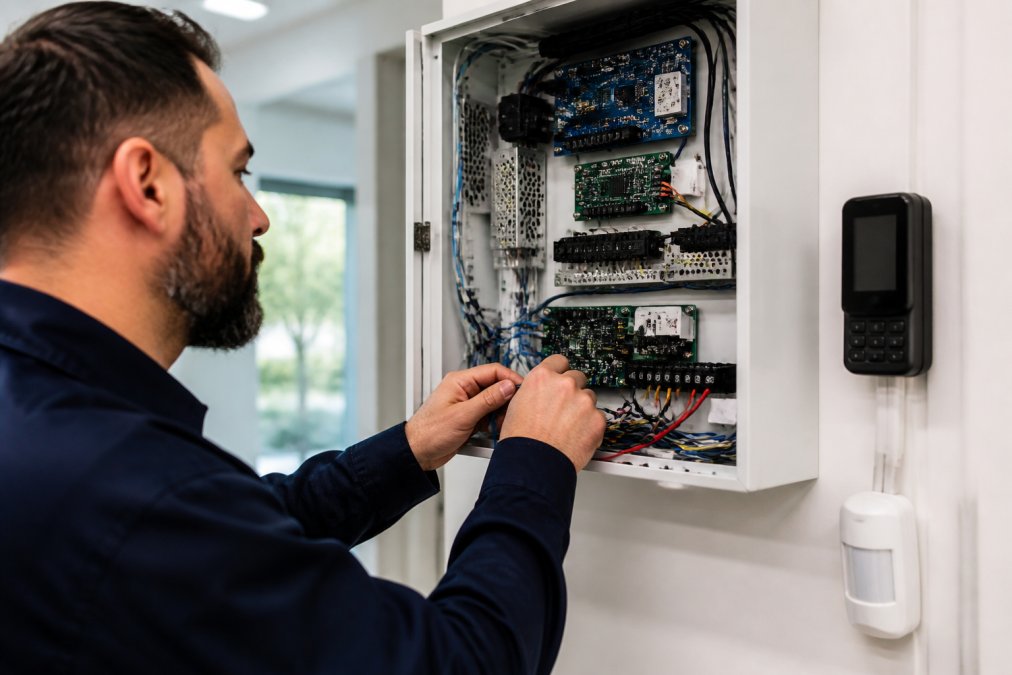
Physical security hardware includes cameras, access control readers, intrusion sensors, and fire alarm systems. Modern integration doesn't demand brand-new equipment; legacy systems often integrate cleanly through middleware or gateway devices that translate proprietary protocols into standardized formats.
Network infrastructure is where many integrations fail. Cameras generate enormous data streams; access control requires real-time responsiveness; intrusion detection cannot tolerate latency. This requires dedicated security VLANs, adequate bandwidth provisioning, and redundant connections. Cloud-based integration requires secure tunnels between facility and platform with consistent uptime.
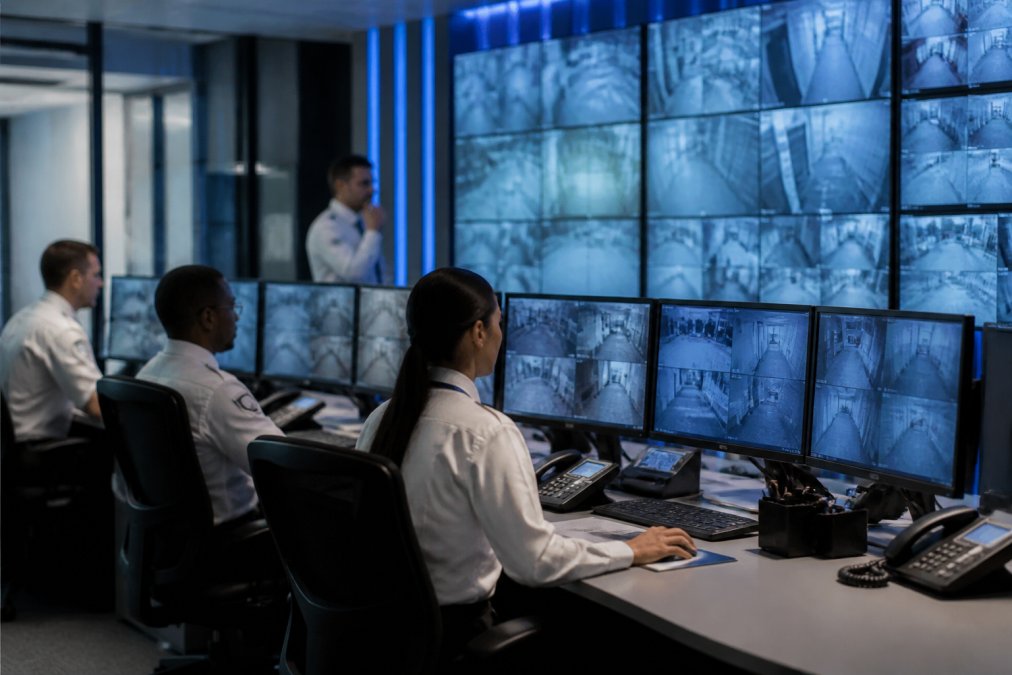
Centralized management software is the unified dashboard where operators see camera feeds, access events, alarm status, and visitor logs simultaneously. It orchestrates workflows: unauthorized access attempts trigger alarms, lock adjacent doors, record video, and alert personnel automatically. Software quality determines whether integration feels seamless or clunky.
Cloud-based analytics provides scalable storage, AI-powered video analysis, and cross-facility reporting with predictive analytics and threat detection capabilities.
How to Choose a Security System Integrator
Selecting the right integrator determines whether you get a reliable system or one that creates problems. Focus on integrators who understand your specific operational context, not just those who can install hardware.
Assess Your Current Infrastructure and Document It Thoroughly
Document every system you currently operate: camera brands and models, access control platforms, alarm vendors, network configuration, facility layout, access points, camera coverage areas, and pain points. A competent integrator will request this information and understand your security priorities before proposing a solution. If an integrator immediately recommends a solution without asking detailed questions, that is a red flag.
Evaluate How Integrators Handle Legacy Systems
Ask integrators: "Can you integrate our existing cameras and access control, or do you recommend replacing them?" Legitimate integrators explain specific compatibility approaches using system-agnostic gateways and middleware. Integrators who default to rip-and-replace are either inexperienced or incentivized to sell new hardware. A red flag is when an integrator cannot explain how they would integrate your existing hardware.
Assess Technical Depth Through Specific Questions
Ask scenario-based questions to reveal competence: "If a camera goes offline, how does your system detect and alert us?" "How do you handle bandwidth constraints when adding cameras?" "What happens if your cloud platform becomes unreachable?" "How do you manage firmware updates without disrupting operations?" "What is your troubleshooting process for failed components?" These questions reveal whether the integrator has encountered real-world problems and developed solutions.
Verify Certifications and Ongoing Training
Ask about team certifications: CompTIA Security+, CISSP, Certified Systems Integrator (CSI), vendor-specific certifications (Axis, Hikvision, Milestone), or PMP. Certifications are not a guarantee of competence, but their absence is a warning sign. More importantly, ask whether the team participates in ongoing training, integrators who do not invest in continuous learning fall behind on new capabilities and security vulnerabilities.
Request References From Similar Facilities and Ask Specific Questions
Request facility-specific references. When speaking with references, ask: "Did the project stay on schedule?" "What was your false alarm rate before and after integration?" "What is your system uptime and integrator response time?" "Was training adequate for independent operation?" "Has the integrator provided ongoing support?" "What would you do differently?"
Evaluate Proposals Based on Architecture, Not Just Price
Evaluate proposals on technical approach: network architecture (assessment, segmentation, VLAN, redundancy), scalability, cybersecurity (credential management, encryption, updates), failover/redundancy, maintenance/support, and training/documentation. A proposal $50,000 cheaper but lacking redundancy, cybersecurity planning, or ongoing support is not a better deal. Total cost of ownership includes hardware, software, labor, support, training, and downtime costs.
Identify Red Flags That Indicate Poor Integrators
Walk away from integrators who cannot explain legacy hardware integration, refuse references, don't ask detailed questions, promise unrealistic timelines, don't discuss cybersecurity/architecture/failover, offer significantly lower pricing without explanation, don't mention ongoing support, can't answer technical questions, or lack certifications.
Establish Clear Expectations in the Contract
Ensure the contract specifies: scope of work (which systems integrate, which hardware replaces/remains), timeline (start, milestones, completion), training (hours, attendees, topics), warranty (duration, coverage), support (response time, availability, inclusions), and acceptance criteria (verification before final payment).
AI-Enabled Surveillance Integration and Modern Threats
AI-powered video surveillance analyzes footage in real time, detecting unauthorized access, loitering, package abandonment, perimeter breaches, and behavioral anomalies. This addresses false alarms from traditional motion sensors, which trigger on any movement. AI systems distinguish between relevant events and noise, a person walking through a secured area generates an alert; a branch blowing in wind does not. AI systems distinguish between relevant events and noise, a person walking through a secured area generates an alert; a branch blowing in wind does not.
AI surveillance integrated with access control creates powerful incident response: invalid credential attempts simultaneously log the event, capture video, check watchlists, and alert personnel in seconds. AI systems also detect insider risk, unusual access patterns, multiple failed attempts, or access at unusual times, critical for facilities handling sensitive materials or information.
Compliance, Scalability, and Integration Challenges
Healthcare (HIPAA) and Integrated Access Control
Healthcare facilities must document physical access to protected health information areas. Integration simplifies HIPAA compliance by creating unified audit logs with synchronized time sources (NTP) so events can be reliably correlated. Audit logs must be protected and tamper-evident through encryption and immutable storage.
Manufacturing and Government Contracts (NIST Cybersecurity Framework)
NIST Cybersecurity Framework requires documented, tested, and maintained physical security controls. Integrated systems must include automated health monitoring, alerting if cameras go offline, access control readers stop responding, or cloud connectivity is interrupted. Systems must generate compliance reports automatically showing uptime, test results, and audit trail completeness.
Financial Services (PCI DSS) and Data Residency
PCI DSS requires physical security controls and logged access to sensitive areas. PCI DSS requires physical security controls and logged access to sensitive areas. Integrators must map data flows to ensure surveillance footage complies with data residency requirements matching your payment processing jurisdiction.
Scalability Challenges Across Multi-Site Operations
Scalability is a major challenge when growing from single-building to multi-campus operations. Cloud-based platforms handle multi-site scaling more elegantly than on-premises systems, ingesting video across all buildings and correlating access events. However, network bandwidth at each site must support video transmission to the cloud, and latency must be acceptable for real-time alerting. A common pitfall is underestimating bandwidth: a single 4K camera consumes 15-25 Mbps; 50 cameras require 750-1,250 Mbps. A common pitfall is underestimating bandwidth: a single 4K camera consumes 15-25 Mbps; 50 cameras require 750-1,250 Mbps.
Integration Troubleshooting and Failure Mode Diagnosis
Integration troubleshooting requires systematic methodology because failures span multiple systems. Professional integrators test connectivity at each layer, camera power, network switch port, firewall rules, middleware translation, cloud platform status, to isolate failures to specific components. Configuration drift is a common failure mode: network changes or firmware updates can break integration silently. Configuration drift is a common failure mode: network changes or firmware updates can break integration silently.
Cybersecurity Integration as a Compliance Requirement
Security systems are network-connected devices vulnerable to attack. Integration must include network segmentation (dedicated VLAN), credential management (strong passwords, multi-factor authentication), encryption (data in transit and at rest), and regular updates.
Getting Started With Professional Integration
Begin with a facility assessment: document current infrastructure, identify pain points, and clarify objectives (reduce false alarms, improve response time, achieve compliance, enable remote monitoring). Request proposals from integrators with relevant experience, evaluating based on technical approach, team expertise, timeline, total cost of ownership, and ongoing support. During implementation, plan for disruption and ensure your security team understands the new system before going live.
Frequently Asked Questions
Can a security system integrator consolidate three separate systems (cameras, access control, alarms) into one platform?
Yes. Professional security system integration can unify disparate systems without requiring complete replacement. Integrators assess your existing hardware, determine compatibility, and configure middleware or unified platforms to centralize monitoring and management. This approach reduces costs compared to full replacement and minimizes operational disruption while enabling real-time cross-system monitoring and incident response.
How does AI-enabled surveillance integration reduce false alarms?
AI-enabled surveillance integration uses machine learning to distinguish between genuine threats and environmental triggers like moving branches or passing vehicles. By analyzing patterns and context, AI systems learn your facility's normal activity, triggering alerts only when actual anomalies occur. This dramatically improves security team morale, reduces response fatigue, and ensures critical incidents receive immediate attention rather than being lost in noise.
What compliance standards should a security integrator understand for healthcare facilities?
Healthcare providers must ensure integrators understand HIPAA requirements for patient privacy, secure data storage, and access logging. Additionally, integrators should be familiar with state-level healthcare facility security standards and any Joint Commission (TJC) requirements your organization follows. A qualified integrator will design systems that maintain audit trails, encrypt surveillance footage, and restrict access to authorized personnel only.
What happens to security footage if a cloud-based system goes offline?
Reliable professional integrators design hybrid systems with local backup storage alongside cloud services. When cloud connectivity is lost, cameras and access control systems continue recording locally. Once connectivity is restored, footage syncs to the cloud automatically. This redundancy ensures you never lose critical security data and can access recent footage even during service interruptions.