 how-to
Managing Security Across Multiple Campus Buildings
Table of Contents
- Why Unified Security Management Matters for Multi-Building Campuses
- Centralized Access Control for Multiple Buildings
- Campus Security System Design Best Practices
- How Long Does Unified Security Integration Take
- Implementing Real-Time Monitoring and Incident Response
- Addressing Cybersecurity and Data Protection
- Budgeting and ROI for Multi-Site Security Upgrades
- Staff Training and Security Culture
- Frequently Asked Questions
Last Updated: September 3, 2026
Why Unified Security Management Matters for Multi-Building Campuses
Managing security across multiple campus buildings creates coordination problems that single-location security doesn't face. The core issue is fragmentation: most campuses operate disconnected systems where access control, video surveillance, and emergency alerts come from different vendors. This patchwork approach creates blind spots. A threat detected in Building A might not trigger a response in Building B because systems don't communicate, and security teams spend more time managing multiple platforms than monitoring threats.
A unified approach changes this dynamic entirely. One dashboard shows what's happening across all buildings simultaneously. Access control, video surveillance, and emergency notification systems work together as a single organism rather than isolated tools.
Centralized Access Control for Multiple Buildings
Centralized access control is the foundation of any multi-building security strategy. Rather than each building maintaining its own credential system, a unified platform manages who enters which buildings and when.
The practical benefit is immediate: you eliminate administrative overhead. When an employee leaves the organization, you update their credentials once and that change propagates across all buildings instantly. Centralized credentialing also enables sophisticated security policies impossible with disconnected systems. A contractor might have access to Building A only during business hours on weekdays. A maintenance worker might have 24/7 access to mechanical rooms but restricted access to administrative areas. These policies enforce themselves automatically.
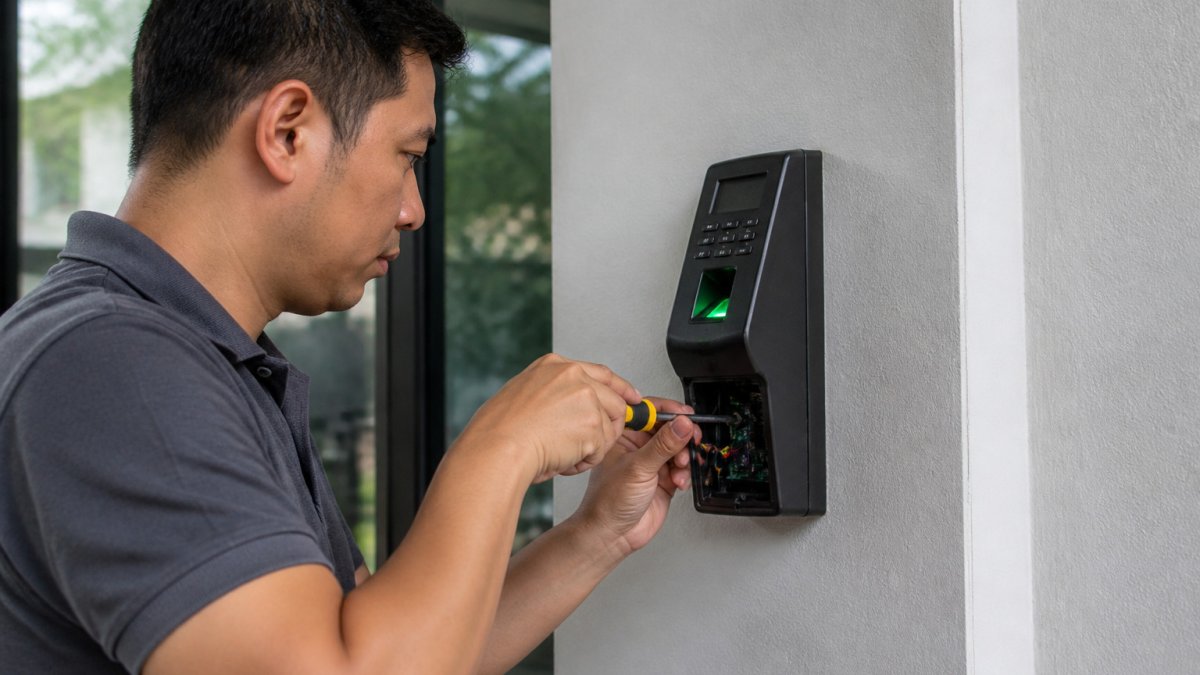
The implementation typically involves a cloud-based credential management platform connected to physical readers at each building's entry points. Biometric authentication adds another layer. One critical consideration: ensure your system includes local failover capability. If your cloud connection drops, buildings should still authenticate users locally.
Campus Security System Design Best Practices
Designing a security system for multiple buildings requires thinking beyond individual components. You're creating an infrastructure that must function reliably across distributed locations, coordinate responses across boundaries, and scale as your campus grows.
Physical Security Design Principles
Physical security design starts with understanding your perimeter. For a multi-building campus, the perimeter includes the space between buildings, the pathways connecting them, and the entry points to each structure.
Effective design establishes clear zones of security. The outer perimeter is your first line of defense: fencing, lighting, and vehicle barriers. The secondary perimeter is the building envelope: controlled entry points with access readers and monitored doors. Interior zones protect sensitive areas requiring additional restrictions.
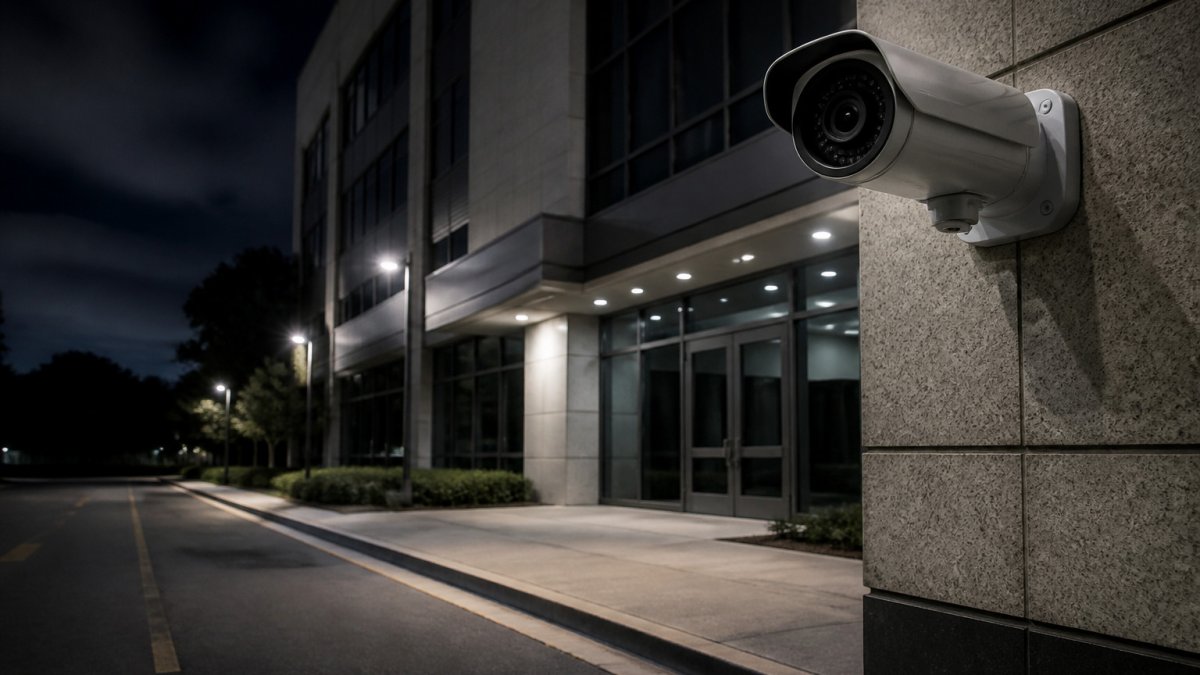
Sight lines matter significantly. Security cameras positioned at building corners can observe multiple pathways simultaneously. Landscaping should eliminate hiding spots near entry points. Lighting should eliminate dark areas where someone could approach undetected. These physical design decisions work in concert with technology systems to create an environment where unauthorized access is difficult and detected quickly.
Video Surveillance Integration Across Sites
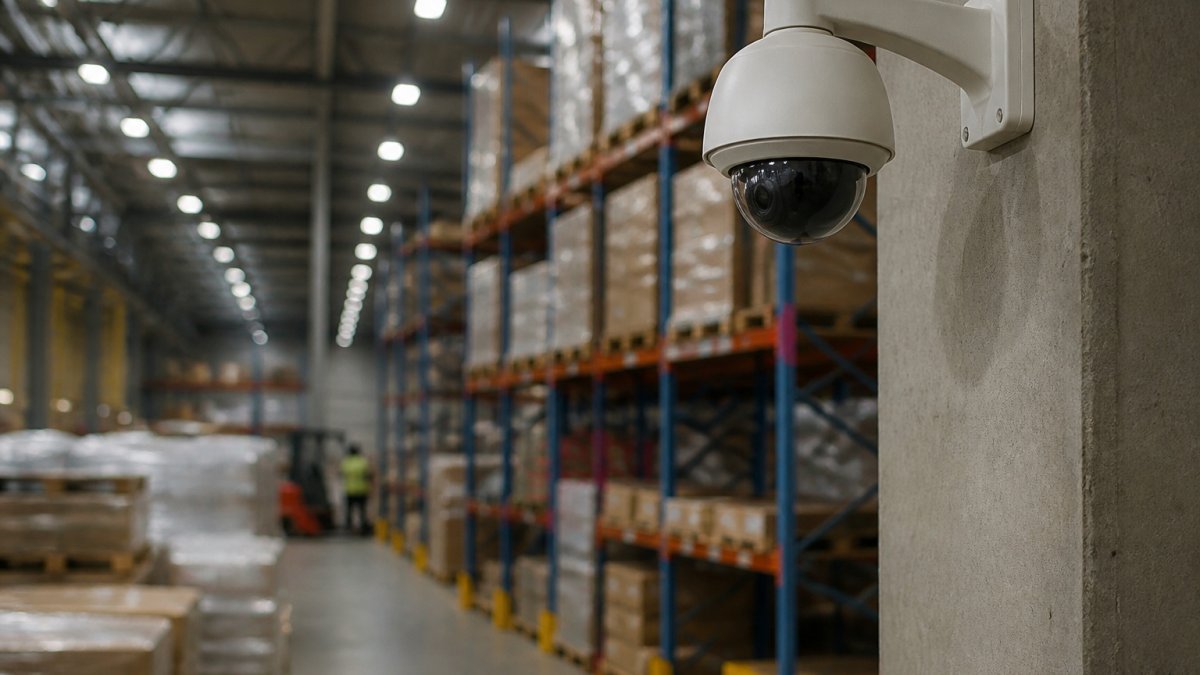
Video surveillance across multiple buildings requires coverage at every significant entry point and the ability to correlate footage across locations. If someone enters Building A at 2 PM and Building B at 2:15 PM, your system should flag that connection automatically.
Modern surveillance systems use AI-enabled analytics to reduce false motion detection alerts (peer-reviewed research). Instead of triggering on every shadow, the system recognizes actual threats: people in restricted areas, tailgating at secure entries, loitering in sensitive zones. This dramatically reduces false alarms.
Integration means your video system connects to your access control system. When someone uses a credential to enter Building A, the system automatically pulls footage from the nearest cameras for that timestamp. Storage strategy matters significantly: cloud-based storage scales easily and provides redundancy, but hybrid approaches work well, local storage at each building for real-time access and cloud backup for long-term retention and cross-site analysis.
Emergency Alert and Notification Systems
Emergency notification systems must function independently of other infrastructure. If your network goes down, emergency alerts still need to reach people. Most campuses maintain redundant notification channels: text messages, email, building intercoms, and mobile app push notifications.
For multi-building campuses, your notification system needs to support targeted alerts. A fire in Building A shouldn't trigger full campus evacuation if contained quickly. Your system should allow building-specific, floor-specific, or campus-wide alerts depending on the situation.
Integration with your access control system enables automatic lockdown procedures. When an active threat is detected, the system can automatically lock certain doors, unlock emergency exits, and notify occupants through multiple channels simultaneously. Testing is critical, conduct regular drills where you test the full notification chain from alert generation through staff response to occupant actions.
How Long Does Unified Security Integration Take
Unified security integration typically spans a period that varies based on existing infrastructure and complexity.
The timeline breaks into distinct phases. Assessment and planning involves auditing existing systems, mapping network infrastructure, identifying what can be salvaged, and designing the unified architecture. Hardware installation and network configuration includes running cable to new access readers, installing cameras, and configuring network infrastructure for real-time communication between buildings. Software configuration and integration testing involves configuring access policies, testing communication between buildings, and validating alert propagation. Staff training overlaps the final weeks of configuration, typically involving formal training plus ongoing support.
The total timeline can compress with experienced integration specialists or extend if working with legacy systems requiring custom bridges. The key variable is usually network infrastructure, if your buildings aren't well-connected, you'll spend weeks establishing reliable communication paths.
Implementing Real-Time Monitoring and Incident Response
Real-time monitoring is where unified security systems prove their value. When your access control, video surveillance, and alert systems work together, you can detect and respond to threats in minutes rather than hours.
Centralized Security Monitoring Setup
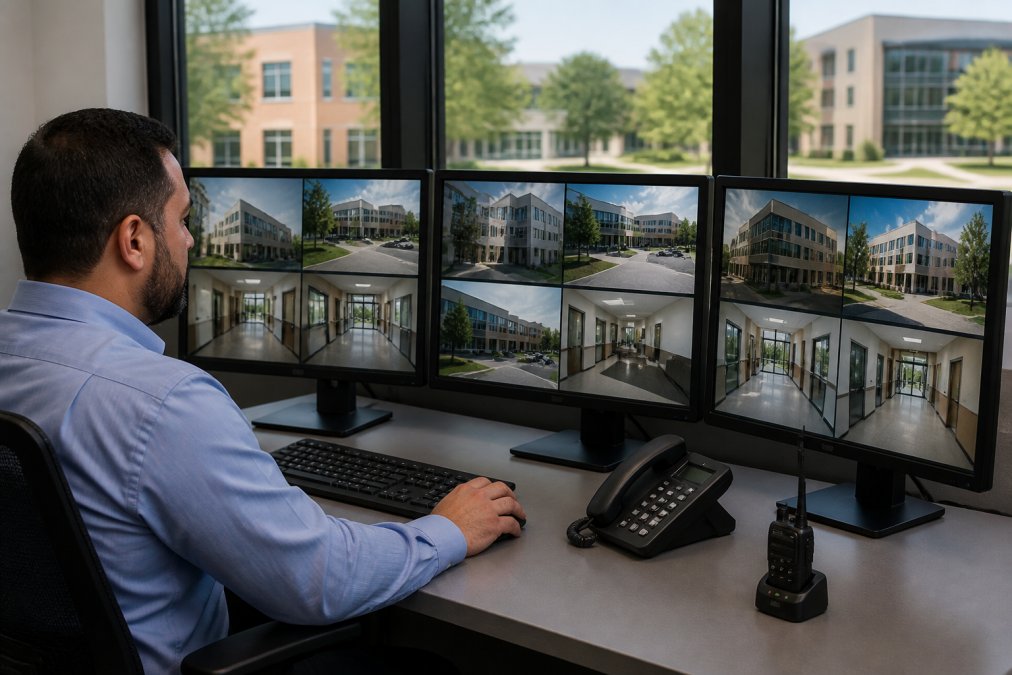
A centralized monitoring operation requires a dedicated space: a security operations center where staff can observe real-time feeds and respond to alerts. A well-designed control room has multiple monitors displaying live video feeds, access logs, and alert queues. Staff can quickly assess what's happening across all buildings without switching between separate systems.
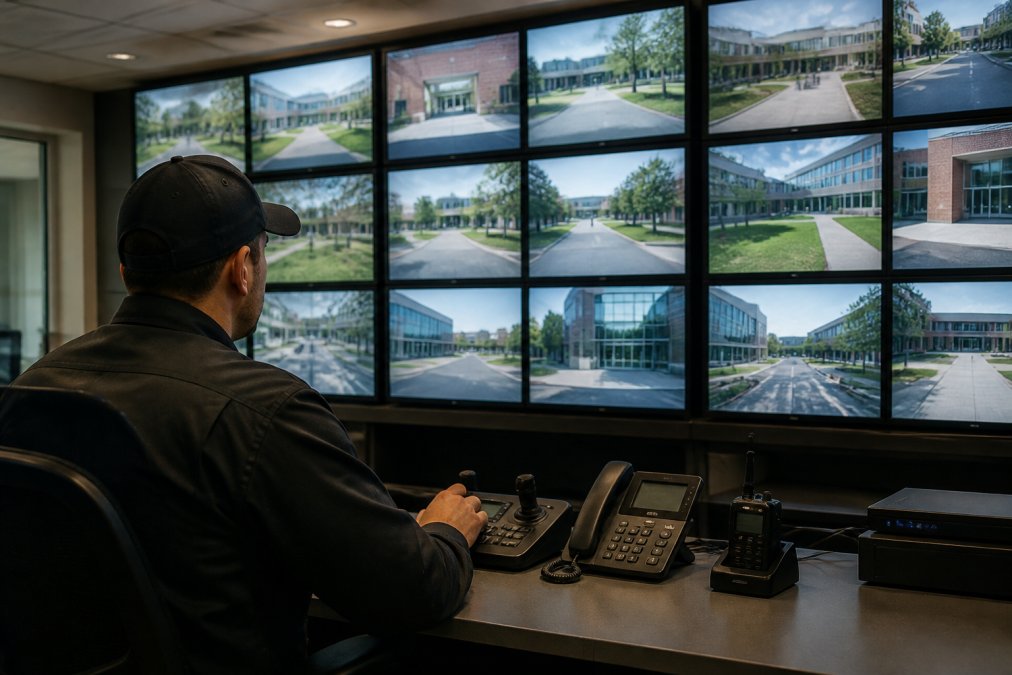
The monitoring workflow should be standardized. When an alert arrives, unauthorized access attempt, motion in a restricted area, emergency button activation, the system should automatically display relevant video, access logs, and building layout information. Your team shouldn't have to hunt for context.
Staffing levels depend on your campus size and risk profile. A small campus might have one person monitoring during business hours and a remote monitoring service after hours. Larger campuses typically maintain 24/7 coverage with multiple staff members during high-risk periods.
Lockdown Procedures and Emergency Protocols
Lockdown procedures transform from manual processes into automated responses when security systems are unified. When an active threat is detected, the system can automatically execute a lockdown sequence: locking all doors in the threatened building, unlocking emergency exits, sending alerts to occupants with shelter-in-place instructions, and notifying security personnel and law enforcement simultaneously.
Your protocols need to account for different threat types. A fire response looks different from an active threat response. Your security system should support multiple lockdown profiles, each triggering appropriate responses for that specific emergency type. Conduct regular drills where you practice lockdown procedures with the actual system to reveal gaps in your protocols before an actual emergency exposes them.
Addressing Cybersecurity and Data Protection
Unified security systems create new cybersecurity challenges because they consolidate access to your entire security infrastructure into a networked platform. A breach could compromise your entire campus.
Treat your security infrastructure as critical infrastructure. Your security systems should operate on a separate network from general campus IT, with carefully controlled access points. Your security network should have its own firewall, its own monitoring, and its own incident response procedures.
Encryption matters for both data in transit and data at rest. Video footage should be encrypted as it's transmitted between buildings and stored in the cloud (nist.gov). Access logs should be encrypted. Regular security audits of your unified system are essential, engage external security specialists to test your infrastructure for vulnerabilities. Backup and recovery procedures should be tested regularly so you can restore your system to a known-good state quickly if compromised.
Budgeting and ROI for Multi-Site Security Upgrades
Budgeting for multi-building security upgrades requires understanding both direct costs and indirect benefits that justify the investment.
Hardware costs vary based on your existing infrastructure and upgrade scope. Access control readers, video cameras, network infrastructure, and emergency notification systems represent the largest capital expenses. Integration and configuration costs often exceed hardware costs because this work is labor-intensive and requires specialized expertise.
Operational costs change after implementation. Unified systems typically reduce staffing requirements because your team spends less time managing multiple platforms (the CDC). Training costs decrease because staff learns one system instead of three. The less obvious benefits often justify the investment: reduced false alarms mean your security team responds to real threats, faster incident response means threats are contained before escalating, and improved compliance documentation demonstrates security posture to auditors and insurance providers.
Calculate ROI by comparing current security costs and staff time against projected costs after implementation. Consider phased implementation if budget constraints are tight, spreading costs over multiple years while still delivering security improvements incrementally.
Staff Training and Security Culture
The best security infrastructure fails if your staff doesn't understand how to use it. Training isn't a one-time event at implementation, it's an ongoing practice.
Initial training should cover fundamentals: how to interpret alerts, access video footage, and execute emergency procedures. Staff needs hands-on experience with the system before encountering real emergencies. Simulation exercises where you trigger test alerts and practice responses are invaluable.
Ongoing training should address new features, policy updates, and lessons learned from incidents. When you experience a security event, conduct a post-incident review to identify what worked well and what could improve. Security culture extends beyond your security team, everyone on campus should understand basic security principles: recognizing suspicious activity, when to report concerns, and how to respond during emergencies. Communicate security updates and policy changes regularly so everyone affected understands the changes.
Managing security across multiple campus buildings represents one of the most complex security challenges you'll face. The fragmentation of traditional approaches, separate systems, disconnected alerts, manual coordination, creates vulnerabilities that sophisticated threats exploit. Unified security integration consolidates your defense into a coordinated system where access control, video surveillance, and emergency response work together.
Mt. Major Tech specializes in exactly this challenge. We design and implement unified security systems that give facility managers visibility across their entire campus and the ability to respond to threats in real time. Our approach combines AI-enabled surveillance that reduces false alarms, smart access control that scales across buildings, and emergency notification systems that function reliably when you need them most. We handle the technical complexity so your team can focus on security operations. Book Online to discuss how we can unify your multi-building security infrastructure and give your facility managers the integrated platform they need to protect your campus effectively.
Frequently Asked Questions
Q: Can you integrate existing security systems from different vendors into one platform?
A: Yes. Modern unified security platforms support integration with legacy systems through middleware and API connections. Rather than replacing everything, integration specialists assess your current infrastructure, cameras, access control, alarms, and connect them to a centralized management hub. This approach reduces costs and minimizes downtime. The integration process typically involves mapping each system's data flows and configuring the unified platform to communicate with existing hardware, allowing you to manage everything from one dashboard.
Q: How long does unified security integration take for a multi-building campus?
A: Timeline depends on campus size, system complexity, and existing infrastructure. Assessment and planning, hardware installation, software configuration, and staff training make up the typical phases. Phased rollouts can begin sooner, with critical buildings online first while others follow, reducing overall project duration and operational disruption.
Q: What compliance standards apply to campus security systems?
A: Compliance requirements vary by facility type. Healthcare providers must meet HIPAA security rules for any footage involving patient areas. Educational institutions should follow guidelines from the Clery Act regarding campus safety reporting. Manufacturing and DoD contractors must comply with NIST Cybersecurity Framework standards and facility-specific security protocols. Law firms handling sensitive client data must ensure surveillance systems align with data protection obligations. Your security integrator should conduct a compliance audit specific to your industry and location to ensure your unified system meets all applicable regulations.
Q: How does AI reduce false alarms in campus security systems?
A: AI-enabled motion detection learns to distinguish between legitimate threats and common false triggers like moving shadows, swaying trees, or passing vehicles. Traditional motion sensors trigger alerts for any movement; AI systems analyze patterns, object behavior, and environmental context to confirm genuine security events. This reduces alert fatigue for your security team, improves response prioritization, and increases trust in the system. Over time, machine learning models become more accurate for your specific campus environment, further reducing nuisance alarms while maintaining detection sensitivity for real threats.