 ultimate-guide
Integrating Multiple Commercial Security Systems: A 2026 Guide
Table of Contents
- What Is Security System Integration?
- Benefits of Integrated Security Systems
- Key Components of Commercial Security Integration
- Challenges of Security System Integration
- How Long Does Unified Security Integration Take?
- Integration Approaches: Building Your Strategy
- Implementation Steps for Integrating Multiple Systems
- Total Cost of Ownership and Budget Planning
- Frequently Asked Questions
Last Updated: August 25, 2026
What Is Security System Integration?
Security system integration is the process of connecting multiple independent security systems, access control, video surveillance, intrusion detection, and alarm management, into a single, centralized platform. Rather than operating separate systems with isolated dashboards, integration enables real-time communication between components and coordinated threat response.
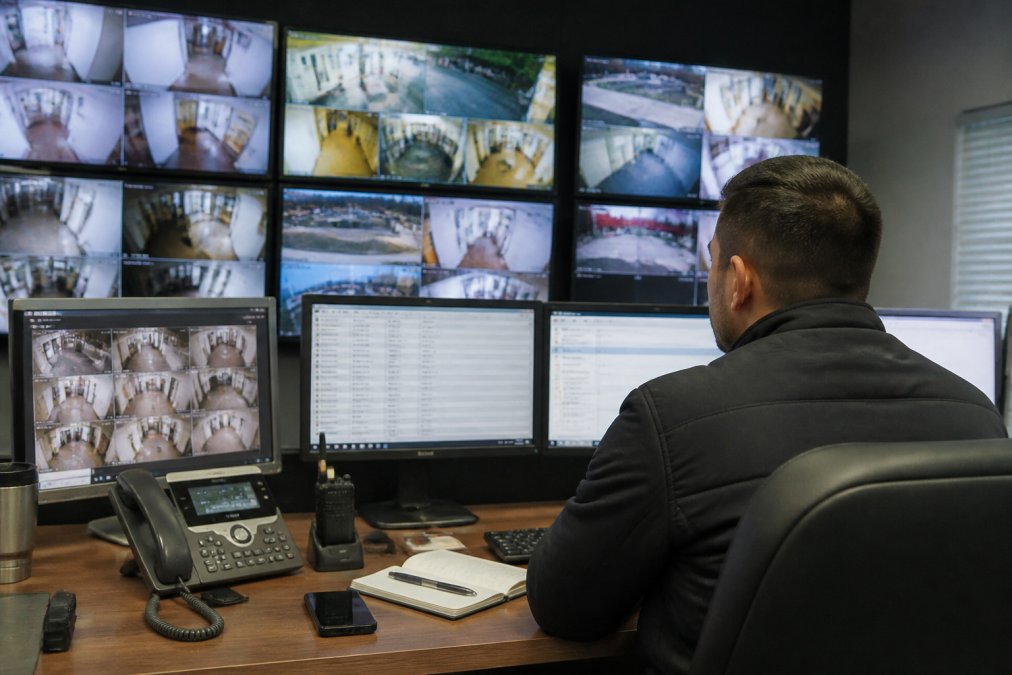
Most commercial facilities inherit layers of equipment installed over years by different vendors, each running proprietary software and creating data silos that prevent effective incident response. Integration bridges that gap by creating a cohesive operational environment where a single security team monitors, manages, and responds to threats from one interface. When a motion sensor triggers an alarm, the system automatically pulls up video from the nearest camera, logs the access control event, and alerts personnel, all without manual intervention. This unified approach reduces false alarms, accelerates incident response, and eliminates operational friction.
Benefits of Integrated Security Systems
Faster incident response is the most immediate benefit. When all security data flows into a single platform, security personnel see the complete picture instantly. A motion sensor triggers, and the system simultaneously displays video, access logs, and alarm history, no more logging into separate systems.
Reduced false alarms stems from data correlation. A motion sensor in an empty hallway might trigger an alarm, but video analytics can confirm no actual movement occurred, and access logs show no one entered that zone. The system dismisses it automatically. Integrated systems can significantly reduce false alarm rates (peer-reviewed research).
Centralized management simplifies administration. Instead of maintaining separate user accounts and audit trails across multiple vendor systems, you manage one unified directory. Adding a new employee means one permission request, not four.
Scalability becomes feasible when systems are integrated. Adding a new building no longer means installing parallel security infrastructure. New cameras, access points, and sensors integrate into the existing platform automatically.
Real-time alerts and automation enable proactive threat detection. Integrated systems can execute automated responses, locking down zones, triggering camera sequences, alerting specific personnel based on threat type, before an actual breach occurs.
Compliance and audit trails improve dramatically. Integrated systems maintain unified audit trails with timestamps, user attribution, and system actions, essential for regulatory requirements like HIPAA and SOC 2.
Key Components of Commercial Security Integration
Access Control and Video Surveillance
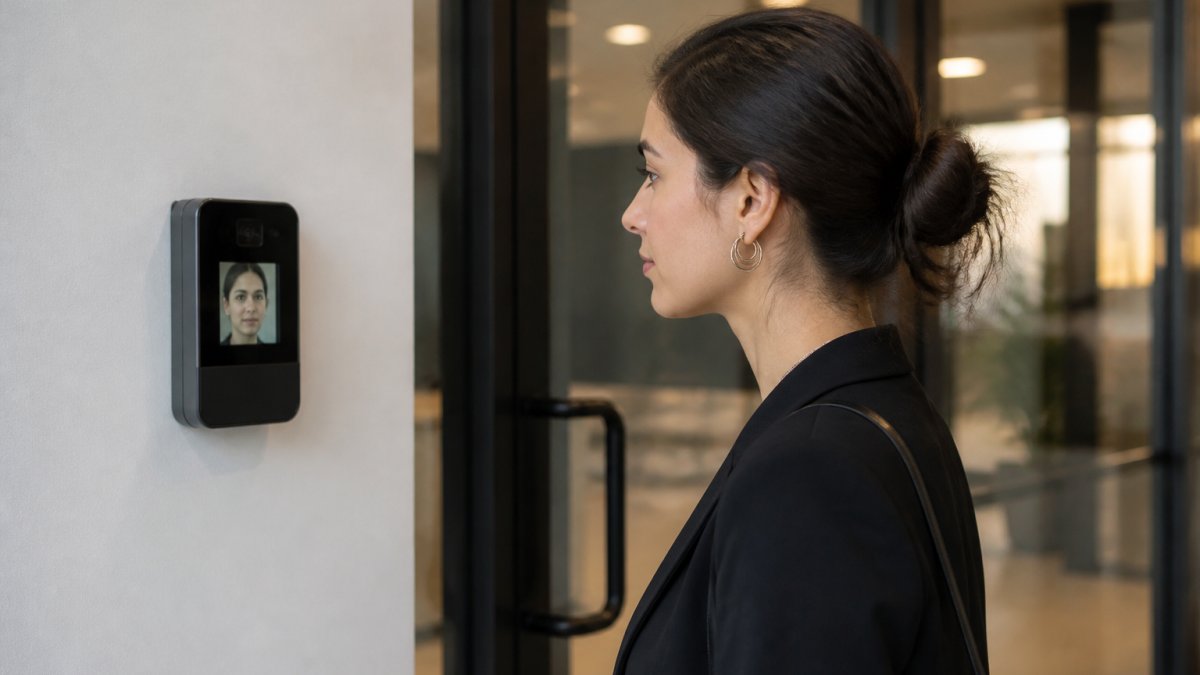
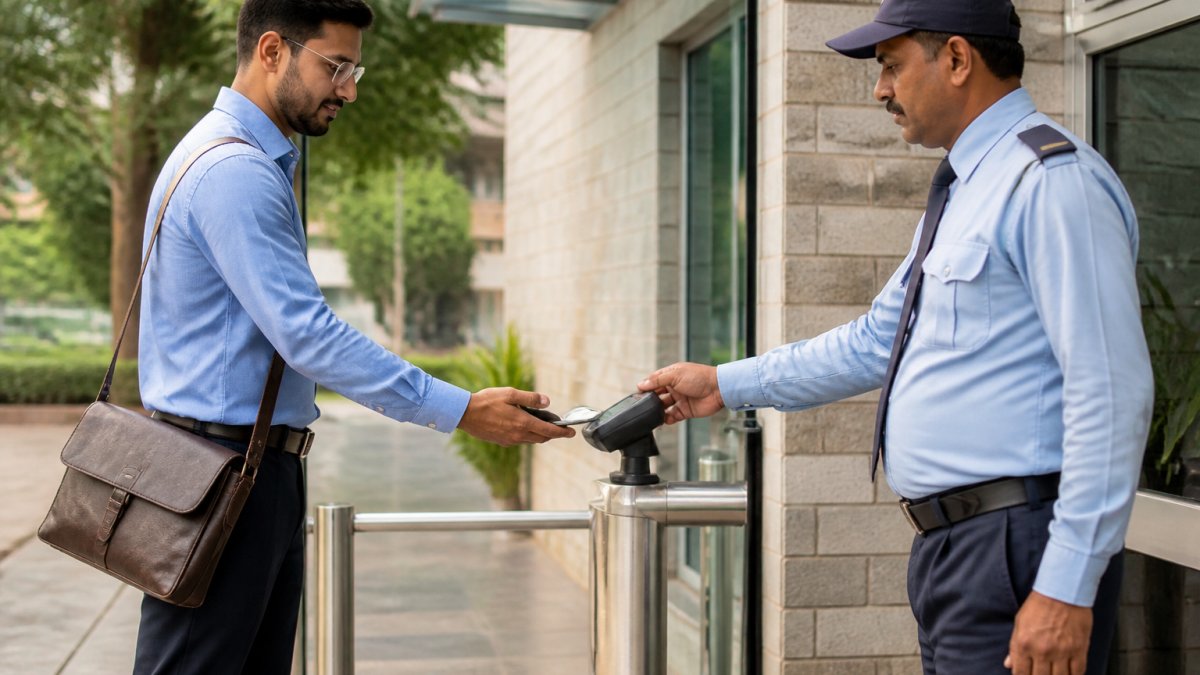
Access control systems manage who enters specific zones and when. Video surveillance provides visual verification of those access events. Integrated, they become far more powerful than either system alone.
When integrated, an access card swipe triggers the nearest camera to begin recording high-resolution footage and automatically tags it with the cardholder's identity, timestamp, and destination. If an access event occurs outside normal patterns, someone entering a secure zone at 3 a.m. when they typically work 9-5, the system flags it for review. Video analytics can even detect tailgating, triggering an alert without manual monitoring.
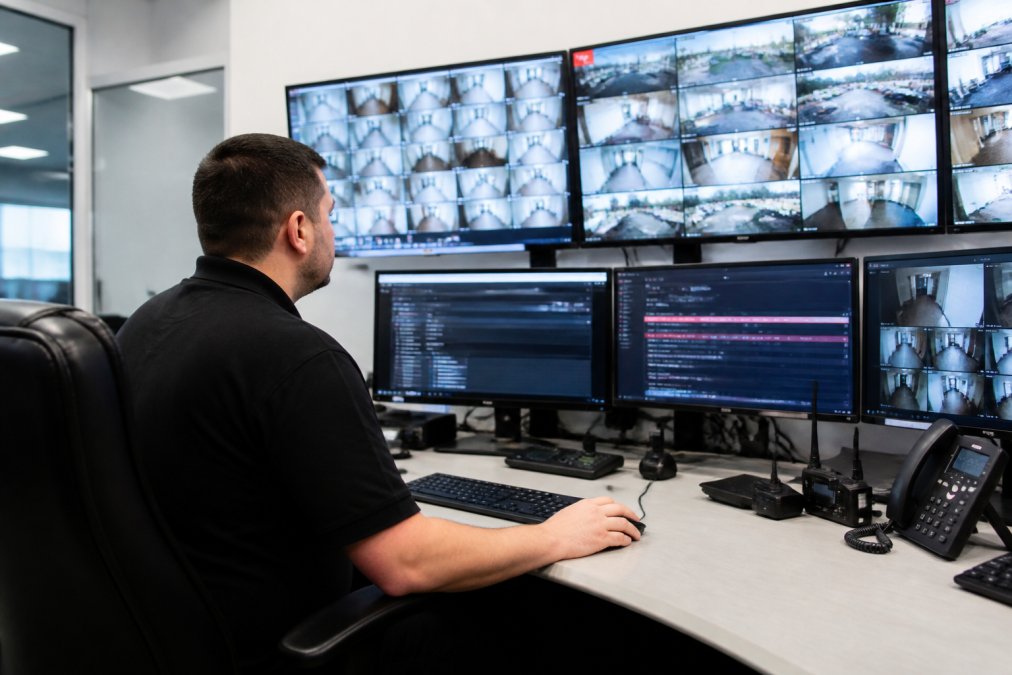
The integration eliminates manual searches for video footage to verify access events, executing that verification instantly instead.
Intrusion Detection and Real-Time Alerts
Intrusion detection systems monitor perimeters, windows, and doors for unauthorized entry attempts. When integrated with other systems, these alerts trigger coordinated responses.
A door sensor detects forced entry. The system immediately locks down that zone, pulls video from all relevant cameras, disables access from adjacent zones to contain the threat, and sends alerts to security personnel with video already queued. This coordinated response happens in seconds. Real-time alerts also benefit from data correlation, a single motion sensor trigger might be ignored, but when that same sensor triggers while access logs show an unauthorized person in that zone, the alert escalates immediately.
Centralized Management Platforms
The centralized management platform is where integration becomes operational reality. A proper platform doesn't simply display data from multiple systems side-by-side; it actively correlates data, applies business logic, and executes automated responses. Rules can be defined at a high level: "If motion is detected in the server room AND access logs show someone not authorized for that zone, lock the door and alert the security director immediately."
The platform also manages user authentication and permissions across all integrated systems. An employee terminated for cause is removed from all systems through a single action. Audit trails capture every action, who accessed what, when, from where, and what they did, essential for compliance and incident investigation.
Challenges of Security System Integration
Legacy System Compatibility
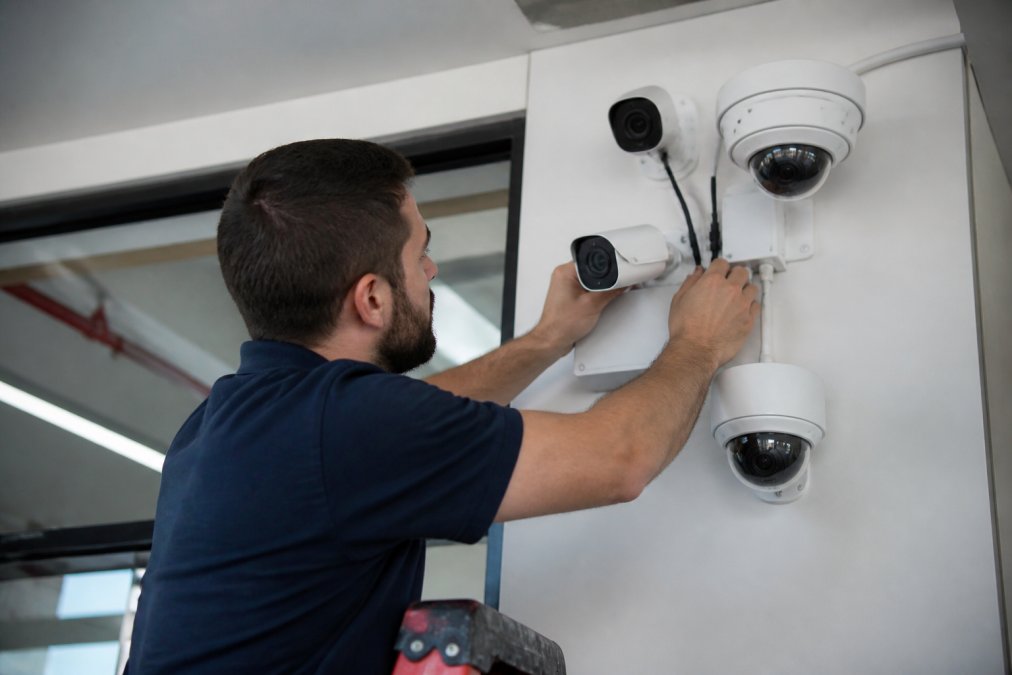
Most organizations pursuing integration face a harsh reality: existing systems were never designed to work together. A camera system installed five years ago may not support modern API standards. An access control system from a different vendor may use proprietary protocols that don't interoperate.
This incompatibility forces difficult choices. Some organizations pursue "middleware" solutions, software that translates between incompatible systems and creates a unified interface. This works but introduces complexity, potential latency, and dependency on the middleware vendor. Others pursue gradual replacement, retiring legacy systems incrementally as budget allows. This approach is more expensive upfront but eliminates technical debt and middleware dependencies.
Data Privacy and Compliance
Integrating systems creates centralized data repositories containing sensitive information: video footage, access logs, biometric data, and audit trails. This concentration increases regulatory scrutiny and requires strong security controls.
Healthcare facilities must ensure integrated systems comply with HIPAA requirements (hhs.gov). Financial institutions face similar requirements under various regulations. Data privacy regulations like CCPA impose requirements on data retention, access, and protection. Integrated systems must enforce these policies uniformly across all components.
Additionally, integrating systems often means moving data to cloud-based platforms. This introduces questions about data residency, encryption, and what happens during downtime. Organizations must evaluate whether cloud-based integration aligns with compliance obligations and risk tolerance.
How Long Does Unified Security Integration Take?
The timeline for integrating multiple commercial security systems depends on scope, complexity of existing systems, and organization size.
Assessment and planning typically takes 2-4 weeks. This phase involves auditing existing systems, documenting capabilities and limitations, identifying interoperability gaps, and defining integration goals.
Design and architecture adds another 2-3 weeks, where the technical team designs the centralized platform, defines data flows, and creates the implementation roadmap.
Procurement and setup takes 2-6 weeks depending on whether new hardware is required.
Pilot implementation on a small portion of the facility typically takes 2-4 weeks, testing the design in a real environment and allowing staff to become familiar with the new interface.
Full deployment across the entire facility varies widely. A small facility might complete it in 1-2 weeks; a large facility with multiple buildings might require 4-8 weeks of phased rollout.
Training and optimization adds 1-2 weeks, though this often overlaps with deployment.
Total timeline: Most organizations should expect 12-16 weeks from initial assessment to full operational integration (peer-reviewed research). Small facilities might complete it in 8-10 weeks; large enterprises might require 20+ weeks.
Integration Approaches: Building Your Strategy
Full System Replacement vs. Hybrid Integration
Full system replacement means removing all existing security systems and installing new equipment designed to integrate from the ground up. This approach is faster to implement, eliminates legacy compatibility issues, and provides clean architecture with no technical debt. The drawback is cost, replacing all systems at once requires significant capital investment.
Hybrid integration keeps existing systems in place and adds middleware or API layers to connect them. This preserves existing investments and spreads costs over time. The tradeoff is complexity, middleware adds another layer to manage and troubleshoot. If the middleware fails, the integration fails, even though underlying systems still function.
Most organizations pursue a hybrid approach initially, with a long-term plan to migrate toward full replacement as budgets allow.
Interoperability Protocols and API Integration
Modern security systems increasingly support standard protocols that enable interoperability.
ONVIF (Open Network Video Interface Forum) is the standard protocol for video management systems. Most modern cameras support ONVIF, allowing them to be managed by any ONVIF-compliant video management software, eliminating vendor lock-in.
PSIA (Physical Security Interoperability Alliance) is an alternative standard with broader scope than ONVIF, enabling integration across cameras, access control, and alarm systems from different vendors.
REST APIs allow custom integration between systems. When evaluating systems for integration, confirm they support one of these standards.
Implementation Steps for Integrating Multiple Systems
Step 1: Audit Your Current Systems
Document every security system in operation. For each system, record:
- System type, vendor, and model
- Installation date and expected end-of-life
- Current software version and network connectivity
- Integration capabilities (ONVIF, PSIA, API support)
- User count and data retention policies
This audit reveals compatibility issues early and exposes systems approaching end-of-life. Interview the security team about pain points: What manual processes consume the most time? Where do false alarms occur most frequently? These insights guide integration priorities.
Step 2: Define Integration Goals and Compliance Requirements
Establish clear objectives for the integration. Are you primarily focused on reducing false alarms, improving incident response speed, meeting compliance requirements, or enabling remote monitoring? Different goals lead to different architectures.
Identify compliance requirements that will shape the integration. HIPAA requires specific audit logging and access controls. PCI DSS requires video retention and access restrictions. GDPR and CCPA impose data retention and privacy requirements. Document the specific compliance standards applicable to your organization.
Step 3: Select a Centralized Platform
The centralized management platform is the core of integration. Evaluate platforms based on interoperability (ONVIF, PSIA, API support for your existing systems), scalability, user experience, compliance features, support and maintenance, and cloud versus on-premises options. The platform selection determines the technical architecture for years to come.
Step 4: Plan Migration and Phased Deployment
Develop a detailed migration plan that moves systems to the integrated platform without creating security gaps. Integrate one system or building at a time, verify it's working correctly, then move to the next. Many organizations integrate video surveillance first, then access control, then alarms.
Plan a rollback procedure for each phase. If something goes wrong during integration, how do you revert to the previous system quickly? Also plan for redundancy during transition, the new system must be fully operational before the old system is decommissioned.
Step 5: Test, Train, and Optimize
Conduct comprehensive testing in a controlled environment. Test normal operations and failure scenarios. Test the security team's workflows, can they respond to incidents efficiently using the new interface?
Training should be hands-on. Security staff need to practice with the actual interface, understand automated responses, and develop new incident response procedures. After deployment, monitor false alarm rates, incident response times, and system performance. Adjust thresholds, automation rules, and permissions based on real-world operation.
| Phase | Duration | Key Activities | Success Criteria |
|---|---|---|---|
| Assessment & Planning | 2-4 weeks | Audit systems, document gaps, define goals | Clear integration roadmap, compliance requirements documented |
| Design & Architecture | 2-3 weeks | Design platform, plan data flows, create specifications | Technical design approved, procurement list finalized |
| Procurement & Setup | 2-6 weeks | Order equipment/licenses, configure hardware, install software | All components received, initial configuration complete |
| Pilot Implementation | 2-4 weeks | Deploy to test environment, validate design, train early users | Pilot environment operational, issues identified and resolved |
| Full Deployment | 1-8 weeks (phased) | Deploy to all locations, migrate data, decommission legacy systems | All systems integrated, legacy systems retired |
| Training & Optimization | 1-2 weeks | Train security staff, optimize settings, document procedures | Staff proficient, system performing to specifications |
Total Cost of Ownership and Budget Planning
Integrating multiple commercial security systems involves costs beyond hardware and software expenses.
Initial capital costs include hardware (if replacing), software licenses for the centralized platform, and integration middleware if required.
Implementation services are often the largest cost component. Professional services to assess systems, design architecture, implement integration, and train staff typically exceed hardware costs.
Ongoing maintenance and support includes software licensing, hardware maintenance, and technical support. A well-integrated system often reduces ongoing costs by eliminating redundant maintenance contracts.
Operational costs include staff time for monitoring and management. A well-integrated system reduces these costs by eliminating manual processes and false alarm responses. Integrated systems can lead to reductions in security staff time after integration.
Data storage and cloud services add recurring costs if using cloud-based video storage or centralized management platforms.
Many organizations find that operational savings from integration, reduced false alarms, faster incident response, simplified management, justify implementation costs.
Integrating multiple commercial security systems is complex, but the operational benefits justify the effort. A unified approach transforms how security teams operate. Rather than managing separate systems and jumping between interfaces, they work from a single platform where all security data converges.
If you're managing multiple security systems across your facility and experiencing friction from disconnected platforms, Mt. Major Tech can help you evaluate integration approaches, plan a realistic implementation timeline, and deploy a unified system tailored to your specific needs. Our team combines deep technical expertise with ongoing support to ensure your integrated security system remains effective and reliable long after deployment. Book Online to discuss your security integration strategy with our team.
Frequently Asked Questions
Q: Can you integrate legacy security systems with modern AI-enabled surveillance?
A: Yes, legacy systems can often be integrated with modern technology through middleware solutions and API bridges. However, older hardware may have limited interoperability with cloud-based platforms. A professional audit determines which legacy components can connect to a unified platform and which may need replacement. Many facilities successfully run hybrid setups, keeping some legacy equipment while adding new AI-powered cameras and analytics to improve threat detection and reduce false alarms.
Q: What are the main benefits of integrated security systems?
A: Integrated security systems eliminate data silos by consolidating cameras, access control, and intrusion detection into one centralized management platform. This enables real-time alerts, faster incident response, and complete audit trails across all security events. Unified systems also reduce operational complexity, improve user authentication workflows, and provide better scalability for multi-building facilities. Many organizations report significant improvements in threat detection accuracy and response times after integration.
Q: How long does unified security integration take?
A: Integration timelines vary based on facility size, system complexity, and approach. Small single-location integrations typically take 4-8 weeks, while multi-building campuses with legacy systems may require 3-6 months. Phased deployments extend timelines but minimize operational disruption. The audit phase alone (assessing current systems and planning migration) usually takes 2-3 weeks. Working with experienced integrators helps compress timelines through efficient hardware installation, parallel testing, and coordinated staff training.
Q: What compliance standards apply to integrated security systems?
A: Compliance requirements depend on your industry. Healthcare providers must meet HIPAA standards for patient privacy and surveillance footage access. Financial institutions follow SOC 2 requirements. Manufacturing and DoD contractors need NIST Cybersecurity Framework compliance and secure audit trails. All organizations should address CCPA and state data privacy laws for video storage and access controls. A professional integrator conducts a compliance audit to ensure your unified system meets applicable regulations and implements proper failover redundancy and data protection measures.
Q: What happens if the cloud service storing surveillance footage goes down?
A: Reliable integrated systems include local backup options and failover redundancy. Video can be stored on on-premises servers or edge devices while syncing to the cloud, ensuring continued access even if cloud services are temporarily unavailable. Many systems support hybrid storage, keeping recent footage locally and archiving older records to the cloud. Ask your integrator about their service level agreements, backup frequency, and recovery procedures to ensure your surveillance data remains accessible during outages.
Q: What are the main challenges when integrating access control and surveillance?
A: Common integration challenges include legacy hardware incompatibility, data silos preventing unified incident response, and compliance complexity. Interoperability issues arise when cameras, access readers, and alarm systems use different protocols. Data privacy concerns emerge around video storage, access logs, and audit trails. Network infrastructure may need upgrades to handle bandwidth from multiple systems. Addressing these challenges requires careful planning, proper API integration or middleware solutions, and ongoing technical support to maintain system reliability and security.
Q: Can an integrated system handle multiple buildings on a large campus?
A: Yes, cloud-based and hybrid centralized management platforms scale to handle distributed facilities across large campuses. A single dashboard provides real-time visibility into access control, video analytics, and intrusion detection across all locations. Proper network infrastructure, including redundant connections and edge computing devices at each building, ensures reliable performance. Scalability depends on your chosen platform's architecture and bandwidth capacity. Experienced integrators design campus-wide systems to support future growth without requiring complete overhauls.