 ultimate-guide
How to Choose Unified Security Solutions for Residential Properties
Table of Contents
- What Makes a Unified Security Solution Different
- Benefits of Integrated Home Security Systems
- Assessing Your Residential Property Security Needs
- AI-Enabled Surveillance for Residential Properties
- Key Components of Integrated Security Systems
- Unified Security System Installation Checklist
- Selecting the Right Security Integration Provider
- Conclusion
- Frequently Asked Questions
Last Updated: September 4, 2026
What Makes a Unified Security Solution Different
Most residential properties run separate camera, door access, and alarm systems. A unified security solution converges these into a single platform where video surveillance, access control, and intrusion detection share data and respond as one. This guide from Mt. Major Tech explains how to choose unified security solutions for residential properties without overbuilding for your actual risk profile.
The practical difference: a door sensor trips at 2 a.m. In a fragmented setup, the alarm sounds and someone checks a camera feed afterward. In a unified system, the event triggers the nearest camera, logs who last entered, and sends one contextual alert instead of three disconnected notifications.
Choosing correctly matters because retrofitting is expensive. Replacing a working camera system that cannot talk to new access control readers doubles your cost. Prioritize interoperability first, then scalability, then total cost of ownership over five years.
Benefits of Integrated Home Security Systems
Integrated systems reduce response time and false alarms. When access control and video surveillance share a platform, alerts carry context: a photo of the person, their credential history, and the exact camera view in one notification.
The operational benefits compound over time:
- Fewer false alarms. AI-enabled cameras distinguish a person from a shadow or a raccoon, cutting the nuisance dispatches that erode security team morale.
- Single administrative interface. Managing user permissions, reviewing footage, and arming zones happen in one dashboard rather than three vendor portals.
- Automated response sequences. A door forced open can trigger camera presets, lock down adjacent zones, and notify designated contacts simultaneously.
- Better evidence quality. Correlated logs from multiple subsystems give investigators a timeline rather than disjointed data.
For multi-tenant residential properties, the unified approach also simplifies compliance. Audit trails that span who entered, which door they used, and what the camera recorded create a defensible record for insurance and regulatory review. The National Institute of Standards and Technology guidance on security system integration emphasizes that integrated systems reduce vulnerabilities created by gaps between standalone components.
Assessing Your Residential Property Security Needs
Property Size and Layout
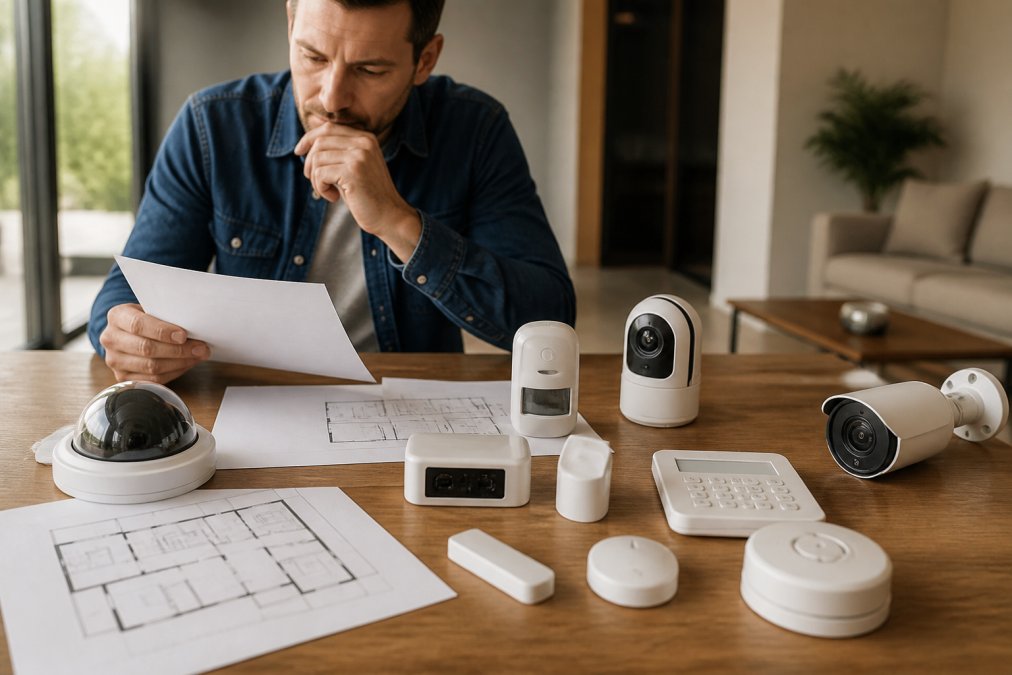
Map every entry point, perimeter boundary, and high-value asset location before specifying equipment. A single-family estate with one entry point has different needs than a multi-building campus with parking structures and delivery zones.
Current Security Infrastructure
Document existing infrastructure: camera models and ages, access control reader types, alarm panel compatibility, and network backbone. This determines whether you can integrate legacy hardware or need selective replacement.
Compliance and Privacy Requirements
Residential security touches privacy law in ways commercial installations often avoid. Recording video of neighbors or public sidewalks, retaining footage for extended periods, and sharing data with third-party monitoring services all carry obligations. Healthcare providers operating home offices or properties with staff housing face additional HIPAA privacy and security rules considerations around protected health information captured on camera.
AI-Enabled Surveillance for Residential Properties
AI-enabled surveillance solves the false alarm problem plaguing traditional motion detection. Standard sensors trigger on any pixel change: swaying branches, car headlights, animals. AI video analytics classify objects first, then decide whether an alert is warranted.
The result: alerts for actual threats, not environmental noise. Person detection, vehicle recognition, and loitering analysis run on the camera edge or central platform.
Modern systems also support behavioral analytics (detecting someone approaching a window at night), cross-line detection (triggering alerts at virtual boundaries), and license plate capture.
AI analytics require capable edge devices or strong network connection to cloud processing. Properties with weak internet should evaluate on-premises AI processing for real-time detection during outages.
Key Components of Integrated Security Systems
Access Control and Video Surveillance Integration
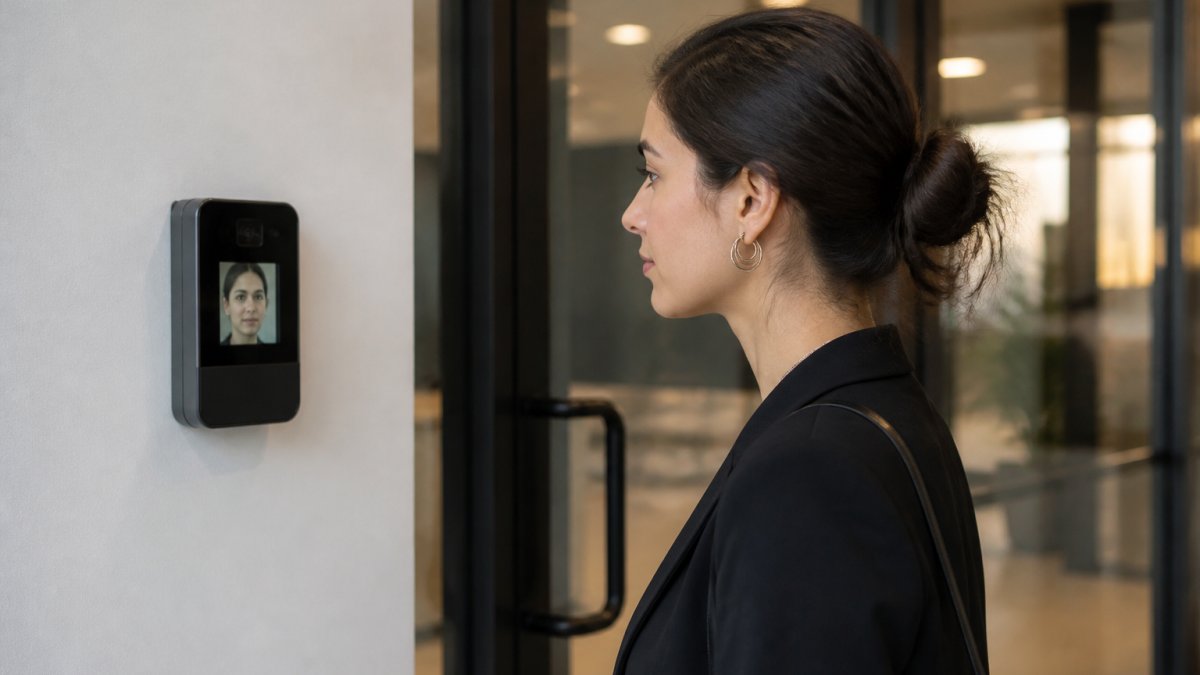
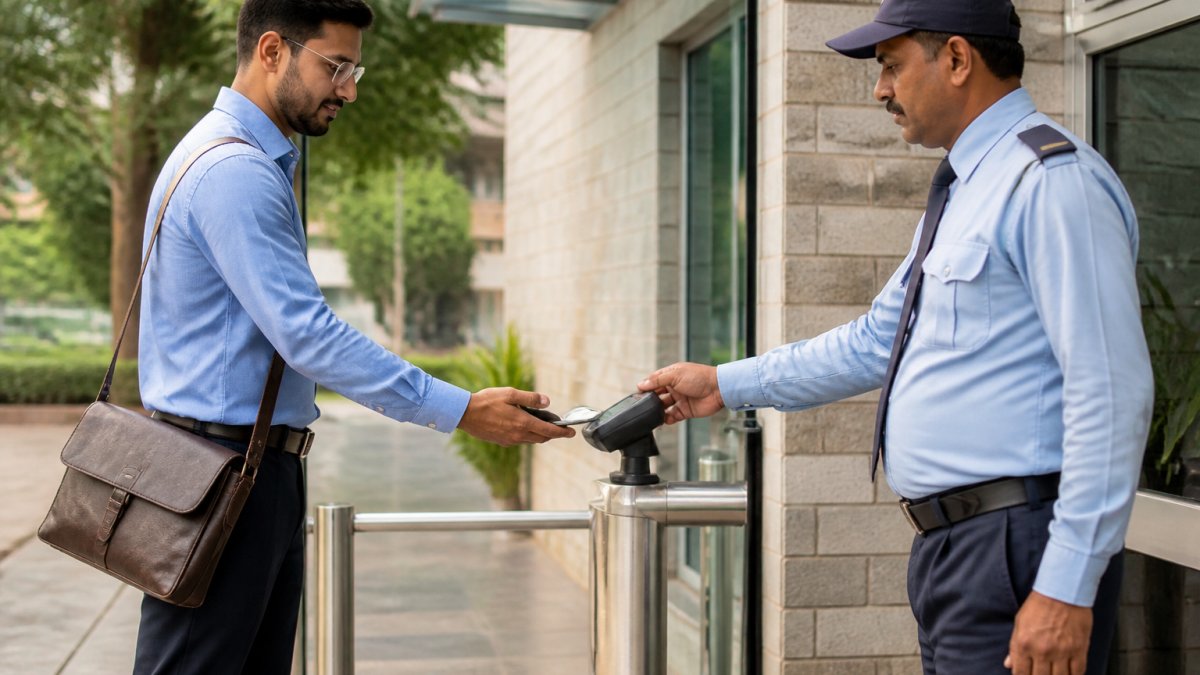
Access control and video surveillance integration is the heart of a unified system. When someone presents a credential, the system should automatically associate that event with relevant camera footage for instant verification. Look for native integration rather than custom API work, which means lower maintenance and more reliable updates. Open architecture platforms protect your ability to source hardware competitively.
Centralized Monitoring and Management
A single pane of glass for monitoring, configuration, and reporting separates a unified solution from a collection of connected devices. Centralized management should include user permissions with role-based access, automated alerts routed to the right people, and audit trails that log every administrative action.
Remote access matters for property managers overseeing multiple buildings. Cloud-based management platforms enable real-time monitoring from any location while maintaining the same security controls as on-site administration. The SIA guide on security system integration standards outlines how standardized protocols like ONVIF enable devices from different manufacturers to work within one management platform.
System Redundancy and Data Encryption
Professional systems maintain local operation if internet drops, storing footage on-site until connectivity returns. Redundant servers should take over without operator intervention. Ask integrators how encryption keys are managed, where footage is stored, and what happens to data upon service termination.
| Component | What to Verify | Why It Matters |
|---|---|---|
| Access control | Native video integration, credential types supported | Correlated alerts and evidence quality |
| Video surveillance | AI analytics capability, resolution, storage duration | Fewer false alarms, usable evidence |
| Central platform | Open architecture, API access, remote management | Future flexibility, no vendor lock-in |
| Network infrastructure | Bandwidth, redundancy, cybersecurity posture | System reliability during outages |
| Data protection | Encryption standards, key management, retention policies | Privacy compliance, breach prevention |
Unified Security System Installation Checklist
Use this installation checklist to prevent integration gaps:
- Conduct site survey documenting entry points, camera vantage points, and network infrastructure
- Verify existing hardware compatibility
- Complete cybersecurity risk assessment
- Confirm compliance requirements for recording and retention
- Specify camera coverage maps with resolution requirements
- Define access control zones and user permission hierarchy
- Establish network segmentation for security devices
- Plan system redundancy with power backup and local storage
- Schedule phased installation
- Test integration scenarios
- Train staff and residents
- Document maintenance procedures
Cybersecurity Risk Assessment for IoT Devices
Cybersecurity risk assessment deserves particular attention because every camera and access reader is an IoT device with network connectivity, and each one is a potential entry point for attackers. A unified security system that is poorly secured becomes a liability rather than an asset. The CISA guidance on securing IoT devices recommends a structured vetting process before any device joins your network.
1. Credential and Authentication Security
- Verify default credentials can be changed immediately and not reset without physical access
- Confirm support for certificate-based or multi-factor authentication
- Check whether credential rotation is possible without technician visits
- Ask: "If an attacker gains device credentials, can they access other devices or is access limited to that device?"
2. Firmware and Patch Management
- Verify patch release cycle: updates within 30 days of disclosure, not quarterly or annually
- Confirm remote, automatic firmware updates
- Confirm five-year firmware support after manufacture
- Ask: "Can you push patches to all devices simultaneously?"
3. Network Communication and Encryption
- Verify all communication uses encryption (TLS 1.2 or higher)
- Confirm credentials, video, and logs are not transmitted in plaintext
- Check VLAN support so compromised devices cannot access office or resident data systems
- Ask: "Can we verify sensitive data is encrypted in network traffic?"
4. Data Storage and Retention
- Determine storage location: device, local server, or cloud
- If cloud, verify data center location, encryption at rest, and compliance certifications (SOC 2, ISO 27001)
- Confirm on-demand deletion capability
- Ask: "If we terminate service, can we export historical data or is it deleted?"
5. Vendor Security Posture
- Request security policy: penetration testing, bug bounty program, security advisories
- Get references from other residential properties; ask about security incidents and vendor responsiveness
- Verify vendor financial stability
- Check for public security breaches and vendor response
6. Access Control and Audit Logging
- Confirm all administrative actions are logged with timestamp and identity
- Verify only elevated-privilege users can alter logs
- Ask: "Can we export audit logs for compliance review?"
Red Flags During Assessment
Red flags during assessment:
- No patch history: Device likely not actively maintained
- Shared credentials: Vendor does not prioritize security
- Unencrypted remote access (HTTP): Credentials can be intercepted
- No audit trail: Cannot investigate breaches or prove compliance
- Vendor resistance to questions: Signal they have not addressed security
Selecting the Right Security Integration Provider
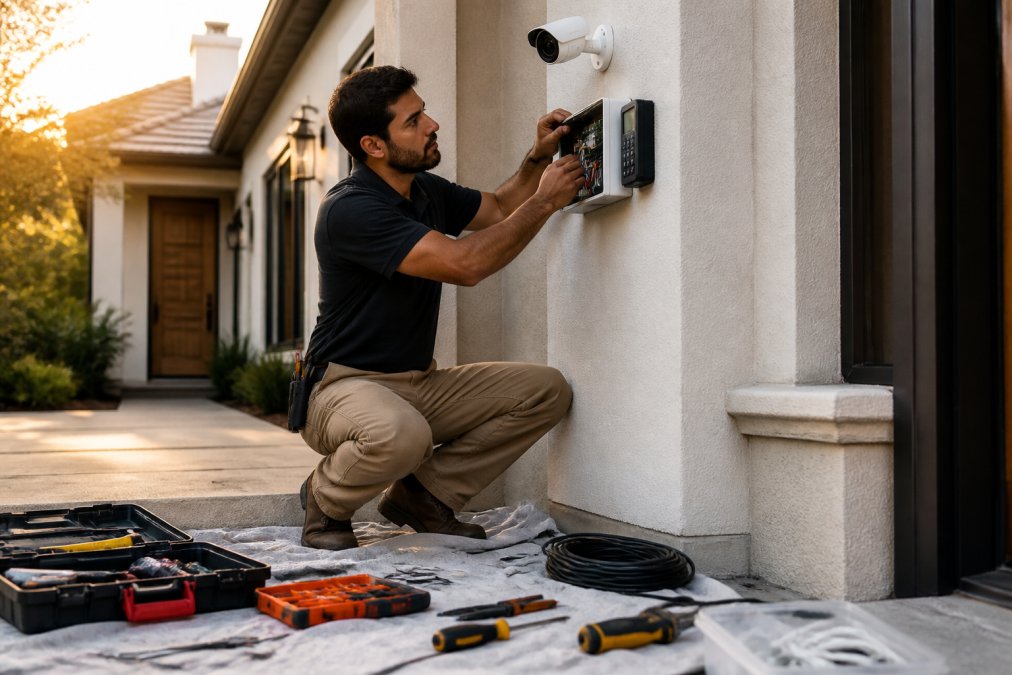
Vet providers on four criteria:
- Integration experience: Ask which unified platforms they have deployed; request references from similar properties
- Ongoing support: Confirm proactive monitoring and scheduled maintenance, not just emergency callouts
- Local presence: Technicians in your region address hardware issues faster
- Transparent pricing: Request five-year total cost of ownership breakdown including licensing, network upgrades, and support
For properties in Northern New England, Mt. Major Tech combines AI-enabled surveillance and smart access control with deep local expertise across New Hampshire. The team handles everything from initial site assessment through ongoing maintenance and technical care, so the system remains effective years after installation. Our unified approach bridges complex technology and user-friendly operations, protecting both residential estates and commercial facilities.
Conclusion
Choosing unified security solutions comes down to prioritizing interoperability over hardware specifications. A system integrating access control, video surveillance, and alarm monitoring delivers faster response times, fewer false alarms, and better evidence than standalone components.
The assessment phase determines success. Document property layout, audit existing infrastructure, and complete a privacy review before comparing proposals. Select an integrator with demonstrated unified platform experience and commitment to ongoing support.
Frequently Asked Questions
Can a unified security solution integrate my existing cameras, access control, and alarm systems?
Yes. Modern unified security solutions are designed with open architecture and API integration to connect hardware from multiple vendors. Rather than replacing everything, a professional integrator can assess your current setup and bridge your existing cameras, access control systems, and alarms into one centralized management platform. This approach saves costs and reduces disruption. However, some legacy systems may have compatibility limitations, so a site assessment is essential before committing.
How do AI-enabled surveillance systems reduce false alarms?
AI-enabled surveillance uses machine learning to distinguish between genuine threats and environmental triggers like moving branches, shadows, or animals. Traditional motion sensors generate false alarms from these common causes, exhausting security teams. AI systems learn your property's normal activity patterns and only alert on genuine anomalies, unauthorized access, loitering, or intrusion attempts. This dramatically improves response accuracy and reduces alert fatigue, allowing your team to focus on real incidents.
What happens to my surveillance footage if the cloud service goes down?
Professional unified security systems include local backup storage and system redundancy to protect against cloud outages. Footage is typically stored both in the cloud for remote access and on local network-attached storage at your property. This dual-storage approach ensures you retain access to critical footage even if cloud connectivity is temporarily lost. Always confirm redundancy and backup protocols with your provider before installation.
Will a unified security system work for a multi-building residential property or campus?
Yes. Scalability is a core feature of modern unified security solutions. Cloud-based management platforms can monitor and manage access control, video surveillance, and intrusion detection across multiple buildings and large properties from a single dashboard. You can set building-specific permissions, audit trails, and automated alerts while maintaining centralized oversight. This makes unified systems ideal for estates, campuses, and distributed residential complexes.
Security threats evolve faster than most systems can adapt. Working with a specialist who monitors firmware updates, patches vulnerabilities, and refreshes aging hardware keeps your protection current. Mt. Major Tech provides professional-grade monitoring, user-friendly operations, and ongoing technical care tailored to your property's unique needs. Book online to schedule a security assessment and see how a unified approach protects what matters most.