 how-to
How to Choose AI Security Cameras for Office Buildings
Table of Contents
- AI Security Cameras vs. Standard CCTV: What Changes in an Office Building
- Key Features to Evaluate in AI Security Cameras
- Best Practices for Office Security Camera Placement
- Integrating AI Cameras With Access Control Systems
- AI Security Camera Privacy Compliance and Data Governance
- Cybersecurity Hardening and Reducing False Positives
- Cost Factors, Scalability, and Post-Installation Maintenance
- Conclusion: A Decision Framework for Office AI Cameras
- Frequently Asked Questions
Last Updated: September 14, 2026
AI Security Cameras vs. Standard CCTV: What Changes in an Office Building
AI security cameras are surveillance systems that analyze video in real time using machine learning, rather than simply recording footage for later review. That shifts your security posture from reactive to proactive: standard CCTV tells you what happened; AI cameras tell you what's happening.
Standard CCTV captures continuous video and stores it for someone to watch after the fact. AI-powered surveillance adds a processing layer that classifies what the camera sees, separating a person from a passing shadow or a swaying tree branch.
Below, we'll break down how to choose AI security cameras for office buildings by walking through the features, placement, compliance, and cost factors that decide the purchase.
NIST Cybersecurity Framework guidance on securing networked devices
Key Features to Evaluate in AI Security Cameras
The features that separate a useful deployment from an expensive one come down to recognition accuracy, low-light capability, and where processing happens.
Object Recognition, Video Analytics, and Alert Quality
Object recognition is the camera's ability to identify and classify what enters its field of view, distinguishing people, vehicles, and objects from irrelevant motion. Video analytics then turns those classifications into structured data your team can act on. A camera that flags every moving object generates alert fatigue; one that distinguishes a person entering after hours from a delivery truck at the loading dock gives your team something worth responding to. Look for systems that let you tune sensitivity by zone and time of day, the single biggest lever for reducing false positives.
Low-Light Performance, Resolution, and Edge Computing
Low-light performance determines whether your analytics work at all after dark, and it matters more than resolution for most office environments: a 4K camera that produces grainy night footage feeds poor data into the recognition engine. Edge computing, where the camera processes video locally rather than shipping everything to a server, reduces bandwidth load and keeps analytics running even if the network hiccups, an architecture that keeps multi-building campuses manageable.
| Feature | What to Check | Why It Matters |
|---|---|---|
| Object recognition | Person vs. vehicle classification | Cuts false alerts |
| Low-light performance | Night footage clarity | Analytics fail on grainy video |
| Edge computing | On-camera processing | Saves bandwidth, adds resilience |
| Bandwidth optimization | Stream compression options | Controls network cost |
| Storage options | Cloud vs. on-premise | Affects access and redundancy |
Best Practices for Office Security Camera Placement
Effective placement follows coverage of entry points, high-value areas, and circulation paths, not maximum camera count. The right cameras in the right positions beat more cameras.
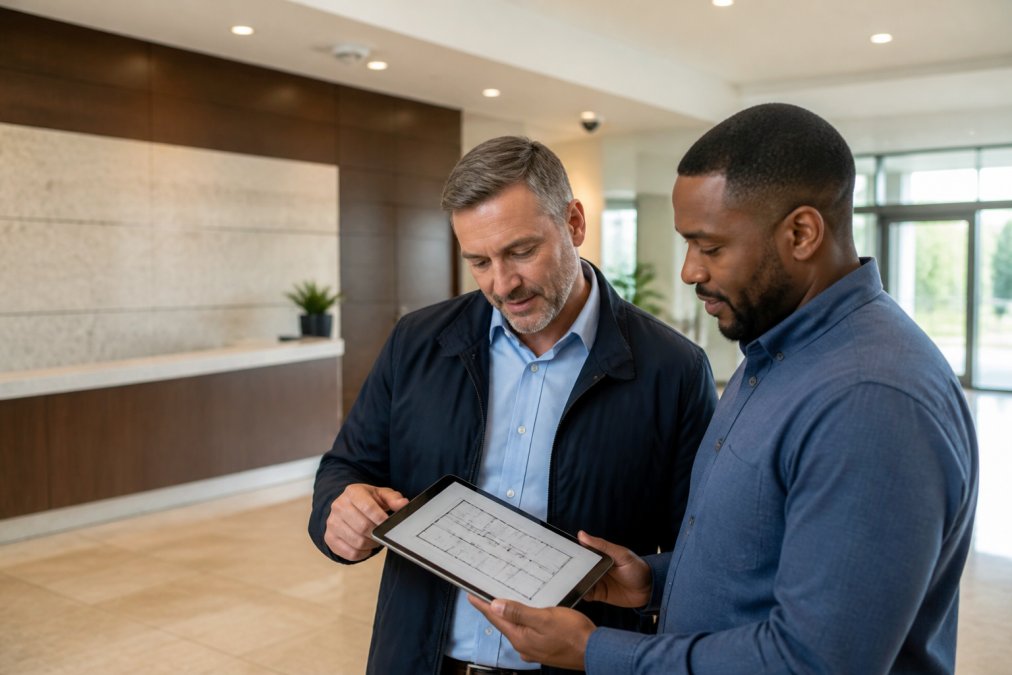
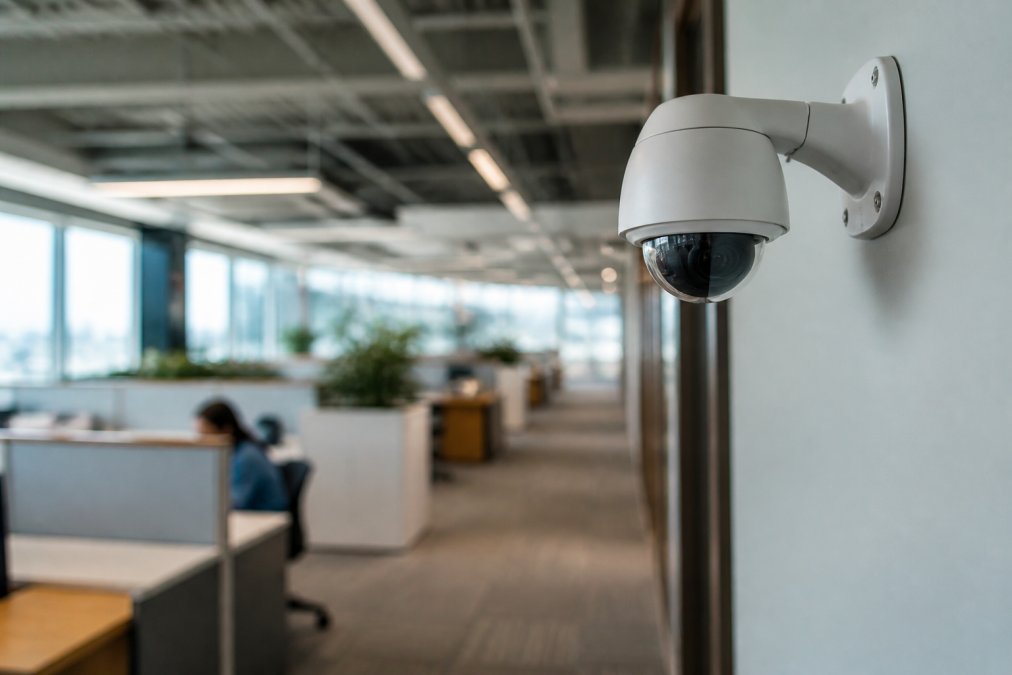
Start with perimeter security and every point of entry. Then cover server rooms, records storage, and any area holding sensitive assets. Circulation paths like main corridors and elevator lobbies give you continuity between entry and destination. Avoid aiming cameras directly at workstations where employees expect privacy, and check sightlines for obstructions before mounting.
Integrating AI Cameras With Access Control Systems
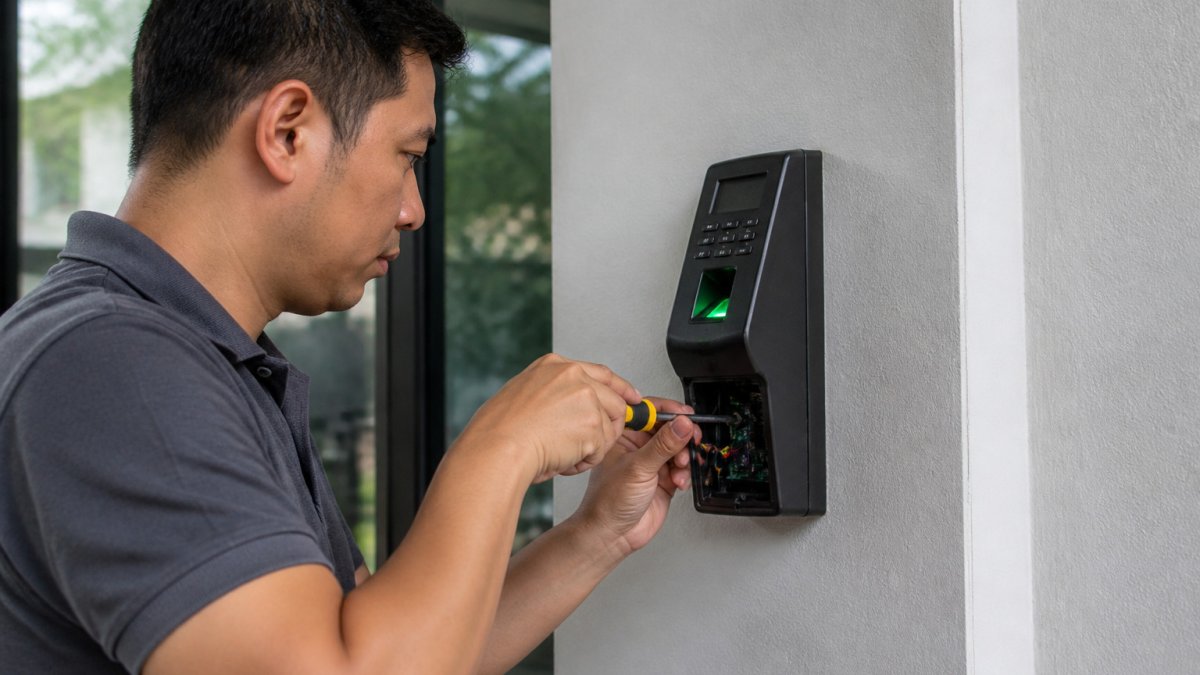
Integration with access control is where AI cameras earn their keep in an office setting. When a badge swipe triggers a camera event, you can correlate who entered with what the video shows, far more useful than reviewing two separate systems after an incident.
Look for systems built on open standards rather than proprietary lock-in. Vendor-neutral integration means your cameras can talk to your access control platform, alarm system, and analytics dashboard without a custom bridge for every device. If you run cameras from one vendor and access control from another, ask whether the platforms share events through a documented API. A unified approach to safety means one platform, one log, one place to look.
CISA guidance on securing Internet of Things devices
AI Security Camera Privacy Compliance and Data Governance
Privacy compliance and data governance determine what you are legally allowed to record, where that footage may live, who may see it, and how long you may keep it. Offices capture employees, contractors, and visitors, pulling in overlapping rules rather than a single statute.
The first layer is state law. Illinois' Biometric Information Privacy Act (BIPA) applies if your analytics generate a face template or other biometric identifier, requiring written notice and a written release before collection, plus a published retention and destruction schedule. Texas and Washington have their own biometric statutes with different consent mechanics. California's CCPA/CPRA treats video footage as personal information and gives employees and visitors rights to know, delete, and limit use. Other states' comprehensive privacy laws have employee-data carve-outs that vary, so a single national retention policy is rarely sufficient.
The second layer is sector rules. If you are a healthcare provider or business associate, HIPAA's Security Rule expects access controls, audit logs, and encryption for systems touching protected health information, and a camera covering a waiting room or pharmacy counter can fall inside that perimeter. Financial institutions face the Gramm-Leach-Bliley Act Safeguards Rule, which requires a written information security program covering customer data. Federal contractors may inherit FAR and DFARS cyber clauses.
The third layer is notice and signage. Most states that regulate workplace surveillance require some form of notice, and the practical standard is conspicuous signage at every entrance stating that the area is monitored, who is monitoring, and how to request more information. Do not place cameras where employees have a reasonable expectation of privacy, restrooms, changing areas, lactation rooms, or break rooms used for personal calls.
Data governance is the operational half. Decide four things before mounting the first camera:
- Where footage lives. Cloud storage gives you redundancy, geographic failover, and remote retrieval. On-premise NVRs give you tighter physical control and can keep video off the public internet entirely. A hybrid model, recent footage in the cloud, older footage on local hardware, is a common pattern in multi-tenant offices.
- Who can access it. Role-based access control should separate live viewing, playback, export, and configuration. Exports are the highest-risk action because they create copies you no longer control; require a second approver and log every export.
- How long you keep it. Retention windows of 30, 60, or 90 days are typical, driven by your incident-investigation horizon and litigation-hold obligations. The number matters less than enforcing it automatically.
- How you delete it. Retention must be enforced by the system, not by a calendar reminder. Configure automatic purge and verify it quarterly.
Storing footage indefinitely without a retention policy is a liability, not an asset. Under BIPA and several state privacy laws, keeping biometric data longer than necessary is itself a violation, and every additional month of stored video expands your exposure in discovery.
For healthcare providers, HIPAA adds another layer, so confirm your system supports the access controls and audit trails those standards demand. For everyone else, the safe default is: notice at every entrance, biometric analytics off unless you have a documented legal basis, role-based access with export logging, and an automatic purge you can prove.
FTC guidance on the Biometric Information Privacy Act and workplace surveillance
Cybersecurity Hardening and Reducing False Positives
Cybersecurity hardening and false positive reduction are the two areas most buying guides gloss over, and they are where deployments succeed or fail. A networked AI camera is a general-purpose computer with a lens, running an operating system, listening on network ports, and often reaching out to a cloud service. Treat it like any other endpoint.
Network-Level Hardening
- Segment cameras onto their own VLAN. Put every camera, NVR, and video-management server on a dedicated VLAN with no route to workstations, file servers, or the corporate directory. If a camera is compromised, the attacker should land in a dead-end network, not next to payroll.
- Block outbound traffic by default. Cameras need to reach their management platform and, if cloud-connected, a specific vendor endpoint. Deny everything else, arbitrary internet hosts, peer cameras, internal subnets, at the firewall. This single control neutralizes most botnet recruitment attempts.
- Change default credentials and disable unused services. Default admin passwords, UPnP, Telnet, and unused ONVIF discovery ports are the three most common findings in camera vulnerability scans. Turn them off before the camera touches the production network.
- Use 802.1X or MAC-based port security. This prevents someone from unplugging a camera and plugging in a laptop to inherit its network position.
- Keep firmware current on a schedule. Vendors publish firmware on their own cadence, and security patches are often bundled with feature updates. Track every device's firmware version in an asset inventory, subscribe to the vendor's security advisory feed, and test updates on one camera before rolling them across the fleet.
- Verify the vendor's update policy before you buy. Ask how long the model will receive security patches and whether updates require a paid support contract. A camera with a two-year patch window is a five-year liability in a ten-year building.
CISA guidance on securing Internet of Things devices
Reducing False Positives and Alert Fatigue
False positives are not a nuisance, they are how a security team stops trusting the system. Once operators learn that most alerts are noise, they dismiss them without looking, and the analytics become decorative. The fix is calibration, not more cameras.
- Tune detection zones, not just sensitivity. Draw zones that exclude the sidewalk, the parking lot beyond your property line, and the reflective glass wall that triggers motion at sunset. Zone geometry removes more false positives than any sensitivity slider.
- Use schedules tied to building operations. Interior cameras should ignore the cleaning crew's 9 p.m. to 11 p.m. window, the early-morning facilities walkthrough, and the predictable loading-dock delivery pattern. Schedule-based suppression is the cheapest accuracy gain available.
- Rely on person-versus-object classification. Modern models distinguish humans, vehicles, and animals from shadows, rain, and foliage. Confirm the model runs on-camera or on-premise so classification still works when the WAN link drops.
- Set a baseline before you set thresholds. Run the system in observation-only mode for two to four weeks, log every alert, and categorize them. Typically a small number of camera-and-time combinations generate most of the noise. Fix those first.
- Review alert volume weekly for the first quarter. A healthy office deployment trends toward a manageable number of actionable alerts per day, not per hour. If volume is climbing, the model is drifting or the environment changed.
- Watch for model bias. Recognition accuracy varies with lighting, skin tone, clothing, and gait, and a model trained on one population can underperform on another. Test detection accuracy across your building's actual demographics, different entrances, times of day, and weather, and document the results. If a camera consistently misses or over-flags a group, that is a calibration and procurement problem, not an operator problem.
Hardening and calibration are not one-time setup tasks. Budget for a quarterly review of firmware versions, firewall rules, alert volume, and detection accuracy. A system nobody tunes degrades quietly into either a security theater prop or an alert generator your team ignores.
Cost Factors, Scalability, and Post-Installation Maintenance
Cost depends on camera count, analytics licensing, storage architecture, and installation complexity, so pricing varies widely by site. Understand the cost drivers before you request a quote.
Scalability matters if you operate across multiple buildings: a cloud-based system that adds cameras without re-architecting your network scales far more gracefully than a single-server setup. Post-installation maintenance is the line item most buyers forget, firmware updates, analytics tuning, storage management, and camera cleaning all affect performance over time.
| Cost Driver | What Affects It | Planning Consideration |
|---|---|---|
| Camera count | Coverage area and entry points | Start with high-risk zones |
| Analytics licensing | Per-camera or per-site | Check renewal terms |
| Storage | Cloud, on-premise, or hybrid | Match to retention policy |
| Maintenance | Firmware, tuning, cleaning | Budget for ongoing care |
Conclusion: A Decision Framework for Office AI Cameras
Choosing AI security cameras for an office building comes down to matching capability to your actual risk, not buying the most features. Start with placement and coverage, confirm the analytics can distinguish real threats from noise, verify integration with your access control, and settle your privacy and retention policy before the first camera goes up.
That's the work Mt. Major Tech handles for commercial clients. We integrate AI-enabled surveillance, smart access control, and intrusion defense into one platform, back it with ongoing maintenance and technical support, and tailor the system to your property rather than forcing your property to fit the system. Get started with Mt. Major Tech and build a security setup that stays reliable long after installation.
Frequently Asked Questions
What features should I look for in AI security cameras for an office?
Prioritize object recognition and video analytics that distinguish people from vehicles or moving shadows, since this cuts false positives. Check low-light performance, resolution suited to hallway and entryway coverage, edge computing for on-camera processing, and support for structured data output. Also confirm the system supports real-time alerts, integration with your access control platform, and either cloud storage or on-premise servers depending on your retention and compliance needs.
Are AI security cameras compliant with privacy regulations?
Compliance depends on how you deploy them, not the camera brand alone. AI security camera privacy compliance requires clear signage, written policies on biometric privacy and metadata retention, restricted access to footage, and data governance procedures. Healthcare and legal offices may face additional requirements under HIPAA or state privacy laws. Work with an integrator who can document your retention schedules and access controls before installation.
How does AI improve security camera effectiveness in commercial buildings?
AI security cameras apply video analytics to classify objects, detect anomalies, and trigger real-time alerts only when something meaningful happens. That reduces alert fatigue for security teams and turns raw footage into actionable insights, such as occupancy patterns or after-hours perimeter security breaches. Combined with license plate recognition and thermal imaging options, AI extends coverage into low-light and outdoor zones that standard motion detection handles poorly.
Can AI cameras integrate with our existing access control and alarm systems?
In most cases, yes, if the platform supports vendor-neutral integration standards and open APIs. Integrating AI cameras with access control systems lets you link a badge swipe to video verification, automate door lockouts after hours, and correlate alarms with footage. Some legacy CCTV infrastructure can be retained while adding AI analytics at the edge, but a site assessment is the only way to confirm what stays and what gets replaced.