 ultimate-guide
Cloud Access Control for Healthcare: A 2026 Guide
Table of Contents
- What Is Cloud-Based Access Control for Healthcare?
- Key Benefits of Cloud Access Control in Healthcare Settings
- HIPAA Compliant Access Control Systems: Security and Data Privacy
- Cloud-Based Security Integration for Hospitals: Architecture and Integration
- Best Practices for Healthcare Access Management
- Scalability and Multi-Site Hospital Deployments
- Cloud Access Control vs. On-Premise Systems: Cost and Operational Efficiency
- Addressing Common Healthcare Security Concerns
- Frequently Asked Questions
Last Updated: September 1, 2026
What Is Cloud-Based Access Control for Healthcare?
Cloud-based access control for healthcare manages physical and digital access to facilities, equipment, and sensitive data through internet-connected infrastructure rather than on-premise servers. Healthcare organizations use remote authentication, authorization, and monitoring through a cloud platform, centralizing credential management, audit logs, and real-time access decisions across multiple buildings and departments.
Clinical staff need rapid entry during emergencies. Administrators require granular permission management. Compliance officers need comprehensive audit trails. A cloud-based system addresses all three by eliminating friction while maintaining HIPAA compliance.
At Mt. Major Tech, we've implemented cloud access control systems for healthcare providers across Northern New England. Teams move from managing physical credentials to managing digital identities. When a staff member changes roles, their permissions update instantly across every door and system rather than requiring manual badge reprinting.
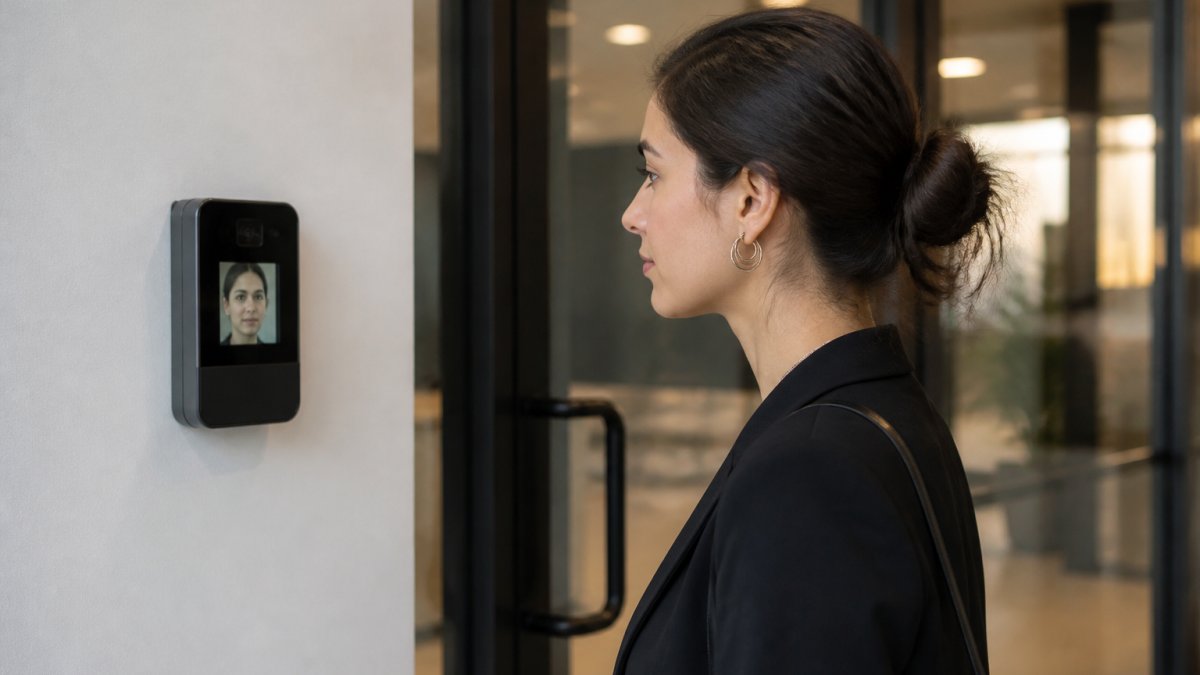
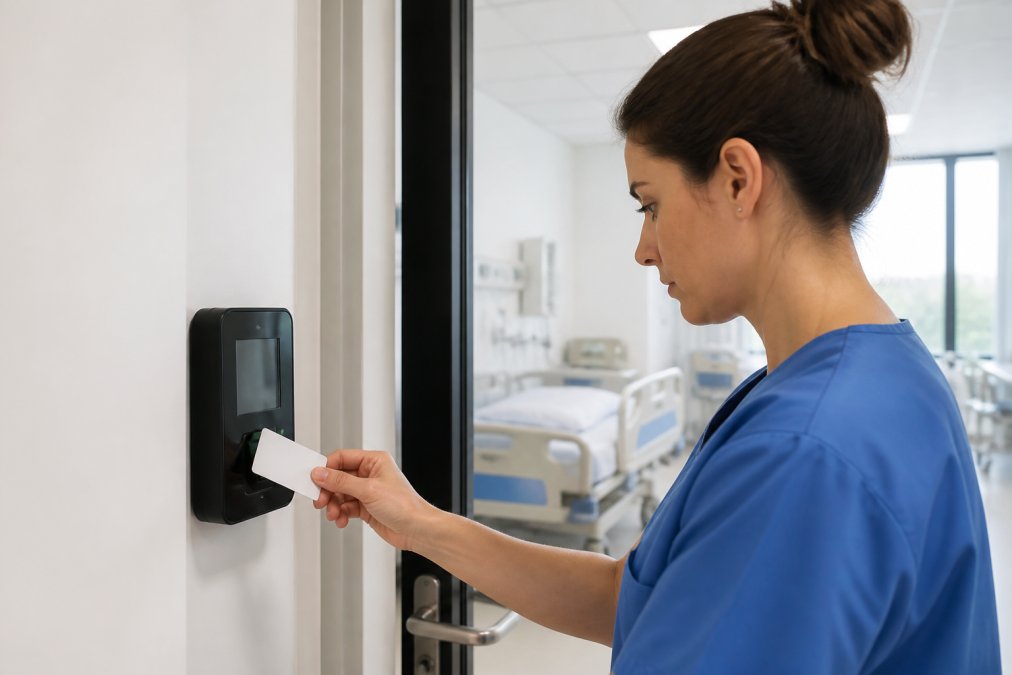
The architecture is straightforward: biometric sensors, mobile credentials, or card readers capture authentication attempts and send them to the cloud platform. The platform validates the request against access control lists, checks emergency lockdown status, integrates with Electronic Health Records systems, and logs the result, all without local servers or backup generators.
Key Benefits of Cloud Access Control in Healthcare Settings
Cloud access control delivers real-time monitoring that transforms access control from a compliance checkbox into an active security tool. A nurse accessing the medication room at 2 AM triggers immediate notification. An unauthorized access attempt alerts administrators within seconds.
Scalability is critical. A healthcare system with one clinic can deploy the same platform serving a ten-hospital network without architectural changes. Adding a facility means provisioning credentials and installing readers, not redesigning infrastructure.
Emergency response capabilities distinguish cloud systems. When an active threat occurs, administrators can trigger emergency lockdown from any device. Specific doors lock immediately, staff receive notifications, and audit logs automatically capture every access attempt during the incident.
Cost predictability matters in healthcare budgeting. Cloud access control eliminates capital expenses for servers and backup power systems. Organizations pay per-user or per-door monthly fees rather than making large upfront investments.
Integration capabilities compound the value. Cloud platforms connect to video surveillance, alarm systems, visitor management, and Electronic Health Records through APIs. They sync staff roles and automatically adjust access permissions when clinicians move between departments, reducing manual configuration and security gaps.
HIPAA Compliant Access Control Systems: Security and Data Privacy
HIPAA compliance in cloud access control centers on three requirements: encryption of data in transit and at rest, audit logging of all access events, and restricted access to protected health information based on role and need.
All communication between readers, mobile devices, and the cloud platform must use industry-standard encryption (TLS 1.2 or higher) (hhs.gov). Data stored in the cloud must be encrypted at rest using AES-256 or equivalent (nist.gov).
Every access attempt, successful or denied, must be logged with timestamp, user identity, location, and result (hhs.gov). These logs must be immutable and retained according to your organization's records retention policy. Cloud platforms designed for healthcare generate these logs automatically.
Access control lists enforce the principle of least privilege through role-based access control. When an employee changes roles, their access automatically adjusts based on their new position.
Multi-factor authentication adds a security layer beyond simple card access. A staff member might present a card and use a PIN or biometric to unlock a door. For high-security areas like pharmacy or controlled substance storage, multi-factor requirements are standard practice.
Cloud-based systems implement zero-trust architecture: every access request is verified regardless of source, every connection is encrypted, and every action is logged. This protects against insider threats and compromised credentials more effectively than perimeter-based security.
Cloud platforms must segregate healthcare customer data so that one organization's access records cannot be viewed by another, and implement role-based access within their own systems so that platform engineers cannot read customer data.
Cloud-Based Security Integration for Hospitals: Architecture and Integration
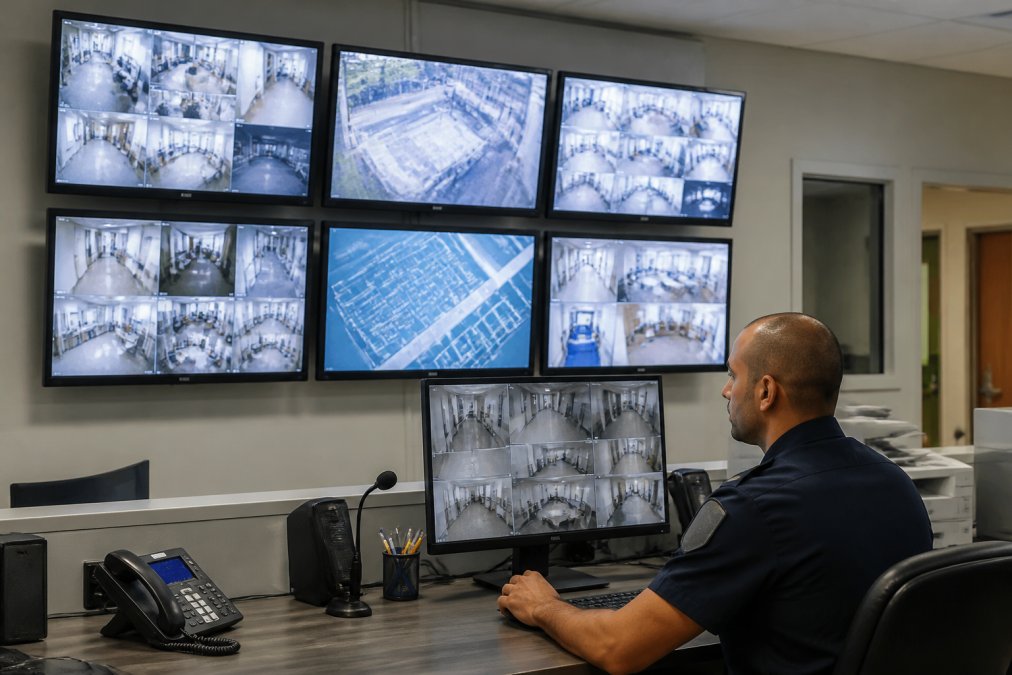
Cloud-based security integration connects access control, video surveillance, alarm systems, and visitor management through a unified platform. Rather than managing separate systems with separate dashboards, administrators see a consolidated view of security events across the entire facility.
Edge devices (card readers, biometric scanners, door locks) communicate with the cloud platform through secure APIs. These devices operate independently if cloud connectivity is lost, continuing to authenticate users based on cached credentials, but they sync events to the cloud as soon as connectivity is restored.
Integration with video surveillance systems creates powerful incident response capabilities. When an access event triggers an alert, the security team can instantly pull video from nearby cameras. If an unauthorized access attempt occurs at a medication storage room, administrators see the access log entry, video of the person attempting entry, and the timestamp in a single interface.
Alarm system integration means that doors secured by cloud access control can trigger alarms if forced open, and alarms can trigger emergency lockdown protocols. A door forced open immediately locks all other doors in that zone, alerts security, and logs the incident automatically.
Integration with Electronic Health Records
Electronic Health Records systems contain the source of truth for staff roles and department assignments. Cloud access control platforms that integrate with EHR systems can sync this information in real-time or on a scheduled basis. When a nurse transfers departments, her access permissions update automatically.
This integration prevents access control from becoming a manual administrative burden. Without it, IT teams must manually update access lists whenever staff move. With it, the EHR change triggers automatic permission updates within minutes, reducing errors and improving efficiency.
EHR integration also enables contextual access control. A physician might have access to patient records for patients in her assigned clinic but not others. The access control system can query the EHR to verify that a staff member is assigned to the patient area they're attempting to access.
Emergency Lockdown Protocols
Emergency lockdown separates cloud access control from traditional systems. When a threat is detected, administrators can lock specific doors, zones, or the entire facility from a mobile device or web interface. The lockdown command reaches all affected doors within seconds, regardless of location.
Lockdown protocols can be triggered manually by security staff or automatically by threat detection systems. Some platforms integrate with panic button systems so that staff in danger can trigger lockdown from their location.
The audit trail of a lockdown event is comprehensive, logging who triggered it, when, which doors were locked, which staff were notified, and how long it remained active.
Best Practices for Healthcare Access Management
Implement role-based access control tied to job functions rather than individual names. When someone becomes a registered nurse, they automatically receive that role's permissions. When they leave that position, the permissions are removed.
Conduct quarterly access reviews to verify that each person still needs their assigned access. Remove access for staff who have changed roles or left the organization.
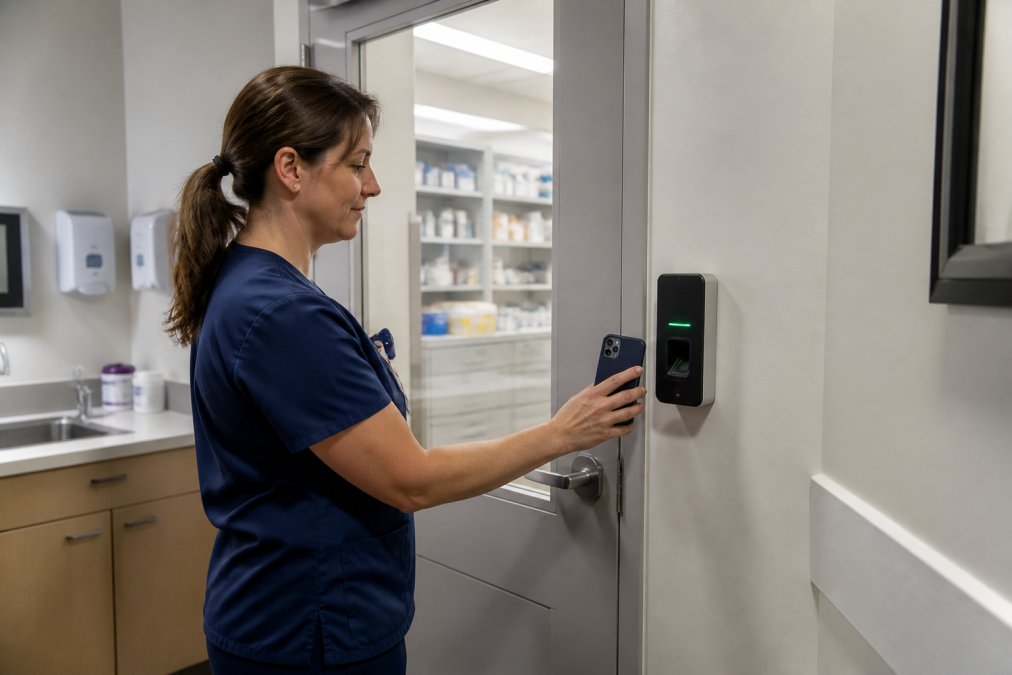
Use mobile credentials as a supplement to physical cards. Staff can authenticate with their phone if they forget their badge, improving user experience and reducing administrative burden.
Implement biometric authentication for high-security areas. Medication rooms and controlled substance storage should require fingerprint or facial recognition in addition to a card or mobile credential.
Monitor access patterns for anomalies. A staff member accessing patient records at 3 AM is unusual. Cloud platforms can flag these patterns automatically and alert security teams.
Establish clear policies for credential revocation. When a staff member is terminated, their access should be revoked immediately across all systems simultaneously.
Document your access control policies in writing, including which roles have access to which areas, approval workflows, and when access is automatically revoked.
Scalability and Multi-Site Hospital Deployments
A hospital network expanding from three facilities to eight can add new locations to the same cloud platform without infrastructure changes. Each facility needs readers and locks, but the cloud platform scales automatically.
Multi-site deployments benefit from centralized policy management. A security policy change can be deployed across all facilities simultaneously. On-premise systems would require updates at each location.
Centralized reporting across multiple facilities allows administrators to see access events from all locations in a single dashboard and identify patterns without manually checking each facility's logs.
Cloud infrastructure provides redundancy and reliability that healthcare organizations require. If one data center has an issue, traffic automatically routes to another. If a reader loses connectivity, cached credentials allow local operation until connectivity is restored.
Disaster recovery is simpler with cloud systems. If a facility is damaged, the access control system is not damaged because it's not physically located there. Staff at a temporary location can be provisioned with access immediately.
Cloud Access Control vs. On-Premise Systems: Cost and Operational Efficiency
Cloud access control eliminates capital expenses for server hardware, backup power systems, and redundant infrastructure. Organizations pay monthly fees based on users and doors rather than making large upfront investments.
Operational costs differ significantly. On-premise systems require IT staff to manage hardware, apply patches, manage backups, and respond to outages. Cloud platforms shift these responsibilities to the vendor.
Maintenance and support are more predictable with cloud systems. On-premise systems require budgeting for hardware replacement and emergency repairs. Cloud systems have fixed monthly costs with support included.
Time to deploy new facilities is faster with cloud systems. A new clinic can have access control operational within days. On-premise systems require purchasing and configuring servers, which takes weeks.
The decision between cloud and on-premise typically depends on organizational size, growth plans, IT staffing, and budget model preferences. Small healthcare organizations almost always choose cloud systems. Large healthcare systems may choose cloud systems for new facilities while maintaining on-premise systems for existing locations.
Addressing Common Healthcare Security Concerns
The most common concern about cloud-based access control is reliability. Well-designed cloud systems maintain local operation during outages. Readers and locks continue to authenticate users based on cached credentials until cloud connectivity is restored.
Another concern is data security. Reputable healthcare-focused cloud providers implement encryption, access controls, audit logging, and compliance certifications that meet HIPAA requirements. Their security is often superior to on-premise systems because they employ dedicated security teams.
Interoperability concerns arise when healthcare organizations have existing security systems from different vendors. Modern cloud platforms use standard APIs that allow integration with systems from other vendors, though integration complexity depends on whether existing systems support open APIs.
Compliance concerns focus on specific regulatory requirements. Reputable cloud access control vendors design their systems specifically for healthcare compliance and can provide documentation proving HIPAA compliance. They undergo regular security audits and compliance certifications.
Cost concerns are valid but often misunderstood. When total cost of ownership is calculated, including IT staff time, hardware replacement, security patching, and emergency support, cloud systems often cost less than on-premise alternatives over a five-year period.
Cloud access control for healthcare represents a fundamental shift in how organizations approach physical security. Rather than maintaining complex on-premise infrastructure, healthcare providers can deploy unified, scalable systems that integrate with existing technology while maintaining the compliance rigor that patient safety demands. Mt. Major Tech specializes in implementing cloud access control systems specifically designed for healthcare environments, with expertise in HIPAA compliance, emergency protocols, and integration with Electronic Health Records. Our team understands the unique security challenges healthcare facilities face and designs systems that address operational efficiency alongside regulatory requirements. Book Online to discuss how cloud-based access control can improve security and reduce operational costs at your healthcare facility.
Frequently Asked Questions
What is cloud access control for healthcare, and how does it differ from traditional systems?
Cloud access control for healthcare uses internet-connected servers to manage who enters specific areas, rather than relying on local hardware. Unlike traditional systems, cloud-based solutions offer remote management, real-time monitoring, and automatic updates. They integrate with identity management systems and provide audit logs for compliance. Healthcare facilities benefit from reduced on-site infrastructure costs and the ability to manage access across multiple buildings from a single dashboard.
How do HIPAA compliant access control systems protect patient data?
HIPAA compliant access control systems use encryption, multi-factor authentication, and detailed audit trails to protect sensitive areas and data. They restrict access to patient information based on role-based permissions, only staff who need specific data can access it. Encrypted connections prevent unauthorized interception, and automated logging tracks every access attempt. Cloud providers handling healthcare data must meet HIPAA's technical and administrative safeguard requirements, including business associate agreements and data breach notification protocols.
Can cloud-based security integration for hospitals work with our existing cameras and alarm systems?
Yes, cloud-based security integration can unify multiple vendor systems through API integration and middleware solutions. Instead of replacing all equipment, integration bridges your existing cameras, alarms, and access control into one platform. This reduces costs and downtime. However, integration complexity depends on your current systems' age and compatibility. A vendor-neutral implementation guide helps identify which legacy systems can connect and which may need upgrading. Professional integrators like Mt. Major Tech assess your infrastructure and design a unified approach.
What are the best practices for healthcare access management in a multi-building facility?
Best practices include role-based access control, where staff permissions match their clinical or operational duties. Implement zero-trust architecture by requiring authentication at each access point, not just the perimeter. Use mobile credentials and biometric authentication to reduce lost badges. Maintain detailed audit logs and conduct quarterly access reviews to remove unnecessary permissions. Establish emergency lockdown protocols for rapid facility-wide security response. Train staff on credential handling, and use automated provisioning to quickly grant or revoke access when employees change roles or leave.
What happens to our security footage if the cloud service goes down?
Reliable cloud providers maintain system redundancy and backup infrastructure to prevent outages. However, best practice includes local backup storage on-site or edge devices that continue recording if cloud connectivity is lost. Once the connection restores, footage syncs to the cloud. Ask your provider about their uptime guarantees (most offer 99.9% availability) and their disaster recovery plan. Ensure your contract specifies data retention, backup frequency, and your rights if service is interrupted. This protects against both data loss and compliance violations.
How does cloud access control reduce false alarms and staff burnout?
AI-enabled cloud systems learn normal traffic patterns and distinguish between authorized movement and genuine threats. They reduce motion sensor false alarms triggered by HVAC, animals, or shadows. Fewer false alarms mean security teams spend less time responding to non-events, reducing fatigue and improving morale. Real-time monitoring dashboards also let staff focus on actual threats rather than manually checking systems. Better UX design in modern cloud platforms makes daily operations simpler, so staff spend less time troubleshooting and more time on security priorities.
Is cloud access control affordable for small healthcare facilities and clinics?
Cloud access control is scalable and often more affordable than on-premise systems for smaller facilities. You pay for what you use, fewer doors and users mean lower costs. Cloud eliminates expensive server hardware, dedicated IT staff, and maintenance. Pricing depends on the number of access points, users, and features (biometric authentication, integration scope, audit logging). Many providers offer flexible contracts without long-term commitments. Contact Mt. Major Tech for a quote tailored to your facility size and security needs.