 ultimate-guide
AI-Powered Surveillance for Commercial Properties
Table of Contents
- How AI-Powered Surveillance Works in Commercial Settings
- Real-Time Threat Detection and False Alarm Reduction
- Integrating AI with Access Control and Existing Security Infrastructure
- AI Security Camera Cost: What to Budget and How ROI Adds Up
- Cybersecurity, Privacy, and Legal Liability of AI Surveillance
- Best Practices for Commercial AI Surveillance Implementation
- AI-Powered Surveillance for Scalable, Multi-Site Commercial Properties
- Frequently Asked Questions
Last Updated: August 21, 2026
How AI-Powered Surveillance Works in Commercial Settings
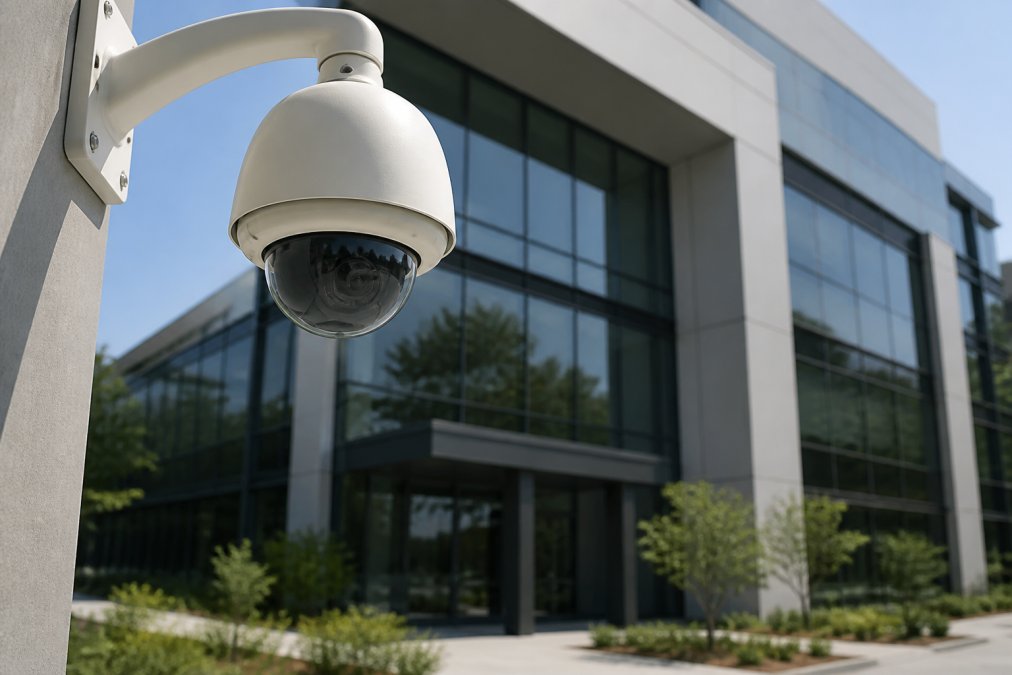
AI-powered surveillance integrates machine learning algorithms with camera hardware and network infrastructure to automatically detect, classify, and respond to security events without constant human monitoring. Unlike traditional CCTV, which records passively and demands manual review, AI-driven systems analyze video feeds in real time and surface only the events that matter.
Facility managers who once sifted through hours of footage after an incident now receive automated alerts the moment a threat pattern emerges. At Mt. Major Tech, we see this transition across manufacturing campuses, healthcare facilities, and multi-tenant commercial buildings.
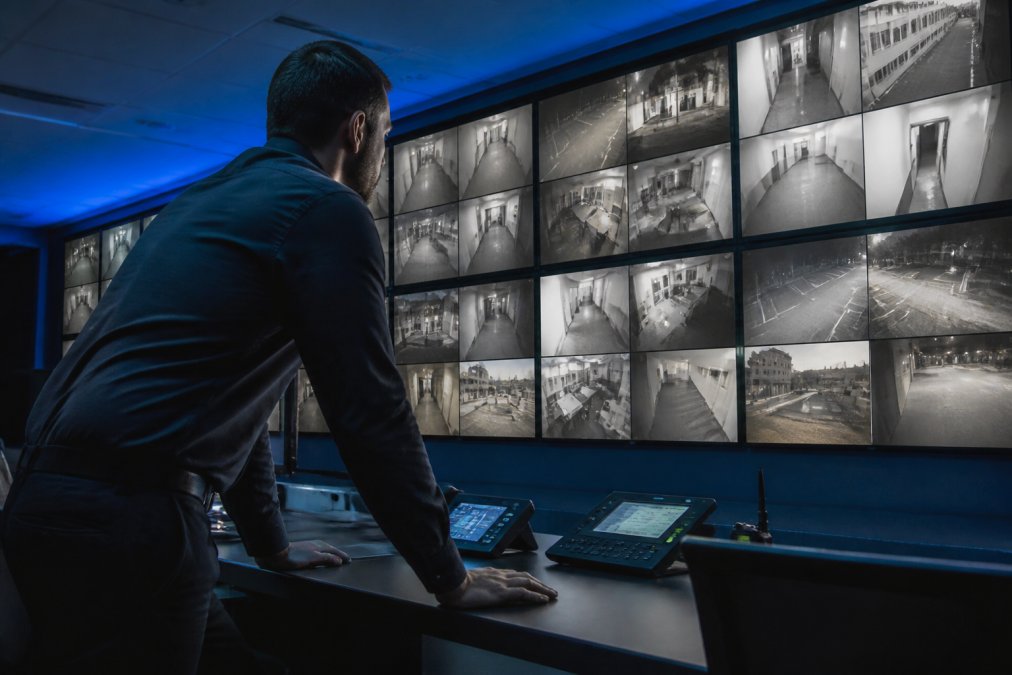
According to the National Institute of Standards and Technology's guidance on physical security, layered detection and response capabilities are foundational to effective commercial security programs. AI surveillance delivers exactly that layering.
Video Analytics and Behavioral Anomaly Detection
Video analytics automatically processes camera footage to extract meaningful data about objects, people, and events. Modern systems use object classification to distinguish between a person, a vehicle, an animal, and debris, eliminating noise that overwhelms motion-detection-only systems.
Behavioral anomaly detection learns what "normal" looks like for a specific facility: typical foot traffic patterns, standard vehicle flow, routine access at entry points. When behavior deviates, someone loitering near a restricted area, a vehicle idling after hours, an unexpected crowd, the system flags it as a potential threat. This predictive capability identifies risk before an incident occurs, not after.
Hardware vs. Software-Based AI: What the Difference Means for Your Facility
Hardware-based AI runs inference directly on the camera or on-site edge computing device. Processing happens locally, reducing latency, bandwidth demand, and network exposure. For facilities with sensitive data or DoD contractors, edge computing limits how much footage travels over a network.
Software-based AI runs in the cloud or on a central server, offering more sophisticated models, easier updates, and centralized management across multiple sites. The trade-off is dependency on network connectivity and greater cybersecurity risk.
Most enterprise deployments use a hybrid approach: edge devices handle real-time detection while cloud-based platforms manage storage, analytics dashboards, and multi-site coordination. The right balance depends on your connectivity, compliance requirements, and risk tolerance.
Real-Time Threat Detection and False Alarm Reduction
False alarms are the silent killer of security program credibility. When motion sensors trigger on passing cars or tree branches, alert fatigue sets in and teams stop taking alarms seriously. That's when real threats slip through.
AI surveillance addresses this directly. Instead of triggering on any pixel change, the system classifies what caused the motion. A person crossing a perimeter line triggers an alert. A bird flying past does not. This object classification, combined with behavioral context, dramatically reduces false positives.
Traditional passive infrared sensors react to heat and movement indiscriminately. AI video analytics systems evaluate shape, size, movement trajectory, and contextual patterns simultaneously, delivering a fundamentally different signal-to-noise ratio.
Real-time threat detection also enables faster response. When an alert is genuine, the system can simultaneously notify on-site personnel, trigger automated access control lockdowns, and escalate to live remote monitoring operators who verify the event before dispatching a response.
Integrating AI with Access Control and Existing Security Infrastructure
The biggest objection from facility managers is: "We've got cameras from one vendor, access control from another, and alarms from a third. Do we have to rip everything out?" In most cases, no.
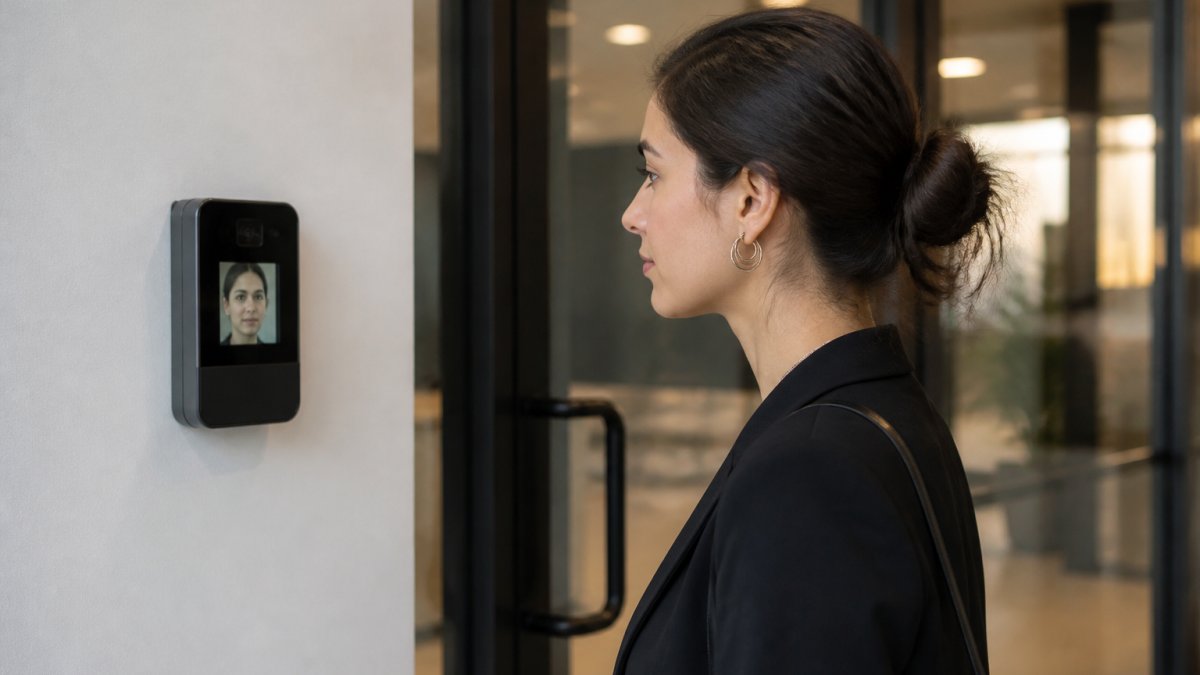
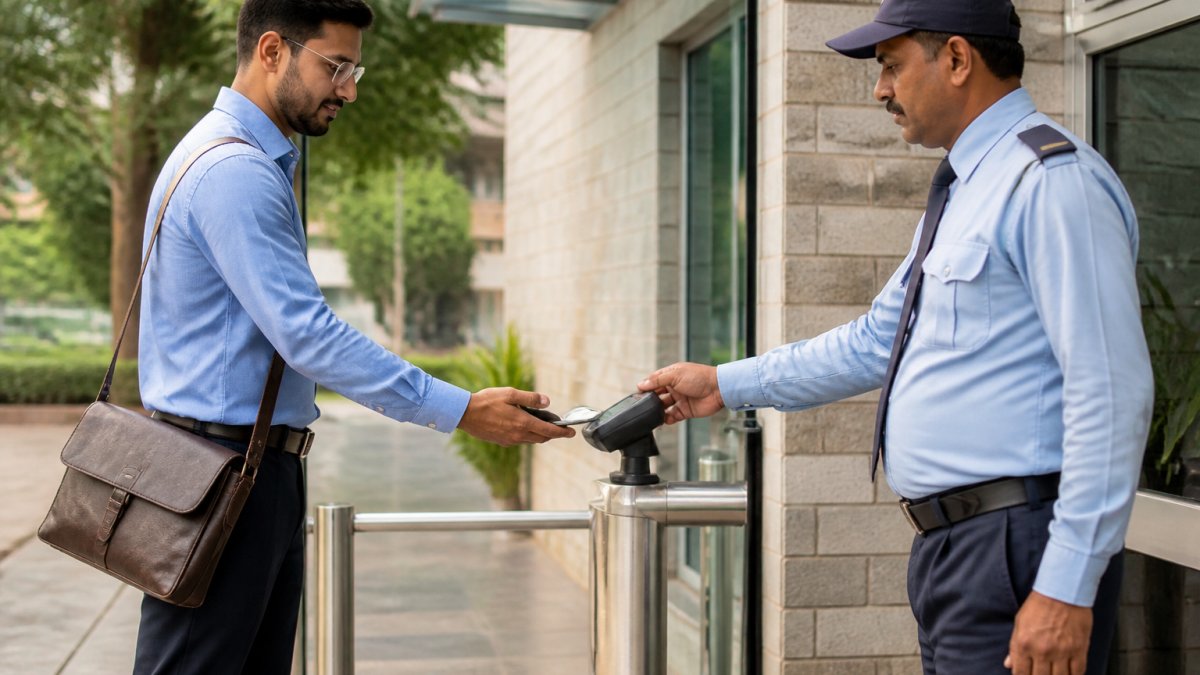
Integrating AI with access control systems is achievable through open-platform video management software and API-based middleware that bridges disparate systems. A modern AI surveillance platform can ingest feeds from legacy cameras, correlate access control events with video timestamps, and present everything through a unified interface.
The practical workflow includes:
- Audit existing infrastructure, catalog camera models, access control panel brands, and alarm system protocols
- Identify integration pathways, determine which systems support open APIs or ONVIF compliance
- Select a unified platform, choose video management software with native AI analytics and third-party integration support
- Configure event correlation, link access control events to camera feeds so a badge swipe automatically pulls up corresponding video
- Test and validate, run the integrated system in parallel before decommissioning legacy monitoring
According to the Security Industry Association's integration standards documentation, ONVIF-compliant devices significantly simplify multi-vendor integration for commercial security systems.
Connecting AI Surveillance to Building Management Systems
Building Management Systems control HVAC, lighting, elevators, and access. When AI surveillance integrates with a BMS, security events can trigger environmental responses. A perimeter breach after hours can automatically lock HVAC zones, disable elevator access to certain floors, and activate lighting in affected areas. A fire event detected by thermal imaging can coordinate with the BMS to unlock evacuation routes before the alarm panel processes the signal.
This integration requires the AI surveillance platform to support BMS communication protocols, typically BACnet or Modbus. Not every security integrator has this expertise. Ask specifically about BMS integration experience before committing to a vendor.
AI Security Camera Cost: What to Budget and How ROI Adds Up
Pricing for AI-enabled surveillance systems varies based on camera count, processing architecture, software licensing, and integration complexity. Mt. Major Tech provides custom quotes based on facility scope; contact us directly for an accurate assessment.
The ROI conversation should evaluate AI surveillance against:
| Cost Factor | Traditional System | AI-Enhanced System |
|---|---|---|
| False alarm response | High (frequent dispatches) | Low (verified alerts only) |
| Staffing for monitoring | Full-time personnel required | Reduced with remote guarding |
| Incident investigation time | Hours of manual review | Minutes with indexed search |
| Post-incident liability | Higher without clear documentation | Reduced with timestamped AI logs |
| Scalability to new sites | Requires new infrastructure | Cloud-based scaling available |
Most commercial facilities see ROI through reduced security response costs, lower insurance premiums, decreased staffing overhead via remote guarding, and faster incident resolution. Facilities that replaced high-frequency false alarm responses with verified alerts consistently report operational savings offsetting system costs within the first year.
For small manufacturing operations: the modular nature of modern AI surveillance means you can start with perimeter security on highest-risk zones and expand incrementally.
Cybersecurity, Privacy, and Legal Liability of AI Surveillance
An AI surveillance system is a networked computing platform with the same attack surface as any other enterprise IT asset. Cloud-based surveillance footage is a high-value target; unauthorized access creates liability extending well beyond physical security breach.
For healthcare providers operating under HIPAA, video footage capturing patient interactions in clinical areas may qualify as protected health information. The HHS guidance on HIPAA and physical safeguards addresses monitoring requirements that intersect directly with video surveillance deployment.
Key cybersecurity considerations:
- Network segmentation, surveillance systems should operate on isolated VLANs
- Encrypted transmission, all video streams should use TLS encryption in transit
- Firmware update cadence, camera and edge device firmware must be patched regularly
- Access credential management, enforce unique, complex credentials on every device
- Redundant local storage, a hybrid storage architecture ensures footage access during outages
On legal liability: AI-generated alerts are not infallible. Facilities should establish documented protocols for how alerts are verified before any enforcement action. A privacy-by-design approach, collecting only what's necessary, retaining footage for defined periods, and restricting access, is both an ethical standard and a liability management strategy.
Best Practices for Commercial AI Surveillance Implementation
The gap between a well-designed AI surveillance system and one that underperforms almost always comes down to implementation quality, not hardware specification.
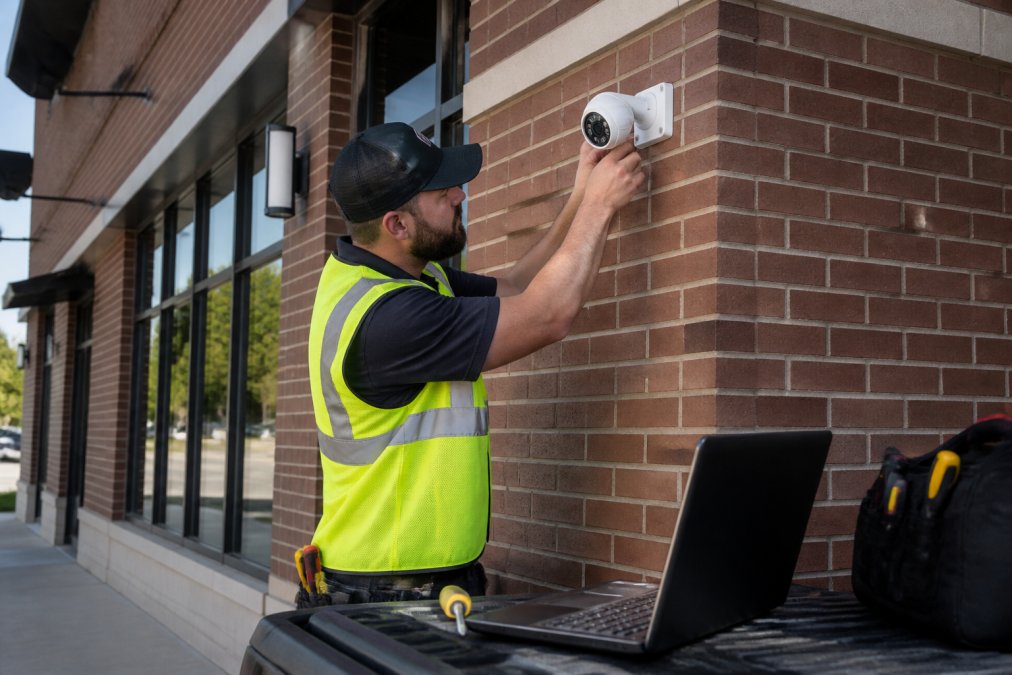
Camera placement is an analytics decision, not just a hardware decision. Where a camera is mounted determines what the AI model can reliably detect. Cameras placed too high lose the ability to distinguish facial features. Poor field-of-view overlap creates blind spots. Lighting conditions directly affect model accuracy at night.
Step-by-Step Deployment Checklist
- Define threat scenarios, identify specific risks: perimeter intrusion, internal theft, tailgating, after-hours activity
- Conduct a site survey, map camera placement for optimal field of view, lighting, and network connectivity
- Audit existing infrastructure, document all current cameras, access control panels, alarm systems, and network topology
- Select integration-compatible hardware, verify ONVIF compliance for all new and legacy devices
- Configure AI detection zones, define areas where behavioral anomaly detection should be active
- Establish alert verification workflows, determine how alerts are reviewed before any response action
- Implement network segmentation, isolate surveillance infrastructure on a dedicated VLAN
- Set data retention policies, define retention periods and document access authorization
- Test false alarm performance, run the system in monitoring-only mode for two weeks before going live
- Train facility personnel, ensure all staff understand alert protocols and escalation procedures
AI-Powered Surveillance for Scalable, Multi-Site Commercial Properties
Scaling AI-powered surveillance across multiple buildings introduces coordination challenges that single-site deployments don't face. Architecture decisions made at the outset determine whether the system scales cleanly.
Cloud-based surveillance platforms are the foundation of scalable multi-site deployments. A centralized management console allows security administrators to monitor all sites from a single interface, apply consistent detection policies, and pull footage from any camera without traveling to the site. This is particularly valuable for distributed facilities, manufacturing campuses, healthcare networks, or commercial real estate portfolios.
A well-designed hybrid architecture maintains local edge storage at each site, so footage is never lost during cloud outages. The local system continues to record and trigger on-site alerts; the cloud layer resynchronizes when connectivity is restored.
Risk assessment for multi-site deployments should include site-specific threat profiles. A loading dock has different behavioral baselines than a lobby. AI models should be configured per location, not applied uniformly from a template.
According to the ASIS International guidelines for enterprise security risk management, scalable security programs require both standardized policy frameworks and site-specific implementation protocols, a balance that AI surveillance platforms increasingly support.
Mt. Major Tech's approach to multi-site deployments prioritizes unified oversight without sacrificing site-level customization. Our team configures detection parameters, alert thresholds, and integration points specific to each facility while maintaining centralized visibility across the entire property portfolio.
The challenge for most commercial property owners isn't deciding whether AI-powered surveillance is worth it, it's navigating the technical complexity of implementation, integration, and compliance without making expensive mistakes. Mt. Major Tech specializes in translating sophisticated AI security technology into systems that work reliably, integrate with your existing infrastructure, and meet your industry's compliance standards. Book online to schedule a site assessment and get a deployment plan built around your specific facilities.
Frequently Asked Questions
How does AI-powered surveillance reduce false alarms compared to standard motion detection?
Traditional motion sensors trigger on anything that moves, from a passing car to a tree branch. AI-powered surveillance uses object classification and behavioral anomaly detection to distinguish between a delivery driver, a stray animal, and a genuine intruder. The system learns normal foot traffic patterns for your property and only sends automated alerts when behavior deviates from that baseline. Facilities that switch to AI-driven video analytics typically report dramatic drops in nuisance alerts, which reduces security response costs and prevents alarm fatigue.
How much does an AI security camera system cost for a commercial property?
AI security camera cost varies significantly based on camera count, whether you choose hardware-based edge computing units or cloud-based surveillance software, existing infrastructure you can reuse, and the level of ongoing monitoring and support included. There is no single industry-standard price that applies to every facility. The best way to get an accurate figure for your property is to request a site-specific assessment, which accounts for your building layout, compliance requirements, and scalability needs. Contact Mt. Major Tech directly to get a detailed quote.
Can AI surveillance integrate with our existing cameras and access control systems?
Yes, in most cases. Integrating AI with access control and existing cameras does not always require replacing every piece of hardware. Many AI video analytics platforms work as a software layer over existing ONVIF-compatible cameras. A qualified integrator will audit your current equipment, identify what can be retained, and connect disparate systems, including cameras, access control, and alarms, into a unified security ecosystem. Full replacement is only necessary when legacy hardware cannot support the processing or communication requirements of modern AI-powered surveillance.
What privacy and compliance considerations apply to AI surveillance in commercial spaces?
Compliance requirements depend on your industry and state law. Healthcare providers must align with HIPAA's physical safeguard provisions. Facilities handling federal contracts may need to meet NIST SP 800-171 or CMMC standards. Broadly, best practices for commercial AI surveillance include posting clear signage about camera use, applying privacy-by-design principles such as masking non-essential zones, restricting footage access with role-based permissions, and maintaining audit logs. An integrator experienced with regulated industries can map your specific obligations before deployment begins.
What happens to surveillance footage if the cloud service goes down?
Reputable cloud-based surveillance deployments include local edge storage as a failover. Cameras equipped with onboard storage or connected to on-premises network video recorders continue recording even when the cloud connection is interrupted. Once connectivity is restored, footage syncs automatically. When evaluating any system, confirm the redundancy architecture before signing a contract: ask specifically about local backup capacity, retention periods, and how the system behaves during an extended outage.
Are AI security cameras worth the investment for smaller commercial operations?
For most commercial properties, yes. The security ROI comes from multiple directions: fewer false alarms reduce unnecessary guard dispatches, real-time threat detection shortens incident response times, and predictive maintenance alerts lower long-term hardware replacement costs. Smaller operations often see the fastest payback because they cannot afford dedicated on-site security staff around the clock. AI-powered surveillance paired with live remote monitoring delivers professional-grade coverage without the overhead of a full in-house security team.