 blog
Key Features of Scalable Commercial Security Systems
Table of Contents
- What Makes a Scalable Commercial Security System
- Commercial Video Surveillance Systems and High-Resolution Cameras
- Access Control System Integration Across Multiple Locations
- Cloud-Based Access Control for Distributed Facilities
- Multi-Site Security Management and Centralized Control
- Intrusion Detection, Motion Sensors, and Perimeter Protection
- System Integration, Video Analytics, and Reliability
- Frequently Asked Questions
Last Updated: October 10, 2026
What Makes a Scalable Commercial Security System
A scalable commercial security system grows with your business without requiring complete overhauls. At Mt. Major Tech, we design security solutions that adapt to changing facility requirements, whether you're managing a single building today or multiple locations tomorrow.
Scalable systems use modular components, cloud-based management, and open standards that let you add cameras, access points, sensors, and monitoring capabilities incrementally. Non-scalable systems lock you into a single vendor's ecosystem, making expansion costly and disruptive.
Key characteristics of scalable commercial security include:
- Modular hardware that integrates with existing equipment
- Cloud-based management across unlimited locations
- Support for third-party integrations and open protocols
- Centralized control from a single dashboard
- Automated alerts that reduce false alarms through AI
- Local backup options alongside cloud storage
The real question isn't whether you need scalability today. It's whether your current system can handle growth without forcing you to replace everything in two years.
Commercial Video Surveillance Systems and High-Resolution Cameras
Video surveillance forms the backbone of commercial security. High-resolution cameras capture detail needed to identify individuals, verify incidents, or investigate theft.
Modern video surveillance systems compress footage efficiently, store recordings for extended periods, and integrate with access control and alarm systems. High-resolution cameras (4MP to 8MP or higher) provide clarity for facial recognition, license plate reading, and incident review.
Scalability in video surveillance means:
- Adding cameras without replacing your entire system
- Expanding storage capacity as you add locations
- Managing all camera feeds from one interface
- Maintaining video quality across distributed facilities
- Supporting both cloud and local storage options
Plan camera placement at entry points, loading areas, and perimeter zones with redundancy so a single failure doesn't leave blind spots.
Access Control System Integration Across Multiple Locations
Access control ties directly to scalability. A single-site system works until you open a second building; then you must choose between managing separate systems or integrating them.
Integrated access control system solutions let employees use one credential across multiple locations. This means:
- One ID badge works at every facility
- Central management of who has access where
- Instant revocation across all sites if someone leaves
- Audit trails showing movement between buildings
- Reduced administrative overhead managing multiple systems
Integration challenges arise with different vendors: some use proprietary protocols that don't interoperate, others use open standards like ONVIF or PACS. Verify any new system works with existing equipment before committing.
Cloud-Based Access Control for Distributed Facilities
Cloud-based access control eliminates on-site servers at every location. Credentials and access rules live in the cloud, synced across all facilities in real time.
When you add a building, you don't install a new server, just add doors and readers to your cloud platform. Employees get access instantly without IT configuration delays.
Benefits of cloud-based access control include:
- No servers to maintain at remote sites
- Instant updates to access permissions across all locations
- Automatic backup and disaster recovery
- Mobile credential support (phones, smartwatches)
- Reduced capital expenditure on hardware
The main concern is redundancy during internet outages. Quality cloud-based systems maintain local processing on readers so doors stay operational and queue access attempts until connectivity returns.
Multi-Site Security Management and Centralized Control
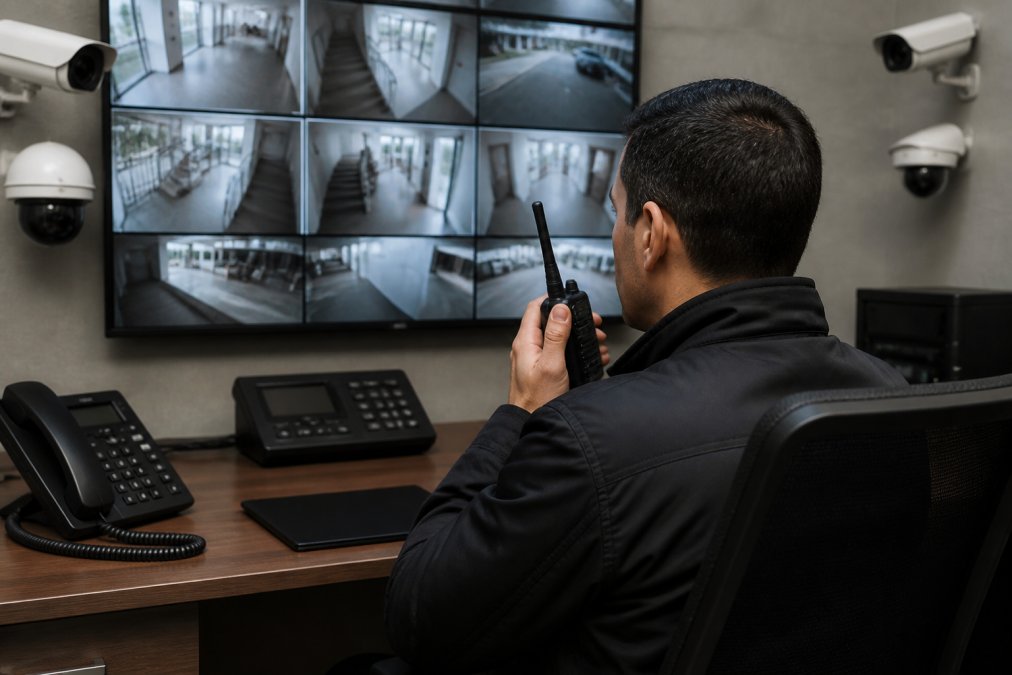
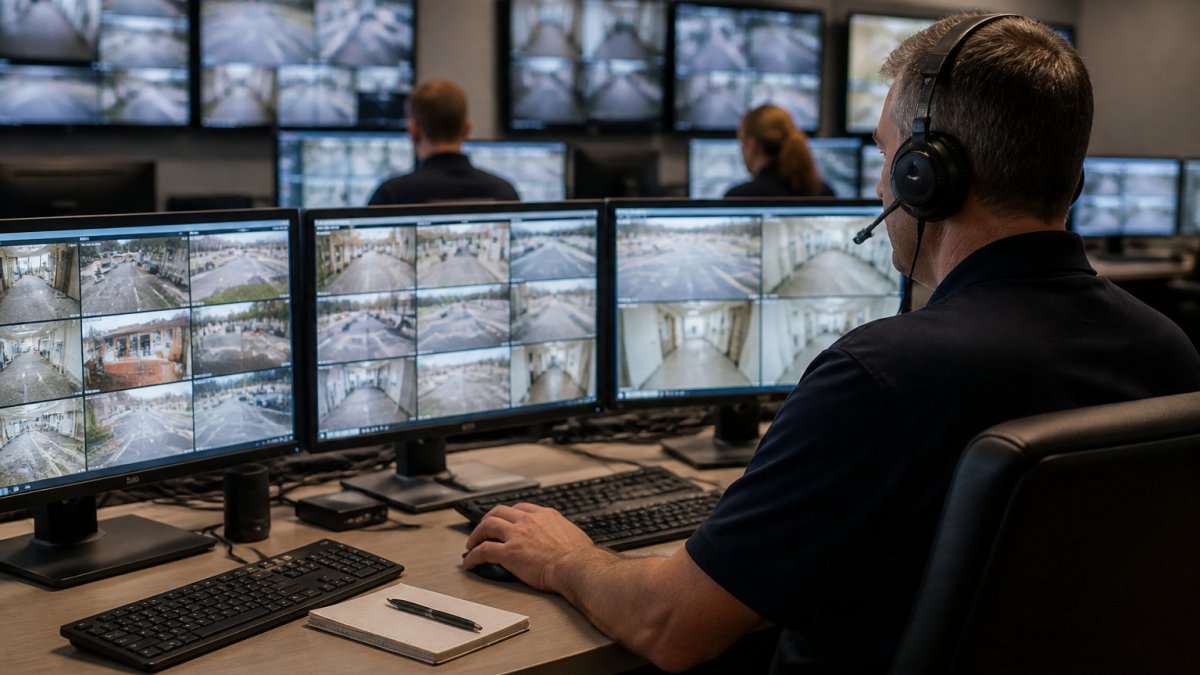
Managing security across multiple buildings requires a unified command center where one team monitors all locations from a single dashboard instead of checking separate systems.
Consolidation delivers measurable improvements: faster incident response, easier pattern recognition across buildings, and simpler staff training on a single system.
Centralized control platforms typically include:
- Real-time alerts from all locations
- Video playback from any camera
- Access control management across all sites
- Integration with fire and life-safety systems
- Mobile apps for remote monitoring
- Customizable dashboards for different user roles
At a tenth location, your operations team learns no new interface, IT manages no new servers, and you expand your existing platform.
Intrusion Detection, Motion Sensors, and Perimeter Protection
Intrusion detection systems protect your perimeter by combining multiple sensor types to minimize false alarms. The scalability challenge is planning for storage, bandwidth, and operational costs that accumulate across multiple locations.
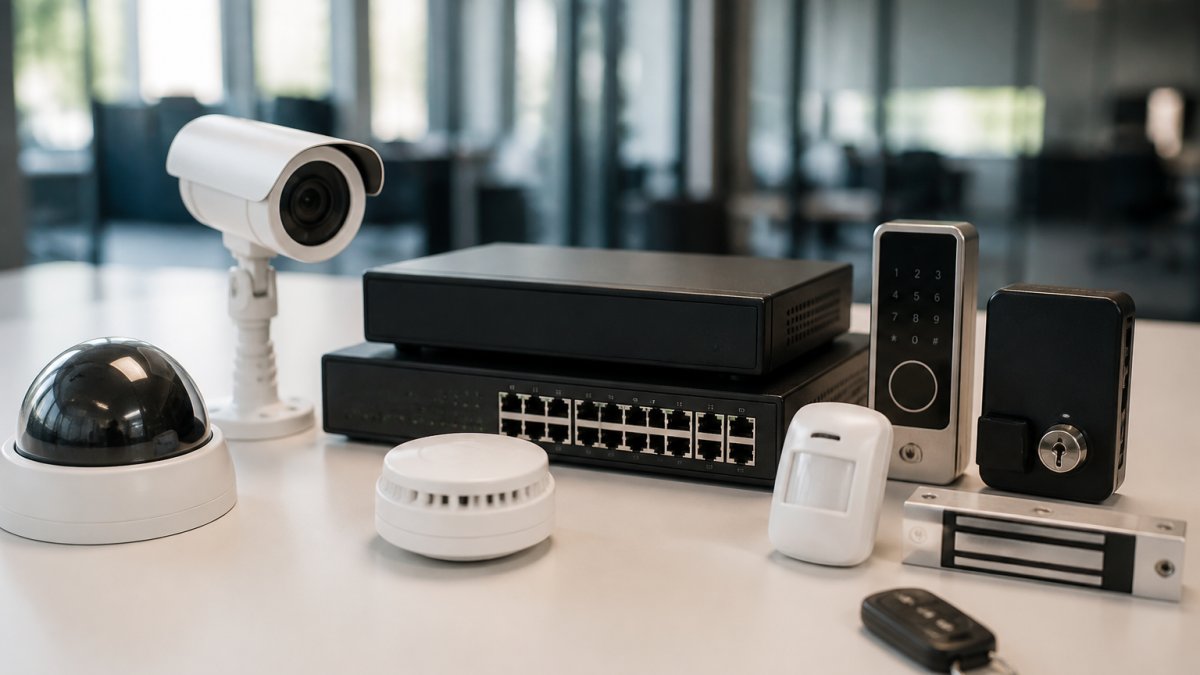
Motion sensors, glass-break sensors, and door/window sensors create layered detection. AI-enabled systems reduce false alarms by analyzing patterns before escalating alerts, critical as you scale, since each sensor increases alert volume.
Sensor Types and Deployment Patterns:
Effective perimeter protection across multiple locations includes:
- Motion sensors at entry points and loading areas, Passive infrared (PIR) sensors detect movement; dual-technology sensors combine PIR with microwave to reduce false alarms from animals or wind-blown debris.
- Glass-break detection on vulnerable windows, Acoustic sensors listen for the frequency signature of breaking glass, triggering alerts within milliseconds.
- Door and window sensors on all external access points, Magnetic reed switches or wireless contact sensors monitor opening and closing; integration with access control logs shows whether an opening was authorized.
- Perimeter fencing with vibration or strain detection, Fiber-optic or mechanical sensors detect climbing or cutting attempts on perimeter barriers.
- Integration with video surveillance for visual confirmation, When a sensor triggers, the system automatically displays video from nearby cameras so monitoring staff can verify the threat before dispatching response.
- Two-way communication between central monitoring and on-site personnel, Allows monitoring center to query on-site staff about sensor events and coordinate response.
As you add locations, sensor count grows quickly, a single building might have 20-30 sensors; a 10-building campus could have 200-300. Plan for per-sensor licensing, event storage, network bandwidth, and integration costs.
Before committing to a scalable intrusion detection platform, verify false alarm rate, alert latency, wireless sensor battery life, maximum sensor capacity, event retention, and failover redundancy with local event queuing.
Total Cost of Ownership for Multi-Site Perimeter Systems:
When evaluating scalability, project costs over 5 years:
- Hardware, Sensors, gateways, wiring, installation labor. Budget for hardwired and wireless sensor deployment.
- Licensing and subscriptions, Per-sensor fees, cloud platform subscriptions, professional monitoring (if applicable). Budget for licensing and subscriptions annually.
- Maintenance and support, Battery replacement, sensor recalibration, software updates, technical support. Budget for maintenance and support annually.
- Integration labor, Connecting to access control, video, and central management systems. Budget for professional integration.
- Monitoring and response, If using professional monitoring services, budget for monitoring and response.
For a multi-location deployment, understanding these costs upfront prevents sticker shock during expansion phases.
System Integration, Video Analytics, and Reliability
The real power of a scalable commercial security system emerges when components work together seamlessly and the system continues operating even when infrastructure fails. Video analytics, access logs, and alarm events create a unified picture of what's happening across your facilities, but only if the underlying architecture prioritizes both integration and resilience.
Video analytics uses AI to detect suspicious behavior before humans notice it. The system can identify loitering, tailgating, unusual dwell times, or crowd density anomalies and alert your team automatically. This transforms video from a passive recording tool into an active security layer. When integrated with access control, analytics can flag badge swipes that don't match expected patterns or detect someone entering a restricted area without proper credentials.
Reliability becomes critical as you scale. A single camera failure in a small facility is inconvenient. A single point of failure in a multi-site system is unacceptable. Scalable systems use redundancy and failover mechanisms to maintain coverage even when components fail.
Redundancy and Business Continuity Across Multiple Locations:
Multi-site deployments require planning for network outages, power loss, and hardware failures. Best-practice scalable systems include:
- Uninterruptible Power Supply (UPS) at each location, Maintains access control readers, cameras, and local processing for 15-30 minutes minimum, allowing graceful shutdown or failover to backup connectivity.
- Local processing on edge devices, Access control readers and camera gateways process credentials and motion detection locally so doors remain operational and video recording continues even if cloud connectivity drops. Access attempts queue and sync when the connection restores.
- Redundant network paths, Dual internet connections (primary broadband and backup cellular or secondary ISP) prevent a single link failure from blinding your security operations.
- Distributed storage, Video recorded locally on edge devices or NAS appliances at each site, with asynchronous replication to cloud storage. This ensures 48-72 hours of footage survives even extended outages.
- Failover monitoring, If central monitoring becomes unavailable, the system automatically routes alerts to a secondary monitoring center or on-site personnel via SMS and push notifications.
- System testing and recovery drills, Quarterly failover tests confirm that backup systems activate correctly and that staff know how to operate in degraded mode.
Integration Best Practices:
Integration best practices include:
- Unified alerting that combines camera, access, and sensor data, An unauthorized door opening triggers video playback from that entrance, access logs showing who swiped the badge, and motion detection from nearby cameras, all in one alert.
- Automated responses based on events, A perimeter intrusion triggers door locks, activates lighting, and initiates two-way communication with on-site personnel or monitoring center.
- Video confirmation of access control alerts, When an access denial occurs (invalid credential, after-hours entry attempt), the system automatically displays video from that reader so monitoring staff can assess the situation in real time.
- Historical analysis across all data streams, Correlate access patterns, video events, and sensor triggers over days or weeks to identify trends (repeated tailgating at a specific door, unusual after-hours activity in a particular zone).
- Role-based dashboards, Facility managers see occupancy and access patterns; security teams see alerts and video; executives see summary reports and compliance metrics, all from the same system.
Measuring Reliability and Uptime:
When evaluating a scalable system, ask vendors for specific reliability metrics:
- System uptime SLA, Most enterprise systems guarantee high uptime.
- Alert delivery latency, How quickly does an intrusion detection event reach the monitoring center? Industry standard is fast.
- Video recording continuity, What percentage of footage is captured during a typical month, accounting for network hiccups and edge device reboots? Target high video recording continuity.
- Failover activation time, If the primary monitoring center goes offline, how long until alerts route to backup? Should be automatic and quick.
- Recovery time objective (RTO), How long to restore full functionality after a major outage? For multi-site systems, RTO should be short.
- Recovery point objective (RPO), How much data (video, access logs, events) is acceptable to lose in a worst-case scenario? RPO should be minimal for critical facilities.
Frequently Asked Questions
What makes a commercial security system scalable?
A scalable commercial security system grows with your business without requiring a complete overhaul. It supports adding cameras, access points, and sensors across new locations, centralizes management through cloud-based platforms, and integrates components from multiple vendors. Scalable systems use open architecture rather than proprietary lock-in, allow credential management across distributed sites, and maintain performance as you expand operations. This flexibility protects your investment as your facility needs change.
How does cloud-based access control handle multiple business locations?
Cloud-based access control systems store credentials and permissions in a central database accessible from any location. Facility managers can issue, revoke, or update access rights across all buildings from a single dashboard. Mobile credentials allow employees to use smartphones instead of physical cards. Real-time synchronization ensures that permission changes apply immediately across all sites, and redundancy protects against local network failures. This centralized approach eliminates manual credential management and reduces administrative overhead at each location.
Can I integrate my existing cameras and access control systems into one platform?
Yes, if your systems use open standards and modern APIs. Many commercial security integrators, including Mt. Major Tech, specialize in bridging legacy equipment with new platforms. Integration typically involves adding a central management layer that communicates with existing cameras, readers, and alarms. However, proprietary systems from certain vendors may resist integration. Before committing to expansion, assess whether your current hardware supports integration or if selective replacement of older components makes financial sense. A professional audit identifies the most cost-effective path forward.
What's the difference between cloud-based and on-premises security systems for growing businesses?
Cloud-based systems store data and management tools off-site, enabling access from anywhere and scaling without buying additional servers. They shift infrastructure costs to monthly subscriptions and reduce IT maintenance burden. On-premises systems store everything locally, giving you direct control and avoiding cloud dependency but requiring more hardware investment and IT resources as you grow. For multi-site operations, cloud-based systems typically offer better scalability and easier management. However, compliance requirements (such as HIPAA for healthcare) or security concerns about cloud storage may favor on-premises or hybrid approaches. Your choice depends on facility size, budget, and regulatory needs.