 blog
blog
Best Commercial Security System for Manufacturers
Table of Contents
- What Makes a Commercial Security System Right for Manufacturing
- Core Components: Intrusion Detection, Video Surveillance, and Access Control
- AI-Enabled Surveillance for Factories: Reducing False Alarms and Improving Threat Detection
- Access Control for Manufacturing Plants: Protecting Sensitive Areas and Managing User Permissions
- Cost of Commercial Security Systems for Warehouses and Plants
- Scalability, Smart Automation, and Remote Management for Multi-Site Operations
- Integration with Fire Safety, IIoT, and SCADA Systems
- Conclusion
- Frequently Asked Questions
Last Updated: September 17, 2026
What Makes a Commercial Security System Right for Manufacturing
A commercial security system for manufacturers is a unified platform combining intrusion detection, video surveillance, and access control to protect people, equipment, and inventory. Unlike a small business installation, it must survive dust, vibration, temperature swings, and a loading dock that never fully closes.
Core Components: Intrusion Detection, Video Surveillance, and Access Control
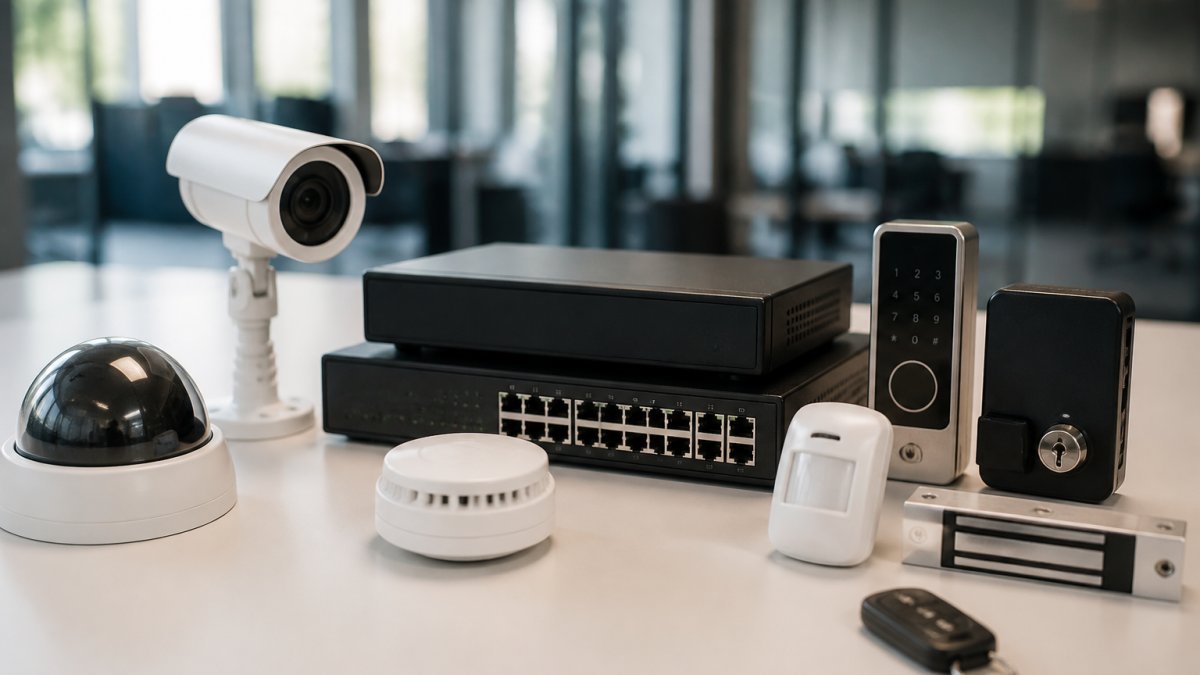
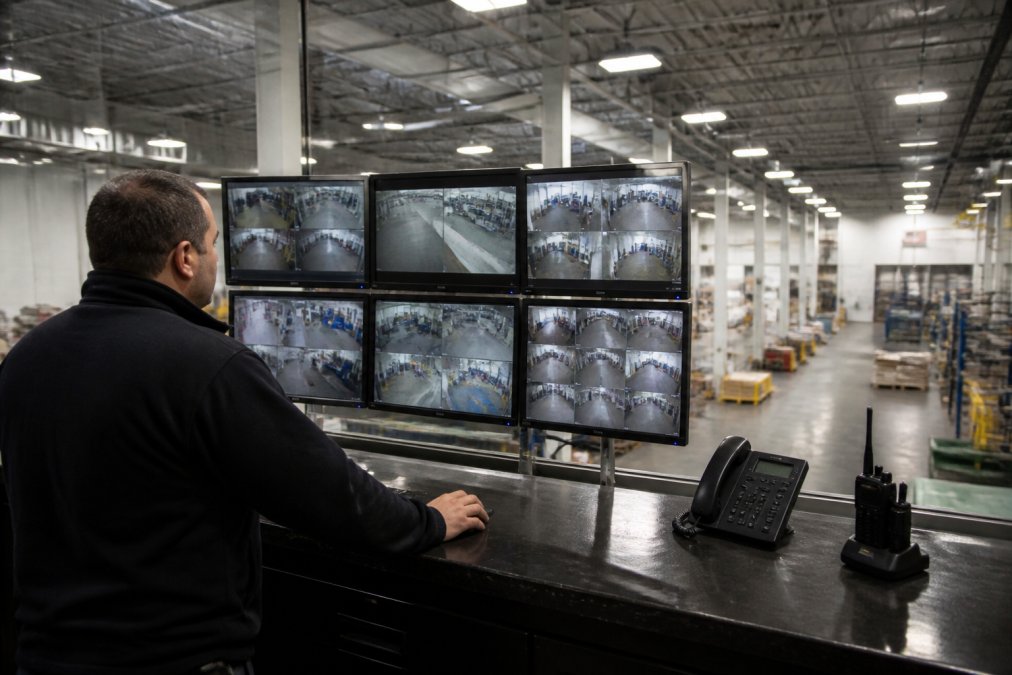
Three subsystems carry the load in any manufacturing deployment: intrusion detection, video surveillance, and access control. They only work as a system when they share data, so plan them together.
Intrusion Detection and Motion Sensors
Perimeter and interior intrusion detection is the first layer. Hardwired door and window sensors resist tampering better than wireless in a plant, and glass break detectors cover ground-floor windows and skylights where vibration and noise make audio detection unreliable.
IP Cameras and Video Surveillance
IP cameras have replaced analog almost entirely because they deliver higher resolution, remote viewing, and cloud-based storage. For a plant, resolution matters most at choke points: shipping doors, tool cribs, and the cage where high-value components are stored.
Access Control and Keyless Entry
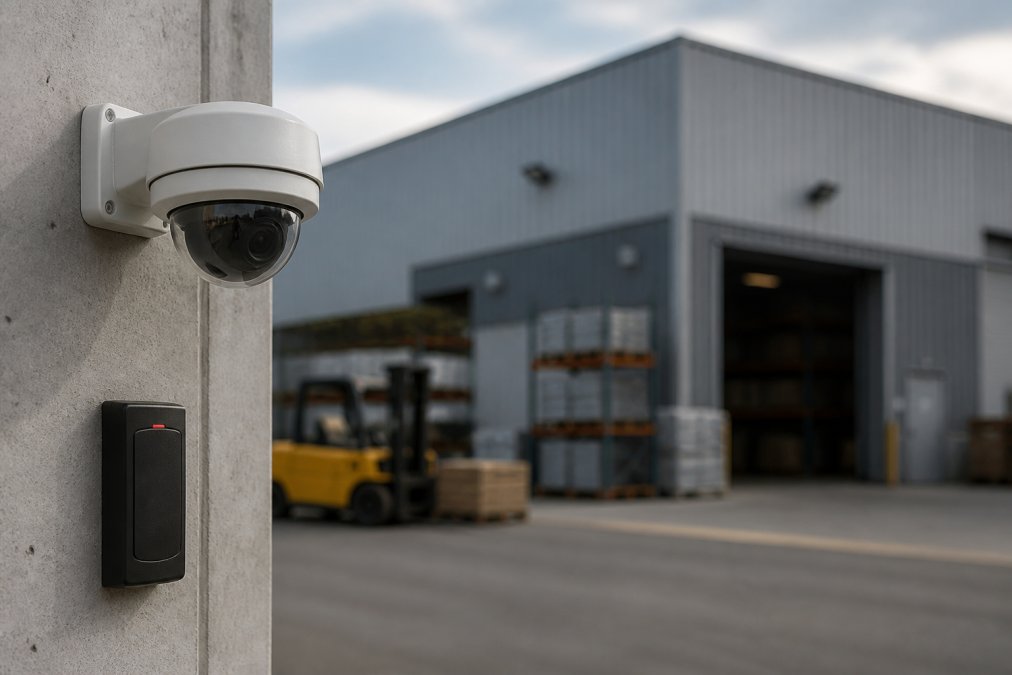
Access control governs who goes where and when. Keyless entry through card readers, fobs, or biometrics removes the lost-key problem and logs every door event.
AI-Enabled Surveillance for Factories: Reducing False Alarms and Improving Threat Detection
AI-enabled surveillance for factories addresses the biggest complaint in industrial security: false alarms. Traditional motion sensors cannot tell a person from a forklift, a stray pallet, or heat shimmer off a furnace. AI analytics classify objects and behavior, so an alert fires when someone crosses a perimeter line at 2 a.m., not when a raccoon walks past a fence.
- Line crossing and loitering detection at fence lines and dock doors
- Object classification that distinguishes people from vehicles and equipment
- Real-time alerts routed to mobile devices by zone and severity
- Audit trails that log every camera event and door access for later review
Access Control for Manufacturing Plants: Protecting Sensitive Areas and Managing User Permissions
Start by mapping your facility into zones:
| Zone Type | Example Areas | Typical Access Rule |
|---|---|---|
| Public | Lobby, shipping office | Visitor badge, escorted |
| General production | Assembly floor, warehouse | Employee badge, shift hours |
| Restricted | Tool crib, QC lab | Named users, dual authentication |
| Critical | Server room, chemical storage | Biometric plus PIN, logged |
Biometric authentication adds a layer badges cannot match, since credentials cannot be shared or borrowed. For critical zones, pairing biometrics with a PIN satisfies both security and audit requirements.
Cost of Commercial Security Systems for Warehouses and Plants
The cost of commercial security systems for warehouses and plants is driven less by brand than by four variables: camera count and resolution, access-controlled door count, monitoring model, and integration requirements. Two plants of identical square footage can land 3x apart on price because one has 12 doors and the other has 40.
1. Hardware and installation (one-time capital)
- IP cameras: resolution and lens drive the line item. A 4MP fixed dome costs materially less than an 8MP varifocal with IR, and the gap widens with environmental ratings. Cameras rated for washdown, dust ingress, and wide temperature swings (IP66/IP67, NEMA 4X enclosures) carry a premium over office-grade units, but office-grade cameras fail early on a production floor, so the premium is usually cheaper than replacement labor.
- Access-controlled doors: each opening needs a reader, controller, request-to-exit device, and wiring. A single-door install is straightforward; a 30-door plant with turnstiles, gate operators, and intercoms is a project. Door count is the most reliable predictor of access control cost.
- Intrusion detection: hardwired perimeter sensors, glass break detectors, and interior motion sensors are inexpensive per unit but labor-intensive to cable in a large facility. Wireless avoids cabling cost but needs battery maintenance and is more vulnerable to RF interference from welding equipment and variable-frequency drives.
- Cabling and network gear: often overlooked. PoE switches, conduit, and fiber runs between buildings add up fast, especially in older plants with congested pathways.
2. Recurring subscription (operating expense)
- Cloud video storage: priced per camera per retention day. Thirty days of retention on 40 cameras differs sharply from seven days on 12. Confirm whether the plan charges by camera, bandwidth, or stored gigabyte, the models diverge at scale.
- Professional monitoring: central-station monitoring is typically billed per monitored zone or system, with alarm-response tiers. Self-monitoring shifts cost to your staff but assumes someone is watching at 3 a.m.
- Software and analytics licenses: AI analytics, license plate recognition, and access-control user seats are frequently licensed separately from hardware. Ask whether analytics run on-camera (no recurring fee) or in the cloud (recurring fee).
3. Integration and lifecycle (the hidden line)
- Integration engineering: connecting access control to fire alarm release, or pulling SCADA historian data into a security dashboard, is billed as professional services. Scope it before signing.
- Firmware and patch management: IP devices need updates. If your IT team won't own it, budget for a managed service.
- Warranty and replacement: industrial environments shorten hardware life. Plan a refresh cycle shorter than the office norm.
Monitoring model trade-offs
| Model | Who responds | Best fit | Watch out for |
|---|---|---|---|
| Self-monitored | Your staff via app | Single-site plants with 24/7 on-site personnel | Nobody watching during shift change or holidays |
| Professionally monitored | Central station, then dispatch | Multi-shift plants, remote sites, after-hours risk | Verify the station's response protocol and call list |
| Hybrid | AI triage, then human verification | High-camera-count sites drowning in alerts | Requires tuning period before it pays off |
Scalability, Smart Automation, and Remote Management for Multi-Site Operations
Architecture choices that determine whether you can scale
- Cloud-managed with local recording: cameras record to on-site NVR or edge storage, while management, user permissions, and health monitoring live in the cloud. This is usually the right fit for plants because it survives a WAN outage, production continues, recording continues, and only remote viewing is interrupted.
- Fully cloud-recorded: simplest to manage but depends entirely on upload bandwidth. A single 4K camera at 15 fps can consume several megabits per second; multiply by 40 cameras and you can saturate a plant's internet circuit. Confirm your upload capacity before committing.
- On-premise only: maximum control and no recurring cloud fee, but multi-site management becomes a VPN-and-jump-host exercise, and remote access is slower and less convenient for facility managers on the move.
Smart automation rules that matter on a plant floor
- Shift-change arming: automatically arm perimeter intrusion detection and adjust camera profiles when the last shift clocks out, then disarm at first shift start.
- Dock door interlock: trigger recording and a supervisor alert when a dock door opens outside a scheduled delivery window, and hold the door event in the audit log.
- Restricted-zone escalation: when a tool crib or chemical storage door opens without a valid badge, push a real-time alert to the on-duty supervisor and cue the nearest camera.
- Maintenance-window override: allow a named technician's badge to unlock a specific door only during a scheduled maintenance window, then revert automatically.
- Cross-site health monitoring: alert IT when a camera at any site goes offline, so a failed unit is replaced before it becomes a coverage gap.
Remote management that actually helps facility managers
A note on OT/IT convergence. As security systems, IIoT sensors, and SCADA data converge on shared dashboards, the boundary between physical security and operational technology blurs. Treat that convergence as a security project, not just an integration project, every new data feed is an attack surface, and every new user account a credential to manage.
Integration with Fire Safety, IIoT, and SCADA Systems
Two integration angles competitors rarely address:
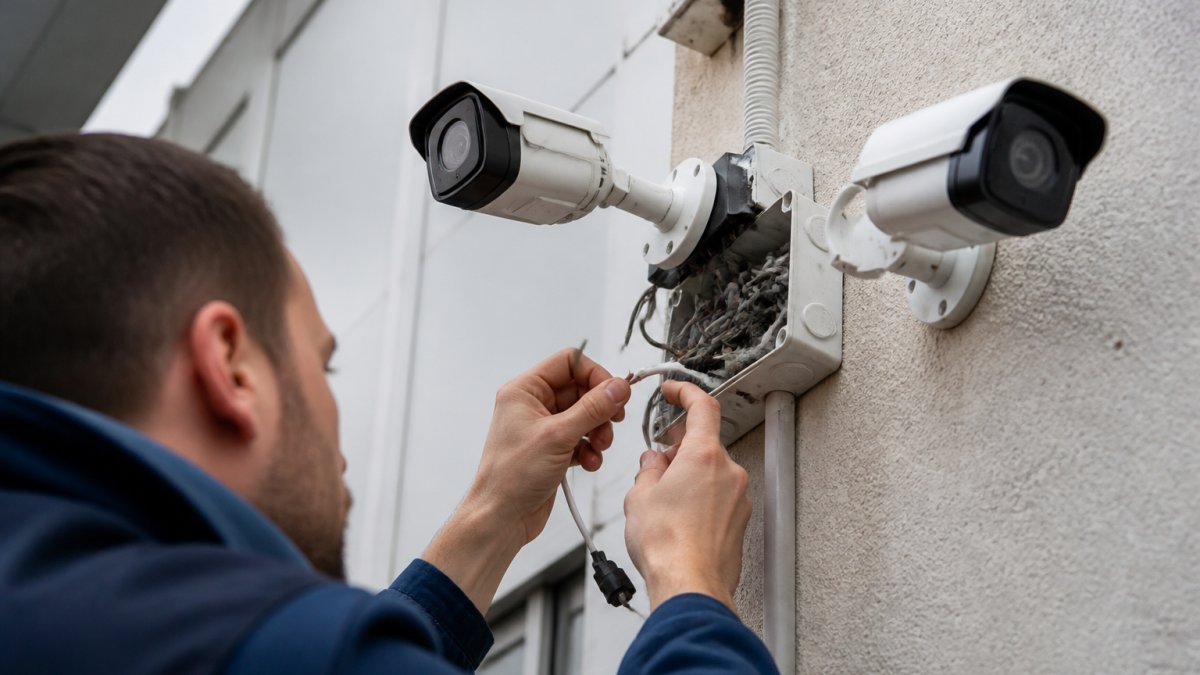
Cybersecurity of physical security devices. Every IP camera, access controller, and sensor is a network device with firmware, credentials, and potentially a default password. Segment them onto their own VLAN, change default credentials, keep firmware current, and encrypt stored footage. A compromised camera is an entry point into your production network.
Conclusion
Manufacturing security fails when treated as a camera purchase instead of an operational system. Facilities that get it right start with a zone map, choose hardware rated for the environment, and insist on integration between intrusion detection, surveillance, and access control.
Frequently Asked Questions
What features are essential for a manufacturing facility security system?
Essential features include intrusion detection with motion sensors and glass break detectors, IP cameras for video surveillance, access control for restricted areas, and professional monitoring. For manufacturers, look for environmental hardening, integration with fire alarm systems, and scalability. AI-enabled surveillance for factories adds threat detection and real-time alerts, while cloud-based storage and remote management let you oversee multiple buildings. Prioritize systems that support user permissions, audit trails, and compliance standards relevant to your industry.
How does AI-enabled surveillance improve factory security?
AI-enabled surveillance for factories analyzes video in real time to distinguish between real threats and harmless activity, such as a forklift passing a motion sensor. This reduces false alarms, which preserves security team morale and lowers monitoring costs. The technology also detects unusual patterns, like someone entering a restricted zone after hours, and sends real-time alerts. Over time, the system learns your facility's normal operations, making threat detection more accurate without constant manual tuning.
Are cloud-based security systems better for multi-site manufacturing?
Cloud-based systems offer clear advantages for multi-site manufacturing. They let you manage cameras, access control, and alarms from a single dashboard, regardless of location. Cloud-based storage provides redundancy, so footage isn't lost if a local recorder fails. However, some manufacturers prefer hybrid setups with local backup to maintain access during internet outages. The right choice depends on your bandwidth, IT infrastructure, and whether you need real-time remote management across a distributed campus.
How much does a commercial security system cost for a warehouse?
The cost of commercial security systems for warehouses depends on several factors: the number of cameras and sensors, whether you need AI-enabled surveillance, the complexity of access control, and whether you choose professional monitoring. Pricing also varies by installation requirements and ongoing support. Because every facility is different, we recommend contacting Mt. Major Tech for a customized quote. They can assess your specific layout and recommend a system that fits your budget without sacrificing coverage.