 listicle
Best Commercial Security System Alternatives for 2026
Table of Contents
- Why Traditional Commercial Security Systems Fall Short
- Key Features to Look for in a Modern Commercial Security System
- AI-Enabled Surveillance for Business: Seeing More Than a Camera
- Commercial Security System Cost Comparison: Contracts vs. Flexibility
- Unified Security Solutions for Commercial Buildings: One Platform, Full Control
- DIY vs. Professional Installation: Which Alternative Fits Your Risk Profile?
- Cybersecurity and Compliance: The Non-Negotiable Layer
- Conclusion: Building Your Commercial Security System Strategy
- Frequently Asked Questions
Last Updated: September 7, 2026
Why Traditional Commercial Security Systems Fall Short
The legacy commercial security system model is failing modern businesses. Most facilities running traditional setups operate with disconnected hardware: cameras from one vendor, access control from another, and alarms from a third. These silos create blind spots, complicate incident response, and force security teams to juggle multiple dashboards.
The deeper problem is architectural. Traditional systems were designed as closed, on-premises deployments with proprietary protocols. They lack the flexibility to adapt as your business grows, and they weren't built to handle the distributed, multi-site operations many companies run today. When you need to add a new facility or integrate a new sensor type, you are often locked into the original vendor's roadmap.
A commercial security system should be an asset that scales with your risk profile, not a liability that anchors you to outdated technology.
Key Features to Look for in a Modern Commercial Security System
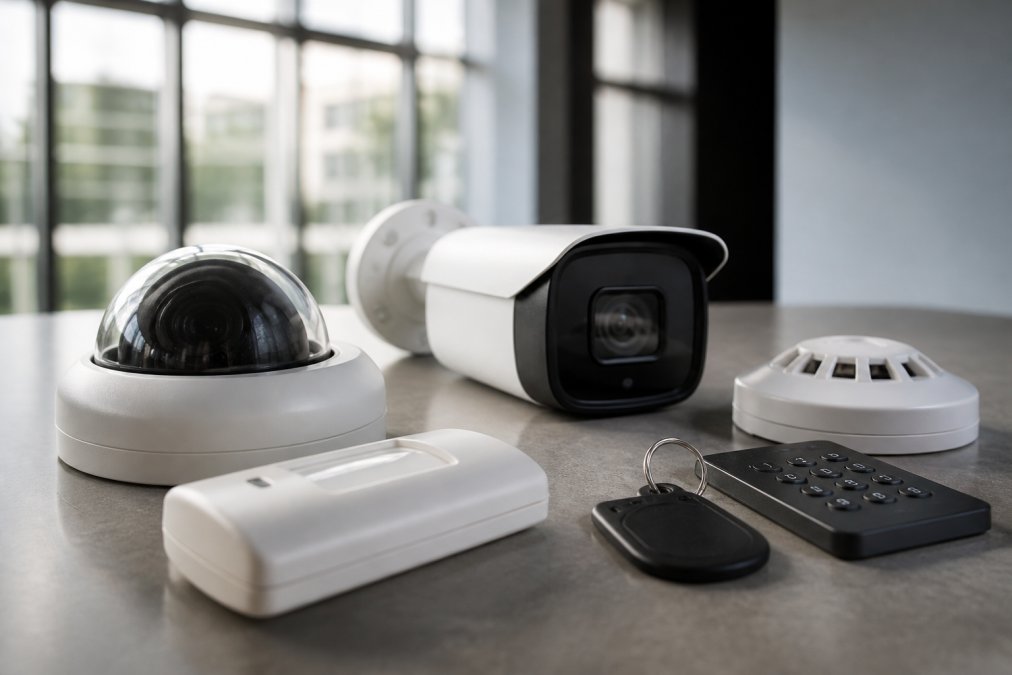
A modern commercial security system is an integrated ecosystem of surveillance, access control, and monitoring tools managed through a unified platform. When evaluating alternatives to legacy hardware, prioritize features that reduce operational friction and close security gaps rather than simply adding more cameras.
Cloud-Based Management and Remote Monitoring
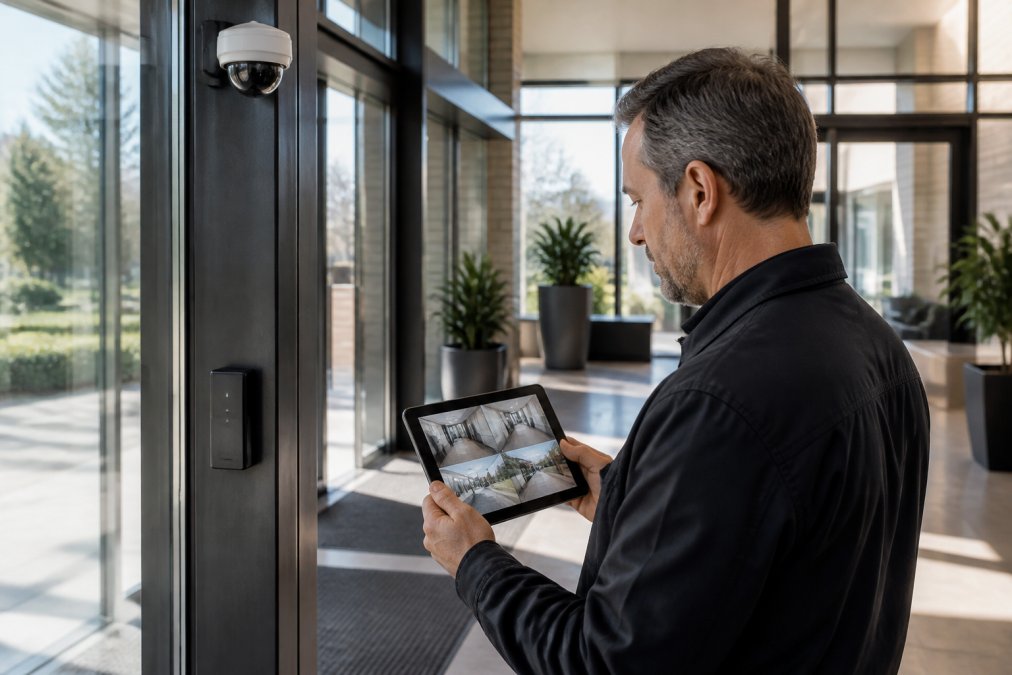
Cloud-based management is the single biggest differentiator between legacy and modern systems. It allows your security team to view live feeds, manage user permissions, and respond to alerts from any device with an internet connection, essential for facility managers overseeing multiple buildings or remote sites.
Remote monitoring also changes the economics of security. Instead of requiring on-site guards to review footage, cloud platforms enable centralized monitoring where one team can oversee several locations. Real-time alerts push to mobile devices, so the right person knows about an incident the moment it happens.
Scalability and Integration with Existing Systems
Scalability is about more than adding cameras. A scalable commercial security system lets you expand storage, add user credentials, and deploy new sensors without ripping out existing infrastructure, critical for growing businesses where a single facility can quickly become a multi-building campus.
Integration is the other half of the equation. The best alternatives unify video surveillance, access control, and alarm monitoring into one platform, eliminating the operational headache of managing three separate systems and creating a single source of truth for incident investigation. For organizations with existing building management systems, look for platforms that can share data and trigger automated responses across both environments.
AI-Enabled Surveillance for Business: Seeing More Than a Camera
AI-enabled surveillance for business represents a fundamental shift from passive recording to active detection. Traditional cameras simply capture footage; AI-powered systems analyze it in real time, distinguishing between a genuine threat and a false alarm triggered by a stray animal or shifting shadows. To evaluate these systems effectively, you need to understand what is actually happening under the hood.
How Video Analytics Actually Work
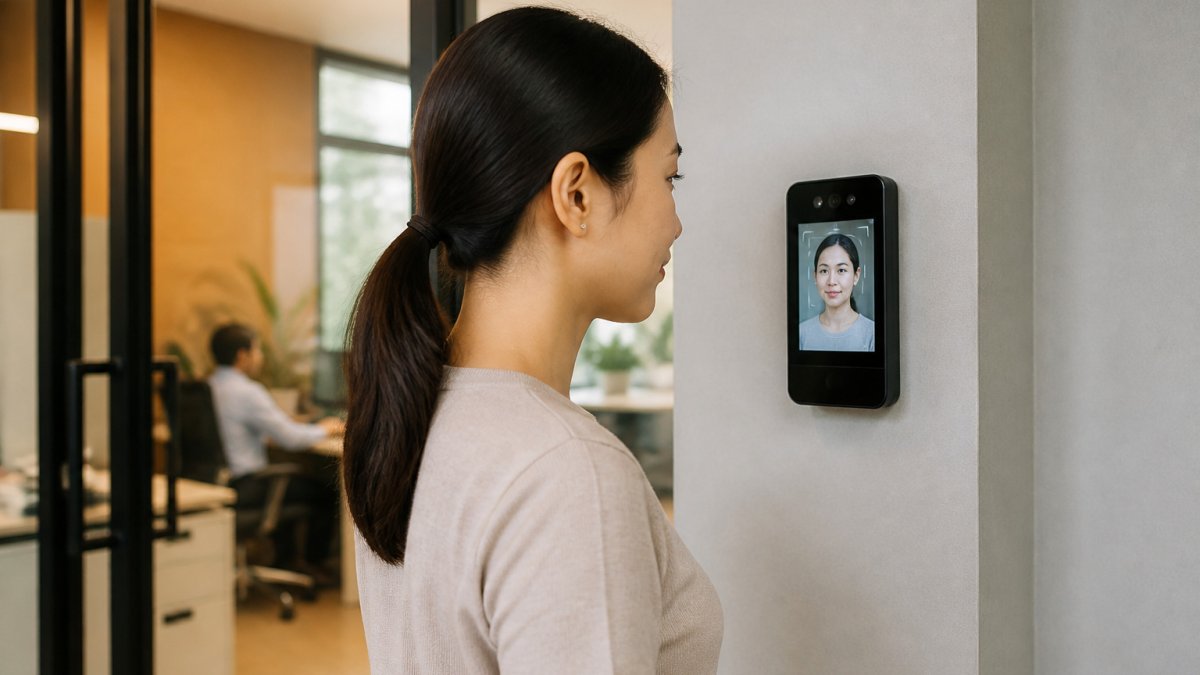
Most modern AI cameras and video management systems (VMS) use two distinct layers of processing. The first is edge-based analytics, where the camera itself runs a neural network on its onboard chip, minimizing bandwidth usage because only flagged events, not continuous video, are sent to the central server or cloud. The second is server-side analytics, where raw video streams are processed by a central GPU-equipped appliance or cloud instance, allowing for more complex models (such as facial recognition or license plate capture) but introducing latency and higher bandwidth costs.
A common pattern in commercial deployments is a hybrid approach: edge analytics for perimeter detection and motion filtering, with server-side processing reserved for high-value zones like server rooms, cash-handling areas, or loading docks. When evaluating a system, ask the vendor directly which analytics run at the edge versus the server, and what the bandwidth implications are for a site with 50 cameras versus 500.
The False Alarm Reduction Mechanism
False alarm reduction is not a single feature; it is the result of layered filtering. A basic motion sensor triggers on any pixel change. A camera with AI-based motion filtering learns the difference between a person and a tree branch moving in the wind. More advanced systems use object classification (person, vehicle, animal) and behavioral rules (loitering, line crossing, object left behind).
The practical benefit is measurable. Facilities that deploy AI-based filtering can experience a significant reduction in nuisance alerts compared to traditional passive infrared (PIR) sensors. This matters because alert fatigue is a real operational risk: when security staff receive 50 false alarms per shift, they begin to ignore all alerts, including genuine threats. A system that only pushes 5 alerts per shift, each with a short AI-generated clip of the triggering event, restores trust in the alerting workflow.
Where AI Adds Clear Value for Commercial Sites
Beyond generic intrusion detection, specific commercial use cases show the strongest return on investment:
- Tailgating detection at access-controlled doors: AI cameras positioned at entry points can detect when two people enter on a single credential swipe, a common security gap that traditional access control logs miss entirely.
- Parking lot and perimeter analytics: Systems can flag vehicles circling multiple times (a pattern associated with casing) or objects placed near building entrances after hours.
- Inventory and asset protection: In retail or warehouse settings, AI can detect when merchandise is removed from a shelf without a corresponding point-of-sale transaction, though this requires integration with your POS system.
- Occupancy and safety monitoring: AI can count people in a space to enforce maximum occupancy limits or detect a person who has fallen and remains motionless, a valuable feature for lobbies, break rooms, and stairwells.
The Trade-Offs You Should Know
AI surveillance is not a silver bullet. The most significant trade-offs are:
- Lighting and camera placement: AI models degrade significantly in low-light conditions or with poorly angled cameras. A site survey that addresses lighting gaps is a prerequisite for effective analytics.
- Privacy and employee notification: Many states have specific laws about video surveillance in workplaces, particularly in break rooms, locker areas, and other spaces where employees have a reasonable expectation of privacy. Consult state-specific surveillance laws before deploying analytics in employee-facing areas.
- Model training and drift: AI models are trained on general datasets. A model that works well in a bright retail environment may perform poorly in a dim warehouse. Some vendors offer on-site model tuning, but this is an additional service cost that should be factored into your budget.
Questions to Ask Every AI Vendor
Before committing to an AI-enabled system, require the vendor to answer these questions in writing:
- Which analytics run on the camera edge versus the server, and what is the bandwidth cost per camera?
- What is the measured precision and recall rate for the specific detection rules you need (e.g., loitering, tailgating)?
- How are false positives handled, can security staff mark alerts as false, and does the system learn from that feedback?
- What is the retention policy for AI-generated metadata versus raw video? Metadata is often stored longer and can be used for forensic searches.
- Is the AI model updateable, and are updates included in the subscription or sold as separate licenses?
AI-enabled surveillance is most effective when deployed with clear operational goals. Define what you want the system to detect, where, and under what conditions before you evaluate hardware. The technology is a tool for sharper monitoring, not a replacement for a well-designed security plan.
Commercial Security System Cost Comparison: Contracts vs. Flexibility
The commercial security system cost comparison often comes down to a single question: are you willing to trade long-term commitment for lower upfront pricing? Traditional providers frequently offer discounted hardware in exchange for multi-year monitoring contracts, locking you into a specific technology stack for three to five years.
No-Contract Plans vs. Long-Term Agreements
No-contract plans offer flexibility. They let you scale services up or down based on seasonal needs or business changes, and they avoid the penalty clauses that make early termination expensive, particularly valuable for businesses that are growing, restructuring, or uncertain about their long-term footprint.
Long-term agreements, by contrast, often include lower monthly rates and priority support. The tradeoff is that you are betting on the technology remaining relevant for the contract's duration. If a better solution emerges or your needs change, you are still financially committed to the old system.
Total Cost of Ownership (TCO) Over 3-5 Years
A thorough Total Cost of Ownership analysis over 3-5 years includes hardware, installation, monitoring fees, maintenance, and the cost of system downtime. A cheaper system that requires frequent service calls or lacks reliable support can quickly become more expensive than a premium alternative.
| Cost Factor | Traditional Contract Model | Modern Flexible Model |
|---|---|---|
| Hardware Upfront | Often discounted to secure contract | Full cost, but owned outright |
| Monthly Monitoring | Fixed, long-term commitment | Flexible, adjust as needed |
| Upgrades & Add-ons | Tied to contract renewal | Available as technology evolves |
| Service & Downtime | Varies by provider | Often included in higher-tier plans |
| Exit Flexibility | Penalty fees for early termination | No lock-in, switch when ready |
The hidden risk in long-term contracts is technological obsolescence. Security technology evolves rapidly, and a system that was current when you signed could be outdated within two years. Flexible models let you adopt new capabilities as they become available, keeping your security posture aligned with modern threats.
Unified Security Solutions for Commercial Buildings: One Platform, Full Control
Unified security solutions for commercial buildings consolidate access control, video surveillance, and alarm monitoring into a single operational interface, more than a convenience, it is a strategic advantage for incident response and compliance reporting.
With a unified platform, correlating events becomes straightforward. When an alarm triggers, you can simultaneously pull up the relevant camera feed and the access log for that door, giving you a complete picture of the incident in seconds, critical for mitigating threats and providing accurate reports to stakeholders or regulators.
For organizations with compliance requirements, a unified platform simplifies audit trails. You can generate reports showing who accessed restricted areas, when, and under what authorization, far more efficient than stitching together logs from disparate systems, and it reduces the risk of gaps in your compliance documentation.
DIY vs. Professional Installation: Which Alternative Fits Your Risk Profile?
DIY installation is attractive for small offices on tight budgets. Wireless sensors and cloud-based cameras have made setup more accessible, and for low-risk environments, a well-configured DIY system can provide adequate coverage. However, DIY shifts the burden of system design, network security, and ongoing maintenance onto your team.
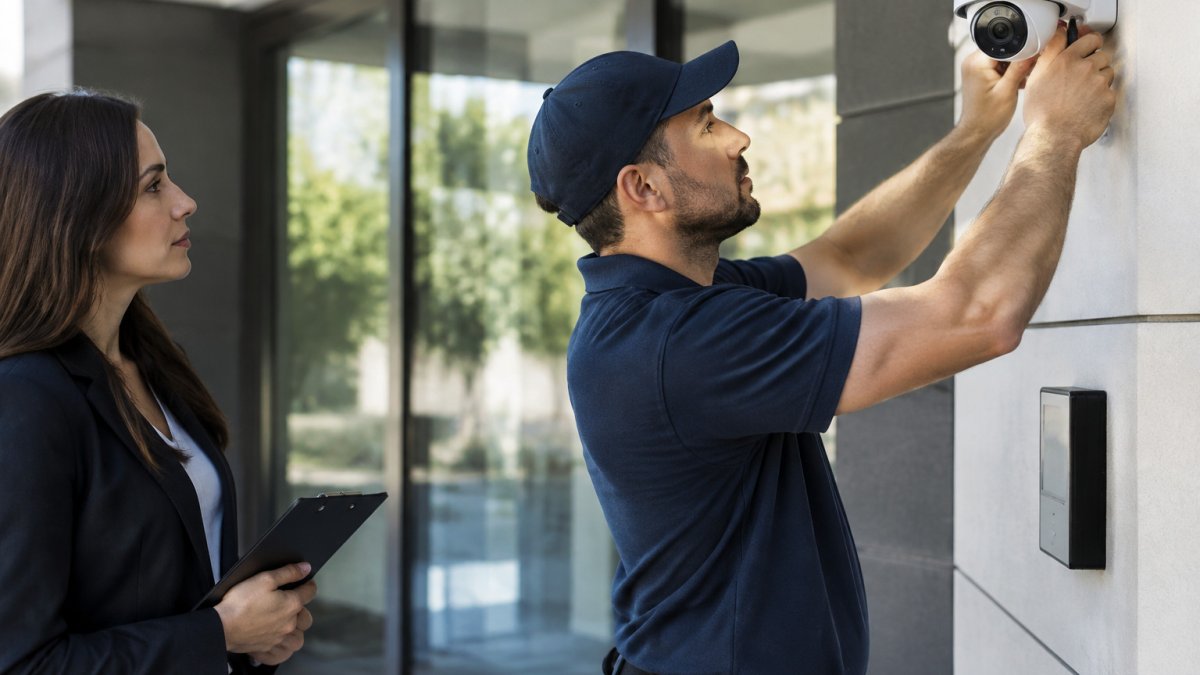
Professional installation from a security integrator like Mt. Major Tech delivers a different value: a system designed for your specific risk profile. We handle the site survey, camera placement, network configuration, and integration with existing infrastructure, reducing blind spots and ensuring the system is configured correctly from day one rather than discovered through trial and error.
The decision ultimately depends on your risk tolerance and internal resources. A manufacturing facility with expensive equipment and safety hazards has a different risk profile than a small law office. For high-stakes environments, the cost of professional installation is justified by the assurance that the system will perform when it matters most.
Cybersecurity and Compliance: The Non-Negotiable Layer
A commercial security system is only as strong as its cybersecurity defenses. IP cameras and cloud-based access control are network devices, and like any connected hardware, they are vulnerable to attack. An unsecured camera network can serve as an entry point for attackers to reach your broader business infrastructure. This section addresses a gap most commercial security guides miss entirely: how your physical security system intersects with data privacy regulations and enterprise cybersecurity standards.
The Regulatory Landscape Most Guides Ignore
Most consumer-focused security guides never mention compliance. For commercial buyers, it is often the deciding factor. The regulations that apply to your business depend on your industry and the data your security system captures:
- HIPAA (Health Insurance Portability and Accountability Act): If your security cameras capture footage of areas where patient health information is visible, reception desks with computer screens, pharmacy counters, or medical record storage rooms, that footage may be subject to HIPAA's safeguards. Covered entities must implement policies that protect this footage from unauthorized access and ensure it is not used for non-security purposes.
- SOC 2 (System and Organization Controls 2): If your business handles client data under a SOC 2 framework, your physical security controls are part of the audit scope. SOC 2 auditors will examine whether your access control system logs who enters server rooms, whether video surveillance covers critical infrastructure, and whether those logs are protected from tampering.
- State data breach notification laws: All 50 states have data breach notification statutes. If a compromised security camera provides an entry point for attackers to access customer data, you may be required to notify affected individuals and state attorneys general. The cost of notification and remediation typically far exceeds the cost of preventive security measures.
- FTC Act Section 5: The Federal Trade Commission has pursued enforcement actions against companies that deploy insecure IoT devices, including cameras, under its authority to prohibit unfair or deceptive practices. The FTC's guidance on IoT security makes clear that failing to implement reasonable security measures for connected devices can constitute a deceptive practice.
Encryption and Authentication: What to Demand
Not all security systems are created equal when it comes to network security. When evaluating alternatives, require written confirmation of these baseline protections:
- Encryption in transit and at rest: Video feeds should be encrypted using TLS 1.2 or higher during transmission. Recorded footage should be encrypted at rest, both on local storage devices and in the cloud. Ask whether the encryption keys are managed by the vendor or by your organization, customer-managed keys (CMK) give you more control but require more internal expertise.
- Multi-factor authentication (MFA): Every user account with access to the security platform should require MFA. This includes administrator accounts, operator accounts, and any API integrations. A system that allows password-only access is not enterprise-ready.
- Role-based access control (RBAC): The platform should support granular permissions, for example, a front-desk employee might view lobby cameras but not server room footage, and only designated security managers can export or delete recordings.
- Firmware update cadence: Ask the vendor for their average time-to-patch for known vulnerabilities. The 2024 CVE-2024-21887 vulnerability in certain IP cameras, for example, was exploited within days of disclosure (nvd.nist.gov). Your vendor should have a documented process for pushing critical patches to deployed devices.
The Compliance Documentation Gap
A common failure point for commercial security systems is the inability to produce compliance documentation on demand. If an auditor or regulator asks who accessed the server room on a specific date, your system should generate that report in minutes, not days.
A unified platform that logs access control events, video review activity, and alarm responses in a single, tamper-evident audit trail is a significant advantage. Look for systems that:
- Prevent log tampering: Audit logs should be append-only, meaning even administrators cannot delete or modify historical entries.
- Support time synchronization: All devices should sync to a common time source (NTP) so that correlating video footage with access logs is reliable.
- Export in standard formats: The ability to export logs as CSV or JSON files that can be imported into your existing compliance tools (e.g., Splunk, Sumo Logic) is essential for larger organizations.
Data Retention and Privacy Policies
Your security vendor's data handling policies are part of your compliance posture. Before signing, obtain written answers to these questions:
- Where is your video data stored geographically? If your vendor stores footage in a data center outside the United States, that may complicate compliance with state-specific data residency requirements.
- Does the vendor use your footage for any purpose other than providing the security service? Some vendors use anonymized footage to train their AI models. This may be acceptable, but it should be disclosed and subject to your approval.
- What happens to your data when you cancel the contract? You should have a defined process for exporting and deleting your footage within a specified timeframe.
- Does the vendor undergo independent security audits (e.g., SOC 2 Type II)? A vendor that cannot provide its own SOC 2 report is a red flag for enterprise deployments.
Building a Compliance-First Evaluation Checklist
When comparing commercial security alternatives, add these items to your evaluation scorecard:
- Vendor provides a SOC 2 Type II report or equivalent third-party audit
- Platform supports MFA and RBAC out of the box
- Encryption is enabled by default, not as a paid add-on
- Audit logs are append-only and exportable in standard formats
- Vendor has a documented patch management process with defined SLAs
- Data residency options are available for US-based storage
- Contract includes a clear data export and deletion process upon termination
A security system that fails any of these checks may still be adequate for a small office, but it is not suitable for a business with regulatory obligations, client trust at stake, or a sophisticated threat model. The cheapest system is never a bargain if it creates a compliance liability that surfaces during an audit or a breach investigation.
Conclusion: Building Your Commercial Security System Strategy
The best commercial security system alternatives for 2026 share a common thread: they prioritize integration, intelligence, and flexibility over proprietary lock-in. Moving away from legacy, siloed hardware toward a unified, cloud-based platform positions your organization to respond to threats faster, scale more efficiently, and maintain clearer compliance records.
Building this strategy requires evaluating your current infrastructure, projecting your growth, and being honest about your internal capabilities. For many organizations, partnering with a specialized integrator bridges the gap between complex technology and daily operations. Mt. Major Tech delivers this unified approach, combining AI-enabled surveillance, smart access control, and ongoing technical support tailored to your property's specific needs. We serve clients across Northern New England with professional-grade systems designed to protect what matters most. Book online to start the conversation about your security infrastructure.
Frequently Asked Questions
What is the best commercial security system alternative to traditional providers?
The best alternative depends on your facility's needs. Instead of a long-term contract with a single national provider, look for a unified platform that combines AI-enabled surveillance, smart access control, and intrusion detection. The right choice offers cloud-based management, scalability for multiple sites, and integration with your existing building systems. Prioritize providers offering professional monitoring with no long-term lock-in and transparent pricing for equipment and installation.
How does AI-enabled surveillance improve commercial security?
AI-enabled surveillance for business reduces false alarms and improves incident response. Unlike traditional motion sensors that trigger on shadows or animals, AI video analytics can distinguish between a person and a vehicle or identify loitering behavior. This allows security teams to focus on genuine threats. It also enables proactive features like real-time alerts and forensic search, letting you quickly find specific events or individuals in recorded footage.
Are no-contract security systems reliable for commercial properties?
Yes, no-contract systems can be highly reliable for commercial properties, provided the hardware uses cellular backup and battery backup to maintain connectivity during outages. The key is to evaluate the provider's uptime reliability and the quality of their professional monitoring. A no-contract plan offers flexibility, allowing you to scale services up or down without penalty, which is useful for growing businesses or those with seasonal operations.
What should a commercial security system cost comparison include?
A full commercial security system cost comparison goes beyond the monthly subscription fee. You must factor in equipment costs, installation fees, and any financing options. Critically, assess the total cost of ownership over 3-5 years, including maintenance, monitoring upgrades, and scalability costs. Be wary of low upfront prices that lock you into expensive long-term agreements or charge extra for essential features like cloud storage or user permissions.
Can a unified security platform integrate with my existing cameras and access control?
Often, yes. Many unified security solutions for commercial buildings are designed to integrate with existing hardware using standard protocols like ONVIF. This lets you keep functional cameras and sensors while upgrading the management software and adding new capabilities. A professional integrator can assess your current setup and create a migration plan that avoids a complete rip-and-replace, saving money and minimizing disruption to your operations.