 listicle
Benefits of Professional Security System Maintenance
Table of Contents
- Why Professional Security System Maintenance Matters
- Reducing False Alarms and Improving Reliability
- The Importance of Firmware Updates for Security Devices
- Extending Equipment Lifespan and Protecting Your Investment
- How Often to Service Security Cameras and Other Equipment
- Ensuring Regulatory Compliance and Managing Liability
- Your Security System Maintenance Checklist
- DIY vs. Professional Maintenance: Know the Risks
- Frequently Asked Questions
Last Updated: September 8, 2026
Why Professional Security System Maintenance Matters
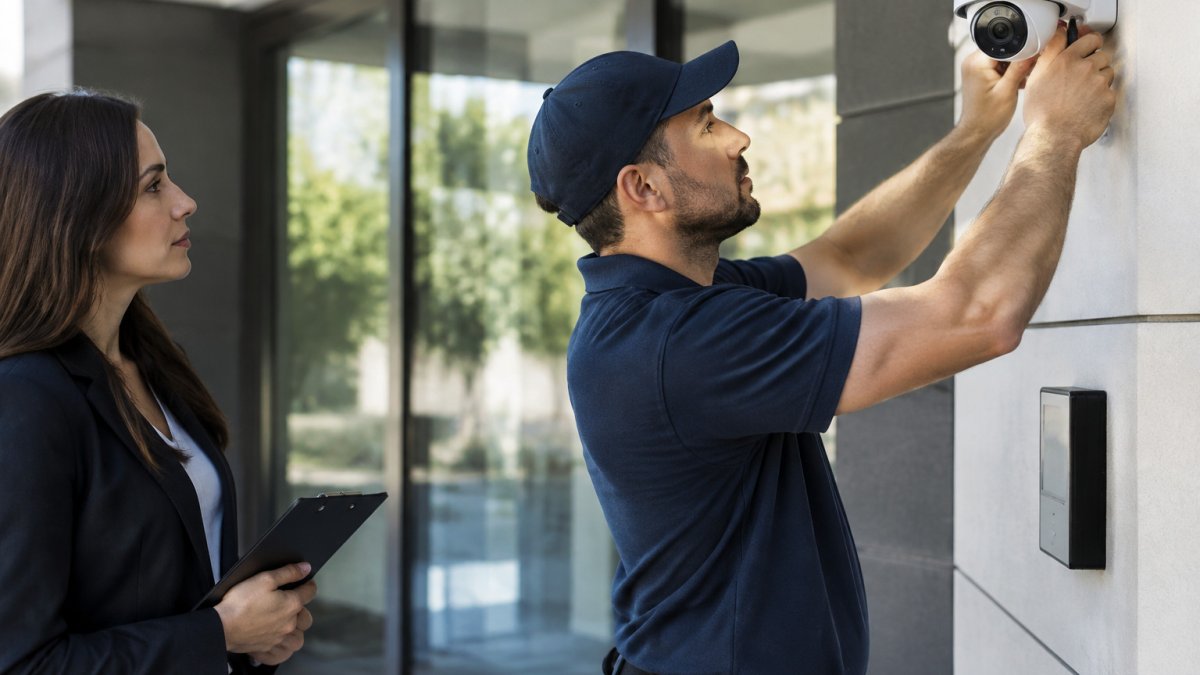
A security system is only as reliable as the maintenance behind it. Professional security system maintenance is the scheduled inspection, testing, and servicing of your surveillance, access control, and alarm infrastructure to ensure every component performs when it matters most. For business owners and facility managers, this work directly affects operational continuity, liability exposure, and the long-term return on your security investment.
A security system is only as reliable as the maintenance behind it. Most organizations do not realize their equipment is failing until an incident exposes the weakness, exactly the wrong time to discover it.
Below, we cover what professional maintenance actually covers, how often equipment needs servicing, and where DIY efforts create more risk than they solve.
Reducing False Alarms and Improving Reliability
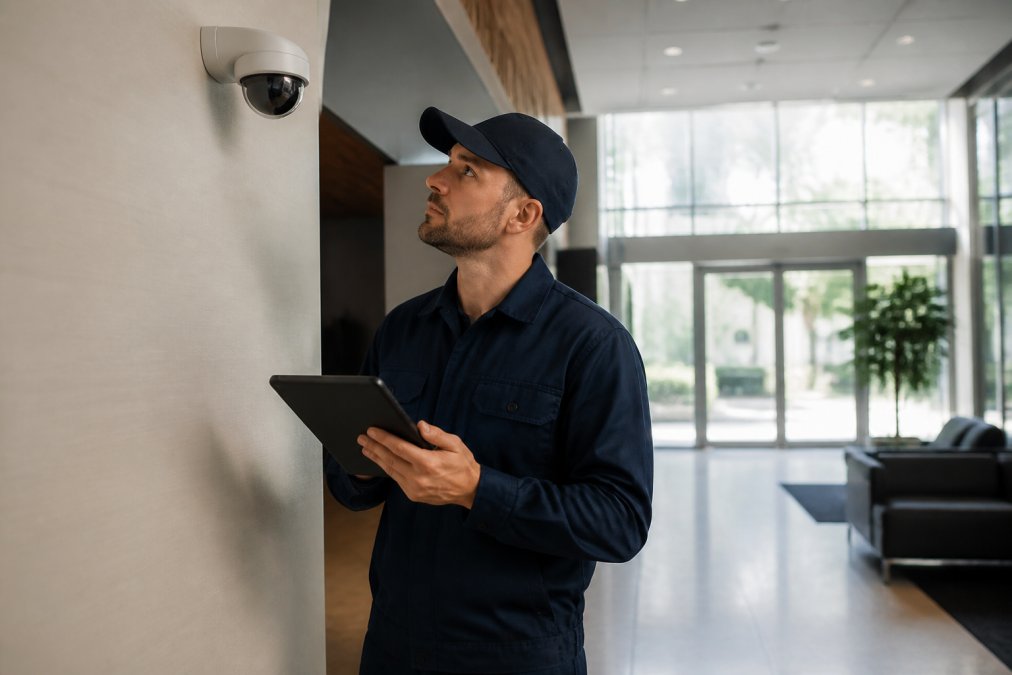
False alarms erode trust in your security infrastructure, waste emergency response resources, and can lead to fines in jurisdictions with strict alarm ordinances. A professionally maintained system is calibrated to distinguish genuine threats from environmental noise.
The reliability gap often comes down to sensor calibration and configuration. Misaligned motion detectors, cameras with outdated motion zones, or door contacts with worn magnets all trigger nuisance alarms. Professional technicians adjust sensitivity settings, verify detection zones match the actual layout, and test each device against real-world conditions.
The Specific Mechanisms Behind False Alarms
A false alarm is rarely a random event; it is a symptom of a specific, identifiable fault. Common culprits a technician will address include:
- Passive Infrared (PIR) Detector Misalignment: A PIR sensor detects changes in infrared radiation. If it is bumped or its mounting bracket loosens, its field of view can shift to include a heat source like a HVAC vent or a sunlit window. The technician will re-aim the sensor and use a walk test to verify the detection pattern matches the room's layout.
- Ultrasonic Sensor Interference: These sensors are susceptible to air currents and high-frequency sounds. A technician will check for new sources of interference, such as a recently installed air purifier or a compressed air leak, and may recommend relocating the sensor or switching to a dual-tech model.
- Camera Motion Zone Drift: In video analytics, the motion detection zones are pixel-based. Over time, physical shifts in the camera's mount (due to vibration or thermal expansion) can cause the zone to drift, triggering alerts from passing cars on a street that was previously excluded. A technician will recalibrate the camera's digital pan/tilt/zoom and redraw the active zones.
- Worn Door Contacts: A magnetic contact has a specific gap tolerance. If the door sags or the magnet loosens, the gap widens, and the contact can intermittently lose connection, causing a 'trouble' or 'alarm' signal. The fix is not just re-adhesion but verifying the gap with a feeler gauge and adjusting the strike plate.
The Cost of Nuisance Alarms
The financial impact of false alarms extends beyond potential municipal fines, which can range from $50 to $200 per incident (fema.gov). Every false dispatch pulls your monitoring team's attention away from genuine threats, and a string of false alarms can lead to a 'cry wolf' effect where security guards or employees stop responding to alerts, a direct security vulnerability.
A professional maintenance visit should include a review of your alarm event log. The technician will categorize every trigger from the past quarter, environmental, equipment fault, or human error, and provide a report quantifying the reduction in nuisance alarms after service, proving your maintenance program is improving reliability.
The Technician's Diagnostic Sequence
A professional does not simply tweak a setting and leave. The process for verifying reliability is methodical:
- Environmental Survey: Checking for new heat sources, reflective surfaces, or obstructions that could affect sensor performance.
- Signal-to-Noise Ratio Testing: Using a multimeter to measure the sensor's output stability, ensuring the signal is clean and not prone to fluctuation.
- Walk Testing: Physically walking through each detection zone to confirm the sensor triggers reliably at the edge of its range and does not trigger outside of it.
- Event Log Correlation: Cross-referencing the time of past false alarms with environmental data (e.g., sunrise, HVAC startup) to identify patterns that indicate a systemic issue.
This level of detail separates a professional service visit from a simple 'check the box' inspection, the difference between reducing false alarms and merely hoping they don't recur.
The Importance of Firmware Updates for Security Devices
Firmware updates are the security patches that close known vulnerabilities in your cameras, recorders, and access control panels. Outdated firmware is one of the most common entry points for cyberattacks on physical security infrastructure.
Modern security devices are network-connected endpoints, making them part of your broader IT attack surface. Without regular patches, a camera or door controller can serve as a backdoor into your corporate network. Professional maintenance programs track vendor release notes, test updates in a controlled manner, and deploy them systematically across your device fleet.
Why Security Devices Are Prime Targets
Internet Protocol (IP) cameras and network video recorders (NVRs) are often the most neglected devices on a corporate network. Unlike servers and workstations, they are frequently installed by integrators and then forgotten, running the same firmware version for years. This makes them attractive targets:
- Always-On Connectivity: They are permanently connected to the network, providing a persistent foothold.
- Legacy Protocols: Many devices still support older protocols like Telnet or unencrypted HTTP for management, which can be exploited if not disabled.
- High Processing Power: Modern cameras have enough CPU power to be used in botnets for Distributed Denial of Service (DDoS) attacks, as seen in the Mirai botnet incidents.
- Lateral Movement: Once a camera is compromised, it can be used as a staging point to scan for other vulnerable devices on the internal network, potentially reaching data servers or point-of-sale systems.
The Anatomy of a Firmware Vulnerability
A firmware vulnerability is often a flaw in the device's embedded web server or its handling of network protocols. For example, a camera might have a buffer overflow in its authentication module, allowing an attacker to send a specially crafted request to execute arbitrary code. The vendor's fix is distributed as a new firmware package.
Professional maintenance providers track these vulnerabilities through vendor security advisories. They do not just install the latest version; they assess severity against your specific deployment. A camera on an isolated VLAN with no internet access may be at lower risk than one port-forwarded for remote viewing.
The Professional Update Process
A professional does not blindly click 'update' on every device. The process is controlled to avoid introducing new issues:
- Inventory and Version Audit: The technician first creates a complete inventory of all device models and their current firmware versions.
- Vendor Advisory Review: They check the manufacturer's release notes to understand what the update addresses (security fix, bug fix, new feature) and any known issues with the update itself.
- Staged Rollout: The update is first applied to a single device or a non-critical segment of the network. The technician verifies the device reboots correctly, maintains its configuration, and functions as expected.
- Full Deployment: If the staged rollout is successful, the update is pushed to the remaining devices, typically during a scheduled maintenance window to minimize disruption.
- Post-Update Verification: After the update, the technician verifies that all devices are back online, recording correctly, and communicating with the central management software.
The Risk of End-of-Life Hardware
A critical part of this process is identifying devices that have reached their End-of-Life (EOL) status. When a manufacturer stops supporting a device, they no longer release firmware patches, meaning any vulnerability discovered after the EOL date will never be fixed. A professional maintenance audit will flag these devices and recommend a replacement plan.
Extending Equipment Lifespan and Protecting Your Investment
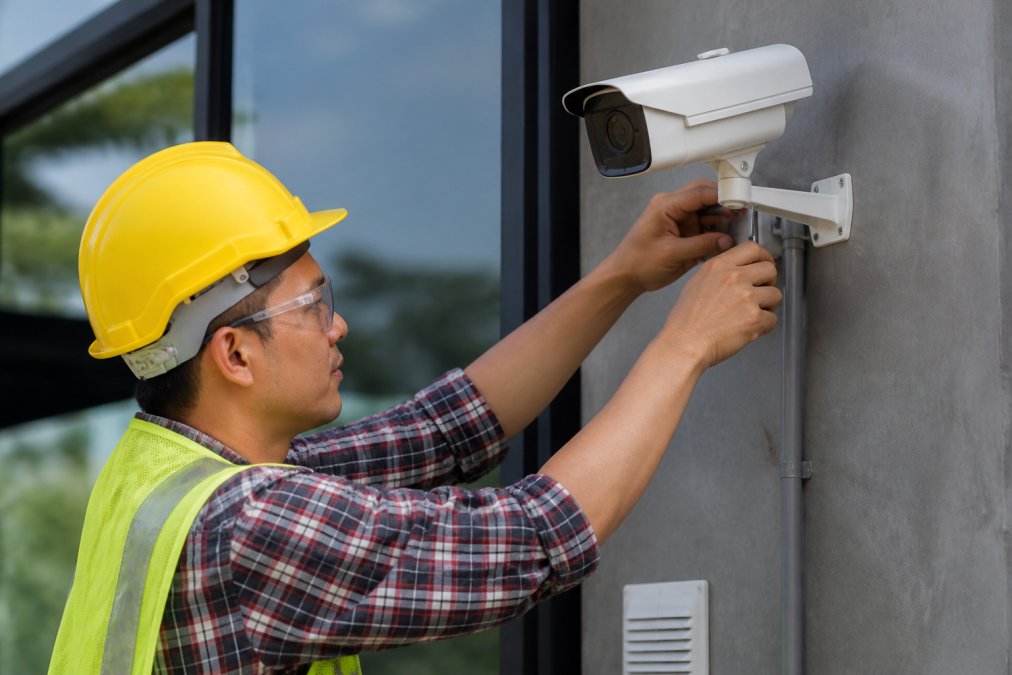
Security hardware degrades through continuous operation, environmental exposure, and simple wear. Professional maintenance is the difference between a camera that lasts eight years and one that fails at year three, equipment longevity achieved through proactive care rather than reactive repairs.
Hardware degradation is predictable when you know what to look for. Lenses collect dust and lose focus, infrared illuminators dim over time, and hard drives accumulate errors long before they fail entirely. Scheduled inspections catch these issues early, when a cleaning or minor adjustment solves the problem.
How Often to Service Security Cameras and Other Equipment
The right service interval depends on your equipment type, environment, and operational requirements. Most manufacturers recommend professional inspections at least twice per year, with quarterly checks for systems in demanding environments like manufacturing floors or exterior perimeters exposed to harsh weather (securityindustry.org).
A practical servicing schedule follows this pattern:
- Cameras and recorders: Semiannual cleaning, lens check, and storage health verification
- Access control readers and panels: Annual calibration and credential database review
- Battery backup systems: Quarterly testing to confirm power failure coverage
- Network infrastructure: Annual bandwidth and latency assessment
Facilities with compliance obligations or high-security requirements often move to quarterly maintenance to maintain audit readiness. Your service level agreement should define these intervals explicitly, along with response times for both scheduled visits and emergency repairs.
Ensuring Regulatory Compliance and Managing Liability
Security systems increasingly fall under regulatory oversight, and maintenance records are the evidence that proves compliance. For healthcare providers subject to HIPAA, the security system controlling access to patient records must demonstrate a clear audit trail of both operation and maintenance (hhs.gov). Organizations handling controlled data or government contracts face contractual security requirements mandating documented system care.
Beyond specific regulations, maintenance documentation matters for insurance liability. If an incident occurs and your security system fails, an insurer or legal team will ask whether the system was properly maintained. A documented history of professional inspections, firmware updates, and repairs demonstrates due diligence. Without that record, a single equipment failure can shift liability onto the property owner.
Your Security System Maintenance Checklist
A structured checklist ensures no critical component is overlooked during routine service. This security system maintenance checklist reflects the standards we apply to commercial and residential installations:
- Camera inspection: Clean lenses, verify focus, confirm image quality in day and night modes
- Recording verification: Test that all cameras record correctly and footage is retrievable
- Sensor calibration: Check motion detectors and door contacts for proper sensitivity and alignment
- Battery backup testing: Simulate power loss and confirm uninterrupted operation
- Firmware audit: Confirm all devices run current, vendor-supported firmware versions
- Access control review: Test credential readers, verify lock release timing, and audit user permissions
- Network health check: Measure latency, bandwidth usage, and device connectivity
- System diagnostics: Review event logs for errors, failed logins, or unusual activity
Run this checklist on a semiannual basis at minimum. For high-security environments, quarterly execution is the standard that keeps your system performance aligned with your threat profile.
DIY vs. Professional Maintenance: Know the Risks
The appeal of DIY maintenance is understandable: it appears to save money and offers immediate control. The reality is that most in-house teams lack the specialized tools, diagnostic software, and vendor training required to service modern security infrastructure correctly.
The risks of amateur maintenance are concrete. Cleaning a camera lens with the wrong solution can permanently damage the optical coating. Updating firmware without understanding the vendor's dependency chain can brick a recorder or lock out an entire access control system. These mistakes convert a minor task into a costly repair or complete system replacement.
Professional providers bring diagnostic tools that identify developing faults before they cause failures. They also maintain manufacturer relationships, meaning faster warranty claims and access to technical support individual owners cannot reach. For organizations that depend on their security system for regulatory compliance, insurance coverage, or operational safety, the expertise of a qualified integrator is not an expense, it is the safeguard that keeps the entire security infrastructure functioning as designed.
Security systems are infrastructure, and infrastructure demands maintenance. At Mt. Major Tech, we combine ongoing technical care with deep expertise in AI-enabled surveillance and smart access control to keep your systems reliable, compliant, and ready for modern threats. Our team serves residential estates and commercial facilities across Northern New England with maintenance programs tailored to your equipment and risk profile. Book Online to schedule a system assessment and see where your current maintenance stands.
Frequently Asked Questions
How often should a professional security system be serviced?
Most manufacturers and integrators recommend a professional inspection at least once or twice per year. High-security environments, such as facilities with compliance requirements or campus-style layouts, may need quarterly visits. A professional service includes camera lens cleaning, sensor calibration, battery backup testing, and a full system diagnostics review. Following a regular schedule helps catch minor issues before they cause downtime or a security gap.
What are the risks of neglecting security system maintenance?
Neglecting maintenance leads to hardware degradation, outdated firmware, and sensor drift. These issues cause false alarms that waste emergency response resources and can lead to fines in some jurisdictions. An unmaintained system also develops blind spots or recording gaps, which creates liability if an incident occurs. Regular professional care keeps your security infrastructure reliable, compliant, and ready to perform when you need it most.
Does professional maintenance extend the lifespan of security cameras?
Yes. Professional maintenance directly extends equipment longevity. Technicians clean lenses, check for corrosion, verify connections, and replace failing components before they damage the unit. They also install software patches that keep devices running efficiently. A camera that receives regular professional care can often last several years longer than one that only gets attention after it fails. This predictable upkeep also helps you budget for replacements rather than facing unexpected costs.
What is included in a standard security system maintenance check?
A standard check covers system diagnostics, camera lens cleaning, and verification of recording storage. The technician tests battery backups, checks sensor calibration, and inspects wiring for damage. They also review cybersecurity protocols and install any pending firmware updates for security devices. Finally, they provide a report on system performance and recommend any needed repairs or upgrades, giving you a clear picture of your security posture.