 how-to
Intelligent Video Analytics Cost for Businesses
Table of Contents
- What Determines Intelligent Video Analytics Cost
- AI Video Analytics ROI and Payback Periods
- Video Analytics Software Pricing Models Explained
- Cost of Upgrading to AI Security Cameras
- Hidden Operational Costs and Total Cost of Ownership
- Scaling Costs for Small Business vs. Enterprise Deployments
- Frequently Asked Questions
Last Updated: August 30, 2026
What Determines Intelligent Video Analytics Cost
The cost of intelligent video analytics depends on hardware, software, installation, integration, and ongoing operational expenses that vary based on your facility's size, complexity, and existing infrastructure.
At Mt. Major Tech, we've helped businesses across Northern New England understand that the initial software price is often the smallest part of the total investment. What matters is understanding how each cost component stacks up for your specific situation, whether you're a small manufacturing operation, a healthcare facility with compliance requirements, or a multi-building commercial campus.
Hardware Configuration and Camera Requirements
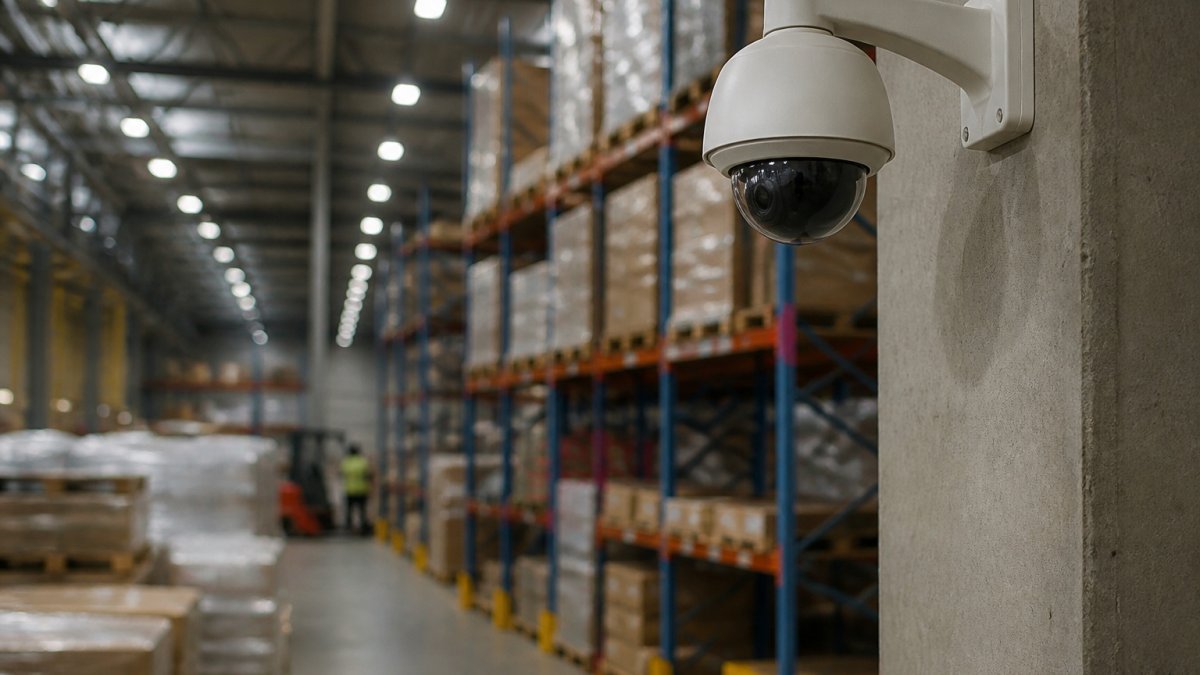
Your camera hardware is the foundation of any intelligent video analytics deployment. Standard surveillance cameras cost a few hundred dollars each, but AI-capable cameras with edge processing built in typically cost more because they perform computational work on the device itself rather than sending raw video to a centralized server.
The number of cameras you need depends on coverage area. A warehouse with open floor plans might need fewer cameras than a multi-story office building with corridors and separate zones. Resolution also matters: identifying specific individuals or reading license plates requires higher resolution sensors, while counting people or detecting motion in general areas can work with lower resolution. This directly impacts per-camera hardware cost and downstream bandwidth and storage requirements.
Software Licensing and Subscription Models
Software licensing typically follows subscription-based access, which spreads costs over time and includes regular updates. Subscription pricing usually ties to the number of cameras or analytics features you're using. Per-camera models might cost $10-30 monthly depending on analytics sophistication, while per-feature models range from $500 to several thousand monthly depending on which capabilities you enable.
The real cost difference emerges in what's included. Some vendors bundle basic motion detection and object classification. Others charge separately for advanced features like crowd density analysis, behavioral pattern recognition, or integration with access control systems. Multiple analytics modules compound costs quickly.
Installation and Integration Labor
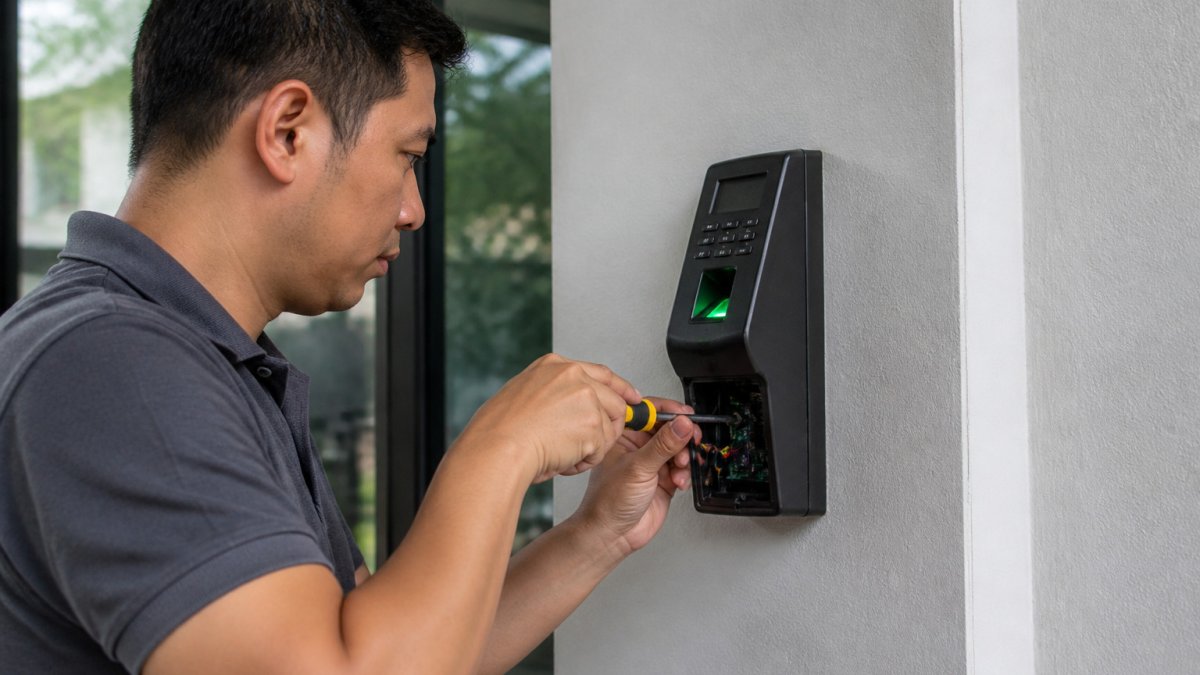
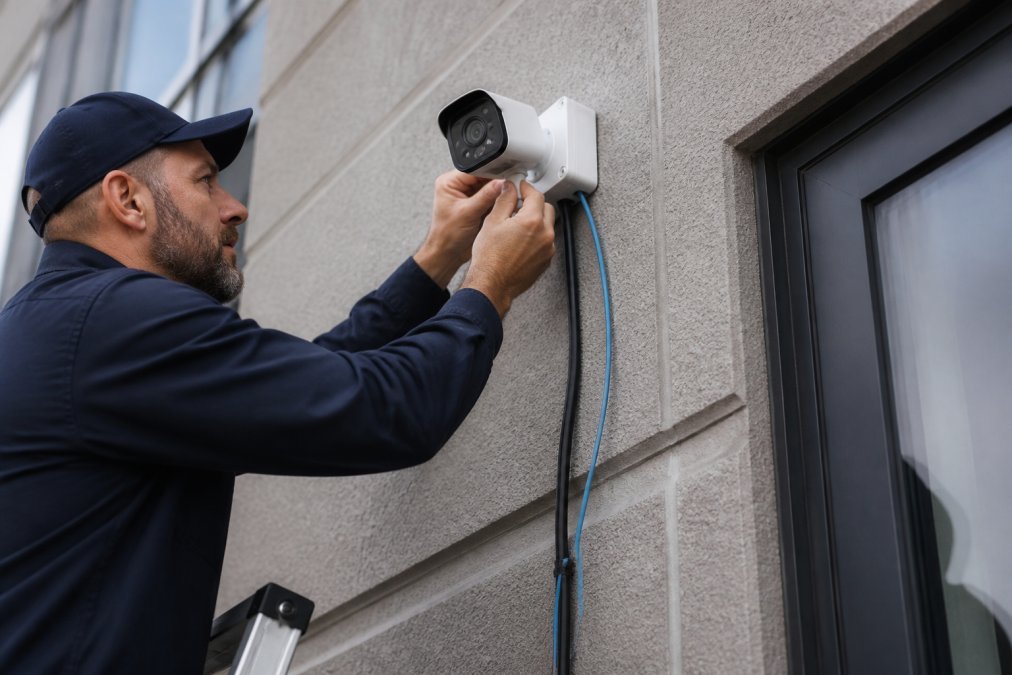
Installation includes camera mounting, running network cables, setting up power delivery, testing connectivity, and integrating cameras with your video management system. A 10-camera system in a straightforward single-building deployment might take a few days. A 50-camera system across multiple buildings with legacy infrastructure can take weeks.
Integration with existing systems adds complexity and cost. If you already have access control, alarm systems, or other security infrastructure from different vendors, integrating intelligent video analytics requires custom work. Mt. Major Tech specializes in unified integration, connecting disparate systems into one coherent platform.
The cost of integration labor depends heavily on your current setup. Modern network infrastructure with open APIs makes integration straightforward. Legacy systems not designed to communicate require custom development work that can be expensive.
AI Video Analytics ROI and Payback Periods
Return on investment for intelligent video analytics is highly context-dependent. The clearest ROI cases come from reduced operational costs and loss prevention. A business currently paying security staff to monitor multiple camera feeds manually can see immediate labor savings by deploying automated alerting and threat detection.
The payback period depends on what you're replacing or avoiding. Reducing false alarms that tie up security personnel might yield payback in 12-18 months. Preventing theft or unauthorized access costing you inventory loss could achieve payback in 6-12 months. For compliance purposes in healthcare or financial services, ROI is less about cost recovery and more about risk mitigation and regulatory adherence.
Some facilities see ROI through improved operational efficiency. Retailers using crowd density analytics can optimize staffing levels. Manufacturers using perimeter monitoring can reduce shrinkage. Logistics facilities using zone-based tracking can improve asset management. These gains often exceed the initial technology investment within 18-24 months.
Video Analytics Software Pricing Models Explained
Understanding your vendor's pricing model is critical because it determines how costs scale as your deployment grows. The two dominant models, per-camera and per-channel, create different economics for small versus large deployments.
Per-Camera vs. Per-Channel Pricing
Per-camera pricing charges a monthly or annual fee for each camera connected to the system. This model is straightforward and scales linearly with deployment size. For small operations, this is often the most economical approach.
Per-channel pricing charges based on the number of video streams or analytics features you're using, regardless of how many physical cameras feed those streams. Some systems allow multiple camera feeds into a single "channel" for analysis, which can reduce costs if you're monitoring large areas with overlapping coverage. For enterprises with complex, interconnected systems, per-channel pricing sometimes offers better economics.
On-Premise vs. Cloud-Based Deployment Costs
On-premise deployments require you to purchase and maintain servers on your own network to process video analytics. Cloud-based deployments offload this infrastructure to a third-party provider.
On-premise systems have higher upfront capital costs but lower ongoing subscription fees. Cloud-based systems have lower upfront costs but higher monthly subscription charges. The break-even point typically occurs around 3-5 years, depending on system size and complexity.
On-premise deployments offer better data privacy and control, your video never leaves your facility, which matters for healthcare providers with HIPAA requirements, financial institutions with regulatory obligations, or manufacturers protecting proprietary processes. Cloud deployments offer better scalability and automatic updates.
For businesses with distributed facilities across multiple locations, cloud-based analytics often makes more economic sense. For facilities with strict data residency requirements or limited internet bandwidth, on-premise deployment is the only viable option.
Cost of Upgrading to AI Security Cameras
If you already have surveillance cameras installed, upgrading to AI-capable systems doesn't necessarily mean replacing every camera. The upgrade path depends on your current infrastructure and which analytics capabilities matter most.
You can phase in replacements gradually, starting with cameras covering highest-risk areas, entry points, and perimeter locations. This spreads costs over time and lets you validate ROI before committing to full system replacement.
Some facilities keep existing cameras and add edge processing devices that analyze the video stream without replacing camera hardware. This is a lower-cost upgrade path if your current cameras are relatively new and have good image quality.
The upgrade decision hinges on your current network infrastructure. If your existing network can't handle the bandwidth of higher-resolution cameras or real-time video analytics, you'll need to upgrade network equipment too, switches, cabling, possibly your internet connection. These infrastructure costs are often hidden but can be substantial.
Hidden Operational Costs and Total Cost of Ownership
Most businesses underestimate total cost of ownership because they focus on hardware and software while overlooking operational expenses that accumulate over years of operation.
Bandwidth and Storage Requirements
Intelligent video analytics generates massive amounts of data. Even with edge processing reducing raw video volume, you're still dealing with video files, metadata, analytics results, and system logs requiring storage capacity and transmission bandwidth.
Cloud-based systems require continuous upload of video or analytics data. A single 4K camera at 30 frames per second can consume 10-15 Mbps of bandwidth (peer-reviewed research). A 20-camera system could easily require 200+ Mbps dedicated to video transmission, impacting your internet service plan costs.
Storage costs accumulate whether on-premise or in the cloud. Video retention policies directly impact storage expenses. Keeping 30 days of video from 20 cameras requires terabytes of storage. Cloud storage pricing typically ranges from $0.02 to $0.10 per gigabyte monthly (the CDC).
On-premise storage requires purchasing servers with sufficient capacity plus redundancy for backup. These servers also consume electricity and generate heat, requiring cooling infrastructure.
Maintenance, Technical Support, and System Updates
Ongoing technical support is often bundled into software licensing, but premium support tiers cost more. Cloud-based systems update automatically, while on-premise systems require you to schedule updates, test them, and manage deployment.
Hardware maintenance is inevitable. Cameras degrade over time, especially outdoor cameras exposed to weather. A typical hardware replacement cycle is 5-7 years, so budgeting for gradual equipment replacement is essential (nist.gov).
Scaling Costs for Small Business vs. Enterprise Deployments
The economics of intelligent video analytics change dramatically between a 10-camera small business system and a 500-camera enterprise deployment.
Small businesses typically benefit from subscription-based, cloud-deployed systems because they avoid large upfront capital expenses and infrastructure management. A small manufacturing operation with 15 cameras might pay $300-500 monthly for software plus $2,000-3,000 for professional installation.
Enterprise deployments often justify on-premise infrastructure because per-camera costs eventually drop below cloud subscription pricing. A large healthcare system with 200 cameras across multiple buildings might invest $100,000-200,000 in on-premise servers and storage, then pay $20,000-40,000 annually in software licensing and maintenance, which is lower per-camera cost than equivalent cloud services over 5 years.
Enterprise deployments also benefit from economies of scale in integration and support. A unified platform across all facilities reduces complexity and operational overhead. Mt. Major Tech works with enterprise clients to consolidate disparate systems into integrated platforms that reduce per-facility management costs while improving security posture across the entire organization.
The scaling inflection point, where on-premise becomes more economical than cloud, typically occurs around 50-100 cameras, depending on your specific requirements and local infrastructure costs.
Understanding intelligent video analytics cost requires evaluating hardware, software, installation, integration, and ongoing operational expenses specific to your facility. The businesses getting the best value aren't those choosing the cheapest option, they're those choosing the option that aligns with their operational needs and existing infrastructure.
Mt. Major Tech specializes in helping businesses across Northern New England assess their security needs, evaluate realistic costs, and implement systems that deliver measurable ROI. Rather than a one-size-fits-all approach, we design deployments that integrate with what you already have, scale as your business grows, and include the technical support that keeps systems running effectively over years of operation. Book Online to discuss your specific requirements and get a realistic cost assessment for your facility.
Frequently Asked Questions
Is intelligent video analytics a one-time cost or a subscription model?
Intelligent video analytics typically combines both. You pay upfront for hardware (cameras, servers, edge devices) and installation, then ongoing subscription fees for software, cloud storage, and technical support. Most businesses choose cloud-based subscription models for flexibility, though on-premise systems may have lower recurring costs. Your total cost of ownership depends on which deployment model fits your facility's needs and budget constraints.
How do cloud-based vs. on-premise video analytics costs compare?
Cloud-based analytics have lower initial hardware costs but higher monthly subscription fees for bandwidth and storage. On-premise deployment requires significant upfront investment in servers and edge computing devices but typically lower ongoing operational expenses. Cloud scales more easily for distributed facilities, while on-premise gives you complete data control and reduces latency. Choose based on your facility size, budget timeline, and compliance requirements.
What is the typical return on investment for AI video surveillance?
ROI varies by use case but typically ranges from 18 months to 3 years. Benefits include reduced false alarms, faster incident response, lower security staffing costs, and fewer losses from theft or damage. Facilities with high-value assets, frequent incidents, or large security teams see faster payback. Calculate your specific ROI by comparing current security costs (staff, incidents, false alarms) against the total cost of upgrading to AI-enabled systems.
Do I need to replace my existing cameras to use video analytics?
Not necessarily. Many intelligent video analytics platforms work with existing camera infrastructure through edge computing devices that process footage locally. However, older cameras may have lower resolution or poor night vision, limiting analytics accuracy. Upgrading to newer AI-enabled cameras improves performance significantly. Evaluate your current hardware's capabilities, if cameras support RTSP streaming and adequate resolution, integration costs may be lower than full replacement.