 ultimate-guide
Cloud Based Access Control Benefits in 2026
Table of Contents
- Cloud Based Access Control Benefits: The Shift from On-Premise Servers
- Cloud Access Control vs On-Premise: A Direct Comparison
- Remote Management and Real-Time Monitoring Across All Sites
- Scalability and Flexibility: Adding Users and Doors Without New Hardware
- Mobile Credential Access Control: Replacing Plastic Badges
- Security and Compliance: Encryption, Audit Trails, and Automated Updates
- Total Cost of Ownership: Why Cloud Lowers Your Long-Term Spend
- Smart Access Control Installation Services: Planning Your Migration
- Frequently Asked Questions
Last Updated: September 6, 2026
Cloud Based Access Control Benefits: The Shift from On-Premise Servers
Cloud based access control is a security model where door controllers and credential readers connect to a centralized, web-hosted platform rather than a local on-premises server. This guide from Mt. Major Tech explains how moving your physical access control to the cloud changes the economics, staffing, and scalability of securing your facility. For IT and security managers, the shift represents a fundamental change in who manages the security infrastructure and how quickly the system can adapt to new threats.
The old model required a dedicated server room, specialized IT staff to maintain it, and a physical presence to make even simple changes. Cloud based access control benefits begin with removing that burden, but the real value appears across the entire lifecycle of the system. Below, we'll show you exactly how cloud architecture improves remote management, lowers total cost of ownership, and simplifies compliance.
Cloud Access Control vs On-Premise: A Direct Comparison
The core difference between cloud access control vs on-premise comes down to where the decision-making intelligence lives. On-premise systems store your access permissions and audit logs on a server you own and maintain, while cloud systems host that logic in a secure data center managed by the provider.
| Comparison Point | Cloud-Based | On-Premise |
|---|---|---|
| Server Hardware | None required on site | Dedicated server needed |
| Software Updates | Automated by provider | Manual, IT-dependent |
| Remote Management | Web-based dashboard | VPN or on-site only |
| Scalability | Add doors in minutes | Add servers and licenses |
| Upfront Cost | Lower, subscription-based | Higher capital expense |
| Redundancy | Provider-managed failover | Self-managed backup |
For organizations weighing cloud access control vs on-premise, the deciding factor is often internal IT capacity. A multi-site operation without a dedicated security IT team will struggle to maintain firmware updates, manage failover, and troubleshoot an on-premises server. Cloud systems shift that responsibility to specialists who monitor the infrastructure continuously.
Remote Management and Real-Time Monitoring Across All Sites
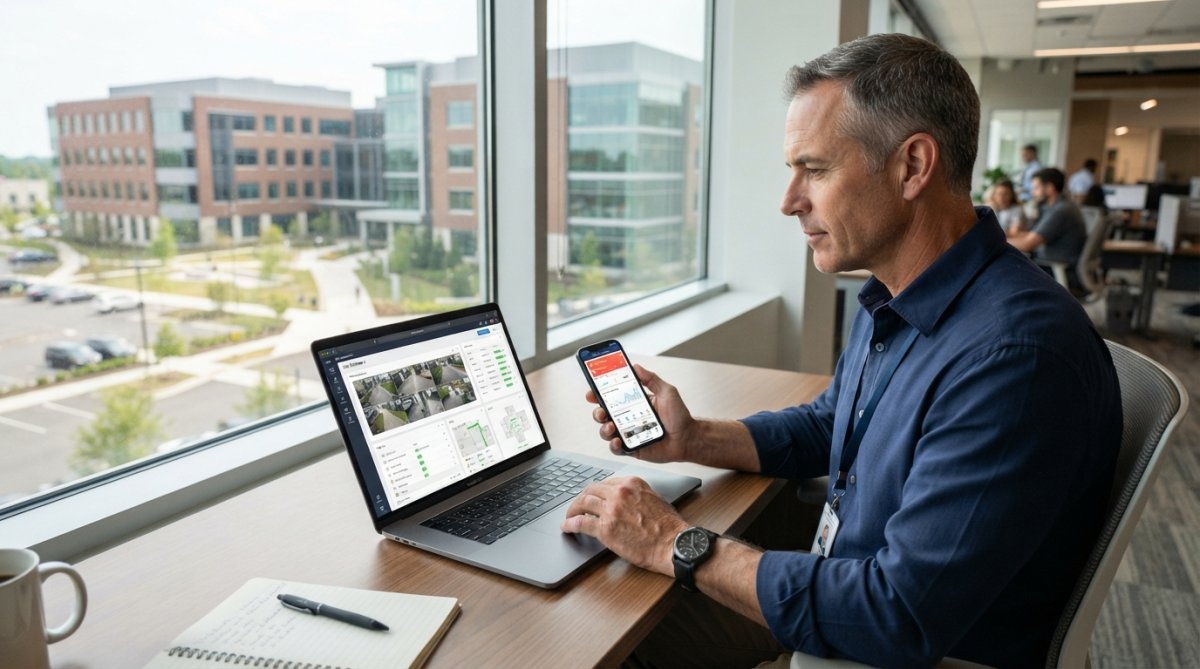
Cloud systems provide centralized management through a web-based dashboard, giving security administrators real-time visibility into every door, credential, and alarm event across all locations from a single browser session. Granting access to a new hire in a remote office takes seconds instead of requiring a site visit or a VPN connection into an on-premises server. This capability transforms how multi-site organizations allocate security staff.
The operational advantage is monitoring without latency. When an access attempt fails or a door is forced open, the event appears in the access logs instantly. Administrators can view live status, revoke credentials, and adjust access permissions without dispatching anyone to the physical location.
Scalability and Flexibility: Adding Users and Doors Without New Hardware
Scalability is where cloud architecture separates from traditional systems most clearly. Adding a new door or user requires no new server capacity, no additional licensing headaches, and no waiting on an installer to configure hardware. You provision the change through the dashboard, and the system handles the rest. This flexibility matters most for growing businesses and facilities with fluctuating headcounts.
The user provisioning workflow becomes a self-service task for HR or security administrators. When an employee leaves, their mobile credentials can be deactivated instantly across every site, eliminating the security gap that often follows terminations. With an on-premises server, this process depends on timely updates from whoever manages the system, which can lag for days.
Mobile Credential Access Control: Replacing Plastic Badges
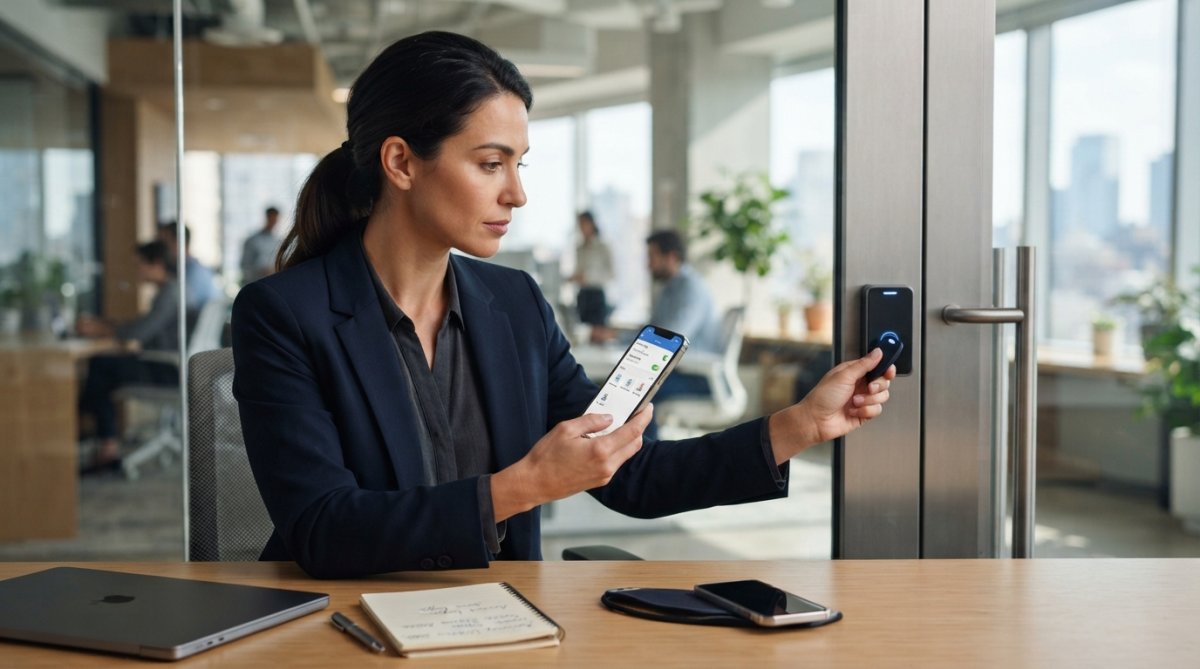
Mobile credential access control uses the smartphone as the authentication device, replacing plastic badges with encrypted digital credentials delivered over the air. Employees unlock doors by holding their phone near a reader, using Bluetooth or NFC technology, which most modern smartphones support natively. This eliminates the cost of printing badges and the administrative work of replacing lost ones.
The security profile of mobile credentials is stronger than physical badges. A lost phone is typically noticed immediately and can be remotely wiped, while a lost badge might go unreported for days. Mobile credentials also support biometric authentication on the device itself, adding a verification layer before the credential is presented to the reader. For sensitive areas, administrators can require both the phone and a fingerprint or face scan.
Security and Compliance: Encryption, Audit Trails, and Automated Updates
The security conversation around cloud-based access control extends beyond the physical door. For IT and security managers, the critical question is whether the provider's security posture meets the bar your organization must clear for its own compliance obligations. Most top-tier providers build their platforms to align with SOC 2 Type II, which is an independent audit of a service organization's controls around security, availability, and confidentiality (aicpa.org). When a provider is SOC 2 Type II certified, it means an external auditor has verified that their processes for managing data and infrastructure are actually being followed, not just documented.
Encryption is the first technical layer. Data in transit between your door controllers, readers, and the cloud platform should be protected with TLS 1.2 or higher, the same protocol used to secure online banking (nist.gov). Data at rest, which includes your credential database and audit logs, should be encrypted using AES-256. These are not just buzzwords; they are the baseline standards that enterprise security teams look for when evaluating a vendor. If a provider cannot clearly state which encryption standards they use, that is a red flag.
The audit trail is where cloud systems provide a distinct advantage over legacy on-premise servers. Every access event, from a successful unlock to a forced-door alarm, is timestamped and stored in an immutable log. For organizations governed by HIPAA, this trail is essential for demonstrating that only authorized personnel accessed sensitive areas containing protected health information (hhs.gov). For public companies subject to Sarbanes-Oxley (SOX) controls, the audit trail supports internal control certifications around physical access to financial data centers. The key is not just that logs exist, but that they are tamper-evident and retained for a defined period. When evaluating a provider, ask for their data retention policy in writing. Some providers retain logs for one year; others offer configurable retention periods to match your specific regulatory requirements.
Automated updates close a security gap that plagues on-premises systems. Door controller firmware and software patches are deployed by the provider, ensuring the system stays current against known vulnerabilities. With an on-premises server, applying updates is a manual process that often gets deferred, leaving the system exposed. The provider also manages redundancy and failover, so a hardware failure at one site does not interrupt access control at others.
A common pattern among organizations that fail compliance audits is not a lack of security features, but a lack of documented evidence that those features are active and monitored. Cloud providers that offer a compliance dashboard, showing encryption status, update history, and audit log integrity, make it significantly easier for your internal auditors to sign off on the system. This documentation layer is often the difference between a smooth audit and a painful one.
Total Cost of Ownership: Why Cloud Lowers Your Long-Term Spend
The decision to move from on-premise to cloud-based access control is often framed as a security upgrade, but for most organizations it is fundamentally a financial decision. To justify the switch to stakeholders, you need a clear-eyed comparison of total cost of ownership (TCO) that goes beyond the sticker price of a subscription.
The traditional on-premise model is dominated by capital expenditures (CapEx). You purchase a server, which for a mid-sized deployment might cost $5,000 to $15,000 depending on redundancy requirements. You also buy the access control software license, often priced per door or per concurrent user, which can add another $10,000 to $30,000 upfront. Then there is the installation and commissioning of the server room infrastructure: dedicated power, cooling, and network switching. Over a five-year lifecycle, you are also budgeting for server replacement, which is typically required every four to five years as hardware warranties expire and performance degrades.
The cloud model shifts this to operating expenditures (OpEx). Instead of a large upfront capital outlay, you pay a predictable monthly or annual subscription. Pricing is typically structured per door per month, with rates ranging from $5 to $15 per door depending on the feature set (mobile credentials, video integration, advanced analytics). For a 50-door facility, that translates to roughly $250 to $750 per month, or $3,000 to $9,000 annually. The subscription includes software licensing, automatic updates, and provider-managed infrastructure redundancy.
The hidden costs of on-premise systems often exceed the sticker price. IT staff time spent on server maintenance, system updates, and troubleshooting is a real expense that never appears on a security budget. Industry practitioners commonly estimate that a single on-premise access control server requires 5 to 10 hours of IT attention per month for patching, backup verification, and user management. At a fully loaded IT cost of $75 per hour, that is $375 to $750 per month in labor alone. Cloud systems remove that burden, letting your existing team focus on core business priorities.
A useful framework for your internal business case is the five-year TCO model. On the on-premise side, include the server hardware cost, the software license (often with a 15-20% annual maintenance fee), the installation labor, the IT staff time for ongoing maintenance, and the projected server replacement in year four or five. On the cloud side, include the subscription fees, the one-time cost of any new door controllers (if your existing hardware is not compatible), and the network upgrade costs if your current infrastructure lacks sufficient bandwidth or security. In most scenarios, the cloud model comes out 20-30% lower over five years, even before factoring in the opportunity cost of IT staff time.
Many providers offer a hardware-as-a-service model, bundling door controllers and readers into the subscription, which further reduces upfront capital requirements. This model is particularly attractive for organizations that prefer to avoid any capital expenditure or that want to standardize hardware across multiple sites without a large initial outlay. The trade-off is a slightly higher monthly fee, but for organizations with tight capital budgets, it can be the difference between moving forward and staying on a legacy system.
Smart Access Control Installation Services: Planning Your Migration
Migrating from an on-premises system to the cloud requires deliberate planning around hardware compatibility, network readiness, and credential transition. Many existing door controllers and readers can be reused with cloud platforms, but verifying compatibility before purchase is essential. A professional integrator assesses your current infrastructure, identifies which components carry over, and designs a migration that minimizes downtime. A phased rollout, starting with one building or a single entrance, allows you to validate the new system before full deployment.
At Mt. Major Tech, we specialize in smart access control installation services across Northern New England, bridging the gap between complex cloud technology and user-friendly operations. Our team handles the entire lifecycle, from initial site assessment and hardware compatibility checks to deployment, staff training, and ongoing maintenance and technical care. For healthcare providers managing HIPAA requirements or manufacturers securing multi-building campuses, we deliver a unified platform.
Choosing between cloud and on-premise access control ultimately comes down to how much internal IT capacity you have and how quickly your organization needs to adapt. Cloud based access control benefits are most pronounced for multi-site operators and businesses without dedicated security IT staff. Mt. Major Tech combines deep local expertise in New Hampshire with the latest AI and cloud-based technologies to deliver professional-grade protection that stays ahead of modern threats. Book online to plan your migration with a team that will support you long after installation.
Frequently Asked Questions
What is the main benefit of using a cloud-based access control system?
The primary benefit is centralized management. Instead of checking a server room or visiting each door controller, you manage all access permissions, user credentials, and audit trails from a single web-based dashboard. This directly supports multi-site operations, simplifies user provisioning, and gives you real-time monitoring without dedicated on-site IT staff.
How does cloud-based access control improve security compared to on-premises?
Cloud systems benefit from automated updates and advanced encryption, closing vulnerabilities faster than many on-premises setups. They also provide stronger audit trails and can integrate with identity management and biometric authentication for more rigorous verification. Redundancy and failover in the cloud reduce the risk of a single point of failure, though we recommend local storage for door controllers to ensure operation during an internet outage.
What are the cost implications of switching to cloud-based access control?
Switching often shifts spending from a large upfront capital expense to a predictable operating cost. You reduce or eliminate the need for on-premises servers and related maintenance. While the subscription fee is ongoing, the total cost of ownership can be more predictable. For a precise breakdown, contact a smart access control installation service like Mt. Major Tech for a quote.
How does remote management work in cloud-based access control?
Remote management works through a secure web-based dashboard. Authorized administrators can grant or revoke access permissions from any device, check real-time access logs, and manage user credentials without visiting the physical door. This is especially useful for granting temporary access to visitors or contractors. System updates and user provisioning happen centrally, which reduces the workload on on-site staff and shortens response times to security events.